
Bot Detection: How to Identify and Block Bad Bots in 2026
Bot Detection: How to Identify and Block Bad Bots in 2026
Automated traffic now makes up more than half of all internet activity, and a large share of it is malicious. Bot detection is the practice of separating legitimate human visitors from automated programs so you can block threats, protect user accounts, and keep analytics trustworthy. This guide explains how bot detection works, the most effective techniques, and how to apply them without adding unnecessary friction for real users.
What Is Bot Detection?
Bot Detection: How to Identify and Block Bad Bots in 2026 - What Is Bot Detection?.
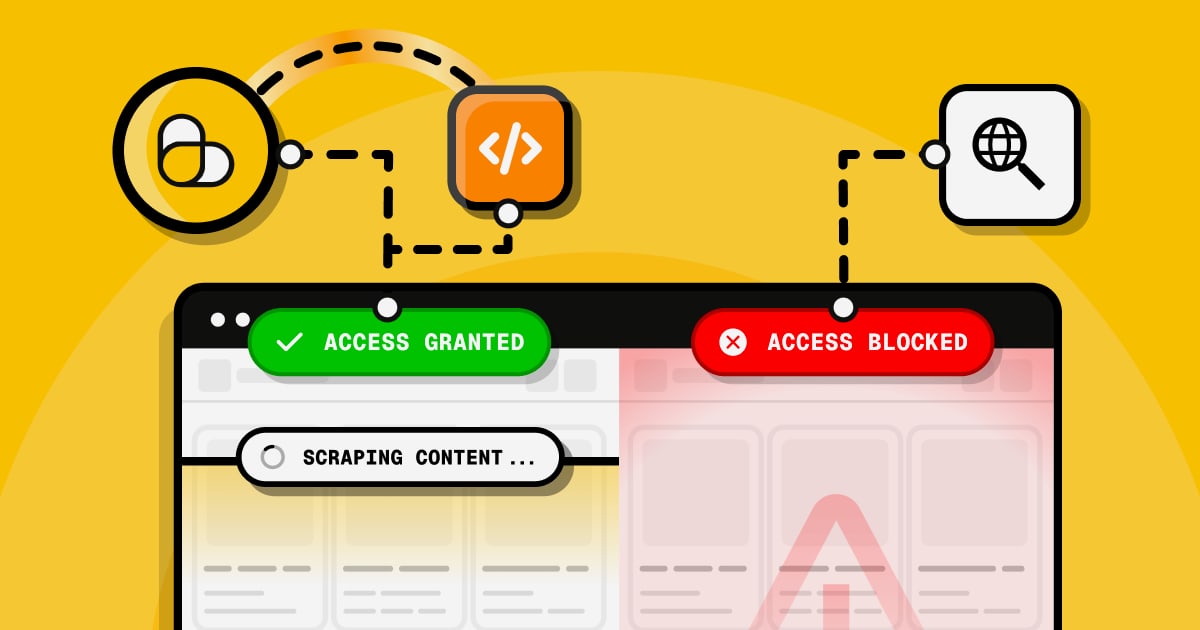
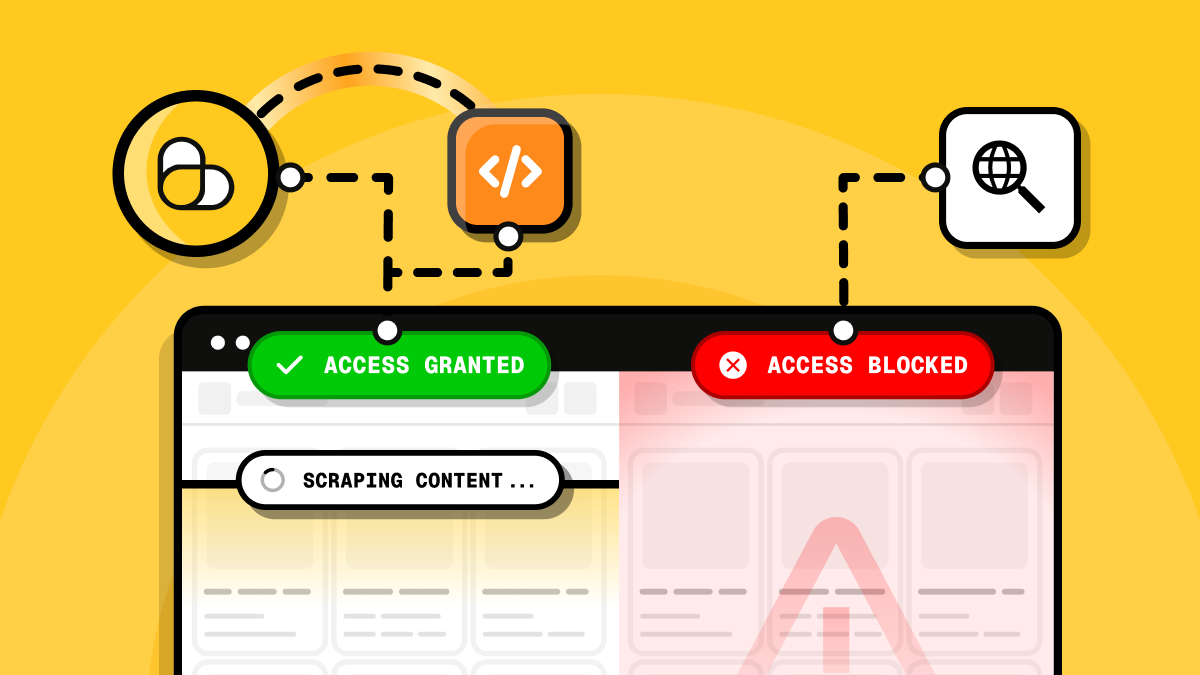
Bot detection is the process of determining whether website activity comes from a human or an automated software program. Bots can crawl pages, submit forms, and interact with APIs at speeds no person can match. Detection systems analyze technical signals, behavioral patterns, and device attributes to classify each visitor as likely human or likely bot.
Not all bots are bad. Search engine crawlers from Google and Bing index content so users can find it. Price monitoring bots help shoppers compare deals. But malicious bots scrape proprietary content, test stolen credentials, post spam, and launch denial-of-service attacks. The goal of bot detection is not to block every automated visitor, but to identify harmful automation and respond appropriately.
Why Bot Detection Matters

Bot Detection: How to Identify and Block Bad Bots in 2026 - Why Bot Detection Matters.
Failing to identify bot traffic carries real costs. Credential stuffing attacks use bots to test millions of stolen username and password pairs, leading to account takeovers. Scraper bots copy your content and republish it elsewhere. Fake account creation bots skew signup metrics and enable promo abuse. Even benign bot traffic can overload servers and distort analytics.
Key reasons to implement bot detection include:
- Prevent account takeover by stopping credential stuffing and brute-force attempts
- Block fraud at scale, including payment fraud, fake signups, and coupon abuse
- Protect proprietary content from scraper bots
- Maintain site performance by reducing server load from automated requests
- Keep analytics accurate so decisions are based on real human behavior
- Meet compliance requirements in regulated industries that require traffic visibility
Signs You May Have Bot Traffic

Bot Detection: How to Identify and Block Bad Bots in 2026 - Signs You May Have Bot Traffic.
Before investing in advanced detection, look for these common indicators of automated activity:
- Sudden traffic spikes from data center IP ranges or cloud hosting providers
- High bounce rates and near-zero session durations across many visits
- Strange conversion patterns, such as signups with no matching engagement
- Impossible analytics, including page views from browser versions that do not exist
- Verbatim copies of your content appearing on other sites
These signals alone are not definitive proof. Sophisticated bots mimic human behavior, so a layered detection strategy is essential.
Core Bot Detection Techniques
Bot Detection: How to Identify and Block Bad Bots in 2026 - Core Bot Detection Techniques.
1. Behavioral Analysis
Behavioral analysis evaluates how a visitor interacts with a page. Humans move mice in irregular patterns, scroll at variable speeds, and take time to read content. Bots often execute actions programmatically with mechanical precision. Detection systems track mouse movements, keystroke dynamics, navigation paths, and form completion timing to build a behavioral profile.
Machine learning models compare each session against a baseline of genuine human activity. When a visitor deviates significantly, the system flags the session for further review or challenge.
2. Browser and Device Fingerprinting
Fingerprinting collects technical attributes from the visitor's browser and device: user agent strings, screen resolution, installed fonts, canvas rendering, WebGL parameters, timezone, and language settings. Combined, these attributes create a unique identifier that is difficult for bots to spoof consistently.
Bots often reuse the same fingerprint across thousands of requests or present impossible combinations, such as a Chrome user agent with a Safari-only rendering engine. Fingerprint analysis catches these inconsistencies. For a hands-on look at what your own browser reveals, a browser fingerprint check can show how many identifying signals you expose to every site you visit.
3. IP Reputation and Access Pattern Monitoring
IP-based detection checks whether a request originates from a known data center, proxy, VPN exit node, or IP range associated with past abuse. It also monitors access patterns: how many requests per minute, how many login attempts per account, and whether traffic follows natural daily rhythms.
A single IP attempting hundreds of logins across many accounts in seconds is a strong bot signal. Blocklists and reputation databases provide a first line of defense, though attackers rotate IPs to evade static lists.
4. Interaction-Based Challenges
Challenges force visitors to prove they are human. CAPTCHA is the most familiar example, but modern systems prefer frictionless alternatives. Honeypot fields are invisible form inputs that humans never fill but bots do. JavaScript challenges require the client to execute code that most simple bots cannot run. Cryptographic proof-of-work challenges make automated requests computationally expensive.
The best challenge systems are adaptive: they only appear when risk signals cross a threshold, so legitimate users rarely see them.
5. Machine Learning Classification
Modern bot detection platforms feed dozens of signals into machine learning models that score each visitor. The model learns from labeled data what combinations of attributes indicate automation. Scores can trigger different responses: allow, monitor, challenge, or block.
This approach handles novel bots better than static rules because the model generalizes from patterns rather than matching known signatures.
How Bot Detection Works in Practice
A typical bot detection flow looks like this:
- Collect signals from the request: IP address, headers, TLS fingerprint, and device attributes
- Analyze behavior during the session: mouse movement, scroll patterns, typing rhythm
- Score the visitor using rules or machine learning models
- Apply a response based on the score and your risk tolerance
Responses can range from silent monitoring to CAPTCHA challenges to outright blocking. The right response depends on context. A login page may warrant stricter challenges than a public blog.
Auth0's bot detection, for example, uses statistical models to identify bursts of login, signup, or password reset traffic likely coming from credential stuffing scripts. When risk is high, it triggers an additional verification step. Administrators can tune the detection level from low to high, balancing security against user friction. Trusted IP ranges can be allowlisted to bypass detection entirely.
Choosing a Bot Detection Approach
| Approach | Best For | Limitations |
|---|---|---|
| IP blocklists | Quick wins, known bad actors | Easily bypassed with IP rotation |
| CAPTCHA challenges | High-risk flows like login | Adds friction, hurts UX |
| Behavioral analysis | Catching sophisticated bots | Requires enough traffic to establish baselines |
| Browser fingerprinting | Identifying spoofed clients | Privacy considerations, fingerprint spoofing |
| Machine learning scoring | Adaptive, large-scale protection | Needs training data and tuning |
Most production systems combine several techniques. IP reputation filters out obvious threats cheaply. Behavioral and fingerprint analysis catch the rest. Challenges serve as a fallback for ambiguous cases.
Bot Detection and Your Own Privacy
Bot detection cuts both ways. The same fingerprinting and behavioral signals used to identify bots also reveal information about legitimate visitors. Understanding what your browser exposes helps you make informed privacy choices.
If you use a VPN, for example, your DNS requests may still leak to your ISP if the tunnel is misconfigured. A DNS leak test can verify that your VPN is actually hiding your browsing activity. Similarly, knowing your IP's geolocation and whether it appears on proxy lists helps you understand how bot detection systems might classify your traffic.
For developers and security teams, inspecting the technical details of incoming traffic is equally valuable. A user agent parser can decode browser and bot strings to spot inconsistencies, while an Nmap port scan helps identify open services that attackers might target.
Common Bot Detection Challenges
False Positives
Overly aggressive detection blocks real users. Legitimate visitors using privacy browsers, VPNs, or corporate proxies often share traits with bots. Tune thresholds carefully and monitor false positive rates.
Bot Evolution
Attackers continuously update bots to mimic human behavior. Detection systems need regular model updates and new signal sources to stay effective.
Privacy Compliance
Fingerprinting and behavioral tracking raise privacy questions under regulations like GDPR and CCPA. Collect only what you need, disclose your practices, and minimize data retention.
Distributed Attacks
Modern botnets distribute requests across thousands of IPs, making rate limiting and IP reputation less effective. Behavioral and fingerprint signals become more important in these scenarios.
Practical Steps to Implement Bot Detection
- Audit your traffic to understand current bot exposure and baseline metrics
- Start with IP reputation and rate limiting for immediate protection
- Add fingerprinting and behavioral analysis for deeper detection
- Deploy adaptive challenges on high-risk endpoints like login and signup
- Monitor and tune detection thresholds based on false positive and false negative data
- Review logs regularly to spot new bot patterns and adjust responses
Related reading
- BigDataCloud Pricing Explained: Plans, Free Tiers & Costs - Compare BigDataCloud pricing across IP geolocation and reverse geocoding plans, free tiers, overage rates, and find the best value for your API volume.
Sources and further reading
- What Is Bot Detection? | Akamai - Bot Manager relies on multiple patented technologies to detect and stop bots where they make initial contact — rather than allowing them to reach your site ...
- Bot Detection - Auth0 Docs - Describes how Auth0 detects attacks to protect against malicious attempts to access your application, alert you and your users of suspicious activity, and block further login attempts.
- Bot Detection: How to Block Bad Bots in 2026 - Bot detection is the process of identifying and blocking automated web traffic, typically used in cybersecurity to prevent malicious activities.
Frequently Asked Questions
What is the difference between bot detection and bot management?
Bot detection identifies automated traffic. Bot management goes further by applying policies: allowing good bots like search engine crawlers, challenging suspicious visitors, and blocking malicious automation. Detection is the core capability; management is the operational layer around it.
Can bots bypass CAPTCHA?
Yes. CAPTCHA-solving services use human workers or machine learning to solve challenges at scale. CAPTCHA still raises the cost of automation, but it is not foolproof. Combining CAPTCHA with fingerprinting and behavioral analysis provides stronger protection.
How do I allow good bots while blocking bad ones?
Maintain an allowlist of known legitimate crawlers, such as Googlebot and Bingbot, verified through reverse DNS lookups. Apply stricter detection to all other automated-looking traffic. Bot management platforms typically include curated allowlists.
Does bot detection slow down my website?
Modern detection runs asynchronously and adds minimal latency. JavaScript challenges and fingerprint collection happen in the background. The performance cost is usually far lower than the load imposed by unchecked bot traffic.
Is browser fingerprinting reliable for bot detection?
Fingerprinting is a strong signal but not perfect. Sophisticated bots can spoof some attributes. Combining fingerprinting with behavioral analysis and IP reputation produces more reliable results than any single technique.
Conclusion
Bot detection is no longer optional for businesses operating online. With automated traffic exceeding human traffic, distinguishing real users from bots is essential for security, performance, and data integrity. Effective detection combines IP reputation, behavioral analysis, browser fingerprinting, adaptive challenges, and machine learning scoring.
The right strategy depends on your risk profile. High-risk endpoints like login and signup deserve stricter controls. Public content pages can tolerate lighter touch. Whatever your approach, monitor results continuously and tune thresholds to balance security with user experience.
For individuals, understanding the signals your own browser exposes is equally valuable. Tools that analyze your browser fingerprint and check for IP or WebRTC leaks give you insight into how detection systems see you, helping you make informed privacy decisions.