
BrowserLeaks Download: Is There an App? Safer Alternatives
BrowserLeaks Download: Why There Is No App and What to Use Instead
If you have searched for a "BrowserLeaks download," you are likely trying to install the well-known privacy testing suite on your desktop or mobile device. The short answer is that BrowserLeaks does not offer an official downloadable application. It is a web-based collection of tests that run directly in your browser. This article explains why that is, what the BrowserLeaks tools actually do, and how you can run equivalent privacy and leak checks without installing anything.
What Is BrowserLeaks?

BrowserLeaks Download: Is There an App? Safer Alternatives - What Is BrowserLeaks?.
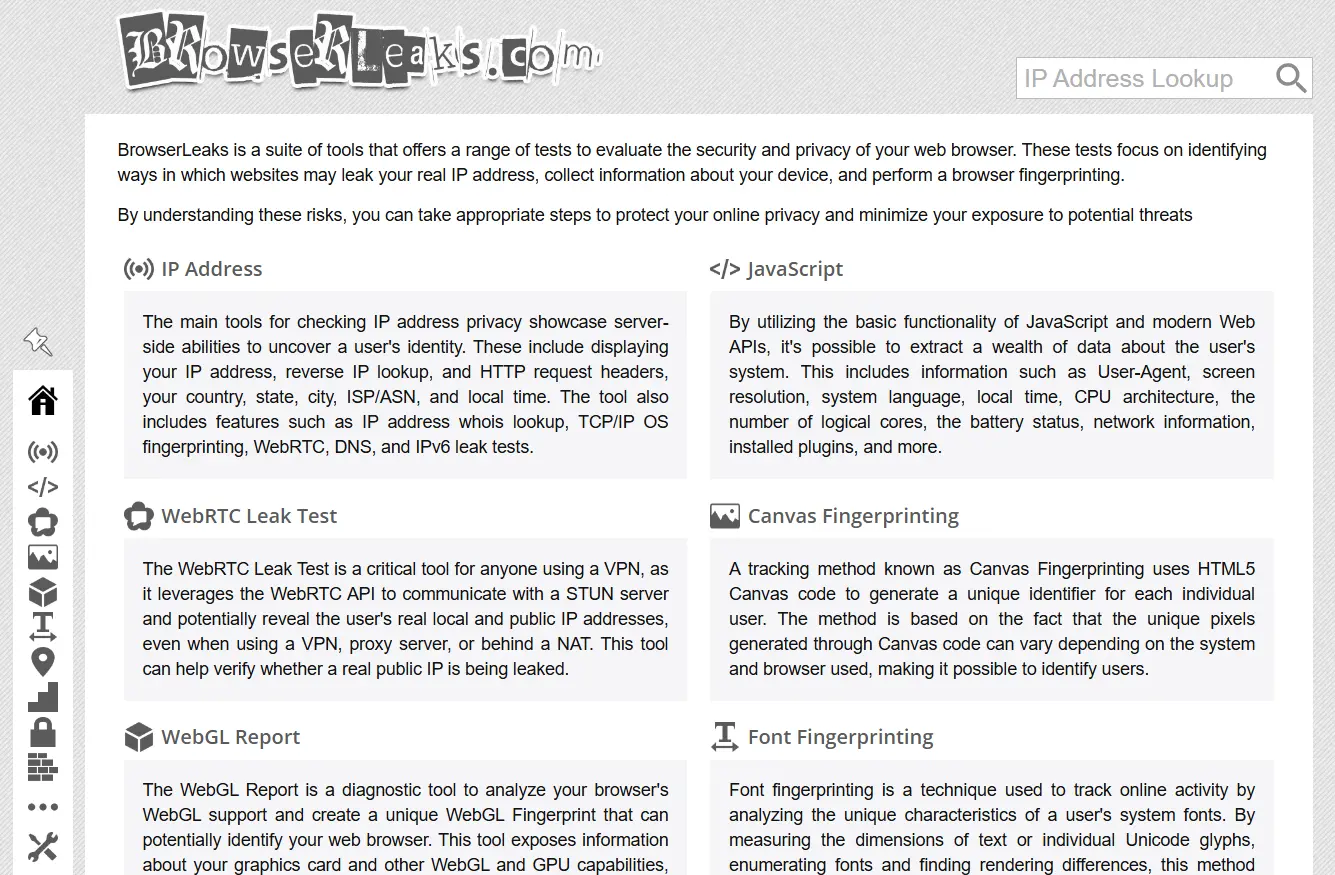
BrowserLeaks is a free online suite of diagnostic tools that evaluates how much information your web browser exposes to the websites you visit. Instead of scanning for malware, it focuses on privacy leaks: the ways a site can discover your real IP address, collect device details, or build a unique browser fingerprint.
Because every test runs through standard web APIs and JavaScript, there is no software package to download. You simply open the site, run a test, and review the results. That design has two practical benefits:
- No installation risk — you never have to trust an executable from a third-party source.
- Always current — the tests reflect the latest browser APIs and fingerprinting techniques without requiring updates on your end.
If you see a website offering a "BrowserLeaks download" as an APK, EXE, or DMG file, treat it with suspicion. It is not an official release and may bundle unwanted software.
What BrowserLeaks Tests Actually Check
BrowserLeaks Download: Is There an App? Safer Alternatives - What BrowserLeaks Tests Actually Check.
BrowserLeaks is best understood as a collection of specialized tools rather than a single scanner. The most important categories include:
IP Address and Network Leaks
The IP tools reveal what a server sees when you connect: your public IP, hostname, country, city, ISP, autonomous system number (ASN), and timezone. The suite also includes reverse IP lookup, WHOIS queries, and TCP/IP OS fingerprinting.
For VPN users, the critical tests are the WebRTC leak test, DNS leak test, and IPv6 leak test. A misconfigured VPN can route WebRTC requests or DNS lookups outside the encrypted tunnel, exposing your real IP address even when the VPN appears to be working.
Browser Fingerprinting
Fingerprinting tools measure the unique combination of attributes your browser presents. JavaScript-based tests extract data such as:
- User-Agent string
- Screen resolution and color depth
- Installed plugins and fonts
- CPU architecture and logical core count
- Battery status and network information
The Canvas fingerprinting test draws hidden images using HTML5 Canvas and measures the subtle rendering differences that vary by GPU, driver, and operating system. WebGL reports expose graphics card details, while font fingerprinting enumerates system fonts and measures text rendering. Together, these signals can identify a browser with surprising accuracy.
TLS, HTTP/2, and Protocol Fingerprints
Modern tracking goes beyond JavaScript. The TLS Client Test inspects supported cipher suites, TLS extensions, and the JA3/JA4 fingerprint generated from the ClientHello message. HTTP/2 fingerprinting creates an Akamai-format imprint from frame settings, and QUIC/HTTP3 tests do the same for newer protocols. These fingerprints can identify a browser even when cookies are blocked and the User-Agent is spoofed.
Content Filters and Feature Detection
BrowserLeaks also includes detectors for content filters such as ad blockers and Tor Browser, plus HTML5 feature detection that lists which APIs your browser supports. Modifying or disabling features changes your digital footprint, so these tools help you understand the trade-offs of privacy-hardening extensions.
Why People Look for a BrowserLeaks Download

BrowserLeaks Download: Is There an App? Safer Alternatives - Why People Look for a BrowserLeaks Download.
Most searches for a downloadable version come from one of three needs:
- Offline use — users want to test a browser without an internet connection.
- Regular monitoring — users want a desktop tool that runs checks on a schedule.
- Trust concerns — users assume a local app is safer than a website.
In practice, none of these require a native app. Leak tests must communicate with external servers to detect what is exposed, so offline testing is impossible by definition. Scheduled checks can be handled by bookmarking the relevant pages or using a browser extension. And because BrowserLeaks states that it does not collect personal data, store fingerprints, or set non-essential cookies, the web-based approach is already privacy-conscious.
How to Run the Same Checks Without a Download
BrowserLeaks Download: Is There an App? Safer Alternatives - How to Run the Same Checks Without a Download.
You can replicate the core BrowserLeaks tests using any modern browser. Here is a practical workflow:
1. Check Your Visible IP and Location
Open an IP lookup page and note the reported address, ISP, and geolocation. Compare this to what you expect. If you are connected to a VPN, the displayed IP should match the VPN server location, not your physical one.
2. Run a DNS Leak Test
A DNS leak test resolves a batch of randomly generated domain names and reports which DNS servers handled the requests. If any server belongs to your ISP rather than your VPN provider, your DNS traffic is leaking outside the tunnel. This is one of the most common VPN failures.
3. Run a WebRTC Leak Test
WebRTC can bypass VPN routing by using STUN servers to discover your local and public IP addresses. Run the test with your VPN on. If the results show your real IP, disable WebRTC in your browser or use an extension that blocks it. For a deeper walkthrough of this process, see our VPN checker guide.
4. Analyze Your Browser Fingerprint
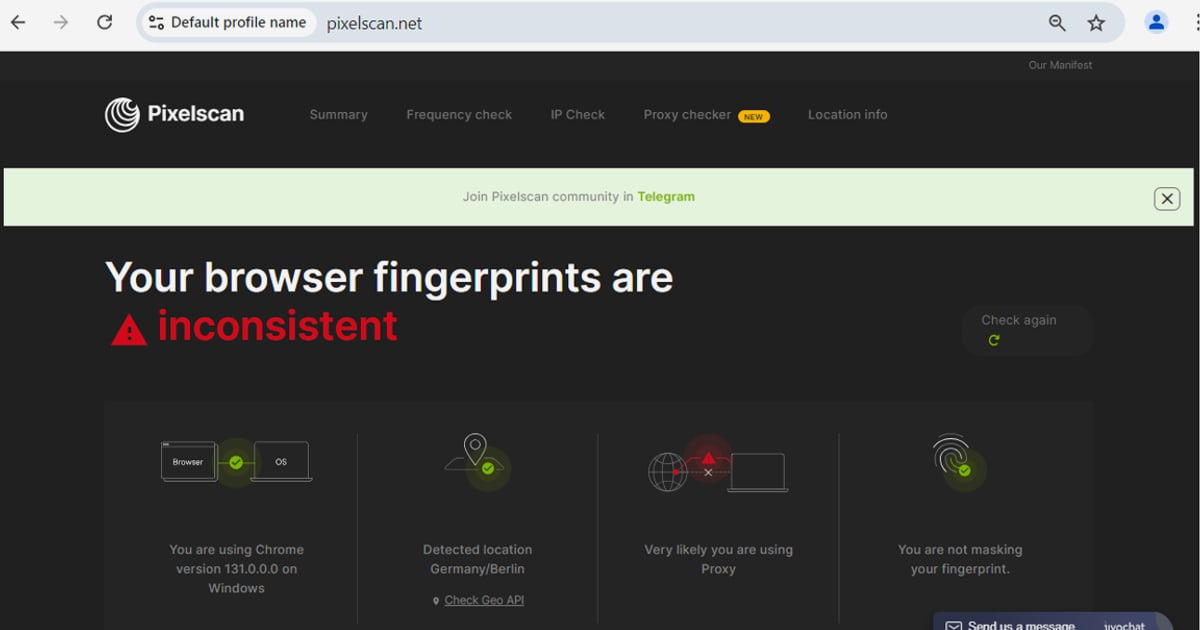
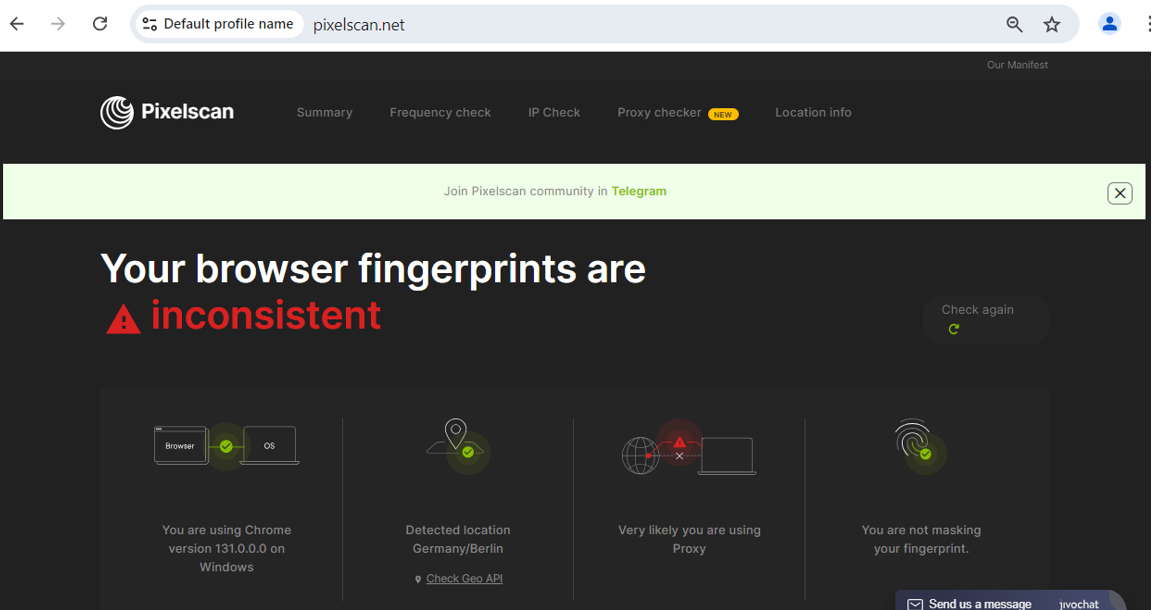
A fingerprint analysis tool will report your User-Agent, canvas hash, WebGL renderer, installed fonts, and client hints. The goal is not to achieve a "zero" fingerprint — that is nearly impossible — but to understand how unique your browser is and whether your privacy tools are actually changing the signals they claim to protect. If you use an anti-detect browser, this is how you verify it is working; learn more in our anti-detect browser testing guide.
5. Review TLS and Protocol Fingerprints
Check your JA3/JA4 hash and HTTP/2 fingerprint. These values can reveal your browser family and version even when the User-Agent is modified. If you are comparing browsers for privacy, protocol fingerprints are a useful tiebreaker.
BrowserLeaks vs. BrowserScan: Which Should You Use?
BrowserScan is another web-based privacy and security testing platform that covers much of the same ground. Both tools run in the browser, require no installation, and focus on actionable diagnostics. The choice often comes down to workflow and presentation.
| Feature | BrowserLeaks | BrowserScan |
|---|---|---|
| WebRTC leak test | Yes | Yes |
| DNS leak test | Yes | Yes |
| IP lookup with geolocation and ISP | Yes | Yes |
| Canvas fingerprint analysis | Yes | Yes |
| TLS/JA3/JA4 fingerprinting | Yes | Yes |
| Port scanner | No | Yes (Nmap-powered) |
| Internet speed test | No | Yes |
| User-Agent parser | No | Yes |
| 2FA code generator | No | Yes |
| Client hints analyzer | Yes | Yes |
BrowserScan adds utilities that go beyond leak detection, such as an Nmap-powered port scanner for identifying open vulnerabilities and a speed test for baseline network performance. If you want a single dashboard that combines fingerprint verification, leak testing, and network diagnostics, BrowserScan offers that consolidated view. If you prefer a granular, research-oriented breakdown of individual fingerprinting vectors, BrowserLeaks remains a solid reference.
For a complete security review that goes beyond leaks, see our browser audit guide.
What to Do If You Find a Leak
Discovering a leak is the first step; fixing it is the second. The appropriate response depends on the type of leak:
- DNS leak — switch to a VPN provider that operates its own DNS servers, or manually configure your device to use privacy-respecting DNS resolvers. Re-run the test after making changes.
- WebRTC leak — disable WebRTC in your browser settings, install a WebRTC-blocking extension, or use a VPN with built-in WebRTC protection.
- IPv6 leak — disable IPv6 on your network adapter or choose a VPN that fully supports and routes IPv6 traffic.
- Fingerprint uniqueness — reduce identifiable signals by limiting installed extensions, using a common screen resolution, and testing with an anti-detect browser if your threat model requires it.
After any fix, repeat the relevant test to confirm the leak is closed. VPN configuration is often the root cause; if you are setting up a new provider, our NordVPN setup guide includes post-installation leak testing steps.
Related reading
- Session Management: Security Best Practices & Threats - Learn how session management works, the top threats like hijacking and fixation, and proven best practices for secure session IDs, cookies, and timeouts.
Sources and further reading
- Browserleaks - Check your browser for privacy leaks - BrowserLeaks is a suite of tools that offers a range of tests to evaluate the security and privacy of your web browser. These tests focus on identifying ways in which websites may leak your real IP address, collect information about your device, and perform a browser fingerprinting.
- My IP Address - The main tools for checking IP address privacy. Showing Your IP Address, Reverse IP Lookup, Hostname, and HTTP Request Headers, Your Country, State, City, ISP/ASN, and Local Lime, Whois Lookup, TCP/IP OS fingerprinting, WebRTC Leak Test, DNS Leak Test, and IPv6 Leak Test.
- DNS Leak Test - The DNS Leak Test is a tool used to determine which DNS servers your browser is using to resolve domain names. This test attempts to resolve 50 randomly generated domain names, of which 25 are IPv4-only and 25 are IPv6-only.
Frequently Asked Questions
Is there an official BrowserLeaks app for Windows, macOS, Android, or iOS?
No. BrowserLeaks is a web-only suite. Any downloadable application claiming to be BrowserLeaks is unofficial and should be avoided.
Can I use BrowserLeaks offline?
No. Leak tests require communication with external servers to detect what your browser exposes. Offline testing would defeat the purpose.
Does BrowserLeaks store my IP address or fingerprint?
According to its privacy policy, BrowserLeaks does not collect personal data, store user fingerprints, or set non-essential cookies. Some tests make minimal third-party requests to APIs such as STUN servers.
What is the most important test for VPN users?
The DNS leak test and WebRTC leak test are the most critical. Both can expose your real IP address even when your VPN connection appears active.
Is BrowserScan a BrowserLeaks replacement?
BrowserScan covers the core leak and fingerprint tests while adding network utilities such as a port scanner and speed test. It is a practical alternative if you want multiple diagnostics in one place, but both tools are web-based and require no installation.
How often should I run browser leak tests?
Run them whenever you change VPN providers, update your browser, install new extensions, or suspect your privacy setup has been altered. A quarterly check is a reasonable baseline for most users.
Conclusion
There is no legitimate BrowserLeaks download because the suite was designed to run entirely in your browser. That is a feature, not a limitation: it eliminates installation risk, keeps the tests current, and respects your privacy. Whether you use BrowserLeaks, BrowserScan, or both, the workflow is the same — check your visible IP, test for DNS and WebRTC leaks, analyze your fingerprint, and fix what you find. The tools are free, browser-based, and available right now.