
BrowserScan Fingerprint Detection Tool Tutorial: Enhancing Privacy and Security with AdsPower
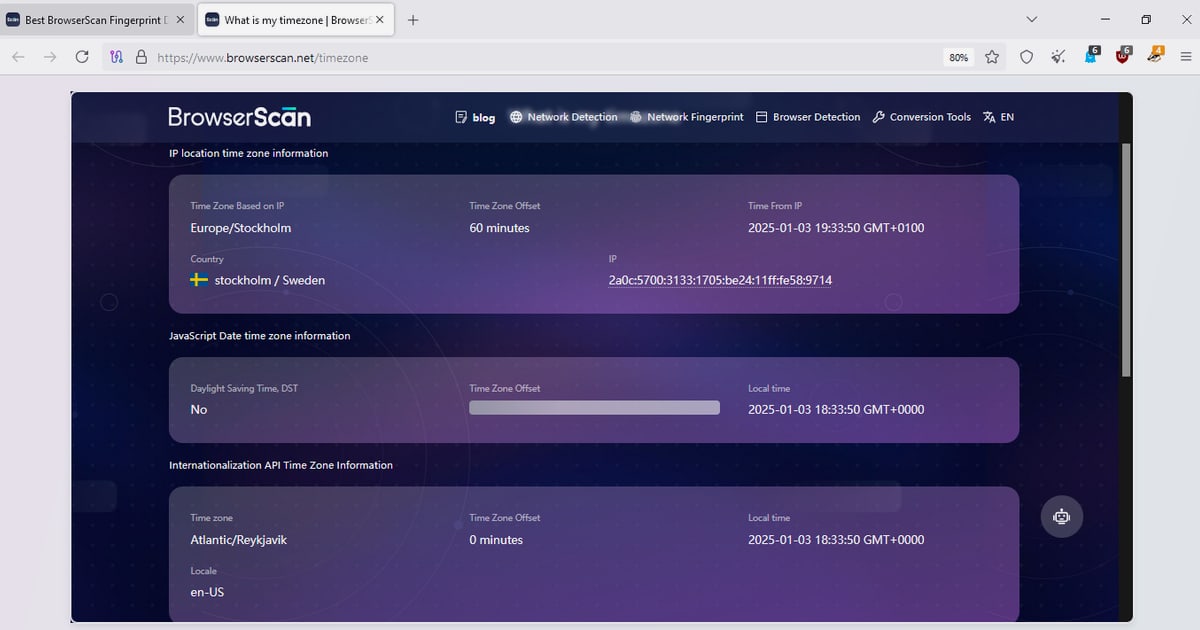
How to Use the BrowserScan Fingerprint Detection Tool with AdsPower to Enhance Privacy and Security
In today's digital age, protecting online privacy has become crucial. Every time you visit a website, your browser reveals a lot of information, including IP address, device fingerprint, time zone, etc., which may be used to track your activities. The BrowserScan fingerprint detection tool helps you understand what information your browser exposes, while the AdsPower fingerprint browser helps you manage and optimize these fingerprints to achieve anti-association and secure multi-account operations. This article will detail how to use these two tools together, from setup to practice, to solve privacy leakage and account association issues.
Understanding the BrowserScan Fingerprint Detection Tool
First viewport screenshot of www.adspower.com.
BrowserScan is a free online browser fingerprint detection tool that comprehensively analyzes your browser fingerprint and network connection status. It provides multiple detection functions, including:
- Browser fingerprint detection: Analyzes fingerprint signals such as Canvas, WebGL, WebGPU, Audio, fonts, screen resolution, etc.
- IP and network detection: Displays your IP address, geolocation, ISP information, and detects DNS leaks and WebRTC leaks.
- Proxy detection: Identifies whether you are using a proxy server and evaluates its anonymity.
- Other useful tools: Port scanning, internet speed test, User-Agent parsing, HTTP2/SSL/TLS testing, etc.
With BrowserScan, you can quickly understand what information websites can obtain about you, and take appropriate measures to protect your privacy.
Understanding the AdsPower Fingerprint Browser
First viewport screenshot of www.adspower.com.
AdsPower is a professional fingerprint browser designed for cross-border e-commerce, overseas social media marketing, and advertising teams. It allows you to create multiple independent browser environments on the same computer, each with a unique fingerprint (such as User-Agent, time zone, language, fonts, WebRTC, etc.), effectively preventing account association. AdsPower also supports proxy IP configuration, automation, and team collaboration, and has been used by over 10 million users worldwide.
How BrowserScan and AdsPower Work Together
First viewport screenshot of www.adspower.net.
BrowserScan is a diagnostic tool that reveals your browser fingerprint and network exposure; AdsPower is an execution tool that helps you modify and disguise these fingerprints, making each account environment look like an independent real user. Combined, you can:
- Use BrowserScan to detect the fingerprint characteristics and leakage risks of the current environment.
- Based on the detection results, adjust fingerprint parameters (such as time zone, language, WebRTC, etc.) in AdsPower.
- Re-run BrowserScan in the AdsPower environment to verify the adjustment effect.
- Ensure that each account environment has a unique and consistent fingerprint, reducing the risk of platform detection.
This "detect-adjust-verify" closed-loop process can significantly improve the security and efficiency of multi-account operations.
Step-by-Step Setup Guide
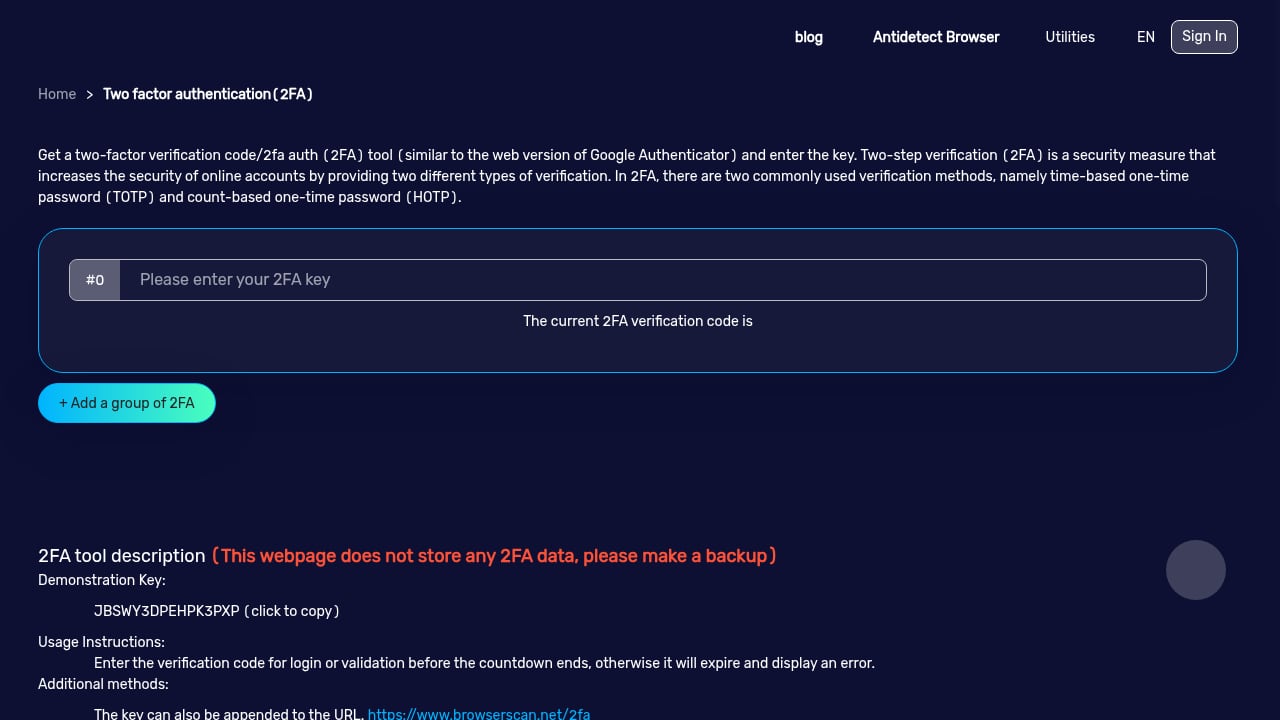
First viewport screenshot of www.browserscan.net.
Step 1: Install and Configure AdsPower
- Visit the AdsPower official website, download and install the version suitable for your operating system.
- Register an account and log in.
- Create a new browser profile, and set basic information such as name and group as needed.
Step 2: Configure Proxy IP
In the AdsPower profile settings, find the "Proxy" option and enter your proxy server information (supports HTTP, HTTPS, SOCKS5, etc.). Ensure the proxy IP is stable and the geolocation matches the region you want to simulate.
Step 3: Customize Fingerprint Parameters
AdsPower provides a wealth of fingerprint customization options, including:
- User-Agent: Choose a browser and operating system that matches the proxy IP region.
- Time zone and language: Set to the time zone and language of the proxy IP's location.
- WebRTC: Choose "Replace" or "Disable" to prevent real IP leakage.
- Canvas and WebGL: Enable noise or randomization to make the fingerprint unique.
- Fonts and screen resolution: Set according to common device configurations.
Step 4: Use BrowserScan to Detect Fingerprints
- Launch the browser environment you just configured in AdsPower.
- In the newly opened browser window, visit the BrowserScan website (https://www.browserscan.net/).
- Wait for the automatic detection to complete, and check the "Browser Fingerprint Authenticity" percentage and detailed information.
- Focus on the following items:
- IP address: Whether it matches the proxy IP.
- DNS leak: Whether your real DNS server is displayed.
- WebRTC leak: Whether your real IP is exposed.
- Time zone consistency: Whether the browser time zone matches the IP geolocation.
- Canvas and WebGL: Whether the fingerprint is unique.
Step 5: Optimize Configuration Based on Results
If BrowserScan shows that some parameters are inconsistent or there are leaks, return to AdsPower to adjust the corresponding settings. For example:
- If there is a DNS leak, check the proxy settings or enable AdsPower's DNS protection.
- If there is a WebRTC leak, disable WebRTC in AdsPower or set it to replacement mode.
- If the time zone does not match, adjust the time zone setting to match the proxy IP region.
After adjustment, restart the browser environment and run BrowserScan detection again until all indicators meet expectations.
Practical Examples
Example 1: Cross-border E-commerce Multi-Account Management
Suppose you operate multiple Amazon stores, and each store needs an independent browser environment. You can create an AdsPower profile for each store and assign different proxy IPs (such as the US, UK, Germany). Use BrowserScan to detect each environment to ensure:
- The IP address matches the store's target market.
- The time zone and language match the IP region.
- Fingerprint parameters (such as Canvas, WebGL) are unique and not repeated.
- No DNS or WebRTC leaks.
In this way, each store appears as an independent real user to the platform, reducing the risk of association.
Example 2: Social Media Marketing
For marketers managing multiple social media accounts, AdsPower can create multiple isolated environments. Through BrowserScan detection, ensure that each account's browser fingerprint (such as User-Agent, screen resolution, fonts) is different, avoiding platform association of accounts. At the same time, regularly use BrowserScan's leak test function to check proxy stability.
Frequently Asked Questions (FAQ)
1. Is BrowserScan free?
Yes, BrowserScan offers a free online detection service covering most fingerprint and leak test functions. Some advanced features may require payment, but basic detection is completely free.
2. Does AdsPower have a free version?
AdsPower offers a free plan that includes a certain number of browser profiles, suitable for individual users or small teams to try. Paid versions provide more profiles and advanced features.
3. Why do I need to use BrowserScan and AdsPower together?
BrowserScan is a diagnostic tool that helps you understand the information exposed by your browser; AdsPower is an execution tool that helps you modify and disguise this information. Only by combining the two can you achieve effective privacy protection and anti-association.
4. How to interpret BrowserScan's "Browser Fingerprint Authenticity" percentage?
This percentage indicates the similarity of your browser fingerprint to common fingerprints. The lower the percentage, the more unique your fingerprint is, and the easier it is to be tracked. It is generally recommended to keep it at a low level (such as below 30%), but also be careful not to be too unique and raise suspicion.
5. Can BrowserScan prevent account bans?
BrowserScan itself cannot prevent account bans, but it can help you discover and fix fingerprint issues that may lead to bans. Combined with AdsPower's fingerprint management, it can significantly reduce the risk of bans.
6. Besides BrowserScan, what other similar fingerprint detection tools are there?
You can also refer to articles such as BrowserScan vs Whoer.net comparison and BrowserScan vs PrivacyTestLab vs ToDetect to learn about the pros and cons of different tools.
Conclusion
The combination of the BrowserScan fingerprint detection tool and the AdsPower fingerprint browser provides a complete solution for online privacy protection and multi-account management. Through BrowserScan's comprehensive detection, you can clearly understand browser fingerprints and network leaks; through AdsPower's fingerprint customization and isolated environments, you can effectively disguise and optimize fingerprints, reducing the risk of tracking and association. Whether for cross-border e-commerce, social media marketing, or daily privacy protection, this combination can help you improve security and operational efficiency. Try it now to create a safer browsing environment.
Reference sources:
- BrowserScan official website
- What is BrowserScan? Check Fingerprints, IP Leaks & Stay Private
- BrowserScan partner page
Related reading
- BrowserScan vs PrivacyTestLab vs ToDetect: Fingerprint Detection Tool Comparison - Compare BrowserScan, PrivacyTestLab, and ToDetect's browser fingerprint detection, leak testing, and privacy check features to find the tool that best suits your needs.
- BrowserScan vs Whoer.net Comparison: Which Privacy Check Tool Is Right for You? - Compare BrowserScan and Whoer.net in terms of fingerprint depth, leak testing, IP risk scoring, and ease of use to choose the privacy check tool that suits your needs.
- What Is My IP Address? Review: IP Lookup and Privacy Tool - A hands-on review of the "What Is My IP Address?" IP lookup and privacy tool: ideal users, use cases, advantages, limitations, pricing signals, and setup.