
IPhey Review 2026: Real-Time Browser Fingerprint Test

IPhey Review 2026: Real-Time Browser Fingerprint Test
If you use a VPN, a proxy, or an anti-detect browser, the real question is not whether you turned protection on, but whether it actually holds. IPhey (iphey.com) is a free, browser-based checker built around that question: it runs a real-time browser fingerprinting test and shows what your browser exposes to the sites you visit.
This review covers what IPhey checks, who gets the most value from it, where it falls short, and how to decide whether it belongs in your privacy toolkit.
What IPhey actually is
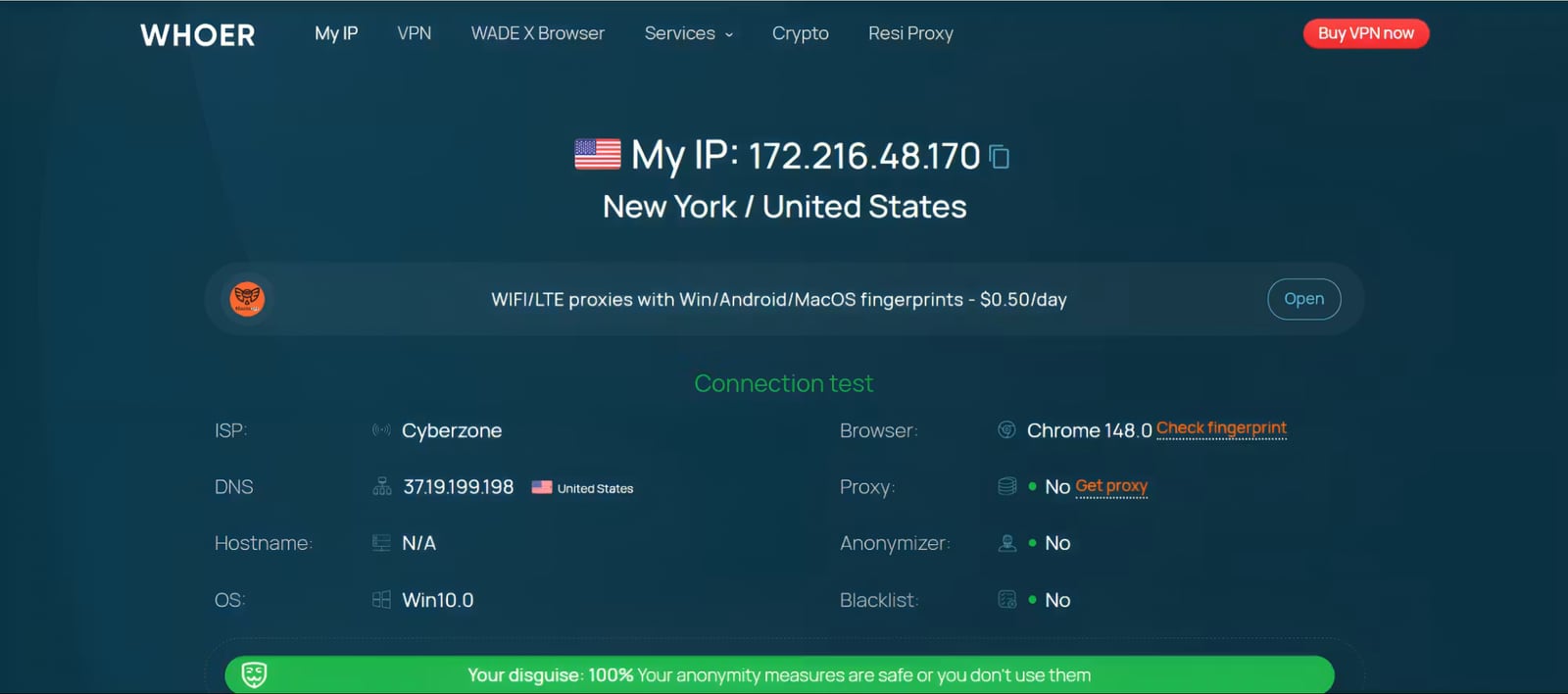
Iphey - Real-Time Browser Fingerprinting Test - IPhey product interface.
IPhey is a browser fingerprint checker that inspects the technical signals your browser sends to every website. Instead of only showing your IP address, it compiles a report on the environment behind your connection: canvas and WebGL rendering, audio stack behavior, fonts, screen resolution, time zone, language, and more. It then compares those values for internal consistency and produces an overall verdict, commonly shown as a trust or reliability score.
The product page describes it plainly: see what your browser reveals about you, and run a real-time test to detect tracking risks and hidden leaks. That is a fair summary. IPhey is a diagnostic mirror, not a protection layer. It tells you what is visible; it does not change what is visible.
What the real-time fingerprint test checks
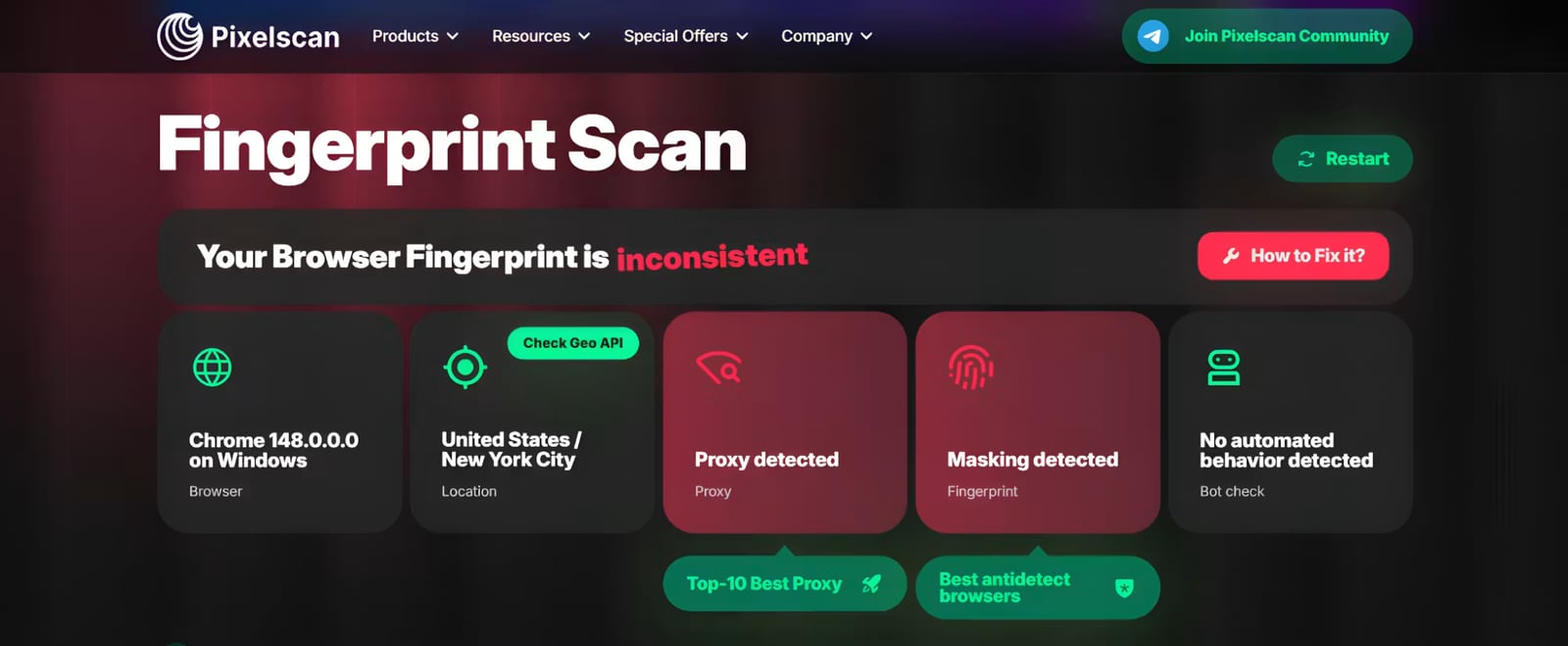
Iphey - Real-Time Browser Fingerprinting Test - IPhey product interface.
IPhey bundles several checks into one report. Based on the tool's own documentation and independent reviews, the core categories are:
- Browser fingerprint uniqueness. Canvas, WebGL, AudioContext, and related hardware-linked identifiers that determine how identifiable your browser profile is.
- IP and geolocation. Your public IP, ISP, and the location the server infers, which is the first place a VPN or proxy leak shows up.
- VPN and proxy verification. Whether your proxy or VPN is actually routing traffic as expected, or silently failing.
- DNS leak test. Whether DNS queries bypass your proxy or VPN and reveal your real location or ISP.
- WebRTC leak test. Whether real local or public IP addresses can be exposed through WebRTC, even while a VPN is active.
- Bot detection signals. Whether your browser behavior or automation traces trigger bot-classification systems.
- IP blacklist check. Whether your IP appears in spam, threat, or security databases.
That combination matters because anti-fraud systems do not evaluate one signal in isolation. They correlate network data, device parameters, and behavioral patterns. A clean IP with a mismatched time zone is still a red flag.
Who should use IPhey

First viewport screenshot of Battle for Mobile Traffic 2026: A Big Review of the Top 6 Anti-Detect Solutions for Traffic Arbitrage - IPhey.
IPhey fits best in a few specific situations:
Anti-detect browser users. If you run profiles in tools like GoLogin, Multilogin, or similar environments, IPhey is a fast pre-flight check. It shows whether canvas, WebGL, and other fingerprint elements are being spoofed consistently, or whether defaults are leaking real hardware data. Independent testing of anti-detect browsers regularly uses IPhey alongside other checkers for exactly this reason.
VPN and proxy users who want verification. A VPN that connects is not the same as a VPN that hides you. IPhey gives a quick pass or fail on DNS and WebRTC leak points, which are the most common ways a real IP slips out.
Account managers troubleshooting bans. When an account gets suspended, the first diagnostic step is often checking whether the profile looked natural. A time zone or language mismatch against the proxy location is a common culprit, and IPhey surfaces that kind of inconsistency.
Researchers, journalists, and privacy-conscious users. Anyone who needs a quick, no-install audit of what their browser broadcasts before doing sensitive work.
If you only want to confirm your IP address, IPhey is more than you need. If you need deep network forensics, it is less than you need.
Strengths
- Fast and free to start. The test runs in the browser with no installation, which makes it practical as a routine check rather than a one-time experiment.
- Broad coverage in one report. Fingerprint, IP, DNS, WebRTC, bot signals, and blacklist status are consolidated, so you do not have to stitch together five separate tools.
- Consistency-focused verdict. Rather than dumping raw values, IPhey evaluates whether your signals line up, which is closer to how real anti-fraud systems think.
- Useful for anti-detect workflows. It is widely referenced as a standard check when validating browser profiles, which means its results are comparable across community discussions.
Limitations and things to watch
- It diagnoses, it does not protect. IPhey will not block fingerprinting or fix a leak. You still need an anti-detect browser, a quality proxy, or hardened browser settings.
- Depth is a trade-off. Compared with more specialized checkers, IPhey's report is streamlined. Some competitors run separate, deeper modules for bot detection, IP reputation, and blacklist analysis.
- Scores need interpretation. A low trust score can come from a low-quality proxy, a time zone mismatch, or automation traces. The score tells you something is wrong; you still have to find out what.
- Free tools have limits. Expect occasional advertising or partner offers, and treat any single score as one data point rather than a final verdict.
Pricing signals
IPhey's core fingerprint and leak checks are available at no cost, which is the main reason it is used as a routine pre-flight test. The site also promotes partner offers, including residential proxy services, which is a common monetization pattern for free diagnostic tools. There is no indication of a mandatory paid tier for the standard browser test.
For practical budgeting, treat IPhey as the free first pass. If your workflow depends on passing strict anti-fraud checks, plan to pair it with a paid or more specialized tool rather than assuming one free checker is sufficient.
Setup: how to run the test
- Open iphey.com in the browser profile you want to audit. Do not test in a different browser than the one you actually use.
- Let the real-time checks complete. The report populates as signals are collected.
- Read the trust or reliability verdict first, then work through the individual categories.
- Check consistency, not just values. Compare your reported time zone and language against the IP's geolocation.
- Review DNS and WebRTC results specifically for leaks, even if the overall score looks acceptable.
- Re-run the test after any change to your proxy, VPN, or browser profile to confirm the fix worked.
A useful habit is to test before and after configuration changes. That turns IPhey from a curiosity into a verification step.
How IPhey compares and how to decide
First viewport screenshot of Best 10 Browser Fingerprint Test Tools in 2026.
IPhey sits in a crowded field. The practical question is what role you want it to play.
- If you want a quick, free consistency check before starting work, IPhey is a strong default.
- If you need deeper leak and reputation analysis, compare it against dedicated tools. Our BrowserScan vs Iphey vs WhatIsMyIP comparison breaks down how the three differ on fingerprint depth and IP checks.
- If you are validating an anti-detect browser, read our guide to testing Web3 antidetect browsers for fingerprint leaks to see how fingerprint, DNS, WebRTC, and proxy exposure fit together.
- If you are choosing between multiple checkers, our ranked list of the top browser fingerprinting and privacy diagnostics tools compares signal depth, leak coverage, and pricing.
A reasonable decision rule: use IPhey as your fast, free baseline, and add a second tool when the stakes are high. Community consensus around anti-detect workflows is that passing one checker is not proof; passing several is closer to it.
Related reading
- How to Use BrowserScan Fingerprint Tool with IP2Proxy - Pair BrowserScan fingerprint detection with IP2Proxy proxy detection to expose leaks, verify proxy traffic, and protect your online privacy.
Sources and further reading
- IPhey Checker Review 2026 and Alternatives List | Pixelscan - You're trying to stay anonymous online. You're using a VPN, maybe a proxy, or even an anti-detect browser. The big question is: Does it actually work?
- Iphey - Real-Time Browser Fingerprinting Test - IPhey - See what your browser reveals about you. Run a real-time browser fingerprinting test to detect tracking risks and hidden leaks.
- 5 Best Anti-detect Browsers in 2026 - Running multiple accounts? We tested various anti-detect browsers to determine which ones effectively prevent bans.
FAQ
Is IPhey free? The standard browser fingerprint and leak checks are free to run in your browser. The site also promotes partner offers, such as residential proxies, but a paid plan is not required for the core test.
What is a browser fingerprint? It is a set of device and software characteristics, including OS version, screen resolution, fonts, time zone, canvas, and WebGL output, that websites combine into an identifier. Unlike cookies, it is not something you can simply delete.
Does IPhey hide my fingerprint? No. IPhey reports what your browser exposes. To change that exposure, you need an anti-detect browser, a proxy, or adjusted browser settings.
Why is my trust score low? Common causes include low-quality or mismatched proxies, a time zone that does not match your IP location, and signs of automation. The report is designed to point you toward the inconsistency.
Can a fingerprint be completely hidden? In practice, no. Empty or missing values can look suspicious on their own. The realistic goal is blending in with common, consistent values rather than appearing unique.
Should I use IPhey with other tools? Yes, especially for high-stakes setups. Pairing a fast consistency check with a deeper leak and reputation scanner gives a more reliable picture than either tool alone.
Conclusion
IPhey earns its place as a fast, free, real-time browser fingerprinting test. It answers a narrow but important question: does my setup look normal and consistent to the sites I visit? For anti-detect browser users, VPN and proxy users, and anyone troubleshooting account bans, that answer is worth having in seconds.
Its limits are just as clear. IPhey diagnoses rather than protects, and its streamlined report is not a substitute for deeper leak and reputation analysis. Use it as your first check, interpret the score carefully, and layer in a second tool when the outcome actually matters.