
WHOIS Lookup: How to Check Domain and IP Ownership

WHOIS Lookup: How to Check Domain and IP Ownership
A WHOIS lookup is one of the fastest ways to find out who controls a domain name or IP address, when a registration expires, and which registrar manages the record. Whether you are investigating a suspicious website, preparing to buy a domain, or checking your own registration details, knowing how to read a WHOIS record saves time and helps you avoid mistakes.
This guide explains what WHOIS data is, how to run a lookup, what each field means, and how privacy protection changes the results. You will also learn how to use WHOIS data responsibly and how it fits into a broader online investigation workflow.
What Is a WHOIS Lookup?
WHOIS Lookup: How to Check Domain and IP Ownership - What Is a WHOIS Lookup?.
A WHOIS lookup is a query against a distributed database of domain name and IP address registrations. When you register a domain, your registrar collects contact and administrative details and submits a subset of that information to the registry that manages the top-level domain, such as .com, .org, or .net.
Think of it like a public title registry for property. The record does not show every internal detail, but it identifies the registered holder, the registration and expiration dates, the nameservers, and the registrar responsible for the account.
The system is coordinated globally by ICANN, the Internet Corporation for Assigned Names and Numbers, but the actual records are maintained by hundreds of registries and registrars. That is why a single lookup tool must route your query to the correct database depending on the domain extension.
What a WHOIS Record Contains
A typical domain WHOIS record includes:
- Domain name and its current status, such as
active,pendingDelete, orclientTransferProhibited. - Registrar that manages the domain.
- Registration date, update date, and expiration date.
- Registrant contact details, which may include name, organization, email, phone, and address.
- Administrative and technical contacts, when not redacted.
- Nameservers that point the domain to its hosting provider.
- DNSSEC status for domains that use signed DNS records.
IP address lookups return different data. Instead of a registrant, you see the regional internet registry, such as ARIN, RIPE NCC, APNIC, LACNIC, or AFRINIC, along with the organization assigned to the address block, the network range, and abuse contact information.
How to Run a WHOIS Lookup
WHOIS Lookup: How to Check Domain and IP Ownership - How to Run a WHOIS Lookup.
Running a lookup is straightforward. You can use a dedicated WHOIS website, a command-line tool, or a lookup feature built into a domain registrar.
Web-Based Lookup Tools
Several services provide free web-based lookups:
- ICANN Lookup queries the official registration data system and is a good starting point for verifying current records.
- Whois.com offers domain and IP lookups with a clean interface and covers hundreds of TLDs.
- DomainTools adds historical IP data, domain availability checks, and additional research context.
To use any of these, enter the domain name or IP address and review the returned record. If a domain has privacy protection enabled, you will see the registrar's proxy contact details instead of the registrant's personal information.
Command-Line WHOIS
On Linux and macOS, the whois command is often preinstalled or available through your package manager. On Windows, you can install a WHOIS client or use the Sysinternals WHOIS tool.
whois example.com
For IP addresses:
whois 192.0.2.1
Command-line lookups are useful for scripting, bulk checks, and environments where a browser is not practical.
Checking Domain Availability
A WHOIS query also tells you whether a domain is available. If the domain is not registered, the lookup returns a "No match" or "Domain not found" response. If it is registered, you will see the full record. Many registrars combine this check with alternative domain suggestions when your first choice is taken.
How to Read a WHOIS Record

WHOIS Lookup: How to Check Domain and IP Ownership - How to Read a WHOIS Record.
WHOIS output varies by registry, but the core fields are consistent. Here is how to interpret the most important ones.
Domain Status Codes
Status codes come from the Extensible Provisioning Protocol and tell you what actions are allowed on a domain. Common codes include:
clientTransferProhibited— the registrar has locked the domain against transfer.serverTransferProhibited— the registry has locked the domain against transfer.clientDeleteProhibited— deletion is blocked at the registrar level.pendingDelete— the domain is in the final deletion phase after expiration.redemptionPeriod— the domain expired but can still be restored by the original registrant, usually for a fee.
These codes matter when you are buying an expired domain or planning a transfer. A domain stuck in redemptionPeriod is not immediately available for registration.
Dates
Three dates appear in most records:
- Creation date shows how long the domain has been registered.
- Updated date reflects the last change to the record.
- Expiration date tells you when the registration lapses unless renewed.
Older domains are not inherently better, but creation date can help you assess whether a domain has a long history or was registered recently for a short-term campaign.
Nameservers
Nameservers reveal which DNS provider or hosting company serves the domain. This is useful for troubleshooting DNS issues and for understanding a site's infrastructure. If you are investigating a suspicious domain, nameserver changes over time can indicate infrastructure shifts.
Registrant Details and Redaction
Since the introduction of GDPR and similar privacy laws, many registries redact personal data from public WHOIS output. You may see only the country, state, or organization name, with the rest replaced by a privacy service or a redaction notice.
This does not mean the record is broken. It means the registry is complying with data protection rules while still publishing enough information for operational and legal purposes.
WHOIS Privacy Protection
WHOIS Lookup: How to Check Domain and IP Ownership - WHOIS Privacy Protection.
Privacy protection, sometimes called WHOIS privacy or proxy registration, replaces your personal contact details with the registrar's proxy information. The domain still belongs to you, but public lookups show the privacy service's address and a forwarding email address.
Benefits
- Reduces spam and unsolicited sales calls.
- Lowers the risk of identity theft from exposed contact data.
- Keeps personal addresses out of public databases.
Limitations
- Privacy protection does not hide the registrar, nameservers, or registration dates.
- Law enforcement and legal requests can still obtain the underlying data through the registrar.
- Some TLDs, such as
.usand certain country-code domains, do not allow privacy protection.
If privacy matters to you, enable it at registration time. Most registrars offer it free for the first year and charge a small fee afterward.
WHOIS Lookup for IP Addresses
An IP WHOIS lookup answers a different question: which organization controls a given IP address or network block?
When you query an IP address, the lookup routes to one of five regional internet registries. The result typically includes:
- The network range or CIDR block.
- The organization name assigned to the block.
- The country and administrative contact.
- An abuse contact for reporting malicious activity.
- The allocation date and status.
This is useful when you receive abusive traffic, need to report a compromised server, or want to verify that an IP belongs to a claimed organization. It is also a routine step in security investigations.
Practical Uses for WHOIS Data
WHOIS lookups support several everyday tasks.
Investigating Suspicious Domains
Before interacting with an unfamiliar website, check its WHOIS record. A domain registered days ago with privacy protection and no meaningful history is a common pattern for phishing sites. A long-established domain with consistent registration data is less likely to be a disposable scam, though it is not a guarantee of legitimacy.
Buying or Transferring a Domain
If you want to buy a registered domain, the WHOIS record can reveal the registrar and, when not redacted, a contact route. You can also check the expiration date and status codes to understand whether a domain is close to lapsing or locked against transfer.
Verifying Your Own Records
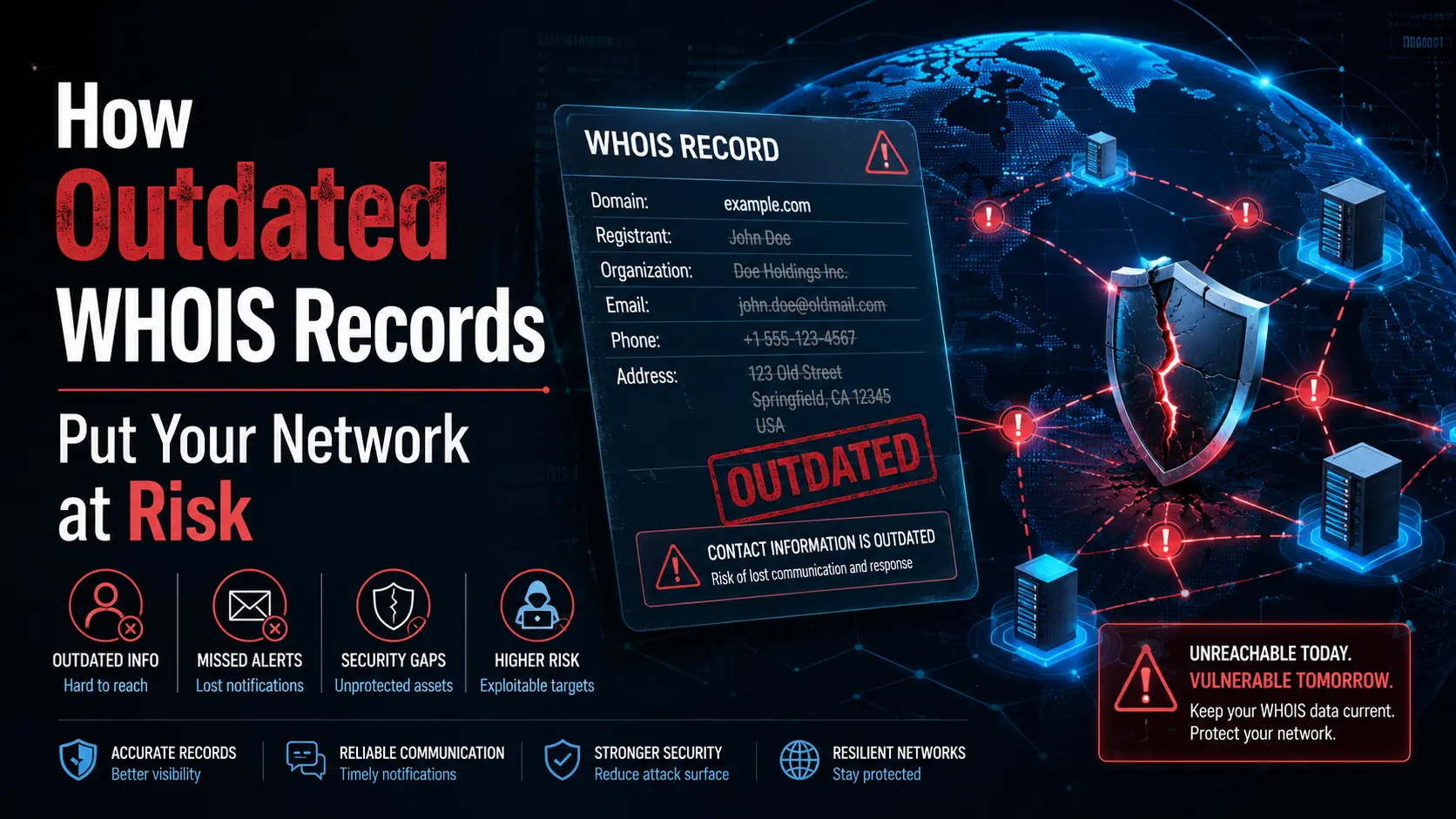
Regularly check your own domains to confirm that the registrar, expiration date, and nameservers are correct. If your email address changes, update it with your registrar so renewal notices reach you. A lapsed domain can be snapped up quickly, and recovery after deletion is expensive.
Reporting Abuse
For IP addresses involved in spam, scanning, or other abuse, the WHOIS record provides the abuse contact. Send a concise report with timestamps, source IPs, and log excerpts. This is often more effective than emailing a generic support address.
WHOIS and Broader Privacy Testing
WHOIS data tells you about domain and IP ownership, but it does not reveal how your own browser and network appear to the sites you visit. If you are investigating a domain because you suspect it is tracking visitors, a separate set of checks can show what information your browser leaks.
BrowserScan offers free, browser-based privacy diagnostics that complement a WHOIS investigation. After you identify a suspicious domain through WHOIS, you can use BrowserScan's browser fingerprinting test to see how uniquely your browser is identifiable to that site's tracking scripts. The platform also includes DNS and WebRTC leak tests, which matter if you use a VPN while researching domains or visiting questionable sites. If your VPN leaks your real IP address, the privacy benefit of your WHOIS research workflow disappears.
For deeper infrastructure checks, BrowserScan's port scanner can identify open services on a domain or IP you found in a WHOIS record. This is useful when you need to understand whether a server exposes unnecessary ports or runs outdated services. The combination of WHOIS ownership data and live security testing gives you a fuller picture than either tool alone.
Common WHOIS Lookup Mistakes
Expecting Complete Contact Data
Privacy laws and registrar policies mean many records are partially redacted. Do not assume a missing email address means the lookup failed. Check the registrar field and the redaction notice before concluding the record is incomplete.
Confusing Registrar and Registry
The registrar is the company where the domain was purchased. The registry is the organization that operates the top-level domain. For a .com domain, Verisign runs the registry, while companies like GoDaddy, Namecheap, or Cloudflare act as registrars. WHOIS records list both, and they serve different functions.
Using WHOIS Data for Spam
ICANN policies prohibit using WHOIS data for unsolicited marketing. If you contact a domain owner about a purchase, keep the message relevant and respectful. Bulk harvesting of contact details violates registrar terms and can get your own accounts suspended.
Ignoring Status Codes
A domain that appears available in a quick search may actually be in redemptionPeriod or pendingDelete. These statuses mean the domain is not yet open for registration. Always read the full status field before making plans around a domain.
Related reading
- How to Use Algo VPN: Setup, Clients, and Testing - Learn how to deploy Algo VPN, connect WireGuard and IPsec clients, verify your setup, and fix common issues with this practical step-by-step guide.
- Dark Web Monitoring: How It Works and Why You Need It - Learn what dark web monitoring is, how it detects leaked credentials and stolen data, and practical steps to protect your accounts and organization.
- Secure Remote Access: How It Works, Risks, and Best Practices - Learn how secure remote access works, the key risks, VPN vs ZTNA vs SASE options, and practical steps to protect remote connections and devices.
Frequently Asked Questions
What is the difference between a domain WHOIS lookup and an IP WHOIS lookup?
A domain lookup returns registration details for a domain name, including the registrar, dates, and registrant contact. An IP lookup returns allocation details for an IP address or network block, including the regional internet registry, assigned organization, and abuse contact.
Can I hide my information from WHOIS?
Yes. Most registrars offer privacy protection that replaces your personal contact details with proxy information. Some TLDs do not permit privacy services, and legal requests can still access the underlying data through the registrar.
Why does my WHOIS lookup show no registrant details?
GDPR and similar privacy regulations require many registries to redact personal data. You may see only the country, organization, or a privacy service contact. This is normal and does not indicate a problem with the domain.
How long does it take for WHOIS changes to appear?
Updates usually propagate within 24 to 48 hours after you change details with your registrar. If the change does not appear after that window, contact your registrar to confirm the update was submitted correctly.
Is WHOIS data always accurate?
Not always. Registrants sometimes provide outdated or incomplete information, and some registrars do not enforce accuracy aggressively. ICANN requires registrars to verify contact details, but enforcement varies. Cross-check important findings with other sources when possible.
Can I use WHOIS to find out who is behind a website?
Sometimes. If the domain owner has not enabled privacy protection, the record may show a name, organization, and contact details. With privacy protection, you will see proxy information instead. In either case, the registrar and nameserver data still provide useful clues.
Conclusion
A WHOIS lookup is a foundational tool for understanding domain and IP ownership. It helps you investigate suspicious sites, manage your own registrations, check domain availability, and report network abuse. The key is reading the full record, not just the first few lines, and understanding what redaction and status codes mean.
For a more complete investigation, pair WHOIS data with live privacy and security checks. BrowserScan's free tools let you test your own browser fingerprint, verify VPN leak protection, and scan open ports on the infrastructure you discover through WHOIS. Together, these checks give you both the ownership context and the technical detail needed to make informed decisions online.