
WireGuard: The Fast, Secure VPN Protocol Explained (2026 Guide)
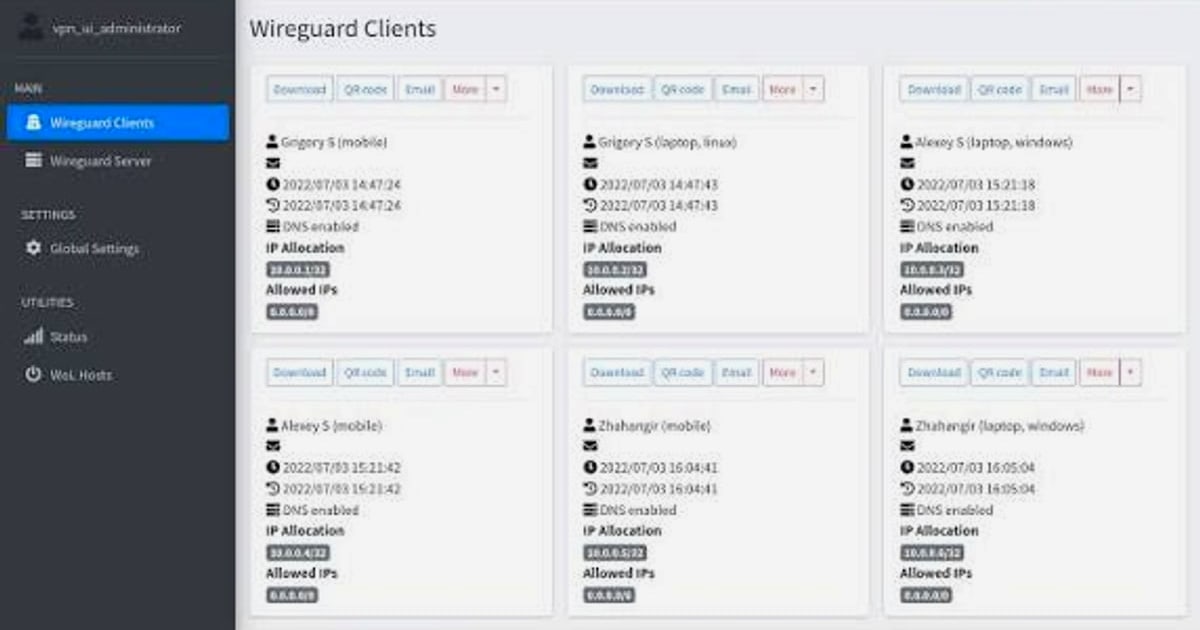
What Is WireGuard? A Complete Guide to the Modern VPN Protocol
WireGuard is a free, open-source virtual private network (VPN) protocol that has rapidly become the gold standard for speed, simplicity, and security. Unlike its predecessors—OpenVPN and IPsec—WireGuard was designed from the ground up to be lean, auditable, and straightforward to deploy on everything from tiny embedded devices to massive backbone routers. This guide explores how WireGuard works, how it compares to older protocols, and—most importantly—how to verify that your WireGuard connection is truly private using online leak-testing tools.
How WireGuard Works: Cryptokey Routing and Encapsulation
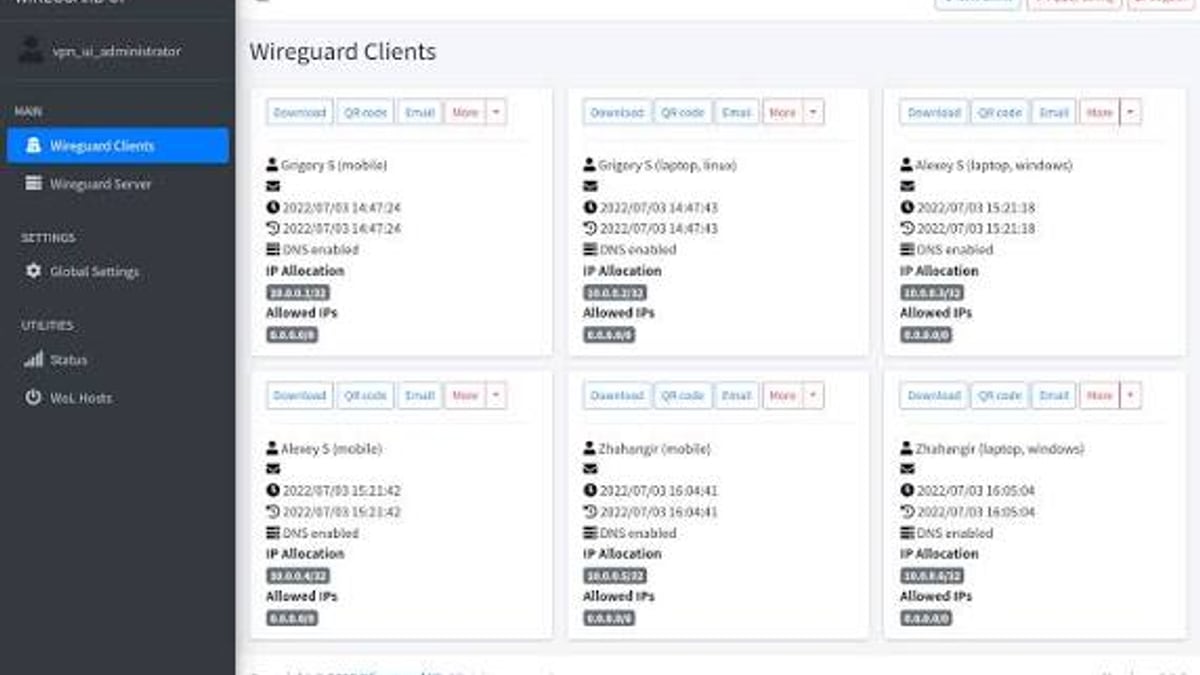
WireGuard: The Fast, Secure VPN Protocol Explained (2026 Guide) - supporting product research image 2.
At the heart of WireGuard lies a concept called Cryptokey Routing. Each peer generates a public/private key pair using Curve25519, exchanges public keys with the other peer, and maps those public keys to a list of allowed IP addresses. Once keys are authenticated, a Noise Protocol handshake establishes a symmetric ChaCha20-Poly1305 session key for encryption, and all subsequent traffic flows through a simple UDP tunnel.
- Simple network interface – WireGuard creates a virtual interface (wg0) that behaves like any other network interface, with routes manageable via standard ip-route or ifconfig commands.
- UDP encapsulation – All traffic is sent over UDP (default port 51820), avoiding the TCP-over-TCP meltdown problem.
- Minimal state – The protocol is stateless from a connection perspective; no long-lived daemon is necessary, and peers can roam between IP addresses seamlessly.
- Strong cryptography – Only modern primitives are used: Curve25519 for key exchange, ChaCha20 for encryption, Poly1305 for authentication, BLAKE2s for hashing, and HKDF for key derivation.
A formal machine‑checked proof using CryptoVerif confirms that WireGuard guarantees mutual authentication, forward secrecy, and post‑compromise security across unlimited parallel sessions, making it exceptionally resilient to both active and passive attacks.
WireGuard vs. OpenVPN vs. IPsec: A Comparison

WireGuard: The Fast, Secure VPN Protocol Explained (2026 Guide) - supporting product research image 3.
When choosing a VPN protocol, performance, codebase size, and ease of configuration often decide the winner. The table below summarizes the key differences.
| Feature | WireGuard | OpenVPN | IPsec (with IKEv2) |
|---|---|---|---|
| Codebase | ~4,000 lines (kernel module) | >70,000 lines (OpenVPN + OpenSSL) | >400,000 lines (strongSwan + kernel) |
| Cryptographic agility | None (fixed primitives) | Extensive (but risky) | Limited |
| Roaming support | Built‑in (like Mosh) | Requires reconnection | MOBIKE support possible |
| Encryption | ChaCha20‑Poly1305 | AES‑256‑GCM (typical) | AES‑128/256‑GCM |
| Transport | UDP only | UDP or TCP | UDP + ESP |
| Performance | Up to 4× faster in throughput | Moderate | High (kernel‑level) but complex |
| Ease of setup | Single config file, like SSH | Complex cert management | Complex |
Choosing WireGuard: If you need maximum speed on modern hardware, want a minimal attack surface, and can live without legacy TCP fallback, WireGuard is the clear choice. Choosing OpenVPN: Stick with OpenVPN if you require TCP-based tunnels to bypass restrictive firewalls or need broad compatibility with older routers. IPsec: Remains useful in large enterprise setups where kernel‑level integration is already deeply embedded.
Practical Setup: Getting Started with WireGuard
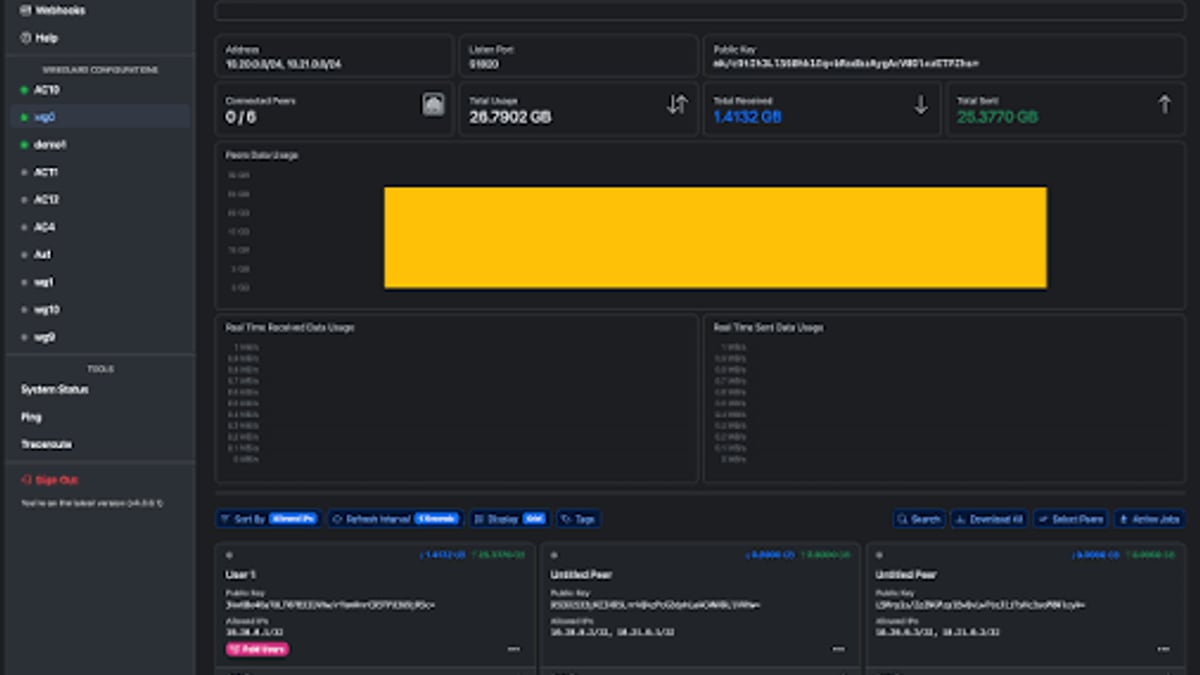
WireGuard: The Fast, Secure VPN Protocol Explained (2026 Guide) - supporting product research image 4.
WireGuard runs natively on Linux, Windows, macOS, FreeBSD, Android, and iOS. Most modern VPN services—including Mullvad, IVPN, and Proton VPN—offer WireGuard as a selectable protocol. For self‑hosting, the process is straightforward:
- Install WireGuard on your server and client.
- Generate private and public keys on each peer.
- Create a configuration file (
/etc/wireguard/wg0.conf) that defines the interface private key and lists each peer’s public key, allowed IPs, and endpoint. - Bring the interface up with
wg-quick up wg0.
Once connected, all your traffic is encrypted and tunneled through the server, but the real test is whether anything leaks outside the tunnel.
Verifying Your WireGuard Connection for Leaks
WireGuard: The Fast, Secure VPN Protocol Explained (2026 Guide) product interface and feature overview.
Even a perfectly configured WireGuard tunnel can inadvertently expose your real IP address through DNS requests, WebRTC, or misconfigured routing. That’s where an online privacy checker becomes essential. BrowserScan’ BrowserScan is a comprehensive, no‑plugin‑required tool that lets you instantly test for three critical leaks:
- IP leak test – Checks whether your browser is sending any packets outside the tunnel that reveal your ISP‑assigned IP.
- DNS leak test – Verifies that DNS queries are routed through the VPN’s DNS resolver, not your local ISP.
- WebRTC leak test – Ensures that real‑time communication APIs aren’t bypassing the WireGuard interface to expose your local or public IP.
To use BrowserScan with WireGuard:
- Activate your WireGuard connection on any device.
- Open BrowserScan (no extension needed).
- Run the full privacy check—IP, DNS, and WebRTC tests execute automatically.
- Examine the results: the displayed IP should match your WireGuard exit server, DNS servers should belong to your VPN provider, and WebRTC should show no local addresses.
For a deeper dive, the article Use BrowserScan with NordVPN to Catch Every Privacy Leak demonstrates the exact same methodology, applicable to any WireGuard setup. If a leak is detected, you can also leverage our curated Top 10 IP Address and DNS Lookup Tools to cross‑reference geolocation data and confirm the leak source.
BrowserScan’s additional fingerprint analysis can even tell you whether your browser is presenting a consistent, non‑unique fingerprint while you’re connected through WireGuard, adding another layer of anti‑tracking defense.
Related reading
- What Is a Cybersecurity Suite? 2026 Complete Guide - A cybersecurity suite bundles essential tools to protect your data, privacy, and devices. Compare enterprise and personal suites, and learn how BrowserScan’s privacy checks strengthen your defense.
- What Is Pixelscan.dev? Browser Fingerprint & Bot Detection Tool - Learn what Pixelscan.dev is, how it detects browser fingerprints, bots, IP leaks, and proxies. A free multi-check tool for privacy and automation testing.
- Top 10 IP Address and DNS Lookup Tools in 2026 (Tested & Reviewed) - Discover the 10 best IP address and DNS lookup tools for 2026, tested for accuracy, privacy, and feature depth. Compare MXToolbox, ViewDNS, IP.ME, and more.
Sources and further reading
- fast, modern, secure VPN tunnel - WireGuard: fast, modern, secure VPN tunnel
- WireGuard - From Wikipedia, the free encyclopedia
- WireGuard App - App Store - Fast, modern, secure VPN
Frequently Asked Questions
Is WireGuard more secure than OpenVPN?
WireGuard’s tiny codebase (~4,000 lines) makes it far easier to audit than OpenVPN’s sprawling code. Combined with its use of modern, proven cryptographic primitives and a formally verified handshake, WireGuard is widely considered more secure by design. However, security also depends on your provider’s logging policies and your own configuration.
Does WireGuard hide my real IP address?
Yes, when correctly configured. All outbound traffic is encrypted and routed through the WireGuard server, replacing your IP with the server’s IP. Always verify this by running an IP leak test on a site like BrowserScan.
Can I use WireGuard with commercial VPN services?
Absolutely. Many top VPN providers now support WireGuard natively. Refer to our Top 10 Personal VPN Software Products in 2026 for a ranked list of services that offer WireGuard.
Why does WireGuard only use UDP?
WireGuard deliberately avoids TCP to prevent the TCP‑over‑TCP degradation problem. UDP encapsulation ensures lightweight, high‑performance tunnels. If you’re behind a network that blocks UDP, you may need a fallback protocol like OpenVPN.
How can I check for DNS leaks when using WireGuard?
A DNS leak test checks whether your browser’s DNS requests bypass the tunnel. BrowserScan’s built‑in DNS leak test shows the exact DNS servers your connection is using; if they belong to your ISP and not your VPN, you have a leak.
Does WireGuard work on mobile devices?
Yes, fully. Official apps are available for Android and iOS, and many VPN providers include WireGuard as a protocol option in their mobile clients.
Conclusion
WireGuard has redefined what a VPN protocol can be—fast, minimal, and cryptographically robust. Its adoption across Linux kernel mainline, commercial VPNs, and consumer devices signals that the days of heavy, complex tunneling protocols are numbered. The final piece of the puzzle is verification: always use a privacy checker like BrowserScan’ BrowserScan to ensure that your WireGuard tunnel isn’t leaking IP addresses, DNS queries, or WebRTC information. With a sound configuration and routine leak testing, you can enjoy a VPN experience that is both exceptionally fast and genuinely private.
For more on browser‑side privacy and fingerprint protection, explore our full Cybersecurity Suite Guide.