
Best BrowserScan Fingerprint Detection Tool for Privacy
Best BrowserScan Fingerprint Detection Tool - Improve Your Online Privacy Security
Your browser reveals more about you than you might think. Every visit leaves a fingerprint—a combination of your IP address, user agent, screen resolution, installed fonts, and dozens of other signals. Advertisers, analytics platforms, and even malicious actors use this data to track you across the web. To take control of your privacy, you need to see what your browser exposes. BrowserScan is a comprehensive fingerprint detection and privacy testing tool that shows you exactly what websites can learn about you, and helps you fix leaks before they become a problem.
What Is Browser Fingerprinting and Why Does It Matter?
Best BrowserScan Fingerprint Detection Tool for Privacy - What Is Browser Fingerprinting and Why Does It Matter?.
Browser fingerprinting is a technique that collects information about your device and browser configuration to create a unique identifier. Unlike cookies, fingerprints are difficult to delete and can persist even in private browsing mode. Common fingerprinting signals include:
- Canvas and WebGL rendering – tiny differences in how your GPU draws images.
- Audio context – variations in audio processing.
- Installed fonts and plugins – a list that can be surprisingly unique.
- Screen resolution and color depth – combined with other data, these narrow down your device.
- Time zone and language – often correlated with your location.
- IP address and proxy settings – reveal your network and geolocation.
When these signals are combined, they can identify you with high accuracy. That’s why privacy-conscious users and professionals managing multiple online accounts need to understand and control their fingerprint.
How BrowserScan Helps You Test and Protect Your Privacy
Best BrowserScan Fingerprint Detection Tool for Privacy - How BrowserScan Helps You Test and Protect Your Privacy.
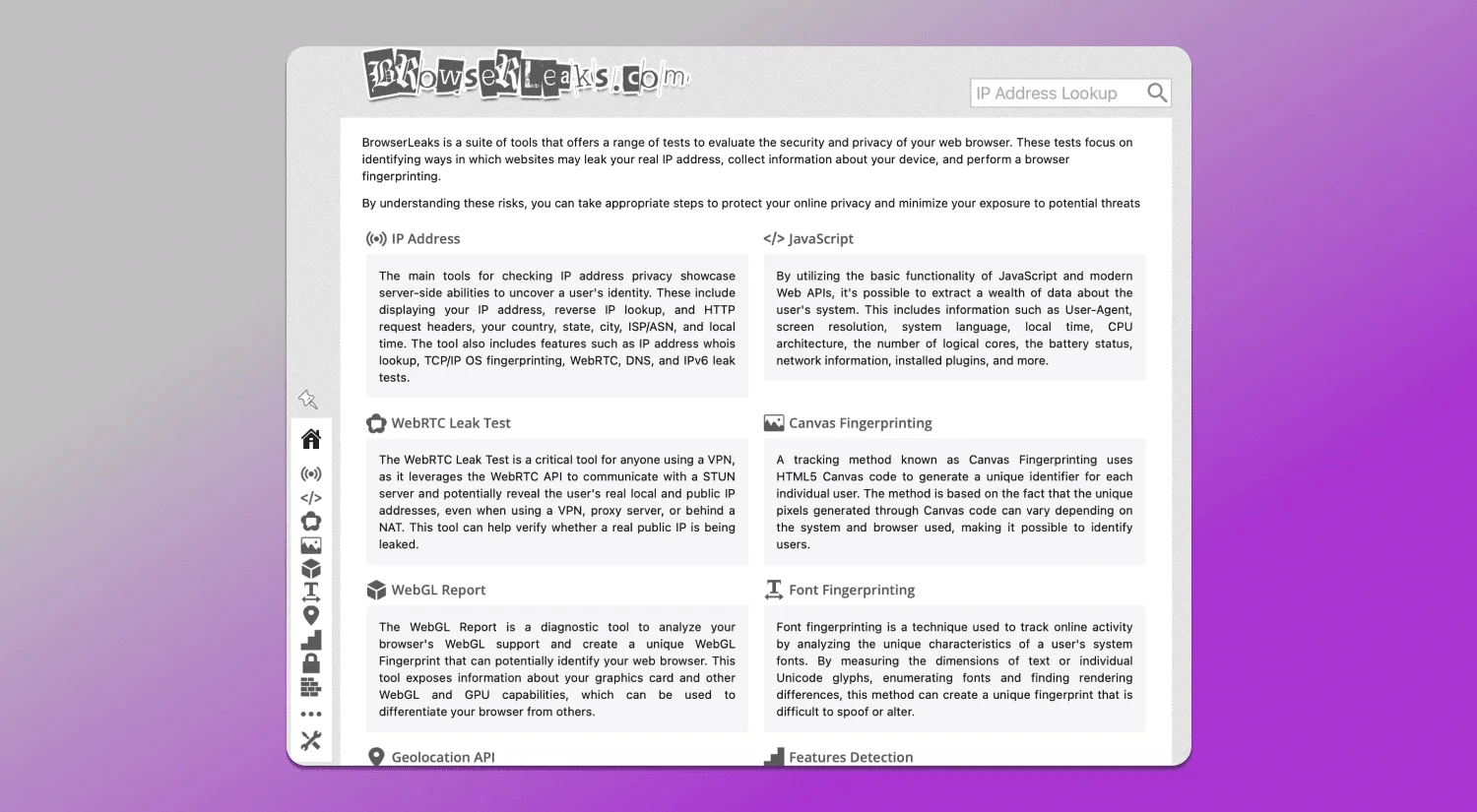
BrowserScan is a free online tool that runs a series of checks directly in your browser. It doesn’t require installation and provides immediate feedback on your fingerprint and potential leaks. Here’s what it covers:
Fingerprint Detection
BrowserScan displays your browser fingerprint hash and breaks down the individual components that contribute to it. You’ll see your user agent, platform, screen details, time zone, language, and more. This transparency helps you understand how unique you are and which attributes might need adjustment.
Leak Tests
A fingerprint alone isn’t the only risk. Leaks can expose your real IP address or DNS queries even when using a VPN or proxy. BrowserScan includes:
- WebRTC leak test – checks if your real IP is exposed through WebRTC, a common issue with VPNs.
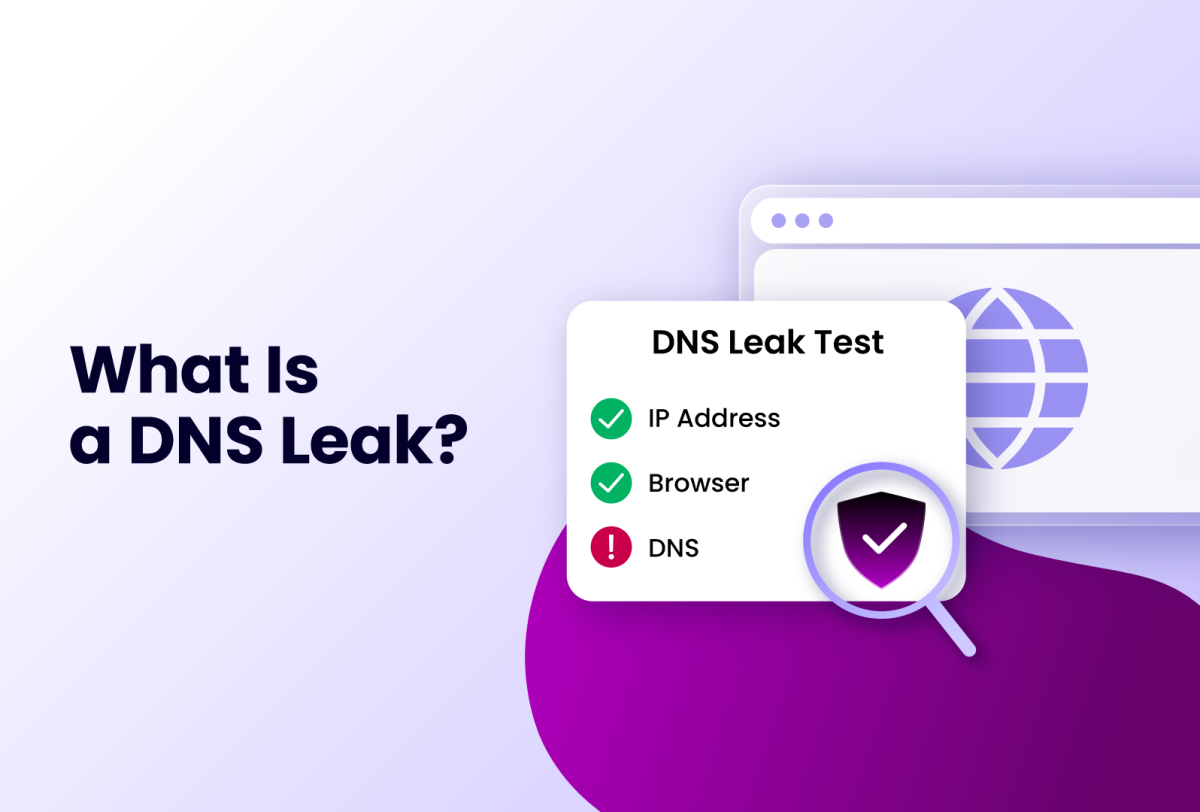
- DNS leak test – verifies which DNS servers your requests are actually using.
- IP address check – shows your public IP and geolocation.
- Proxy detection – identifies if a proxy is detected and whether it’s transparent or anonymous.
These tests are crucial for anyone using privacy tools. A single leak can undermine your entire setup.
Additional Privacy Utilities
BrowserScan also offers a port scanner, speed test, user agent parser, and 2FA live checker. These tools round out its utility for privacy testing and troubleshooting.
Practical Examples: When to Use BrowserScan
Best BrowserScan Fingerprint Detection Tool for Privacy - Practical Examples: When to Use BrowserScan.
- Before and after configuring a VPN – confirm that your IP and DNS are not leaking.
- When using an anti-detect browser – verify that your fingerprint is consistent and not revealing your real environment. For a step-by-step guide, see how to use BrowserScan with AdsPower or with Multilogin.
- For multi-account management – ensure each profile has a distinct fingerprint and no cross-contamination.
- For general privacy audits – run a quick check to see what data your browser exposes.
BrowserScan vs. Other Fingerprint Testing Tools
Several tools offer fingerprint detection, but BrowserScan stands out for its breadth of tests and ease of use. Here’s a quick comparison:
| Feature | BrowserScan | Panopticlick | Pixelscan |
|---|---|---|---|
| Fingerprint hash | ✅ | ✅ | ✅ |
| WebRTC leak test | ✅ | ❌ | ✅ |
| DNS leak test | ✅ | ❌ | ❌ |
| Proxy detection | ✅ | ❌ | ✅ |
| User agent parser | ✅ | ❌ | ❌ |
| Port scanner | ✅ | ❌ | ❌ |
| 2FA live check | ✅ | ❌ | ❌ |
For a deeper comparison, read BrowserScan vs Panopticlick and BrowserScan vs VPN Master Pro IP Checker vs Pixelscan.
How to Get Started with BrowserScan
- Open the BrowserScan website in the browser you want to test.
- Review the fingerprint summary and note any attributes that seem inconsistent with your intended setup.
- Run the leak tests (WebRTC, DNS, IP) to check for exposures.
- Use the additional tools (user agent parser, port scanner) as needed.
- Adjust your browser settings, VPN, or anti-detect browser configuration and re-test until your fingerprint is consistent and leak-free.
Related reading
- Top 10 Browser Fingerprint Detection & Privacy Testing Tools 2026 - Independent 2026 ranking of the best browser fingerprint detection and online privacy testing tools, scored on leak tests, fingerprint coverage, and usability.
- How to Use BrowserScan with AdsPower for Fingerprint Privacy - Learn how to use BrowserScan fingerprint detection with AdsPower to audit leaks, fix inconsistencies, and strengthen multi-account privacy.
- BrowserScan vs VPN Master Pro IP Checker vs Pixelscan - Compare BrowserScan, VPN Master Pro IP Checker, and Pixelscan for fingerprint detection, leak testing, and privacy diagnostics. Find the right tool for your needs.
Sources and further reading
- Top GoLogin Alternatives in 2025 - Discover the top GoLogin alternatives for 2025! Explore advanced anti-detect browsers like Kameleo for seamless multi-accounting and web scraping.
- Best GoLogin Alternatives in 2025 | Free & Paid Competitors - Check out the best alternatives and competitors to GoLogin. Find the best free and paid apps similar to GoLogin for your needs.
- GoLogin Alternatives: Unrivaled Security, Privacy & Advanced Anti-Detection | nstbrowser - Discover nstbrowser, the premier GoLogin alternative offering unparalleled security, privacy, and advanced anti-detection for your most sensitive multi-accounting and online operations
FAQ
Q: Is BrowserScan free to use? A: Yes, BrowserScan offers free online tests. Some advanced features may require a subscription, but the core fingerprint and leak tests are accessible without payment.
Q: Does BrowserScan store my data? A: BrowserScan runs tests locally in your browser where possible. Check the privacy policy on the website for details on data handling.
Q: Can BrowserScan help me avoid tracking? A: BrowserScan helps you identify what’s exposed, but it doesn’t block trackers. Use it alongside privacy extensions, VPNs, or anti-detect browsers for comprehensive protection.
Q: What is a WebRTC leak? A: WebRTC can bypass VPNs and reveal your real IP address. BrowserScan’s WebRTC leak test shows if your IP is exposed.
Q: How often should I test my browser? A: Test after changing VPN settings, browser configurations, or when using a new anti-detect profile. Regular checks help maintain privacy.
Conclusion
Your browser fingerprint is a digital signature that follows you online. BrowserScan gives you the visibility and tools to understand that signature, detect leaks, and take corrective action. Whether you’re a privacy advocate, a multi-account manager, or just someone who wants to browse without being tracked, BrowserScan is an essential addition to your privacy toolkit. Start with a free scan today and see what your browser reveals.
For more privacy tool comparisons, explore our Top 10 Browser Fingerprint Detection & Privacy Testing Tools 2026 and learn what IP data reveals about you.