
BrowserScan vs VPN Master Pro IP Checker vs Pixelscan
BrowserScan vs VPN Master Pro IP Checker vs Pixelscan
Your browser leaks more than you think. Every visit exposes a fingerprint built from your user agent, screen resolution, installed fonts, WebRTC candidates, and network details. The right diagnostic tool shows you what websites actually see, so you can fix leaks before they become a problem. This comparison puts three popular options side by side: BrowserScan, VPN Master Pro IP Checker, and Pixelscan.
Each tool approaches privacy testing from a different angle. BrowserScan focuses on deep fingerprint detection and a broad suite of network tests. VPN Master Pro IP Checker bundles a quick privacy scan with a VPN service upsell. Pixelscan emphasizes detection analysis for proxy and anti-detect browser users. Below, we break down where each one shines and where it falls short.
What Each Tool Actually Does
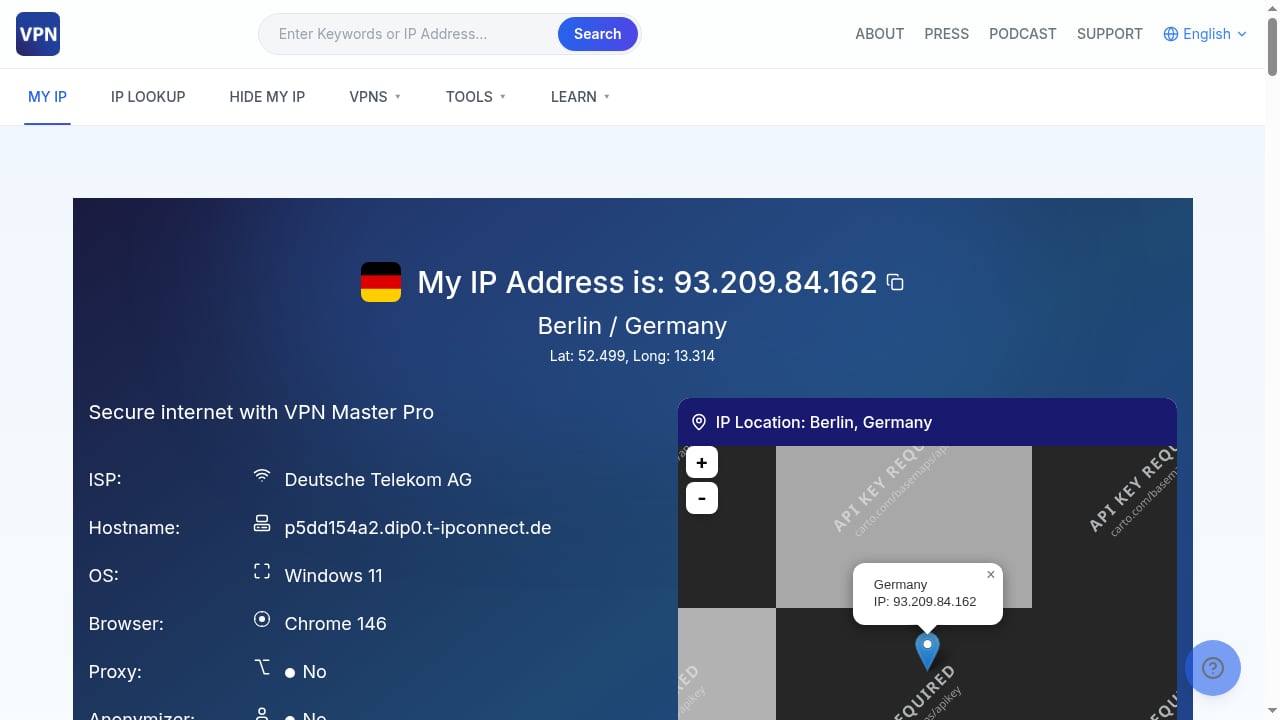
First viewport screenshot of ip.vpnmasterpro.com.
BrowserScan: Fingerprint Detection and Privacy Testing Suite
BrowserScan is built around browser fingerprint detection. It collects the signals a website can read from your browser and presents them in a readable report. Beyond fingerprinting, it includes a wide set of diagnostic utilities: DNS leak test, WebRTC leak test, IP check, proxy server detection, port scanner, speed test, user agent parser, and 2FA live checks. The goal is to give you a complete picture of your online exposure in one place.
The tool is useful for anyone who wants to understand how identifiable their browser is. If you use a VPN, proxy, or anti-detect browser, BrowserScan helps you verify that your setup is consistent and not leaking real information.
VPN Master Pro IP Checker: IP Lookup Plus Privacy Scan
VPN Master Pro IP Checker is a free web tool that instantly reveals your public IP address, geolocation (country, region, city, ZIP), ISP, hostname, operating system, and browser. It also runs extended checks for proxy, anonymizer, and blacklist status, WebRTC leaks, JavaScript/ActiveX status, and a browser fingerprint overview.
The site offers a free 60-second privacy scan that runs eight checks—IP exposure, VPN detection, WebRTC and DNS leaks, blacklists, and fingerprinting—and returns a personal privacy score. It also promotes VPN Master Pro, a VPN service with a free trial and 7,400+ servers. The tool is available in multiple languages, including Arabic, and positions itself as a suite of free, accurate, privacy-focused IP and network diagnostic tools.
Pixelscan: Detection Analysis for Proxy and Anti-Detect Users
Pixelscan is a fast multi-check tool for detection analysis. It performs browser fingerprinting, proxy detection, IP analysis, DNS leak checks, and more in one place. The tool is designed for individuals and professionals who need to verify the anonymity and consistency of their browsing environment, such as those using proxies, VPNs, or anti-detect browsers.
By running multiple checks, Pixelscan reveals whether a setup leaks information or appears suspicious to websites. The website positions Pixelscan as a complete multi-check tool for browser fingerprinting, proxy detection, IP analysis, DNS leaks, and more, with the tagline "See how detectable your setup really is." It also invites users to join the Pixelscan community on Telegram, indicating an active user base.
Feature Comparison: Where Each Tool Excels
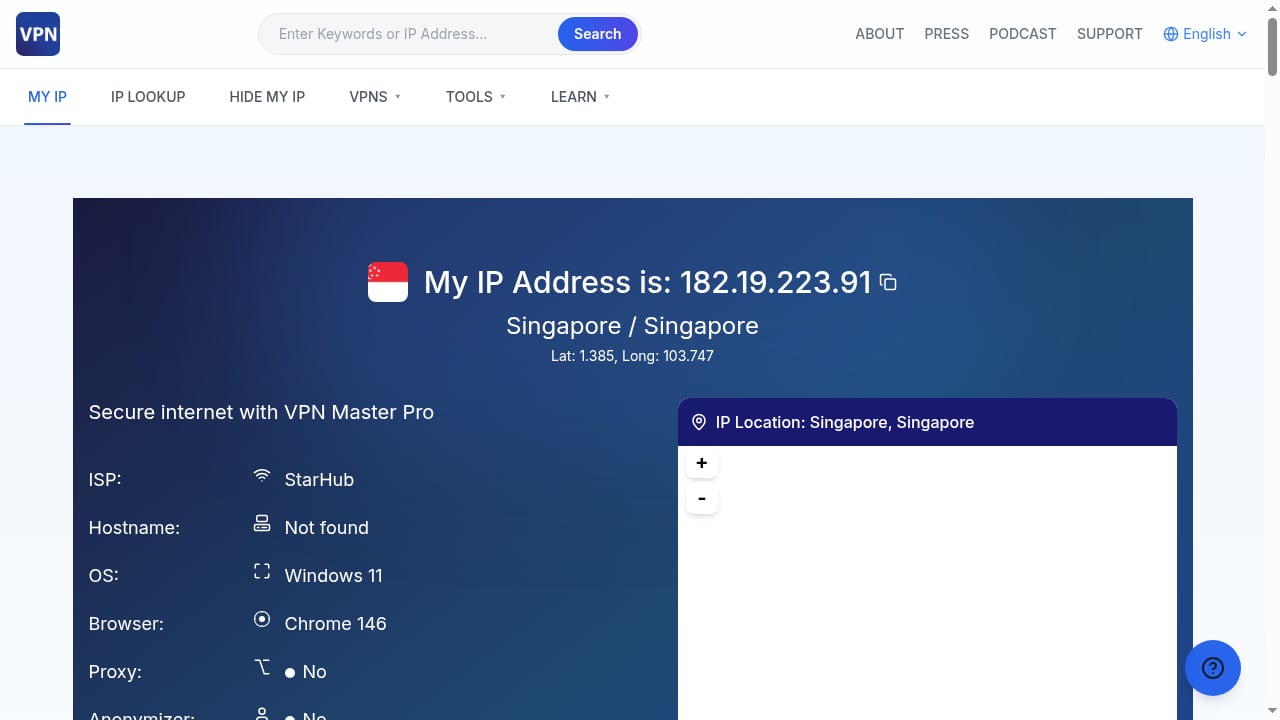
First viewport screenshot of ip.vpnmasterpro.com.
| Feature | BrowserScan | VPN Master Pro IP Checker | Pixelscan |
|---|---|---|---|
| Browser fingerprint detection | Yes, detailed | Overview only | Yes, detailed |
| IP address and geolocation | Yes | Yes | Yes |
| DNS leak test | Yes | Yes | Yes |
| WebRTC leak test | Yes | Yes | Yes |
| Proxy detection | Yes | Yes | Yes |
| Port scanner | Yes | No | No |
| Speed test | Yes | No | No |
| User agent parser | Yes | No | No |
| 2FA live check | Yes | No | No |
| Privacy score | No | Yes | No |
| VPN service integration | No | Yes | No |
| Anti-detect browser focus | Yes | No | Yes |
| Multi-language support | Limited | Yes (including Arabic) | Limited |
Fingerprint Depth
BrowserScan and Pixelscan both offer detailed fingerprint detection. BrowserScan presents a comprehensive breakdown of the signals your browser exposes, making it easier to spot inconsistencies. Pixelscan also provides a thorough fingerprint analysis, with a focus on how detectable your setup appears to websites. VPN Master Pro IP Checker includes a fingerprint overview, but it is less granular than the other two.
If your priority is understanding exactly which fingerprint attributes are unique or suspicious, BrowserScan and Pixelscan are the stronger choices. BrowserScan's additional tools—like the user agent parser and port scanner—give you more ways to investigate anomalies.
Leak Testing
All three tools cover the essentials: DNS leaks, WebRTC leaks, and proxy detection. BrowserScan includes these tests alongside its fingerprint detection, so you can correlate a leak with a specific fingerprint attribute. VPN Master Pro IP Checker bundles leak checks into its 60-second privacy scan, which is convenient for a quick overview. Pixelscan also includes DNS leak checks and proxy detection as part of its multi-check analysis.
For users who want a single dashboard that combines leak testing with deep fingerprint inspection, BrowserScan offers a cohesive experience. VPN Master Pro IP Checker is ideal if you prefer a guided scan with a score at the end.
Additional Diagnostics
BrowserScan stands out with its extra utilities: port scanner, speed test, user agent parser, and 2FA live check. These are useful for developers, security professionals, and anyone who wants to go beyond basic privacy checks. For example, the port scanner can reveal open ports that might expose services on your machine, while the user agent parser helps you understand how your browser identifies itself.
VPN Master Pro IP Checker focuses on IP and network diagnostics, with blacklist checks and anonymizer detection. Pixelscan concentrates on detection analysis, helping you see if your proxy or anti-detect setup looks suspicious. Neither offers the same breadth of ancillary tools as BrowserScan.
Ease of Use and Reporting
VPN Master Pro IP Checker is arguably the most beginner-friendly. Its 60-second privacy scan returns a personal privacy score, which is easy to interpret. The tool is available in multiple languages, making it accessible to a wider audience.
Pixelscan is designed for users who already understand proxies and anti-detect browsers. Its reports are detailed but may require some technical knowledge to interpret. BrowserScan strikes a balance: the interface is straightforward, but the depth of data rewards users who know what to look for. The fingerprint report is well-organized, and the additional tools are clearly separated.
Privacy and Data Handling
All three tools are web-based, meaning you run tests in your browser. BrowserScan and Pixelscan are positioned as diagnostic tools without a bundled VPN service. VPN Master Pro IP Checker promotes its own VPN service, which is a consideration if you prefer a tool that is purely diagnostic. That said, the VPN promotion does not affect the free scan's functionality.
When to Choose Each Tool
First viewport screenshot of ip.vpnmasterpro.com.
Choose BrowserScan If...
- You want the most comprehensive fingerprint detection combined with a broad suite of network and privacy tests.
- You need extra utilities like a port scanner, speed test, or user agent parser.
- You are auditing an anti-detect browser setup and need to correlate fingerprint data with leak tests.
- You prefer a tool that is not tied to a VPN service.
Choose VPN Master Pro IP Checker If...
- You want a quick, guided privacy scan with a simple score.
- You need IP geolocation and ISP details in a clear format.
- You value multi-language support, including Arabic.
- You are also interested in a VPN service with a free trial and a large server network.
Choose Pixelscan If...
- Your primary concern is how detectable your proxy or anti-detect browser setup is.
- You want a fast multi-check tool focused on detection analysis.
- You are comfortable interpreting technical reports and want to verify anonymity.
Practical Example: Auditing a Proxy Setup
First viewport screenshot of ip.vpnmasterpro.com.
Suppose you are using a residential proxy with an anti-detect browser and want to ensure your setup is consistent. Here is how each tool helps:
BrowserScan: Run the fingerprint test to see your browser's fingerprint. Then check the WebRTC and DNS leak tests to ensure your real IP is not exposed. Use the proxy detection tool to confirm your proxy is recognized correctly. The user agent parser helps you verify that your user agent matches the proxy's expected profile.
VPN Master Pro IP Checker: Run the 60-second privacy scan. Review the privacy score and check the detailed IP information. The scan will flag any leaks or blacklist issues. This is a quick way to get an overall assessment.
Pixelscan: Run the multi-check analysis. Review the fingerprint and proxy detection results to see if your setup appears suspicious. Pixelscan's focus on detectability helps you understand if websites might flag your browser.
For a deeper dive into fingerprint detection with anti-detect browsers, see our guide on how to use BrowserScan fingerprint detection with Multilogin.
Understanding the Limits of Each Tool
No diagnostic tool can guarantee anonymity. These tools show you what your browser exposes, but they cannot fix misconfigurations automatically. BrowserScan provides detailed data, but you need to interpret it and take action. VPN Master Pro IP Checker's privacy score is a useful summary, but it may oversimplify complex leaks. Pixelscan's detection analysis is valuable, but it focuses on detectability rather than comprehensive privacy auditing.
Additionally, browser fingerprinting is an evolving field. New detection techniques emerge regularly, and tools must update their checks accordingly. It is wise to use more than one tool to cross-check results. For a broader comparison, read our BrowserScan vs Panopticlick vs Pixelscan analysis.
Related reading
- BrowserScan vs Panopticlick: Best Fingerprint Detection Tool - Compare BrowserScan and Panopticlick for browser fingerprint detection. See which tool better protects your online privacy with leak tests, DNS checks, and risk scores.
- WebBrowserTools Review: Browser Privacy Tools & Limits - An evidence-based WebBrowserTools review covering its browser privacy tools, ideal users, strengths, limitations, pricing signals, and setup effort.
- Top 10 IP Lookup & Online Privacy Tools for 2026 - Independent 2026 ranking of the best IP address lookup and online privacy tools, scored on accuracy, leak testing, fingerprinting defense, and ease of use.
Sources and further reading
- TOP 10 Best Anti-Detect Browsers in 2026: Ranking & How to Choose - Modern realities of the internet require increased attention to privacy and data protection. Anti-detect browsers have become an essential tool for those ...
- Blog - IPOasis - IPOasis's blog is your go-to resource for gaining expertise in proxy usage across various use cases. Explore and educate yourself on different proxy types, networks, and their practical applications. Dive into the world of proxies and discover their relevance in a wide range of scenarios.
- Top 10 Unblocked Browsers in 2026 for Secure and Unrestricted Browsing - Discover the top 10 unblocked browsers for secure and unrestricted browsing, designed to protect your privacy and bypass restrictions.
FAQ
What is browser fingerprint detection?
Browser fingerprint detection is the process of collecting information that a website can read from your browser—such as user agent, screen resolution, fonts, and WebRTC data—to create a unique identifier. Tools like BrowserScan, VPN Master Pro IP Checker, and Pixelscan help you see this fingerprint so you can assess your privacy.
Which tool is best for testing a VPN or proxy?
All three tools can test VPN and proxy setups. BrowserScan offers the most comprehensive set of tests, including DNS and WebRTC leaks, proxy detection, and fingerprint analysis. VPN Master Pro IP Checker provides a quick privacy score. Pixelscan focuses on detectability, which is useful for anti-detect browser users.
Can these tools hide my IP address?
No. These are diagnostic tools, not VPNs or proxies. They reveal your IP address and other data. To hide your IP, you need a VPN or proxy service. VPN Master Pro IP Checker promotes its own VPN service, but the tool itself does not hide your IP.
Is BrowserScan free?
BrowserScan offers free fingerprint detection and privacy tests. Some advanced features may have limitations, but the core tests are accessible without payment.
How often should I run a privacy check?
Run a check whenever you change your browser configuration, VPN, proxy, or anti-detect browser setup. Regular checks—monthly, for example—can help you catch new leaks or fingerprint changes.
Conclusion
BrowserScan, VPN Master Pro IP Checker, and Pixelscan each serve different needs. BrowserScan is the most comprehensive for fingerprint detection and privacy testing, with a wide array of diagnostic tools. VPN Master Pro IP Checker is ideal for a quick, guided privacy scan with a score, and it appeals to users who want a VPN service bundled. Pixelscan excels at detection analysis for proxy and anti-detect browser users.
Your choice depends on your goals. If you want depth and breadth in one place, BrowserScan is the strongest option. If you prefer simplicity and a privacy score, VPN Master Pro IP Checker works well. If you need to know how detectable your setup is, Pixelscan is a solid pick. Whichever you choose, regular testing is key to maintaining your online privacy.
For more on IP data and privacy, see our article on what IP data reveals and how to protect privacy.