
BrowserScan vs Panopticlick: Best Fingerprint Detection Tool
BrowserScan vs Panopticlick: Which Fingerprint Detection Tool Better Protects Your Privacy?
Your browser leaks more than you think. Every visit reveals details about your device, network, and configuration that trackers can combine into a unique fingerprint. Two tools often come up when you search for a fingerprint detection solution: BrowserScan and Panopticlick. Both help you see what you expose, but they serve different purposes. This comparison breaks down their strengths, weaknesses, and ideal use cases so you can choose the right one for your privacy workflow.
What Is Browser Fingerprint Detection?
Browser fingerprinting collects dozens of signals—user agent, screen resolution, installed fonts, canvas and WebGL rendering, timezone, IP address, and more—to identify your browser without cookies. A fingerprint detection tool shows you exactly what a website can see and how unique you are among other visitors. That information helps you test whether your VPN, anti-detect browser, or privacy extensions are actually working.
BrowserScan: A Comprehensive Privacy Testing Suite
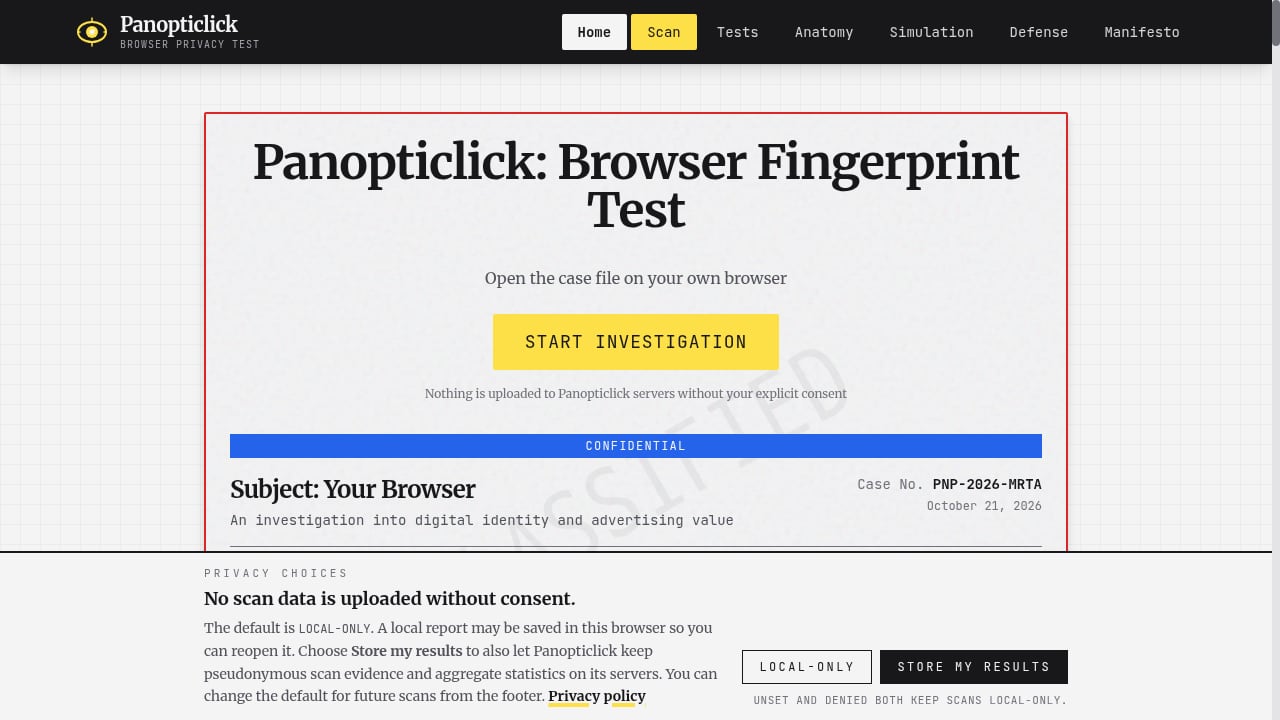
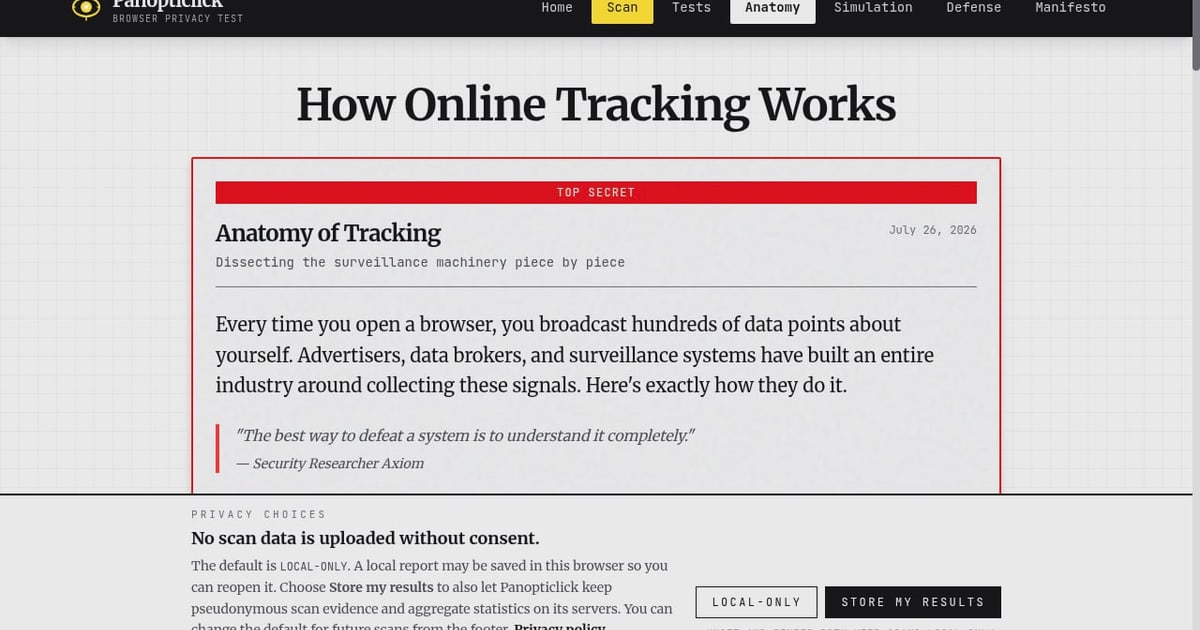
First viewport screenshot of Panopticlick: Browser Fingerprint Test.
BrowserScan is a free online tool that goes beyond basic fingerprinting. It provides a detailed report of your browser fingerprint along with a suite of privacy and security checks:
- DNS leak test: Confirms whether your DNS requests are leaking outside your VPN tunnel.
- WebRTC leak test: Detects if your real IP address is exposed through WebRTC.
- Proxy server detection: Shows whether a proxy is detected and how it affects your fingerprint.
- IP address check: Displays your public IP and related geolocation data.
- 2FA live check: Verifies whether two-factor authentication is active on your accounts.
- Port scanner: Identifies open ports that could be exploited.
- Speed test: Measures connection performance.
- User agent parser: Breaks down your user agent string into readable components.
- Browser checker: Highlights outdated or insecure browser configurations.
BrowserScan presents results in a clear, actionable dashboard. It is designed for both everyday privacy-conscious users and professionals managing multiple accounts or testing anti-detect browsers. The tool is free to use and regularly updated to reflect current fingerprinting techniques.
Supported Advantages of BrowserScan
- All-in-one privacy testing: Fingerprint detection plus leak tests, proxy checks, and security scans in one place.
- Actionable reports: Results are easy to interpret, with risk indicators and recommendations.
- Multi-account and anti-detect testing: Helps verify that browser profiles are properly isolated and not leaking signals.
- Free and accessible: No paywall for core features.
- Regular updates: Keeps pace with evolving tracking methods.
Supported Weaknesses of BrowserScan
- Less educational depth: While it shows what is exposed, it offers fewer deep-dive explanations of tracking mechanisms compared to research-oriented platforms.
- No AdTech simulation: It does not simulate real-time bidding or cookie syncing labs.
Panopticlick: A Research and Education Platform
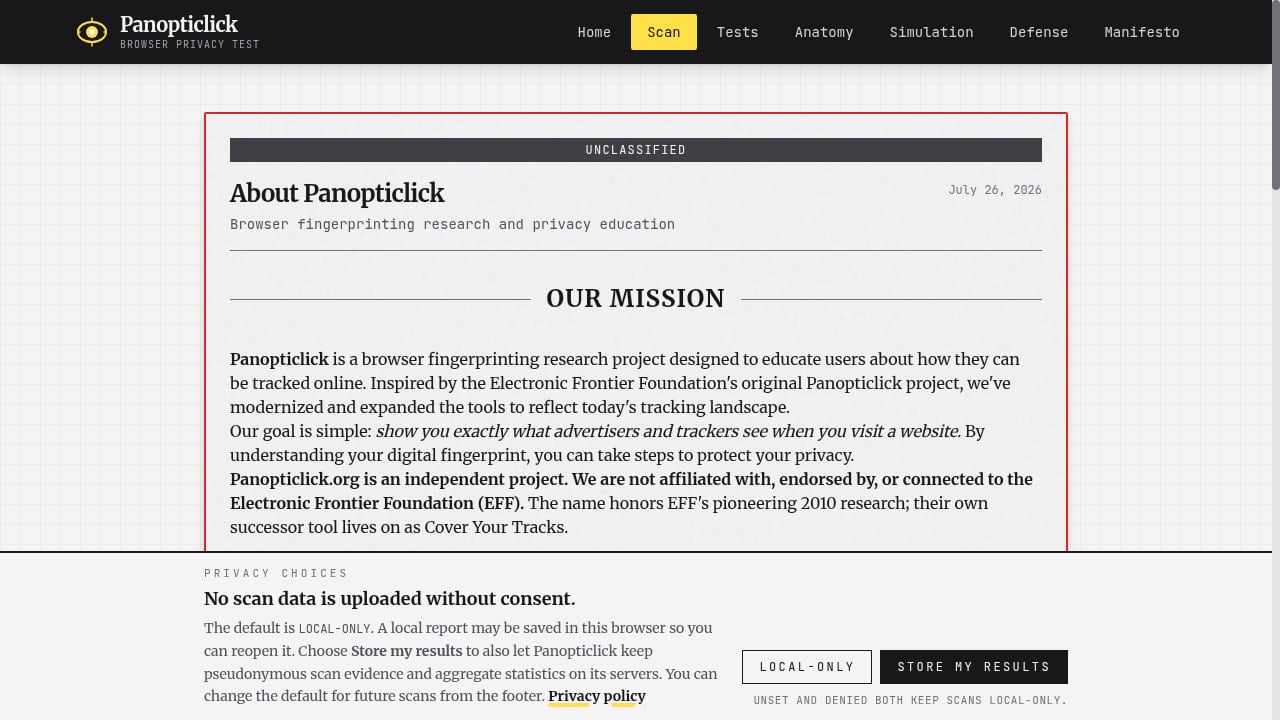
First viewport screenshot of About Panopticlick.
Panopticlick is an independent browser fingerprinting research project and privacy education platform inspired by EFF's original work. It offers free tools to test browser fingerprint uniqueness, simulate AdTech tracking mechanisms, and provide practical privacy defenses. The site targets privacy-conscious individuals, researchers, and activists.
Key features include:
- Browser fingerprint scanner: Reveals exposed signals like canvas, WebGL, audio, fonts, and hardware details, along with uniqueness measured in bits of entropy.
- AdTech simulation lab: Demonstrates real-time bidding auctions, cookie syncing, and CNAME cloaking.
- Privacy tests: WebRTC leaks, DNS leaks, ad blocker effectiveness, and HSTS supercookies.
- Educational deep dives: Explains tracking anatomy and the AdTech industry.
Panopticlick's value proposition centers on empowering users to deconstruct their digital shadow and defend against surveillance capitalism. It models its analysis on published research with cited sources and highlights the scale of the AdTech industry.
Supported Advantages of Panopticlick
- Strong educational focus: Deep explanations of how tracking works, including AdTech simulations.
- Research-backed: Uses published research and entropy measurements.
- Unique AdTech lab: Simulates real-time bidding and cookie syncing, which few tools offer.
Supported Weaknesses of Panopticlick
- Narrower practical testing: Fewer integrated security checks (e.g., no port scanner, speed test, or 2FA check).
- Less actionable for multi-account management: Does not focus on verifying anti-detect browser profiles or proxy consistency.
- Interface geared toward education: May be less intuitive for users who want quick, actionable leak reports.
Head-to-Head Comparison
| Feature | BrowserScan | Panopticlick |
|---|---|---|
| Fingerprint detection | Yes, detailed | Yes, with entropy score |
| DNS leak test | Yes | Yes |
| WebRTC leak test | Yes | Yes |
| Proxy detection | Yes | Limited |
| Port scanner | Yes | No |
| Speed test | Yes | No |
| 2FA live check | Yes | No |
| User agent parser | Yes | No |
| AdTech simulation | No | Yes |
| Educational deep dives | Limited | Extensive |
| Multi-account testing focus | Yes | No |
| Free | Yes | Yes |
When to Choose BrowserScan
Choose BrowserScan if you want a practical, all-in-one privacy testing tool that helps you:
- Verify that your VPN or proxy is not leaking DNS or WebRTC data.
- Test anti-detect browser profiles for consistency before using them for multi-account management.
- Quickly scan for open ports and browser vulnerabilities.
- Get clear, actionable results without digging through research papers.
For a deeper comparison with other tools, see our BrowserScan vs Panopticlick vs Pixelscan analysis.
When to Choose Panopticlick
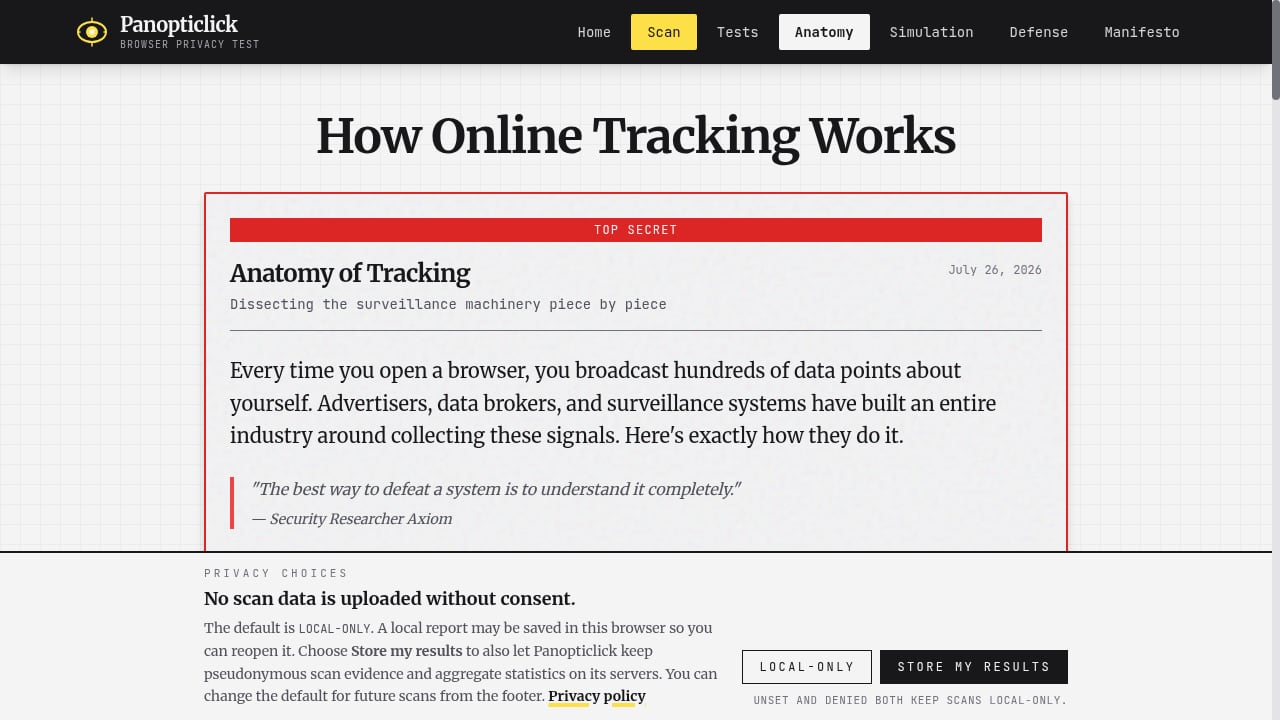
First viewport screenshot of How Online Tracking Works - Anatomy of Browser Surveillance.
Choose Panopticlick if you are:
- A researcher or privacy advocate who wants to understand the mechanics of online tracking.
- Interested in AdTech simulations and the economics of surveillance capitalism.
- Looking for educational content alongside basic fingerprint and leak tests.
Practical Example: Testing a VPN Setup
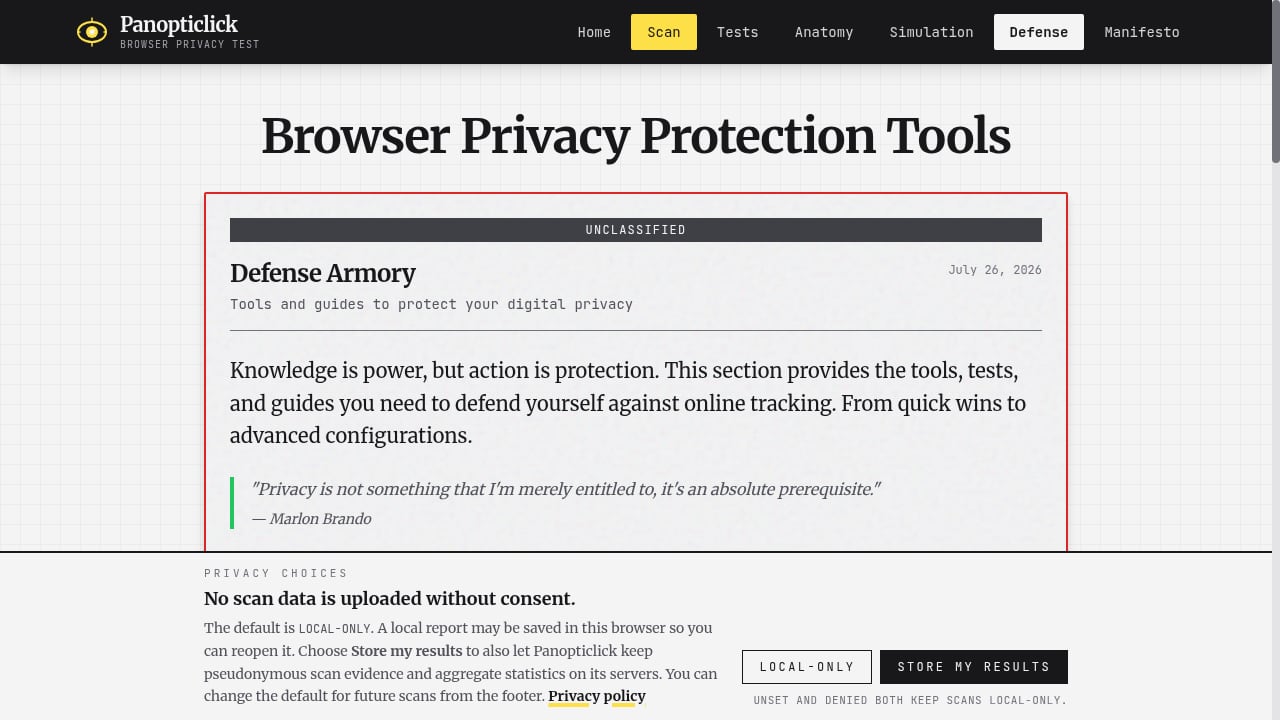
First viewport screenshot of Browser Privacy Protection Tools - Defense Armory.
Suppose you configure a VPN and want to confirm it protects your privacy. With BrowserScan, you can run a DNS leak test, WebRTC leak test, and fingerprint scan in one session. The dashboard will flag any leaks and show whether your IP address is masked. Panopticlick will also test for leaks and show your fingerprint uniqueness, but it won't check for open ports or proxy detection consistency. For a quick security audit, BrowserScan provides more coverage.
Related reading
- WebBrowserTools Review: Browser Privacy Tools & Limits - An evidence-based WebBrowserTools review covering its browser privacy tools, ideal users, strengths, limitations, pricing signals, and setup effort.
- How to Use BrowserScan Fingerprint Detection with Multilogin - Learn how to pair BrowserScan fingerprint detection with Multilogin anti-detect browser profiles to audit leaks, fix inconsistencies, and protect online privacy.
Sources and further reading
- Top 10 Browser Fingerprint Test Tools in 2025 - Discover the top 10 browser fingerprint test tools in 2025 to check your online identity exposure. Compare free & paid options like BrowserScan, BrowserLeaks, Whoer.net, and more to protect privacy, m
- The top browser fingerprinting checkers to protect your data privacy - Check with these top websites to view eyour browser fingerprint and see if you are being uniquely tracked across the web.
- Best Anti-Fingerprinting Browsers in 2026: Tested & Compared - Discover how anti-fingerprinting browsers work. Compare Brave, Tor, and GoLogin's profile isolation against advanced browser fingerprinting and tracking.
FAQ
Is BrowserScan free?
Yes, BrowserScan offers free access to its core fingerprint detection and privacy testing tools.
Does Panopticlick still exist?
Panopticlick is an independent research project inspired by EFF's original work. EFF's original tool has been succeeded by Cover Your Tracks, but Panopticlick continues as a separate educational platform.
Can BrowserScan detect if I'm using a VPN?
BrowserScan includes proxy server detection and IP checks that can indicate VPN or proxy usage. It also tests for DNS and WebRTC leaks that may reveal your real IP.
Which tool is better for anti-detect browser testing?
BrowserScan is better suited for anti-detect browser testing because it provides comprehensive fingerprint and leak reports designed to verify profile isolation. Panopticlick focuses more on education and uniqueness measurement.
Does Panopticlick simulate AdTech tracking?
Yes, Panopticlick includes an AdTech simulation lab that demonstrates real-time bidding, cookie syncing, and CNAME cloaking.
Conclusion
Both BrowserScan and Panopticlick are valuable tools, but they serve different needs. BrowserScan excels as a practical, all-in-one privacy testing suite with actionable leak detection and multi-account verification. Panopticlick shines as an educational platform for understanding tracking mechanisms and AdTech. For most users seeking to improve their online privacy security and verify their defenses, BrowserScan offers a more comprehensive and actionable solution. For researchers and privacy advocates, Panopticlick provides deeper context. Consider using both: BrowserScan for routine security checks and Panopticlick for learning how tracking works.
To explore more privacy tools, check out our Top 10 IP Lookup & Online Privacy Tools for 2026 and learn what IP data reveals about you.