
BrowserScan vs Panopticlick vs Pixelscan: Fingerprint Test
BrowserScan vs Panopticlick vs Pixelscan: Which Fingerprint Detection Tool Fits Your Needs?
Your browser leaks more than you think. Canvas rendering, WebGL details, installed fonts, time zone, and network configuration can combine into a fingerprint that follows you across sites. Tools like BrowserScan, Panopticlick, and Pixelscan each help you see that exposure, but they serve different purposes. This comparison breaks down what each does well so you can choose the right one for your privacy workflow.
What Each Tool Actually Does
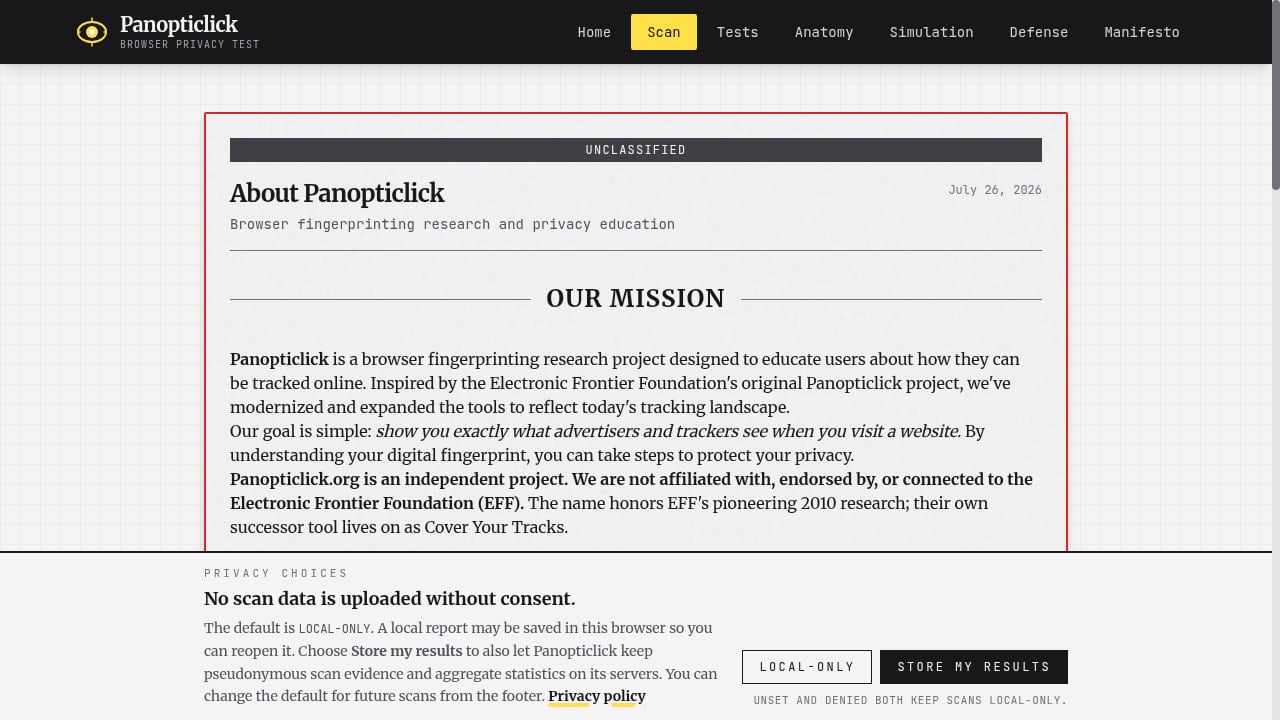
First viewport screenshot of About Panopticlick.
BrowserScan: Fingerprint Detection and Leak Testing
BrowserScan is a fingerprint detection and online privacy testing tool. It checks your browser fingerprint and runs a range of diagnostics: DNS leak test, WebRTC leak test, proxy server detection, IP check, browser checker, port scanner, speed test, user agent parsing, and 2FA live checks. The goal is to show whether your setup leaks information and to help you fix it.
Panopticlick: Privacy Education and Research
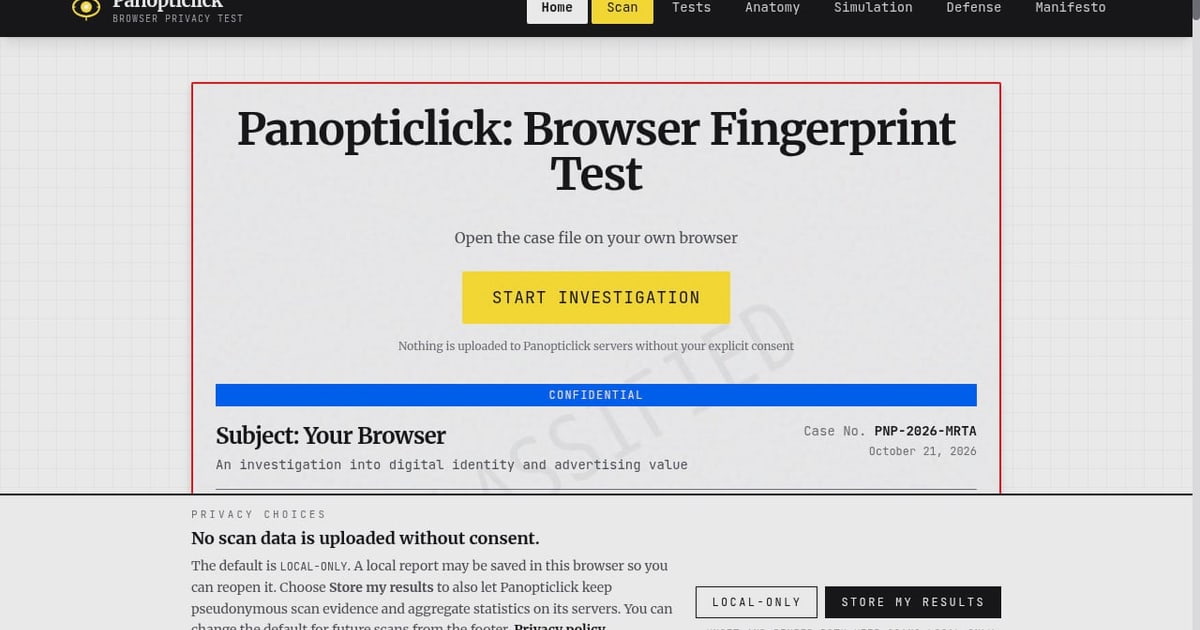
Panopticlick is an independent browser fingerprinting research project and privacy education platform inspired by the EFF's original work. It offers a fingerprint scanner that reveals signals like canvas, WebGL, audio, fonts, and hardware details, and it measures uniqueness in bits of entropy. It also includes an AdTech simulation lab demonstrating real-time bidding, cookie syncing, and CNAME cloaking, plus privacy tests for WebRTC leaks, DNS leaks, ad blocker effectiveness, and HSTS supercookies. The site emphasizes education, with deep dives into tracking anatomy and a manifesto declaring privacy as a human right.
Pixelscan: Detection Consistency Analysis
Pixelscan is a fast multi-check tool for detection analysis. It performs browser fingerprinting, proxy detection, IP analysis, DNS leak checks, and more in one place. Its tagline, "See how detectable your setup really is," reflects its focus on consistency: it reveals whether your fingerprint, IP, and other signals match or appear suspicious. It is designed for individuals and professionals who use proxies, VPNs, or anti-detect browsers and need to verify that their environment looks coherent.
Comparison Criteria
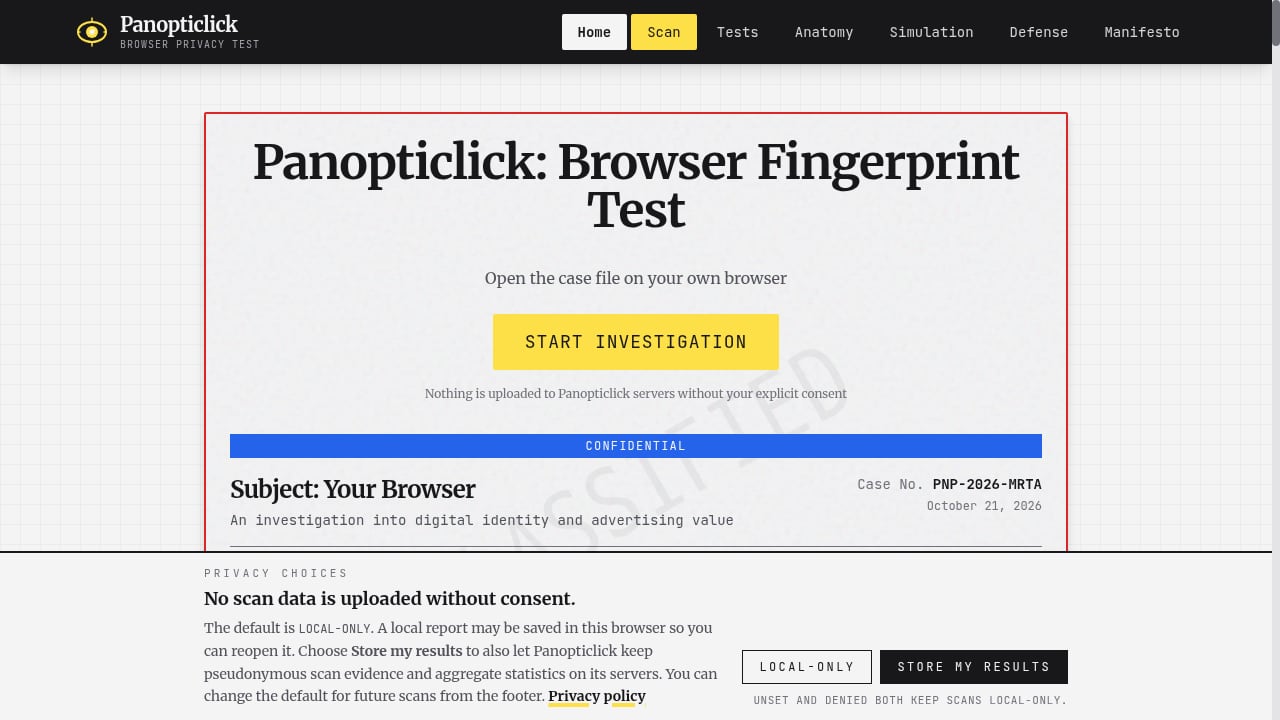
First viewport screenshot of Panopticlick: Browser Fingerprint Test.
Fingerprint Signal Coverage
All three tools inspect core fingerprint signals. Panopticlick provides a detailed breakdown of canvas, WebGL, audio, fonts, and hardware, and expresses uniqueness in bits of entropy. Pixelscan checks whether signals are consistent with each other. BrowserScan also covers fingerprint detection and adds a broader diagnostic suite beyond the fingerprint itself.
Leak and Network Diagnostics
BrowserScan stands out here with a dedicated set of network and privacy tests: DNS leak test, WebRTC leak test, proxy server detection, port scanner, and IP check. Panopticlick includes WebRTC and DNS leak tests along with ad blocker effectiveness and HSTS supercookie checks. Pixelscan includes proxy detection, IP analysis, and DNS leak checks. If you need port scanning or speed testing alongside fingerprint analysis, BrowserScan is the more complete option.
Educational Depth
Panopticlick is the strongest choice for learning. Its AdTech simulation lab and tracking anatomy deep dives explain how surveillance capitalism works in practice. BrowserScan and Pixelscan are more action-oriented: they show you results and diagnostics rather than long-form education.
Consistency and Detectability Analysis
Pixelscan excels at showing whether your setup looks suspicious. It is particularly useful for users of proxies, VPNs, or anti-detect browsers who need to confirm that their fingerprint and IP align. BrowserScan also provides proxy server detection and leak tests, but Pixelscan's focus on detectability makes it a strong complement for anti-detect workflows.
Ease of Use and Speed
Pixelscan is designed as a fast multi-check tool, making it convenient for quick verification. BrowserScan offers a broad suite in one place, which can save time when you need multiple diagnostics. Panopticlick is more research-oriented and may require more interpretation.
When to Choose Each Tool
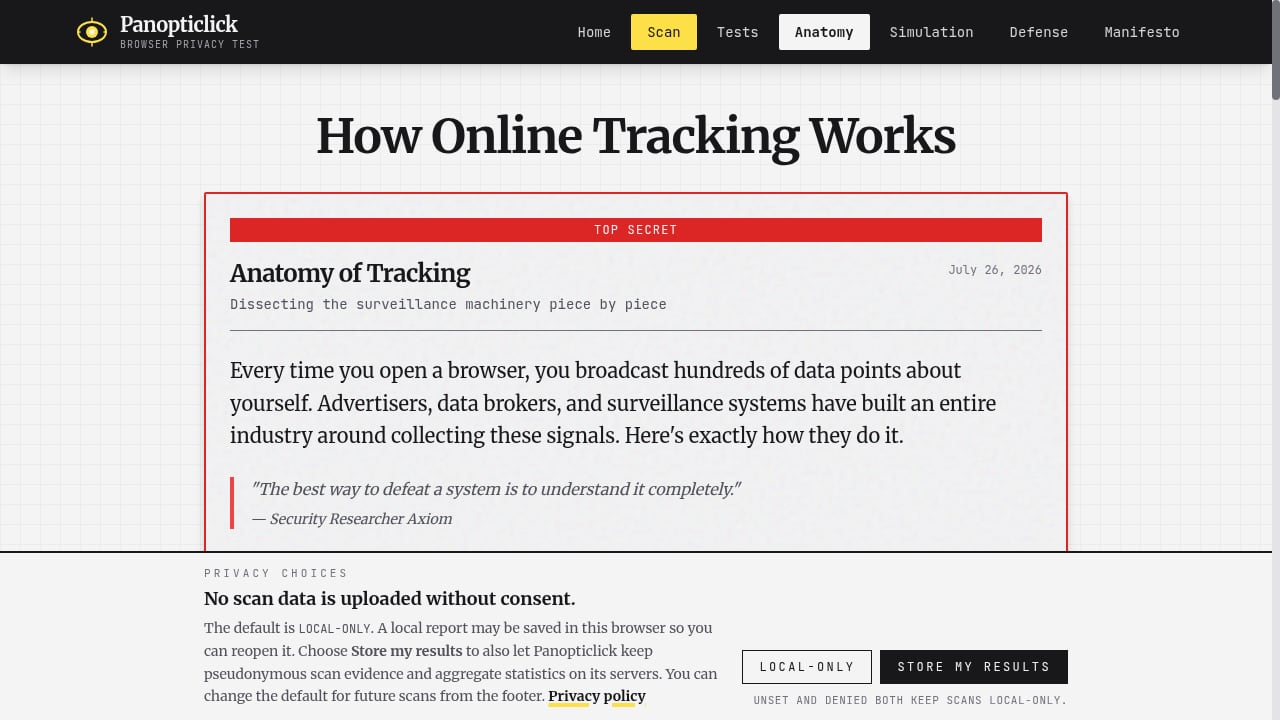
First viewport screenshot of How Online Tracking Works - Anatomy of Browser Surveillance.
- Choose BrowserScan if you want a single tool that combines fingerprint detection with DNS leak tests, WebRTC leak tests, proxy detection, port scanning, and other diagnostics to improve your online privacy security.
- Choose Panopticlick if you want to understand tracking mechanisms deeply, explore AdTech simulations, and learn about privacy defenses.
- Choose Pixelscan if you need a quick consistency check for a proxy, VPN, or anti-detect browser setup and want to see how detectable it is.
For a deeper comparison of BrowserScan with another tool, see our BrowserScan vs IPhey comparison. If you are testing regional configurations, our guide to regional website testing with BrowserScan shows how location leaks appear.
Practical Example: Auditing a Proxy Setup
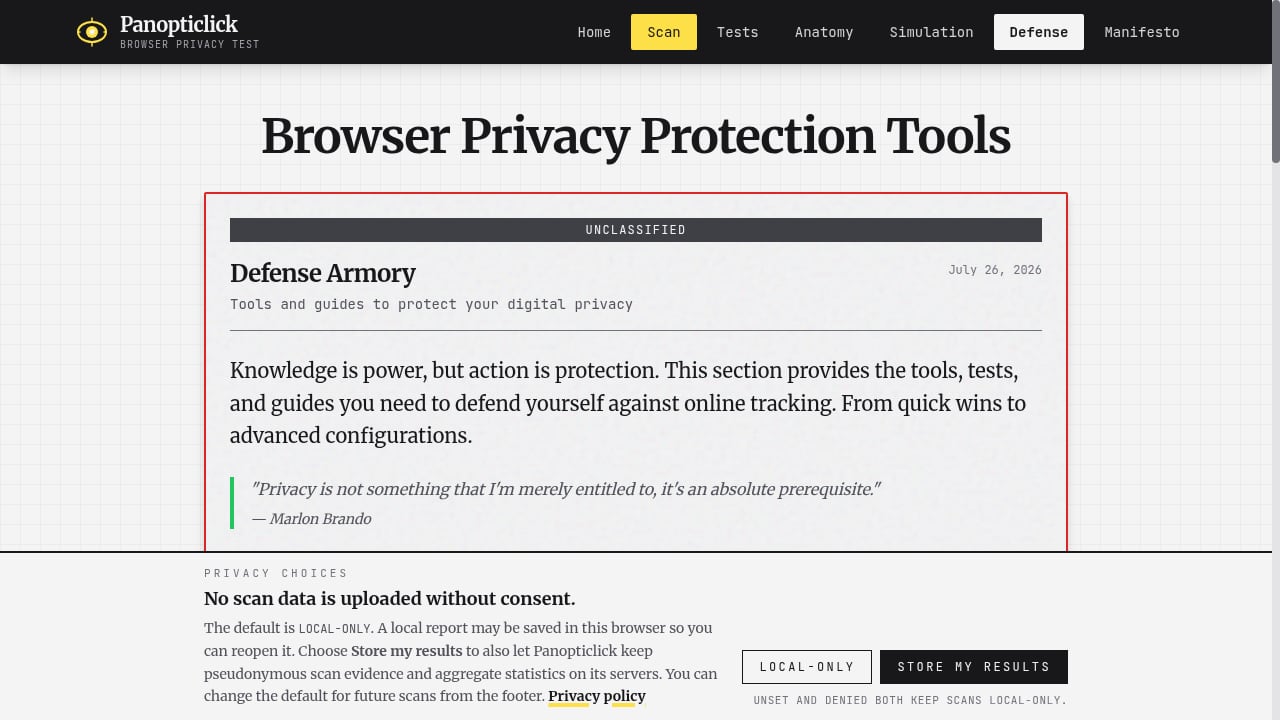
First viewport screenshot of Browser Privacy Protection Tools - Defense Armory.
Suppose you use a VPN and want to verify it is not leaking. Start with BrowserScan's DNS leak test and WebRTC leak test to confirm your real IP is hidden. Then check the fingerprint section to see if your browser signals are consistent. Run Pixelscan to cross-check detectability and ensure your proxy, timezone, and fingerprint align. Finally, use Panopticlick to understand which signals are most unique and why they matter. This layered approach gives you both immediate diagnostics and long-term awareness.
Related reading
- Fingerprint Device Intelligence Review: Accuracy, Pricing, Limits - Evidence-based Fingerprint review covering visitor ID accuracy, Smart Signals, fraud and bot use cases, pricing signals, setup effort, and limitations.
Sources and further reading
- Best Anti-Fingerprinting Browsers in 2026: Tested & Compared - Discover how anti-fingerprinting browsers work. Compare Brave, Tor, and GoLogin's profile isolation against advanced browser fingerprinting and tracking.
- Browser Fingerprint Test Tools Compared (2026) - Browser fingerprint test tools compared: what Cover Your Tracks, AmIUnique, BrowserLeaks and CreepJS measure, who runs them and where their limits are.
- Top Antidetect Browser Features You Need to Know for Better Privacy - Discover essential antidetect browser features that enhance your online privacy. Learn how to browse securely and protect your data—read the article now!
FAQ
Is Panopticlick the same as Cover Your Tracks?
Panopticlick was the original name of the EFF's project, which was later renamed Cover Your Tracks. The Panopticlick platform described here is an independent research and education project inspired by that work.
Can BrowserScan replace Panopticlick?
No. BrowserScan focuses on detection and leak testing, while Panopticlick emphasizes education and research. They serve different purposes and can be used together.
Does Pixelscan check DNS leaks?
Yes, Pixelscan includes DNS leak checks along with fingerprinting, proxy detection, and IP analysis.
Which tool is best for anti-detect browser users?
Pixelscan is particularly useful for verifying consistency in anti-detect setups. BrowserScan's proxy detection and leak tests are also valuable for confirming that no information leaks.
Do these tools store my data?
Each tool has its own privacy policy. Review them before testing, especially if you are concerned about data collection.
Conclusion
BrowserScan, Panopticlick, and Pixelscan each address a different part of browser privacy. BrowserScan offers a comprehensive detection and leak-testing suite for users who want to secure their setup. Panopticlick provides unmatched educational depth for understanding tracking. Pixelscan delivers fast consistency checks for proxy and anti-detect environments. Use them together for the most complete picture of your online exposure.
For a broader look at device intelligence tools, see our Top 10 Device Intelligence & Detection Software 2026.
External references: