
BrowserScan vs IPhey: Best Fingerprint Detection Tool
BrowserScan vs IPhey: Which Fingerprint Detection Tool Better Protects Your Privacy?
Your browser leaves a trail of signals every time you visit a website—screen size, fonts, timezone, IP address, and dozens more. Together, these form a fingerprint that can track you even in incognito mode. Tools like BrowserScan and IPhey promise to reveal what websites see and help you plug leaks. But they take different approaches. This article compares BrowserScan’s fingerprint detection suite with IPhey’s real-time analysis, so you can choose the one that fits your privacy workflow.
What Each Tool Does
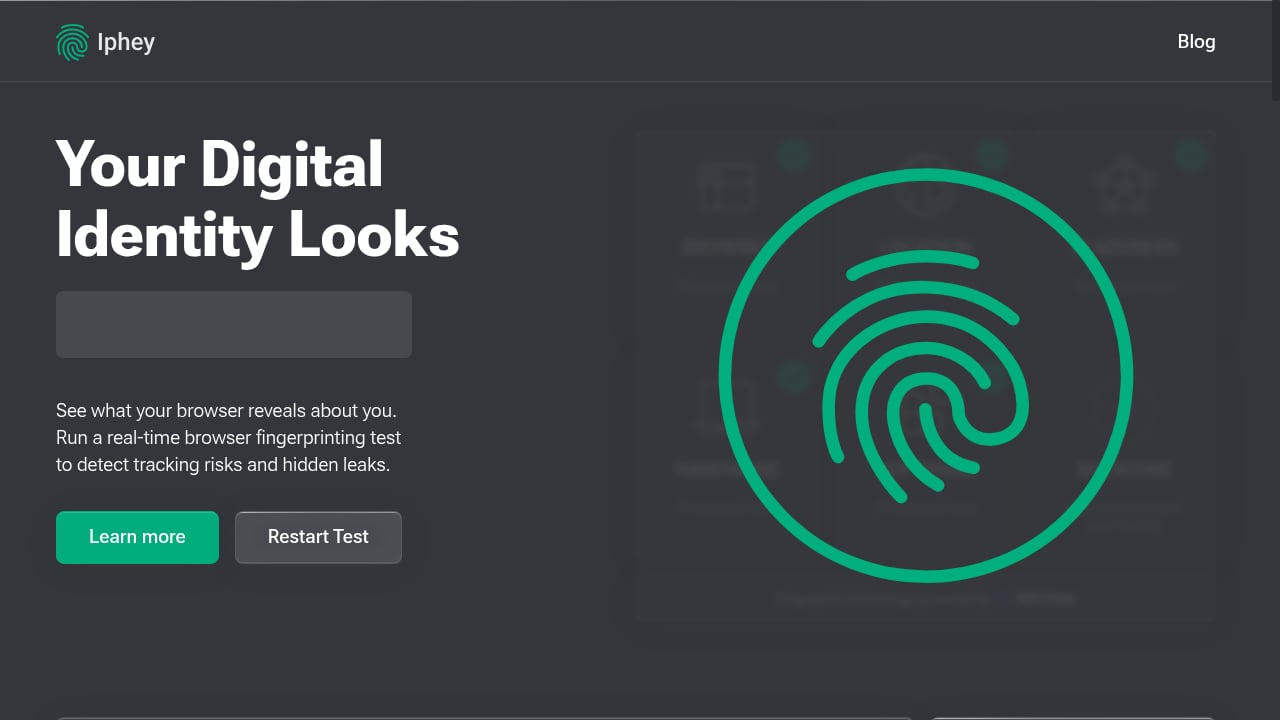
First viewport screenshot of iphey.com.
BrowserScan: A Multi-Tool Privacy Dashboard
BrowserScan is a browser fingerprint detection and online privacy testing platform. It shows you the exact data websites collect—from canvas and WebGL fingerprints to hardware details and network leaks. Beyond fingerprinting, it bundles a DNS leak test, WebRTC leak test, proxy server detection, port scanner, speed test, user agent parser, and even a live 2FA code generator. The goal is to give you a one-stop shop for checking how exposed you are and fixing issues.
IPhey: Real-Time Fingerprinting with an MX Score
IPhey is a browser fingerprinting and privacy analysis platform. It analyzes browser settings, location, IP address, hardware, and software to generate a fingerprint and an MX Score—a trustworthiness rating. It also offers a full fingerprint check, IP leak test, VPN checker, WebRTC leak detection, and bot detection with risk scoring. IPhey positions itself as a user-friendly alternative to tools like BrowserLeaks and BrowserScan, with summary scores and actionable insights. Its blog covers fingerprinting techniques, anti-detect solutions, and privacy best practices, making it an educational hub for traffic arbitrage professionals and security researchers.
Head-to-Head Comparison
First viewport screenshot of iphey.com.
| Feature | BrowserScan | IPhey |
|---|---|---|
| Fingerprint authenticity score | Yes | Yes (MX Score) |
| DNS leak test | Yes | Not listed |
| WebRTC leak test | Yes | Yes |
| Proxy server detection | Yes | Yes (VPN checker) |
| Port scanner | Yes | No |
| Speed test | Yes | No |
| User agent parser | Yes | Not listed |
| 2FA live code generator | Yes | No |
| Bot detection | Yes | Yes |
| Educational blog | Yes | Yes |
Where BrowserScan Excels

First viewport screenshot of iphey.com.
BrowserScan’s biggest advantage is breadth. It packs a wide array of privacy and network diagnostics into a single interface. Need to check if your DNS requests are leaking? BrowserScan has a dedicated DNS leak test. Want to see if your proxy is actually hiding your real IP? Its proxy server detection and WebRTC leak test cover that. You can also scan for open ports, test your connection speed, parse user agents, and even generate 2FA codes—all without leaving the site.
For users who manage anti-detect browser profiles, BrowserScan’s fingerprint authenticity score is particularly useful. It flags inconsistencies that anti-bot systems might catch, such as mismatched timezone or language settings. The tool also displays detailed hardware and software signals, including canvas, WebGL, audio, and client hints, giving you a granular view of your fingerprint.
Another plus: BrowserScan is free and requires no sign-up for most tests. The interface is straightforward, though some advanced results may prompt you to log in.
Where IPhey Excels
First viewport screenshot of iphey.com.
IPhey shines with its MX Score—a single trustworthiness rating that summarizes how trackable or suspicious your browser looks. This is handy for quick checks, especially for beginners who don’t want to interpret raw data. IPhey also provides bot detection with risk scoring and a VPN checker, making it suitable for verifying anonymity when using proxies or anti-detect browsers.
IPhey’s blog is a rich resource, with in-depth articles on fingerprinting techniques, anti-detect solutions, and proxy providers. For traffic arbitrage professionals and privacy enthusiasts, this educational content adds significant value.
Where Each Tool Falls Short
BrowserScan’s strength—its many tools—can also be a weakness. The interface is packed, and some users might find it overwhelming. Additionally, the trust score combines multiple signal types, so it’s less focused on individual fingerprint attributes than specialized tools like CreepJS. Some results require signing in, and the site displays ads.
IPhey, while user-friendly, offers less granular raw data than BrowserScan. It doesn’t list a DNS leak test or port scanner, which are important for a complete privacy audit. Its MX Score, while convenient, may obscure the underlying signals that led to the rating, making it harder to diagnose specific issues.
Practical Examples: When to Use Which
Scenario 1: You’re setting up a new anti-detect browser profile. You want to ensure your fingerprint looks natural and consistent. BrowserScan’s detailed fingerprint authenticity score and granular signal breakdown (canvas, WebGL, timezone, etc.) help you spot mismatches. IPhey’s MX Score gives a quick pass/fail, but you’ll need to dig deeper to fix issues.
Scenario 2: You suspect a DNS leak. BrowserScan’s dedicated DNS leak test immediately shows if your DNS requests are escaping your VPN or proxy. IPhey doesn’t offer this test, so you’d need another tool.
Scenario 3: You want a quick anonymity check. IPhey’s MX Score and summary insights are perfect for a fast check. BrowserScan also provides a score, but its report is more detailed and may require more time to interpret.
Scenario 4: You need to verify proxy server detection. Both tools detect proxies, but BrowserScan also includes a port scanner and speed test, giving you a fuller picture of your network setup.
Decision Guide
- Choose BrowserScan if: you want an all-in-one privacy toolkit with DNS leak tests, port scanning, WebRTC checks, and detailed fingerprint analysis. It’s ideal for technical users, anti-detect browser users, and anyone who needs to diagnose specific leaks.
- Choose IPhey if: you prefer a simple, score-based assessment with educational resources. It’s great for beginners, traffic arbitrage professionals, and those who want a quick trustworthiness check without diving into raw data.
Related reading
- Fingerprint Device Intelligence Review: Accuracy, Pricing, Limits - Evidence-based Fingerprint review covering visitor ID accuracy, Smart Signals, fraud and bot use cases, pricing signals, setup effort, and limitations.
- Best BrowserScan Fingerprint Detection Tool: Regional Testing - Learn how regional website testing with BrowserScan fingerprint detection reveals location leaks, proxy exposure, and privacy gaps across regions.
- Top 10 Device Intelligence & Detection Software 2026 - Independent 2026 ranking of device intelligence and detection software, scored on signal depth, fraud coverage, privacy, and ease of use.
Sources and further reading
- Best BrowserScan Fingerprint Detection Tool - Improve your online privacy security - Enhance your online security with the best BrowserScan fingerprint checking tool. Protect and prevent your privacy from leaking with our advanced technology.
FAQ
What is a browser fingerprint?
A browser fingerprint is a collection of attributes—such as screen resolution, installed fonts, timezone, and IP address—that websites use to identify and track your browser, even without cookies.
Can BrowserScan detect DNS leaks?
Yes, BrowserScan includes a dedicated DNS leak test that shows whether your DNS requests are leaking outside your VPN or proxy.
Does IPhey provide a DNS leak test?
Based on its listed features, IPhey does not offer a DNS leak test. It focuses on fingerprinting, IP leaks, WebRTC leaks, VPN detection, and bot detection.
Which tool is better for anti-detect browser validation?
Both are useful, but BrowserScan provides more granular fingerprint signals and a detailed authenticity score, which can help pinpoint inconsistencies. IPhey’s MX Score offers a quick summary but less diagnostic depth.
Are these tools free?
BrowserScan is largely free, though some features may require sign-in. IPhey offers free tests with optional paid plans for advanced features.
Conclusion
BrowserScan and IPhey both help you understand and improve your online privacy, but they cater to different needs. BrowserScan is a comprehensive privacy dashboard with a wide range of diagnostic tools, making it a strong choice for technical users and anyone who wants to audit every aspect of their browser fingerprint. IPhey simplifies the process with a single MX Score and educational content, appealing to beginners and those who prefer quick assessments. For most privacy-conscious users, BrowserScan’s broader toolkit—including DNS leak tests, port scanning, and detailed fingerprint analysis—provides a more complete solution. However, if you value simplicity and actionable scores, IPhey is a worthy alternative.
For a deeper dive into BrowserScan’s capabilities, see our full review of BrowserScan fingerprint detection. You can also explore how BrowserScan compares to other tools like WebBrowserTools and What Is My IP Address & ToDetect.
External references: IPhey’s comparison of fingerprint test tools and IPFighter’s roundup.