
BrowserScan vs WebBrowserTools: Fingerprint Detection Compared
BrowserScan vs WebBrowserTools: Which Fingerprint Detection Tool Better Protects Your Privacy?
Your browser fingerprint is a unique combination of attributes—canvas rendering, fonts, WebGL, timezone, and more—that websites can use to track you without cookies. Detecting and understanding your fingerprint is the first step toward protecting your privacy. Two tools often come up in this space: BrowserScan, a dedicated fingerprint detection suite, and WebBrowserTools, a community-driven collection of open-source privacy utilities. This article compares them on fingerprint coverage, leak testing, usability, and practical privacy value, so you can choose the right tool for your needs.
What Is BrowserScan?
First viewport screenshot of www.browserscan.net.
BrowserScan is a fingerprint detection and online privacy testing platform. It analyzes your browser's fingerprint and runs a series of leak tests to reveal what websites can see about you. Key features include:
- Browser fingerprint detection: Canvas, WebGL, fonts, audio, and other signals.
- DNS leak test: Checks whether your DNS requests are leaking outside your VPN or proxy.
- WebRTC leak test: Detects if your real IP is exposed through WebRTC.
- IP and proxy detection: Shows your IP address and whether a proxy or VPN is detected.
- 2FA live check: Verifies if two-factor authentication is active on your accounts (where applicable).
- Port scanner and speed test: Additional network diagnostics.
- User agent parsing: Breaks down your user agent string.
BrowserScan is designed for users who want a comprehensive, one-stop privacy check with actionable results.
What Is WebBrowserTools?
First viewport screenshot of Browsers, Leak Installed Extensions to Sites :: WebBrowserTools.
WebBrowserTools is a community-driven collection of open-source web applications and educational resources focused on browser privacy and security. It offers a suite of browser-based tools and a blog covering topics like anti-tracking, ad blocking, fingerprinting countermeasures, WebRTC privacy, cache management, proxy vs. VPN, private search engines, and browser extension leaks. Its fingerprint-related tools include:
- Canvas fingerprint detection: Identifies if your canvas fingerprint is spoofed by persistent or random noise.
- Font fingerprint detection: Computes a font fingerprint and lists supported fonts, and can detect spoofing.
- Draw: A simple drawing app (not privacy-related, but part of the collection).
WebBrowserTools emphasizes transparency, collaboration, and education. It is useful for users who want to understand specific fingerprinting techniques and test individual vectors.
Head-to-Head Comparison
First viewport screenshot of Change Time Zone in the Browser :: WebBrowserTools.
Fingerprint Detection Coverage
BrowserScan covers a broader range of fingerprinting signals, including canvas, WebGL, fonts, audio, and more, in a single scan. It also provides a consolidated view of your fingerprint and its uniqueness.
WebBrowserTools focuses on specific fingerprinting methods—canvas and font—with detailed explanations and spoofing detection. It does not appear to offer WebGL or audio fingerprint testing, at least not in the cited pages. For users who want a quick, comprehensive fingerprint overview, BrowserScan is more efficient. For those who want to deep-dive into canvas or font spoofing detection, WebBrowserTools provides valuable insights.
Leak Testing and Network Privacy
BrowserScan includes DNS leak test, WebRTC leak test, IP check, and proxy detection. These are essential for verifying that your VPN or proxy is working correctly and that your real IP is not exposed.
WebBrowserTools covers WebRTC privacy in its blog and may have related tools, but the cited pages do not show a dedicated DNS leak test or WebRTC leak test tool. Its focus is more on fingerprinting and educational content. If leak testing is a priority, BrowserScan offers a more complete solution.
Usability and Actionable Results
BrowserScan presents results in a clear, dashboard-like interface with pass/fail indicators and explanations. It aims to give you a quick assessment and steps to improve privacy.
WebBrowserTools provides detailed technical explanations alongside its tools, which is great for learning. However, the tools are scattered across separate pages, and you may need to visit multiple pages to get a full picture. The canvas fingerprint page, for example, shows whether spoofing is detected but does not aggregate other signals.
Educational Content
WebBrowserTools has a blog with in-depth articles on privacy topics, which is a strong point for users who want to understand the "why" behind fingerprinting. BrowserScan also offers explanations, but its primary focus is on testing rather than education.
Open Source and Transparency
WebBrowserTools is positioned as a community of open-source projects, emphasizing transparency. This appeals to users who prefer open-source tools. BrowserScan is a proprietary tool, though it is free to use.
When to Choose BrowserScan
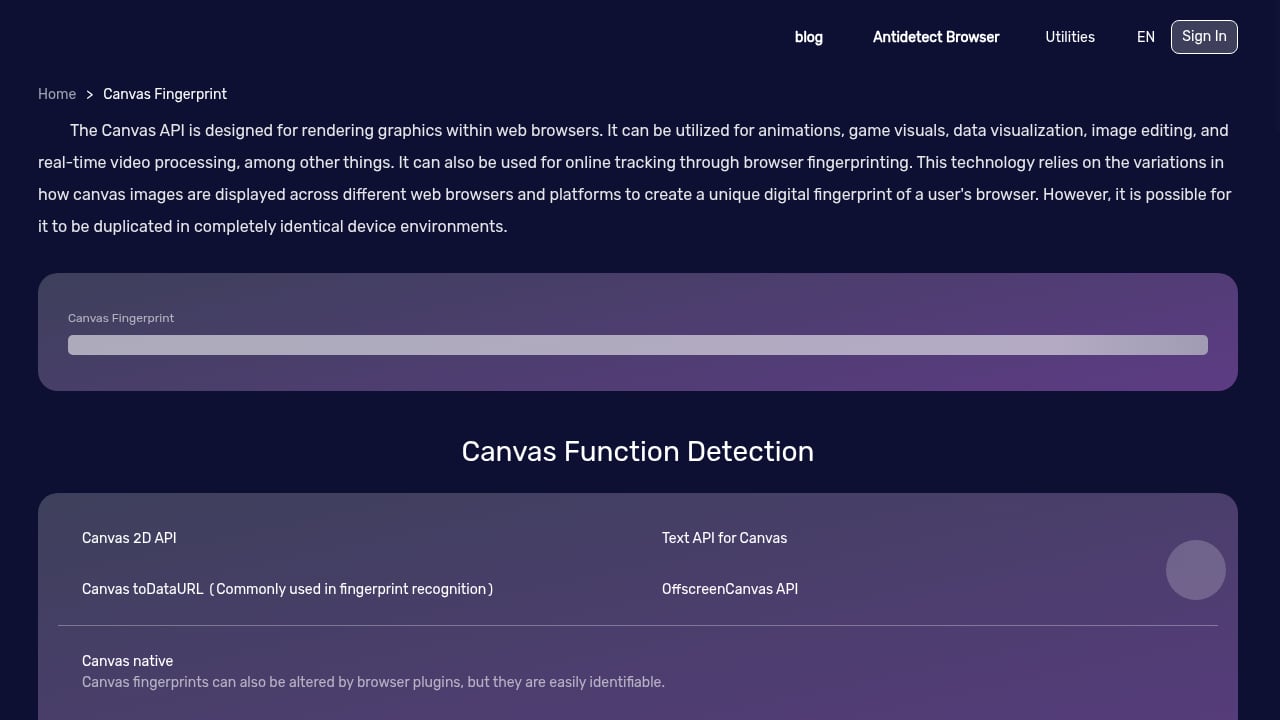
First viewport screenshot of www.browserscan.net.
- You want a comprehensive fingerprint and leak test in one place.
- You need to verify VPN/proxy effectiveness with DNS and WebRTC leak tests.
- You prefer actionable results with clear pass/fail indicators.
- You want additional network diagnostics like port scanning and speed tests.
For a step-by-step guide on using BrowserScan, see our BrowserScan Fingerprint Detection Tool Tutorial.
When to Choose WebBrowserTools
- You are specifically interested in canvas or font fingerprint spoofing detection.
- You value open-source tools and community-driven development.
- You want educational articles on browser privacy and security.
- You are a developer or privacy enthusiast looking to understand fingerprinting techniques in depth.
Practical Example: Checking Your Fingerprint
Suppose you want to check if your browser fingerprint is unique and if your VPN is leaking. With BrowserScan, you can run a single scan that shows your canvas, WebGL, and font fingerprints, along with DNS and WebRTC leak results. If a leak is detected, you can take immediate action.
With WebBrowserTools, you would visit the canvas fingerprint page to see if spoofing is detected, then the font fingerprint page, and so on. You would need to manually correlate the results. For leak testing, you might need to use another tool.
Related reading
- DeviceAtlas Review: Device Intelligence for 2026 - Evidence-based DeviceAtlas review: ideal users, use cases, strengths, limits, pricing signals, setup, and decision criteria for device intelligence.
- Best BrowserScan Fingerprint Detection Tool: Improve Online Privacy - Discover how BrowserScan's fingerprint detection tool reveals your browser fingerprint and helps you improve online privacy with leak tests and practical fixes.
Sources and further reading
- Draw - Draw with mouse or pen (touch-enabled devices) with this web application. Few brushing tools and primitive shapes are available to choose from.
FAQ
Does BrowserScan detect canvas fingerprint spoofing?
Yes, BrowserScan includes canvas fingerprint detection and can indicate if your fingerprint is spoofed or unique.
Can WebBrowserTools test for WebRTC leaks?
WebBrowserTools covers WebRTC privacy in its blog, but the cited pages do not show a dedicated WebRTC leak test tool. BrowserScan offers a WebRTC leak test.
Is WebBrowserTools open source?
WebBrowserTools is described as a community-driven collection of open-source web applications, emphasizing transparency.
Which tool is better for beginners?
BrowserScan provides a more guided, all-in-one experience with clear results and actionable advice, making it easier for beginners. WebBrowserTools is better for those who want to learn about specific techniques.
Can I use both tools?
Absolutely. You can use BrowserScan for a comprehensive check and WebBrowserTools to dive deeper into canvas or font fingerprinting.
Conclusion
Both BrowserScan and WebBrowserTools have their strengths. BrowserScan excels as an all-in-one fingerprint detection and leak testing suite, ideal for users who want a quick, thorough privacy check with actionable results. WebBrowserTools shines as an educational, open-source resource for understanding specific fingerprinting methods like canvas and font spoofing. For most users concerned about online privacy, BrowserScan offers a more complete and user-friendly solution, while WebBrowserTools is a valuable complement for deeper learning.
For more comparisons, see our Top 10 Browser Privacy & Fingerprint Testing Tools 2026 and BrowserScan vs Whoer.net.
External sources: