
BrowserScan vs What Is My IP Address & ToDetect: Comparison
BrowserScan vs What Is My IP Address? vs ToDetect: Which Privacy Tool Fits You?
Your browser leaks more than you think—IP address, DNS queries, WebRTC candidates, canvas hashes, and dozens of other signals. Three popular tools promise to reveal and help you fix those leaks: BrowserScan, What Is My IP Address? (Whoer), and ToDetect. Each takes a different approach. This comparison breaks down their strengths, so you can pick the one that matches your privacy workflow.
What Each Tool Does Best
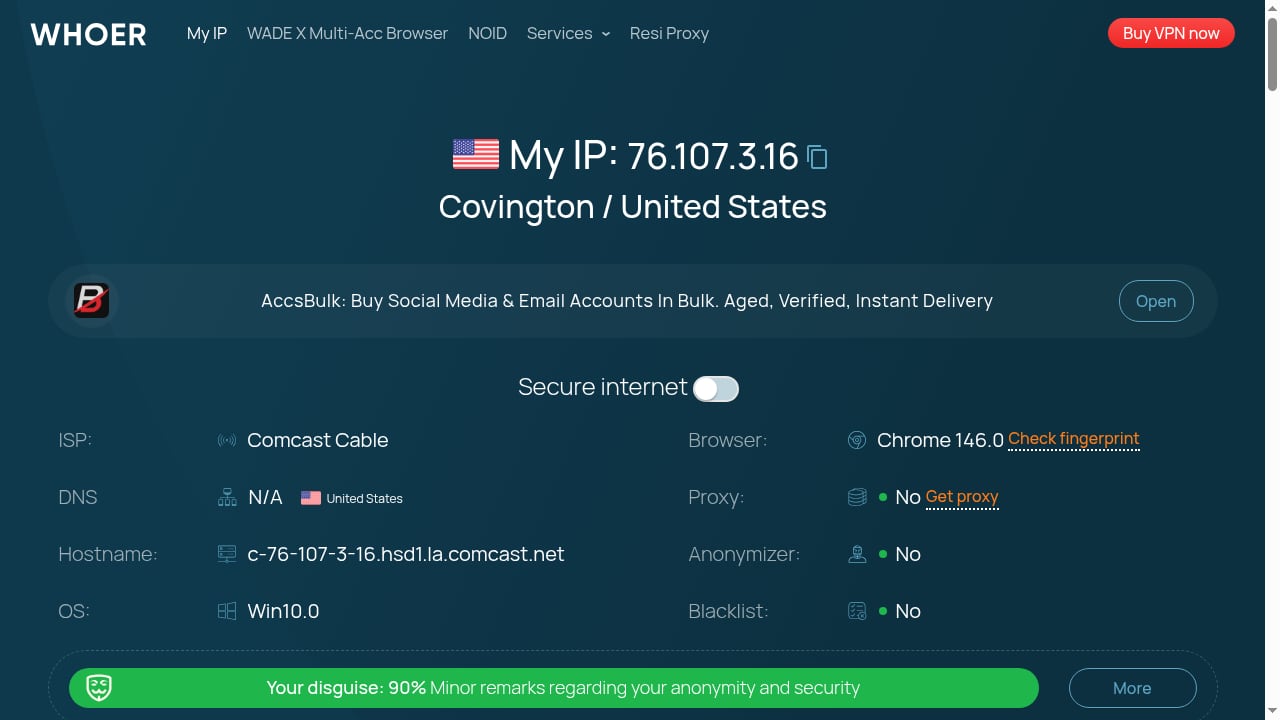
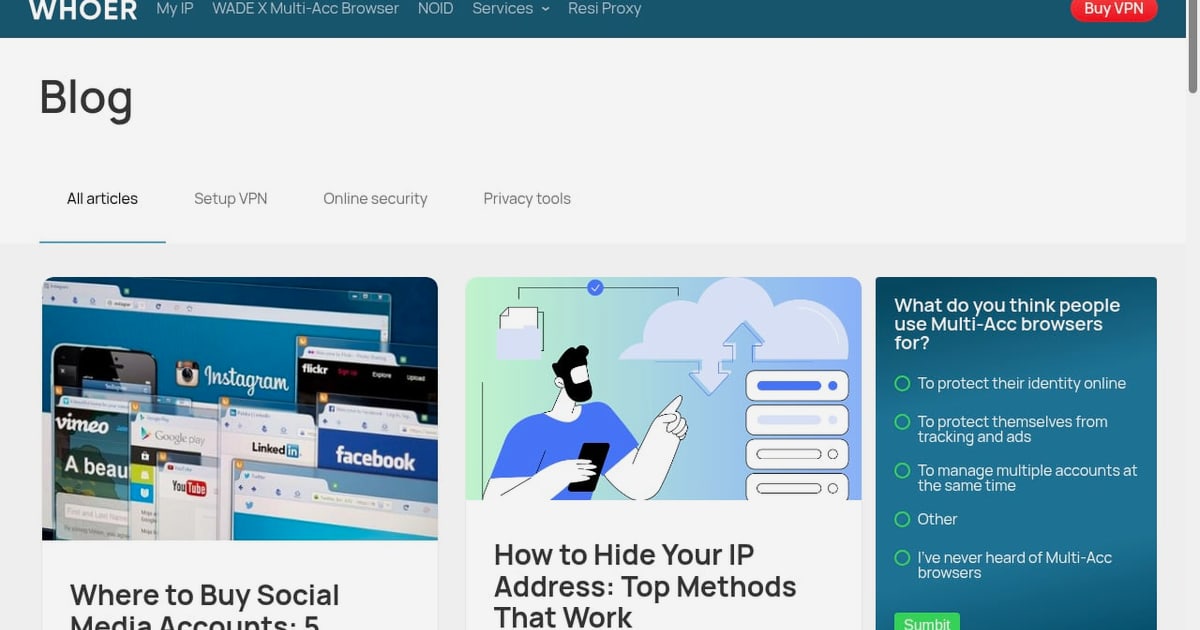
First viewport screenshot of whoer.net.
BrowserScan: All-in-One Fingerprint and Leak Testing
BrowserScan is built around a comprehensive browser fingerprint check. It shows what websites can see about you—canvas, WebGL, audio, fonts, screen resolution, timezone, and more—and combines that with network and leak tests. You get a trust score and detailed breakdowns across hardware, software, and network categories. Beyond fingerprinting, BrowserScan includes DNS leak test, WebRTC leak test, IP address lookup, proxy detection, port scanner, speed test, user agent parser, 2FA live code generator, and kernel detection. It's a Swiss Army knife for privacy testing.
Strengths:
- Deep fingerprint analysis with consistency checks (e.g., timezone vs. IP location, kernel vs. user agent).
- Integrated leak tests (DNS, WebRTC) and IP intelligence in one dashboard.
- Extra utilities like port scanner, speed test, and 2FA generator.
- Clear trust score for quick assessment.
Considerations:
- The trust score aggregates many signals, so it may not pinpoint individual fingerprint attributes as precisely as specialized tools.
- Interface is dense; beginners may need time to interpret all metrics.
What Is My IP Address? (Whoer): Quick IP and Privacy Score
Whoer is a well-known privacy testing platform that focuses on IP address lookup, location, ISP, and a privacy score. It also checks browser fingerprint, DNS, and WebRTC leaks, but its primary strength is a fast, easy-to-read summary of your online anonymity. The one-click "Check Fingerprint" flow gives a snapshot of how you appear to websites.
Strengths:
- Simple, intuitive interface—great for quick checks.
- Clear privacy score and anonymity level.
- Shows IP details including ZIP code and ISP.
- Includes browser, DNS, and WebRTC leak tests.
Considerations:
- Less depth on individual fingerprint signals compared to specialized tools.
- Fingerprint analysis is summarized rather than exhaustive.
ToDetect: Free Fingerprint Detection with IP Purity Checks
ToDetect is a free online browser fingerprint detection tool that emphasizes IP purity checks, proxy detection, DNS/WebRTC leak tests, and IP address lookup. It quickly analyzes browser privacy risks and aims to improve online anonymity. Its focus on IP purity makes it useful for users who want to verify whether their IP is flagged as a proxy or VPN.
Strengths:
- Free and accessible.
- IP purity and proxy detection are highlighted.
- Includes DNS and WebRTC leak tests.
- Fast analysis of privacy risks.
Considerations:
- Fewer auxiliary tools compared to BrowserScan.
- Fingerprint depth may be less extensive than dedicated fingerprinting suites.
Head-to-Head Comparison
BrowserScan vs What Is My IP Address & ToDetect: Comparison - Practical Examples: What Each Tool Reveals.
| Feature | BrowserScan | What Is My IP Address? (Whoer) | ToDetect |
|---|---|---|---|
| Browser fingerprint detection | Extensive (canvas, WebGL, audio, fonts, etc.) | Yes, summarized | Yes |
| IP address lookup | Yes | Yes, with ISP and ZIP | Yes |
| DNS leak test | Yes | Yes | Yes |
| WebRTC leak test | Yes | Yes | Yes |
| Proxy/VPN detection | Yes | Yes | Yes (IP purity focus) |
| Trust/privacy score | Yes | Yes (privacy score) | Risk analysis |
| Additional utilities | Port scanner, speed test, 2FA, user agent parser, kernel detection | Limited | Limited |
| Ease of use | Moderate (dense data) | High (simple) | High (simple) |
| Free | Yes | Yes | Yes |
When to Choose Each Tool

BrowserScan vs What Is My IP Address & ToDetect: Comparison - When to Choose Each Tool.
Choose BrowserScan if:
- You want a deep fingerprint audit with consistency checks.
- You need integrated leak tests plus extra utilities like port scanning or 2FA.
- You're troubleshooting complex privacy setups (e.g., antidetect browsers, proxies).
- You prefer a single dashboard for multiple privacy checks.
For a deeper dive into BrowserScan's capabilities, see our BrowserScan fingerprint detection tool review.
Choose What Is My IP Address? (Whoer) if:
- You need a quick, easy-to-understand privacy score.
- You primarily want to check your IP address and basic leaks.
- You prefer a clean, minimal interface.
Read our full What Is My IP Address? review for more details.
Choose ToDetect if:
- You want a free, fast fingerprint check with IP purity focus.
- You need basic proxy detection and leak tests.
- You're new to privacy testing and want a simple starting point.
For a direct comparison between BrowserScan and ToDetect, check our BrowserScan vs ToDetect analysis.
Practical Examples: What Each Tool Reveals
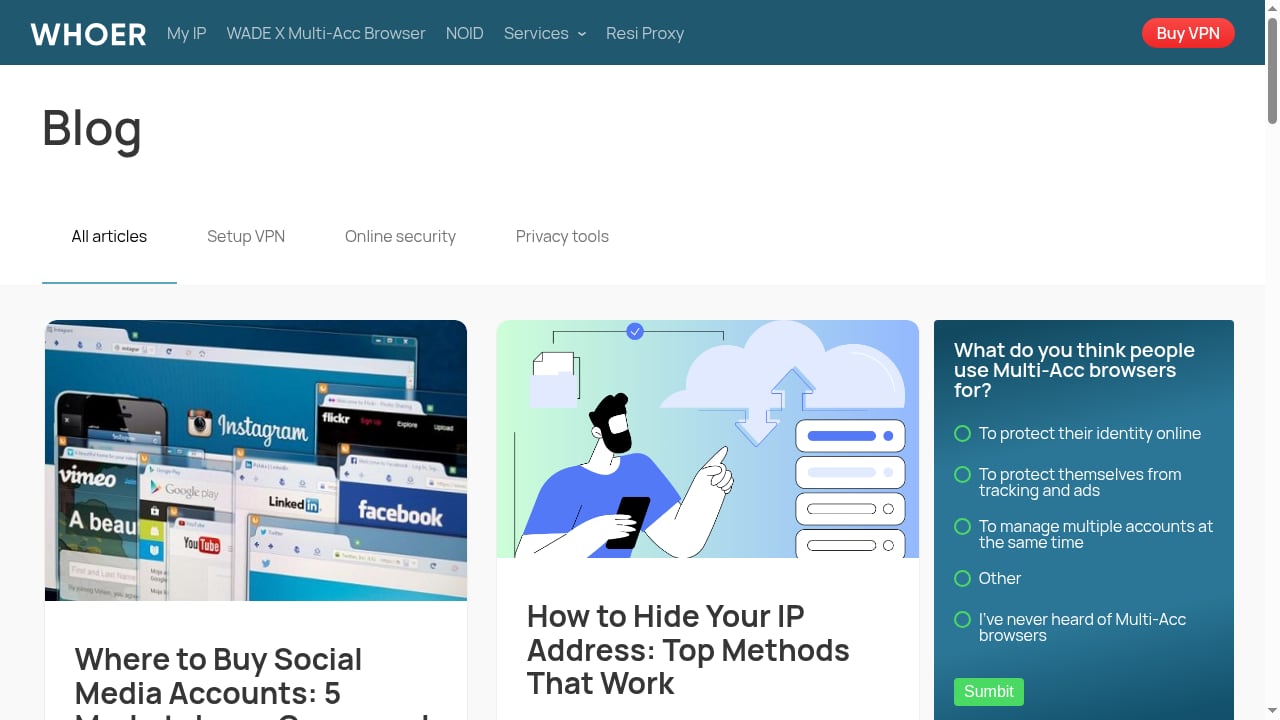
First viewport screenshot of whoer.net.
Imagine you're using a VPN and want to verify no leaks. BrowserScan will show your IP, DNS servers, WebRTC candidates, and fingerprint consistency—flagging mismatches like a timezone that doesn't match your IP location. Whoer gives you a privacy score and highlights leaks in a simple layout. ToDetect checks IP purity and proxy status, alerting you if your IP is blacklisted.
If you're an antidetect browser user, BrowserScan's kernel detection and detailed fingerprint breakdown help ensure your profiles look natural. Whoer's summary is great for a quick sanity check, while ToDetect's IP purity check is useful for verifying proxy quality.
Related reading
- BrowserScan vs WebBrowserTools: Fingerprint Detection Compared - Compare BrowserScan and WebBrowserTools for fingerprint detection. See which tool better protects your online privacy with leak tests and practical fixes.
- DeviceAtlas Review: Device Intelligence for 2026 - Evidence-based DeviceAtlas review: ideal users, use cases, strengths, limits, pricing signals, setup, and decision criteria for device intelligence.
FAQ
What is browser fingerprinting?
Browser fingerprinting is a technique that collects information about your browser and device—such as screen resolution, fonts, and canvas rendering—to create a unique identifier. Websites use it for tracking and fraud detection.
Which tool is best for detecting DNS leaks?
All three tools offer DNS leak tests. BrowserScan provides additional context by combining DNS results with fingerprint and IP data, while Whoer and ToDetect offer straightforward leak detection.
Can these tools help me avoid tracking?
They help you identify what's exposed, but they don't block tracking. Use them alongside privacy extensions, VPNs, and antidetect browsers for comprehensive protection.
Is BrowserScan free?
Yes, BrowserScan offers free online tests. Some advanced features may require an account or payment.
How often should I run a privacy check?
Run a check after changing VPN servers, updating your browser, or modifying privacy settings. Regular checks help catch new leaks.
Conclusion
BrowserScan, What Is My IP Address? (Whoer), and ToDetect each serve different needs. BrowserScan shines as a comprehensive fingerprint and leak testing suite with extra utilities, making it ideal for users who want depth and breadth. Whoer excels at quick, user-friendly privacy scoring. ToDetect offers a free, focused fingerprint check with IP purity emphasis. Evaluate your priorities—depth vs. simplicity, extra tools vs. focused checks—and choose the tool that aligns with your privacy routine. For a broader overview, see our Top 10 Browser Privacy & Fingerprint Testing Tools 2026.
External references:
- BrowserLeaks – comprehensive browser privacy tests.
- IPFighter's browser fingerprint tool comparison – 2026 roundup of fingerprint testing tools.
- BrowserScan official site – direct access to BrowserScan's tools.