
IP Data Explained: What It Reveals & How to Protect Privacy
IP Data Explained: What It Reveals & How to Protect Privacy
Every connection you make online starts with an IP address. On its own, that string of numbers tells you almost nothing—but enriched with the right data, it becomes a detailed profile of location, network ownership, and risk. This article explains what IP data is, how it is used, and how to check what your own IP data exposes about you.
What Is IP Data?
IP Data Explained: What It Reveals & How to Protect Privacy - IP Data vs. Browser Fingerprinting.
IP data is any information derived from or associated with an IP address. At its simplest, it includes the address itself and whether it is IPv4 or IPv6. In practice, modern IP data providers enrich each address with dozens of fields:
- Geolocation: country, region, city, postal code, latitude/longitude, and time zone.
- Network ownership: autonomous system number (ASN), organization name, and whether the range is leased.
- Connection type: residential, business, mobile carrier, or data center.
- Anonymity signals: VPN, proxy, Tor, and hosting detection.
- Reputation and threat data: blocklist matches, abuse history, and risk scores.
- Mobile carrier details: operator name, MCC, and MNC for mobile addresses.
Providers such as ipdata and IPinfo package these fields into APIs that developers query in milliseconds. The result is a structured record that can drive personalization, fraud checks, or compliance decisions.
How IP Data Is Used in the Real World
IP data powers many everyday systems. A few common examples:
E-commerce and localization
Online stores use IP geolocation to show prices in local currency, suggest a language, and apply the correct tax jurisdiction—all without asking the visitor to fill out a form.
Fraud prevention and KYC
Banks and fintechs compare a user's declared address with the IP's geolocation. If the two disagree, or if the IP belongs to a VPN or proxy, the transaction may be flagged for review. IP reputation scores help catch addresses that have not yet appeared on a blocklist.
Content licensing and streaming
Streaming platforms use IP data to enforce regional licensing. When a viewer connects through a VPN, the reported location points to the VPN server rather than the viewer's real location. Anonymity detection identifies the provider and lets the platform decide how to respond.
Analytics and security
Security teams enrich logs with ASN and threat data to spot unusual patterns, such as many accounts logging in from the same data center range.
What Your IP Data Says About You
Your IP address is visible to every website you visit. Even without cookies, a site can infer:
- Your approximate city and time zone.
- Your internet service provider or mobile carrier.
- Whether you are using a VPN, proxy, or Tor.
- Whether your connection comes from a data center rather than a home network.
This is why IP data matters for privacy. It is not a precise GPS location, but it is often enough to personalize content, enforce regional rules, or flag suspicious behavior.
IP Data vs. Browser Fingerprinting
First viewport screenshot of www.browserscan.net.
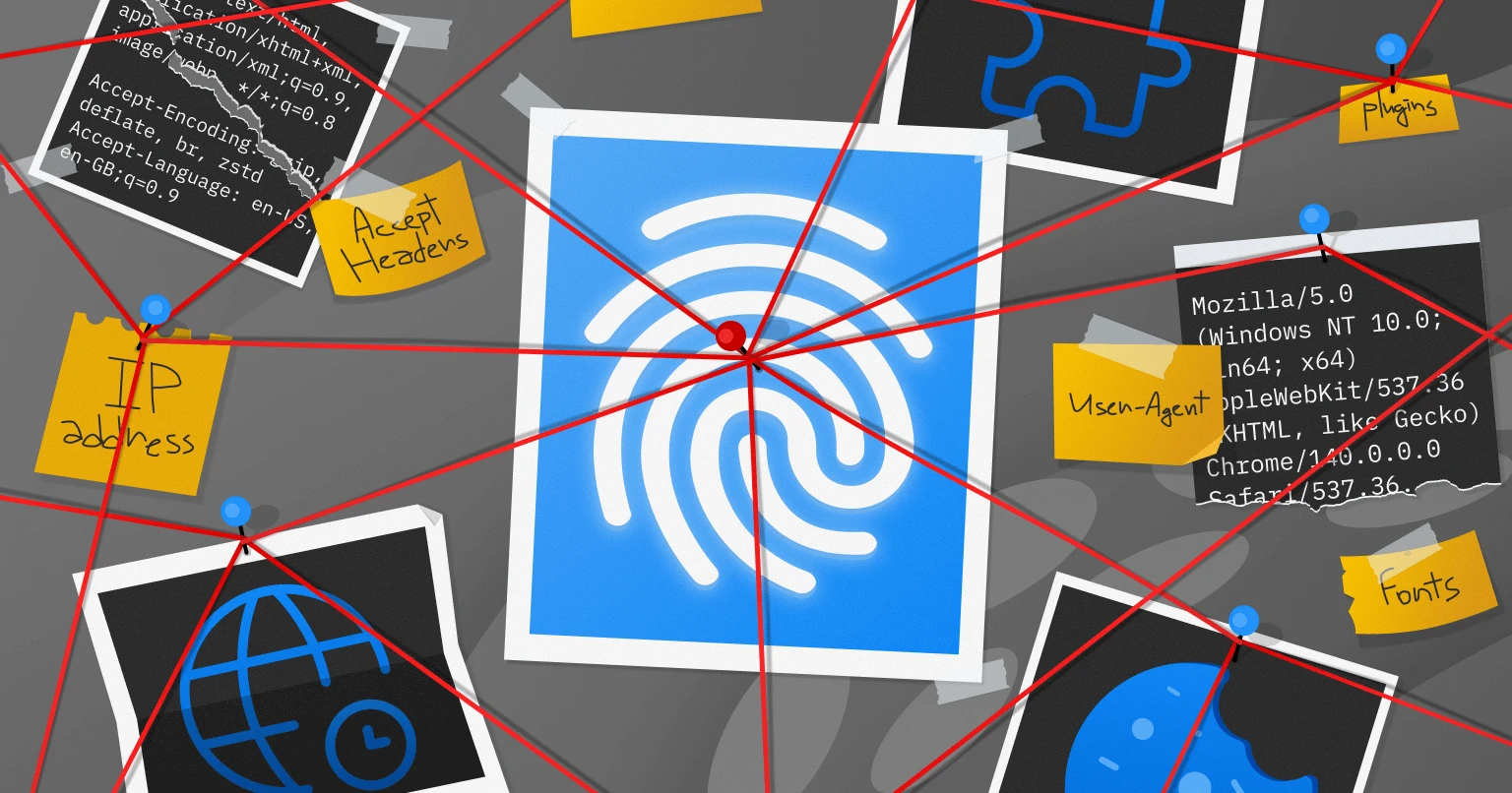
IP data describes your network connection. Browser fingerprinting describes your device and browser configuration—things like screen resolution, installed fonts, user agent, and WebRTC behavior. Together, they form a more complete picture.
A website can combine IP geolocation with a browser fingerprint to check for inconsistencies. For example, if your IP data says you are in Germany but your browser's time zone and language settings point to Brazil, that mismatch may be flagged. Privacy-focused tools test for these inconsistencies so you can fix them before they cause problems.
How to Check What Your IP Data Reveals
First viewport screenshot of www.browserscan.net.
You can audit your own exposure with a few practical steps:
- Look up your IP address. Use an IP lookup tool to see your geolocation, ASN, and whether you are detected as a VPN or proxy.
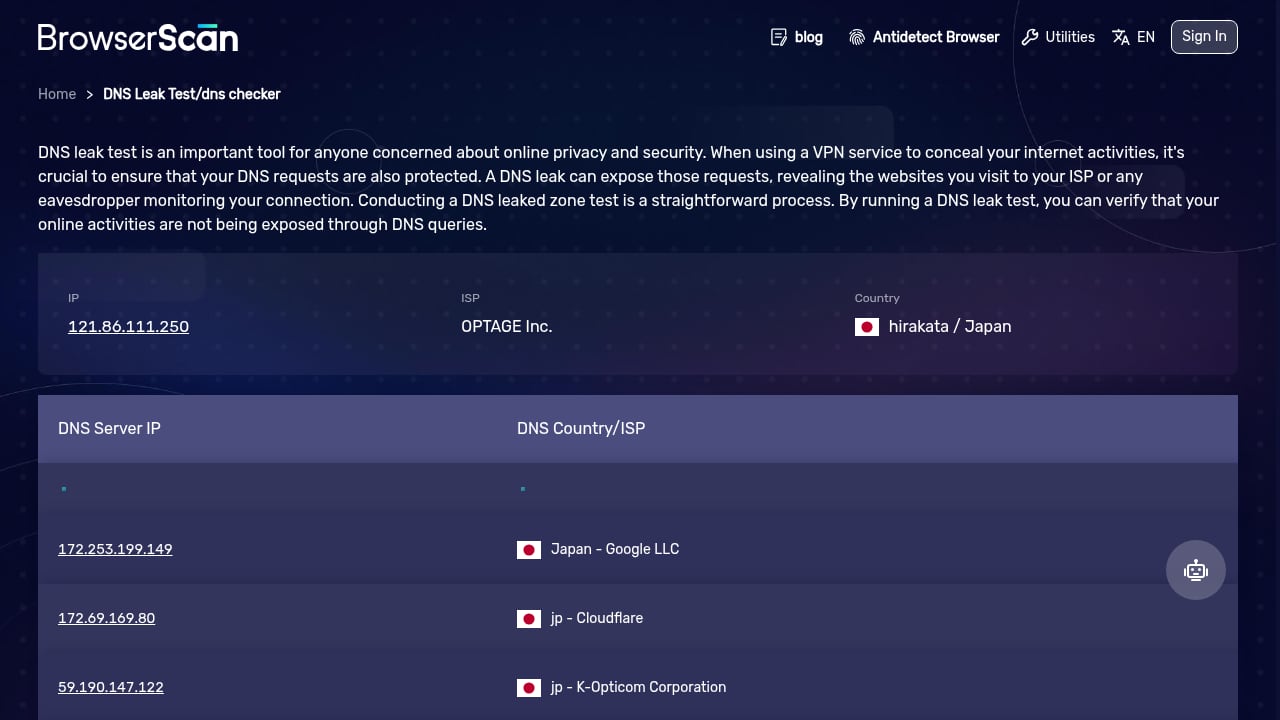
- Run a DNS leak test. Confirm that your DNS requests are not bypassing your VPN or proxy.
- Run a WebRTC leak test. Check whether your browser is exposing your real IP address through WebRTC, even when you use a VPN.
- Check your browser fingerprint. See how unique your browser configuration is and whether it contradicts your IP data.
- Review your user agent. Make sure your user agent string matches the browser and operating system you are actually using.
BrowserScan offers a suite of privacy tests, including IP lookup, DNS leak testing, WebRTC leak testing, user agent parsing, and browser fingerprint detection. It is a practical way to see what your IP data and browser reveal together. For a deeper comparison of fingerprinting tools, see our guide to BrowserScan vs Panopticlick vs Pixelscan.
Common IP Data Mistakes and How to Avoid Them
- Assuming geolocation is exact. IP geolocation is approximate and can be wrong, especially for mobile networks behind carrier-grade NAT.
- Ignoring VPN detection. Many providers track hundreds of VPN providers. If you rely on a VPN for privacy, check whether it is detected.
- Forgetting about DNS and WebRTC leaks. A VPN can hide your IP in one place while leaking it in another. Test all channels.
- Mismatching fingerprint and IP data. If your browser fingerprint says one thing and your IP data says another, you may attract more scrutiny than you intended.
IP Data and Privacy: What You Can Control
First viewport screenshot of www.browserscan.net.
You cannot change how websites use IP data, but you can control what you expose:
- Use a reputable VPN or proxy if you want to mask your IP, and verify it is not leaking.
- Keep your browser and extensions updated to reduce fingerprinting surface.
- Use privacy-focused browser settings and test your fingerprint regularly.
- Be aware that some sites will block or challenge VPN traffic; that is a business decision based on their IP data.
For a broader look at tools that help you audit your IP and privacy posture, see our Top 10 IP Lookup & Online Privacy Tools for 2026.
Related reading
- How to Use BrowserScan Fingerprint Detection with Multilogin - Learn how to pair BrowserScan fingerprint detection with Multilogin anti-detect browser profiles to audit leaks, fix inconsistencies, and protect online privacy.
- BrowserScan vs IPhey: Best Fingerprint Detection Tool - Compare BrowserScan and IPhey for browser fingerprint detection. See which tool better protects your online privacy with leak tests, DNS checks, and risk scores.
Sources and further reading
- Sign in - ipdata - ipdata Dashboard
Frequently Asked Questions
What is IP data used for?
IP data is used for geolocation, personalization, fraud detection, content licensing, analytics, and security. It helps websites understand where a connection comes from and whether it is trustworthy.
Can IP data identify a specific person?
Not on its own. IP data usually points to a city or region and a network provider, not a street address. However, combined with other data, it can contribute to identifying a user.
How accurate is IP geolocation?
Accuracy varies. Country-level accuracy is generally high, while city-level accuracy can be approximate, especially for mobile networks and VPNs.
What is the difference between IP data and browser fingerprinting?
IP data describes your network connection. Browser fingerprinting describes your device and browser configuration. Websites often use both together.
How can I check if my VPN is leaking my IP?
Run a DNS leak test and a WebRTC leak test. These tests show whether your real IP address is exposed through channels that bypass your VPN.
Conclusion
IP data is a foundational layer of the modern web. It enables useful features like localization and fraud prevention, but it also reveals more about your connection than many people realize. By understanding what IP data includes and testing your own setup for leaks and inconsistencies, you can make more informed privacy decisions. Start with a simple IP lookup and a browser fingerprint check, then fix any mismatches you find.
For a step-by-step workflow that combines fingerprint detection with IP geolocation data, see our guide on using BrowserScan fingerprint detection with IPWHOIS.io.