
WebBrowserTools Review: Browser Privacy Tools & Limits
WebBrowserTools Review: A Practical Look at Its Browser Privacy Toolkit
WebBrowserTools is a community-driven collection of open-source browser utilities and educational articles focused on privacy and security. If you have searched for it, you have probably seen domain-reputation pages rather than a product review. This review looks at what the site actually offers, who benefits most, and where it falls short.
What WebBrowserTools Is
First viewport screenshot of Dark Mode for Chrome Browser :: WebBrowserTools.
WebBrowserTools is a website that bundles small, browser-based tools with a blog covering privacy and security topics. The tools run in your browser rather than requiring a desktop install, and the project positions itself as a community of open-source work emphasizing transparency and collaboration.
The editorial side covers anti-tracking technologies, ad blocking, fingerprinting countermeasures, WebRTC privacy, cache management, proxy versus VPN differences, private search engines such as DuckDuckGo, dark mode settings, time zone changes, and browser extension leaks.
Who Should Use It
First viewport screenshot of How You Can Check if Sites Use WebRTC :: WebBrowserTools.
Everyday privacy-conscious users
If you want to check whether your browser leaks your real location through WebRTC or whether your time zone matches your proxy, the tools offer a quick, no-install way to look. The articles explain the concepts without assuming deep technical knowledge.
Security and privacy professionals
Analysts, support engineers, and privacy researchers can use the utilities as a fast first-pass check before moving to more rigorous fingerprint testing. The blog's coverage of extension leaks and fingerprinting countermeasures is useful background reading.
People who are not a good fit
If you need enterprise-grade fraud detection, continuous monitoring, or compliance reporting, a free browser-tool collection will not replace a dedicated platform. Users who want a single polished dashboard may also find the site's breadth harder to navigate.
Key Use Cases
First viewport screenshot of Difference Between Proxy & VPN :: WebBrowserTools.
- WebRTC leak checks: Confirm whether your browser exposes your local or public IP through WebRTC.
- Fingerprint awareness: See which browser characteristics are visible and learn how they combine into a fingerprint.
- Proxy and VPN verification: Compare what your browser reports against what your proxy or VPN should be showing.
- Cache and storage hygiene: Understand what browser cache retains and how to clear it.
- Extension auditing: Learn how extensions can leak data and how to review permissions.
- Private search setup: Compare private search engines and adjust defaults.
For a deeper explanation of what your IP address exposes, see IP Data Explained: What It Reveals & How to Protect Privacy.
Strengths
- No-install, browser-based tools. You can run checks without downloading software, which lowers the barrier for quick audits.
- Broad educational coverage. The blog spans tracking, fingerprinting, WebRTC, proxies, VPNs, and extension risks in one place.
- Open-source and community orientation. Transparency is a stated priority, which matters when you are evaluating privacy tools.
- Practical framing. Articles tend to focus on configuration steps and concrete browser settings rather than abstract theory.
- Low-risk domain profile. Independent reputation checks have rated the domain as low-risk with a multi-year registration history, which is a reasonable baseline signal for a site you may visit.
Limitations
- Not a full fingerprinting test suite. For systematic fingerprint detection with risk scores and DNS leak checks, dedicated tools go further. Compare options in BrowserScan vs Panopticlick vs Pixelscan: Fingerprint Test.
- Tool depth varies. Some utilities are simple checks rather than comprehensive diagnostics.
- Editorial consistency. As a community project, article depth and update frequency can vary by topic.
- No managed support. There is no account team or SLA if you need guaranteed assistance.
- Reputation pages are not reviews. Search results for the domain are dominated by automated safety scanners, not hands-on evaluations, so you should judge the tools yourself.
Pricing Signals
The available evidence points to a free, open-source model. The tools are browser-based and the project is described as community-driven, with no published subscription tiers in the product context. Treat any future paid tier as unconfirmed until the site states it directly. For most users, the practical cost is time: learning the tools and interpreting results.
Setup and First Steps
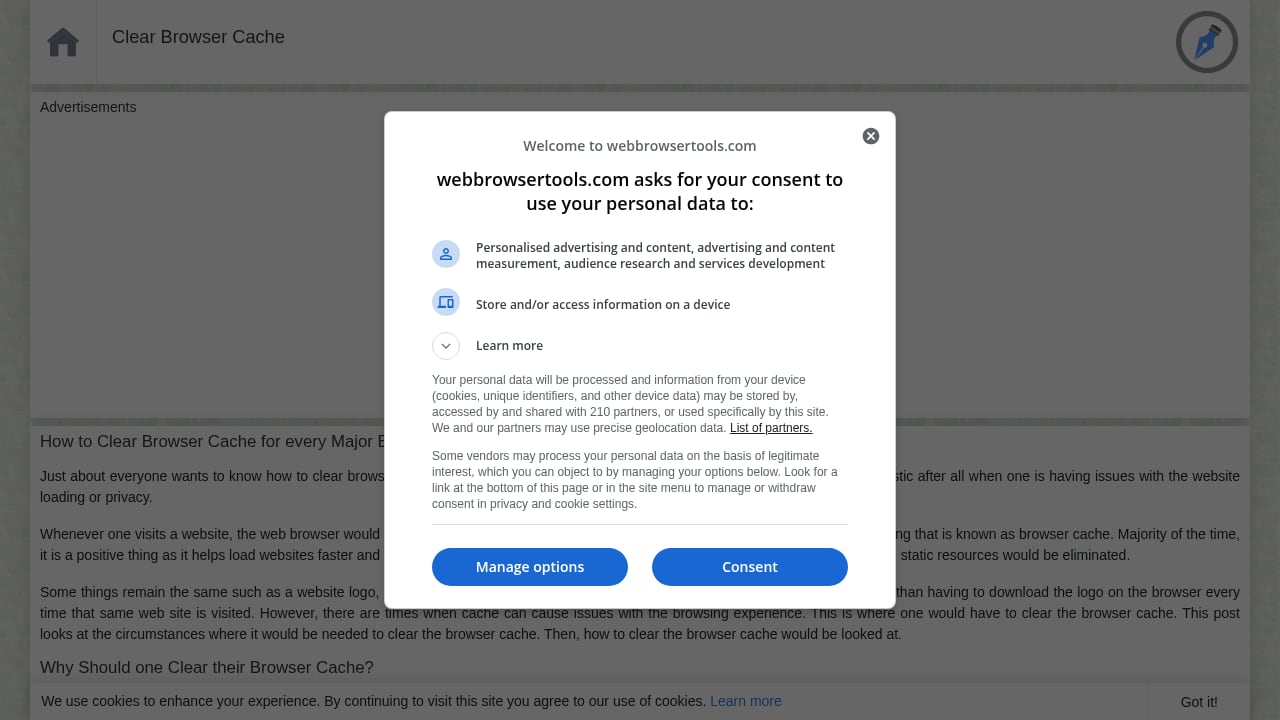
First viewport screenshot of Clear Browser Cache :: WebBrowserTools.
- Open the site in the browser you actually use. Results differ between Chrome, Firefox, and Safari.
- Run a WebRTC check and note whether your public IP matches your VPN or proxy exit.
- Review visible fingerprint signals such as time zone, language, and screen size for inconsistencies.
- Audit extensions and remove anything you do not actively use.
- Clear cache and cookies if you are troubleshooting stale sessions.
- Cross-check with a second tool. A single result is a data point, not a verdict.
If you are testing regional consistency, Best BrowserScan Fingerprint Detection Tool: Regional Testing explains how location leaks show up across regions.
How It Compares
| Criterion | WebBrowserTools | Dedicated fingerprint platforms |
|---|---|---|
| Cost | Free, open-source orientation | Often freemium or paid |
| Setup | None; runs in browser | Account or install may be required |
| Depth | Quick checks and education | Detailed signals, risk scores, APIs |
| Best for | Learning and fast audits | Continuous monitoring and fraud use |
For a broader field, see Top 10 IP Lookup & Online Privacy Tools for 2026.
Decision Criteria
Choose WebBrowserTools if you want free, no-install checks and readable explanations of browser privacy concepts. Look elsewhere if you need reproducible fingerprint scoring, team workflows, or API access. A sensible approach is to use it for education and quick verification, then move to a specialized tool for anything you must defend or document.
Related reading
- How to Use BrowserScan Fingerprint Detection with Multilogin - Learn how to pair BrowserScan fingerprint detection with Multilogin anti-detect browser profiles to audit leaks, fix inconsistencies, and protect online privacy.
FAQ
Is WebBrowserTools free?
The available evidence indicates a free, open-source, community-driven model with browser-based tools. Confirm current terms on the site before relying on it for any paid workflow.
Is webbrowsertools.com safe to visit?
Independent domain-reputation checks have rated it low-risk with a multi-year history and no major malware or phishing detections at the time of review. Reputation can change, so verify before sharing sensitive data.
Does it replace a VPN or anti-detect browser?
No. It helps you test and understand leaks; it does not encrypt traffic or mask your fingerprint by itself.
Can it detect browser fingerprinting?
It raises awareness of visible signals and inconsistencies. For systematic fingerprint detection, pair it with a dedicated testing tool.
Who is it best for?
Privacy-curious everyday users and security professionals who want quick checks and clear explanations.
Conclusion
WebBrowserTools is a useful, low-cost entry point for browser privacy testing and education. Its strengths are accessibility, breadth, and transparency; its limits are depth and support. Use it to learn and spot obvious leaks, then bring in a specialized tool when accuracy and reporting matter.
Sources: Scamadviser domain check, Gridinsoft safety review, IPQualityScore domain reputation.