
BrowserScan Review: Privacy Testing Tools Explained

BrowserScan Review: A Practical Look at Browser Fingerprint and Leak Testing
Online privacy tools have become essential for anyone who wants to understand what websites actually see when they visit. Browser fingerprinting, DNS leaks, WebRTC exposure, and inconsistent browser configurations can all undermine anonymity efforts—even when a VPN or proxy is active. This BrowserScan review examines a free, web-based privacy testing platform that consolidates several of these diagnostics into one place.
BrowserScan (available at browserscan.net) is a browser-based privacy and security testing suite. It requires no installation, no account, and no payment. The platform runs a series of checks directly in your browser and presents the results in a structured dashboard. This review covers what the tool actually does, how to interpret its results, where it excels, and where it has limitations.
What Is BrowserScan?
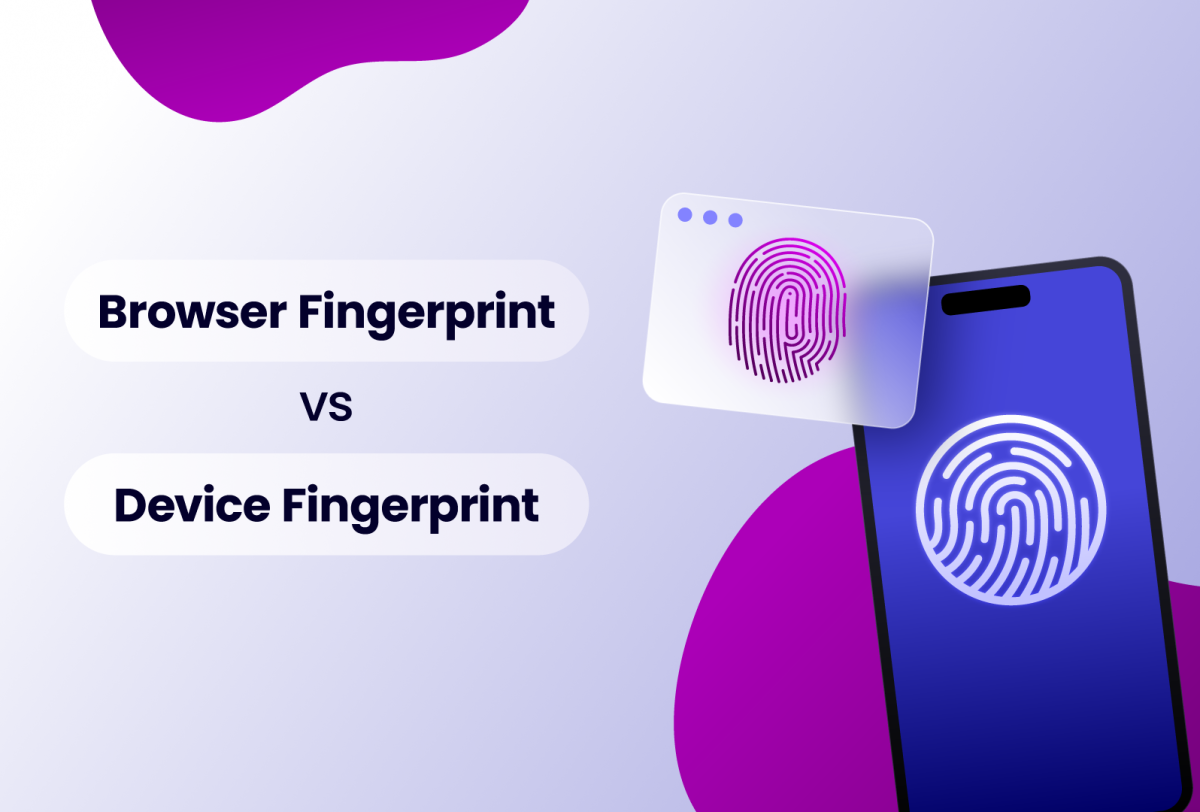
BrowserScan Review: Privacy Testing Tools Explained - What Is BrowserScan?.
BrowserScan is an online privacy and security testing platform that analyzes your browser and network configuration from the perspective of a website or anti-fraud system. Instead of simply showing your IP address, it breaks down the full set of parameters that websites use to identify and track visitors.
The platform positions itself as a fingerprint detection tool, but its scope extends beyond fingerprinting. It includes leak tests, IP intelligence, port scanning, speed testing, and developer-oriented utilities. The core value is that all of these checks run without installing software or browser extensions.
How BrowserScan Differs from Other Privacy Checkers
Many privacy tools focus on a single dimension—IP address visibility, cookie tracking, or basic browser details. BrowserScan takes a broader approach by combining multiple test categories:
- Fingerprint analysis that examines canvas, WebGL, audio, fonts, and hardware attributes
- Network leak tests for WebRTC and DNS exposure
- IP intelligence with geolocation, ISP, ASN, and proxy detection
- Port scanning powered by Nmap to identify open vulnerabilities
- Utility tools including a user agent parser, 2FA code generator, and cookie converter
This breadth makes it useful for different audiences: privacy-conscious individuals checking their VPN setup, developers debugging browser strings, and multi-account managers verifying anti-detect browser configurations.
Key Features and How They Work
BrowserScan Review: Privacy Testing Tools Explained - Key Features and How They Work.
Browser Fingerprint Analysis
The fingerprint test is the centerpiece of the platform. When you visit the site, BrowserScan automatically collects and analyzes dozens of browser and device attributes. These include:
- User agent string and browser version
- Operating system and platform details
- Screen resolution, color depth, and viewport size
- Installed fonts and their hash signature
- Canvas rendering output
- WebGL and WebGPU graphics adapter information
- AudioContext processing characteristics
- Hardware concurrency (CPU cores) and device memory
- Language settings and time zone
The tool then generates a fingerprint authenticity score, expressed as a percentage. A higher score indicates that your browser configuration appears consistent and blends in with common setups. A lower score suggests mismatches or unusual traits that could make you more identifiable.
For example, if your IP address resolves to Germany but your browser reports a U.S. time zone and English (US) language settings, the inconsistency will likely lower your score. Similarly, a rare combination of fonts or an unusual screen resolution can make your fingerprint more distinctive.
DNS and WebRTC Leak Tests
Leak tests are critical for anyone using a VPN or proxy. Even when your primary IP address is masked, other channels can expose your real location.
WebRTC leaks occur when the WebRTC protocol—used for real-time communication in browsers—bypasses your VPN tunnel and reveals your local or public IP address. BrowserScan's WebRTC leak test checks whether your real IP is exposed through this vector.
DNS leaks happen when domain name resolution requests are sent to your ISP's DNS servers instead of through your VPN's encrypted tunnel. This allows your ISP—and potentially other observers—to see which websites you visit. BrowserScan's DNS leak test verifies that your DNS requests align with your VPN or proxy configuration.
These tests are particularly useful after setting up a new VPN. If you have recently configured a VPN, running a VPN checker alongside BrowserScan's leak tests provides a more complete picture of your protection.
IP Address Lookup and Proxy Detection
BrowserScan's IP lookup tool goes beyond simply displaying your IP address. It provides:
- Geolocation data (country, region, city)
- Internet service provider (ISP) and autonomous system number (ASN)
- Time zone associated with the IP
- Proxy and VPN detection signals
- Blacklist status checks
The proxy detection component is especially valuable. It attempts to determine whether your IP address belongs to a known proxy, VPN, or hosting provider. This matters because many websites and anti-fraud systems treat datacenter IPs differently from residential IPs.
Port Scanner
BrowserScan includes an Nmap-powered port scanner that checks for open ports on a specified target. This feature is more relevant to IT professionals and developers who need to audit network exposure. Open ports can represent vulnerabilities—unnecessary services listening on public interfaces create attack surfaces.
This is not a substitute for a full penetration test, but it provides a quick way to identify obvious exposure points.
User Agent Parser and Developer Utilities
The user agent parser decodes browser and bot strings into readable components. This is useful for developers debugging web applications, analyzing traffic logs, or verifying that a bot or scraper is presenting the expected user agent.
Additional utilities include:
- 2FA code generator for time-based one-time passwords
- Canvas fingerprint checker for verifying canvas output consistency
- Cookie converter for translating between cookie formats
- Client hints analyzer for examining HTTP client hints headers
How to Use BrowserScan Effectively
BrowserScan Review: Privacy Testing Tools Explained - How to Use BrowserScan Effectively.
Step 1: Run the Baseline Fingerprint Test
Visit the BrowserScan website and note your fingerprint authenticity score. This establishes a baseline for your current browser configuration. A score above 90% generally indicates a consistent, low-risk profile. Scores below 85% warrant investigation into which parameters are causing the inconsistency.
Step 2: Check for Leaks
Navigate to the WebRTC and DNS leak test sections. If you are using a VPN, verify that:
- The IP address shown matches your VPN's exit server location
- The DNS servers match your VPN provider's infrastructure
- WebRTC is not exposing your real IP address
- Your time zone and language settings align with the VPN location
If you are setting up a new VPN, a NordVPN setup guide or similar resource can help you configure the service correctly before running these tests.
Step 3: Review Hardware and Software Parameters
Examine the canvas, WebGL, font, and audio fingerprint sections. Look for:
- Unusual font combinations that differ from standard OS defaults
- Graphics adapter information that seems inconsistent with your device
- Audio fingerprints that appear anomalous
- Any signs of emulation or fallback rendering modes
These details matter most if you use an anti-detect browser or manage multiple accounts. If you are unfamiliar with how anti-detect browsers work, reviewing what an anti-detect browser is provides useful context for interpreting these results.
Step 4: Test After Configuration Changes
Whenever you change browser settings, install privacy extensions, or adjust your VPN configuration, re-run the BrowserScan tests. This helps you verify that changes actually improve your privacy posture rather than introducing new inconsistencies.
Interpreting the Fingerprint Authenticity Score

BrowserScan Review: Privacy Testing Tools Explained - Interpreting the Fingerprint Authenticity Score.
The authenticity score is not a measure of anonymity in absolute terms. It reflects how consistent and realistic your browser configuration appears. A high score means your parameters align logically—IP location matches time zone, language matches location, hardware attributes match the expected profile for your platform.
A low score does not necessarily mean you are being tracked. It means there are inconsistencies that anti-fraud systems might flag. Common causes include:
- Using a VPN with a mismatched time zone
- Enabling privacy extensions that alter canvas or WebGL output
- Running a browser in a virtual machine or emulator
- Using an anti-detect browser with incomplete configuration
The score should be treated as a diagnostic signal, not a definitive verdict. Use it to identify areas that need attention.
BrowserScan for Anti-Detect Browser Testing
One of the most practical use cases for BrowserScan is verifying anti-detect browser configurations. Anti-detect browsers are designed to create distinct, realistic browser fingerprints for each profile. However, misconfigured profiles can still leak identifying information or produce inconsistent fingerprints.
BrowserScan helps by:
- Verifying fingerprint uniqueness — Check that each profile produces a different fingerprint hash
- Detecting parameter mismatches — Identify cases where the spoofed user agent does not match the canvas or WebGL output
- Checking leak protection — Confirm that WebRTC and DNS settings are properly configured for each profile
- Validating IP consistency — Ensure the proxy IP, time zone, and language settings align
For a more comprehensive security review, combining BrowserScan with a full browser audit provides deeper coverage of potential vulnerabilities.
Limitations and Considerations
No Historical Tracking
BrowserScan provides a point-in-time snapshot. It does not track changes over time or alert you when your fingerprint drifts. You need to manually re-run tests after configuration changes.
Browser-Dependent Results
The tool only tests the browser you are currently using. If you have multiple browsers installed, you need to run the tests separately in each one. A vulnerability in a secondary browser will not be detected by testing your primary browser alone.
Score Interpretation Requires Context
The authenticity score is a heuristic, not an absolute measurement. Different anti-fraud systems use different algorithms and weight parameters differently. A score that looks good on BrowserScan does not guarantee that a specific platform will accept your profile.
Not a Substitute for a Full Security Audit
BrowserScan's port scanner and leak tests provide useful diagnostics, but they are not a replacement for comprehensive security tools. The platform is best understood as a first-line diagnostic, not a complete security solution.
Comparison with Alternative Tools
Several other browser privacy testing tools exist, each with different strengths:
- Cover Your Tracks (EFF) — Focuses on fingerprinting and tracking protection, with a strong educational component
- AmIUnique — Specializes in fingerprint uniqueness analysis with large-scale comparison data
- Pixelscan — Targets anti-detect browser verification with detailed parameter checking
- BrowserLeaks — Offers a broad suite of leak tests, though it is web-only with no downloadable app; if you are looking for a BrowserLeaks download, you will find it does not exist as a standalone application
BrowserScan's advantage is its breadth. It combines fingerprint analysis, leak testing, IP intelligence, and developer utilities in a single interface. The trade-off is that some individual tests are less detailed than dedicated tools.
Sources and further reading
- BrowserScan Review - BrowserScan is a non-intrusive and simple way for administrators to keep track of what browsers and plug-ins are currently in use. While fairly simple and easy to use, it should be treated as a first step towards browser security, not a full-fledged patch management tool.
- BrowserScan Review (2025): Comprehensive Browser Fingerprint Analysis Tool - Explore our in-depth 2025 review of BrowserScan — a powerful tool for browser fingerprint analysis. Learn how it helps detect tracking, enhance anonymity, and test anti-detection setups.
- BrowserScan Review 2026: Is It the Ultimate Tool for Browser Privacy? - Discover how BrowserScan helps check digital fingerprints, IP anonymity, and browser leaks. Protect your online privacy and multi-accounting with Dolphin Anty.
Frequently Asked Questions
Is BrowserScan free to use?
Yes. The core testing tools—fingerprint analysis, leak tests, IP lookup, and port scanning—are available without registration or payment. There is no software to install; everything runs through your browser.
Does BrowserScan store my data?
The platform states that it minimizes data collection and operates with privacy in mind. However, any website you visit can technically collect information about your browser. If you are testing sensitive configurations, consider using a disposable browser profile or clearing your data afterward.
Can BrowserScan detect if I am using a VPN?
BrowserScan's IP lookup includes proxy and VPN detection signals. It checks whether your IP address belongs to a known VPN, proxy, or datacenter range. This is useful for verifying whether your VPN is effectively masking your real location.
What is a good fingerprint authenticity score?
Scores above 90% generally indicate a consistent configuration. Scores between 80% and 90% suggest minor inconsistencies worth investigating. Scores below 80% often indicate significant mismatches that could raise red flags with anti-fraud systems.
Does BrowserScan work on mobile devices?
Yes. The platform runs in any modern mobile browser. However, mobile fingerprints differ significantly from desktop fingerprints, so results should be interpreted in the context of the device you are testing.
Can BrowserScan help prevent account bans?
BrowserScan is a diagnostic tool, not a prevention tool. It helps you identify inconsistencies in your browser and network configuration that might trigger anti-fraud systems. Fixing those inconsistencies can reduce ban risk, but no testing tool can guarantee that a platform will accept your profile.
Conclusion
BrowserScan is a practical, accessible privacy testing suite that delivers genuine value without requiring installation or payment. Its fingerprint analysis covers the key vectors that websites use for tracking—canvas, WebGL, audio, fonts, and hardware attributes—while its leak tests address the most common VPN and proxy failure modes.
The platform is best suited for three audiences: privacy-conscious individuals who want to understand their digital footprint, VPN users who need to verify their leak protection, and professionals who manage multiple browser profiles and need to validate their configurations. The authenticity score provides a useful starting point for investigation, even if it should not be treated as a definitive security verdict.
The main limitations are inherent to the web-based approach: results are browser-specific, point-in-time, and dependent on the quality of the detection heuristics. For comprehensive security auditing, BrowserScan should be combined with other tools and manual review.
For anyone who wants to see themselves through the eyes of a website—and identify weaknesses before a platform's anti-fraud system does—BrowserScan is a worthwhile addition to the privacy toolkit.