
BrowserScan vs Browser Check vs DeviceAtlas: Fingerprint Detection
BrowserScan vs Browser Check vs DeviceAtlas: Which Fingerprint Detection Tool Fits Your Needs?
Your browser reveals a surprising amount of information about you—screen size, installed fonts, graphics card, time zone, and network details all combine into a unique fingerprint. Whether you're a privacy-conscious user, a developer testing anti-fraud systems, or a business verifying devices, choosing the right detection tool matters. This article compares three distinct options: BrowserScan, Browser Check (Browser Test) - Online Browser Checker, and DeviceAtlas - Device Intelligence. We'll examine their strengths, ideal use cases, and help you decide which one suits your workflow.
What Each Tool Does
First viewport screenshot of deviceatlas.com.
BrowserScan: Comprehensive Fingerprint and Privacy Testing
BrowserScan is a free online tool that analyzes your browser fingerprint and provides a trust score based on over 50 data points. It covers a wide range of signals, including Canvas, WebGL, WebGPU, Client Hints, kernel detection, and media devices. Beyond fingerprinting, BrowserScan offers a suite of privacy and network diagnostics: DNS leak test, WebRTC leak test, IP address lookup, port scanner, speed test, user agent parser, proxy server detection, and even a 2FA live code generator. The tool is designed to help users understand what websites see about them and identify potential privacy leaks.
Key strengths:
- Broad fingerprint coverage (Canvas, WebGL, Audio, fonts, hardware, etc.)
- Network and leak diagnostics (DNS, WebRTC, proxy, IP)
- Trust score with actionable insights
- Additional utilities like port scanner and speed test
- Free to use
Browser Check (Browser Test) - Online Browser Checker: Quick Privacy and Fingerprint Check
Browser Check is a free online browser checker that tests your browser version, privacy settings, fingerprint signals, public IP, and WebRTC leaks in real time. It provides a straightforward report that helps users quickly assess their browser's privacy posture. The tool is user-friendly and accessible to non-technical users who want a fast check without diving into deep technical details.
Key strengths:
- Simple, fast, and easy to interpret
- Covers essential fingerprint signals and WebRTC leaks
- Real-time results
- Free and accessible
DeviceAtlas - Device Intelligence: Enterprise-Grade Device Identification
DeviceAtlas is a commercial device intelligence platform that identifies and verifies connected devices in real time. It provides rich, actionable device data across every customer touchpoint, helping businesses with fraud prevention, analytics, personalization, and more. DeviceAtlas is built for enterprises that need reliable device recognition at scale, often integrated via API.
Key strengths:
- High-accuracy device identification
- Real-time verification
- Rich device data for business intelligence
- Enterprise-grade reliability and support
- API integration for seamless workflows
Comparison Criteria
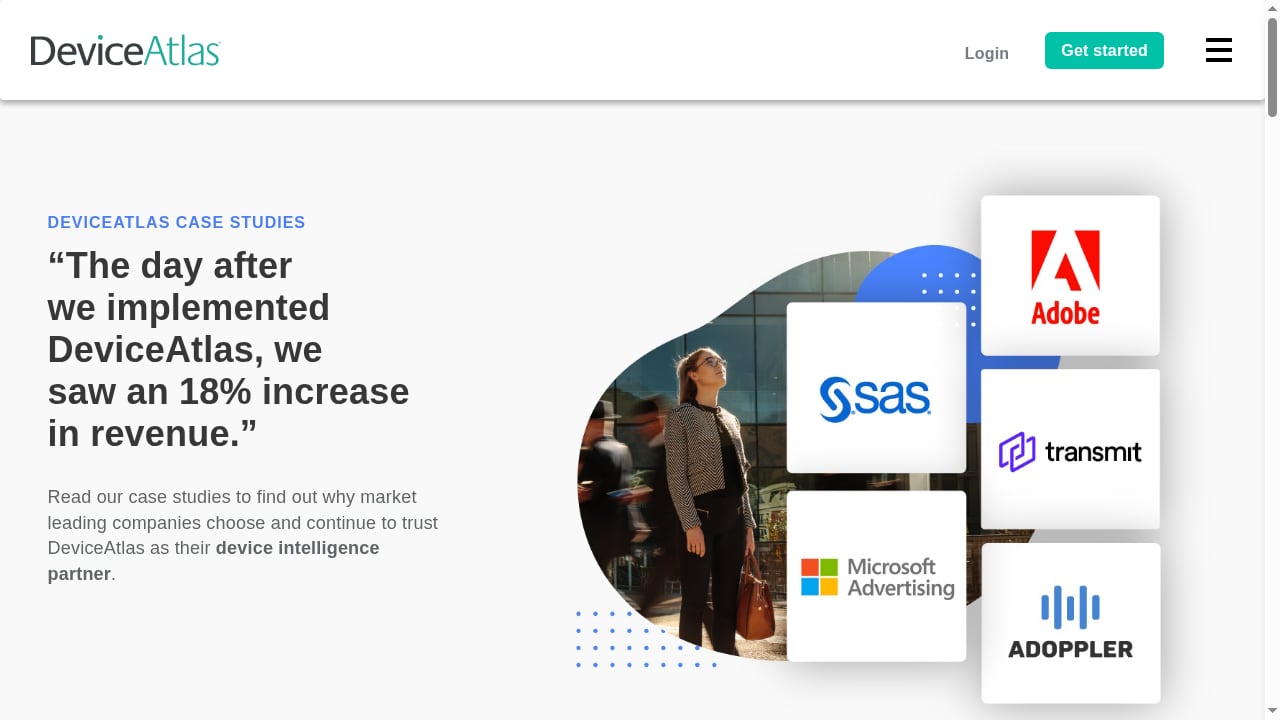
First viewport screenshot of deviceatlas.com.
To make an informed choice, consider these dimensions:
Fingerprint Coverage
BrowserScan excels here, offering extensive fingerprint surfaces including Canvas, WebGL, WebGPU, Client Hints, fonts, audio, and hardware details. Browser Check covers the basics—enough for a quick privacy check but less comprehensive. DeviceAtlas focuses on device attributes (model, OS, browser) rather than browser fingerprinting for privacy testing, so it may not provide the same depth for individual users.
Advantage: BrowserScan for breadth of fingerprint signals.
Leak and Network Diagnostics
BrowserScan includes DNS leak test, WebRTC leak test, proxy detection, IP lookup, and port scanning—a full suite for diagnosing network privacy. Browser Check offers WebRTC leak detection and public IP display, which covers common leaks but lacks DNS and proxy-specific tests. DeviceAtlas is not designed for leak testing; it's a device intelligence API.
Advantage: BrowserScan for comprehensive leak diagnostics.
Usability and Accessibility
Browser Check is the simplest to use, with a clean interface and minimal jargon—ideal for non-technical users. BrowserScan provides more data, which can be overwhelming but includes explanations and a trust score for guidance. DeviceAtlas requires technical integration and is not a consumer-facing tool.
Advantage: Browser Check for ease of use; BrowserScan for guided depth.
Device Intelligence and Business Use
DeviceAtlas shines in enterprise scenarios, offering accurate device identification for fraud detection, analytics, and personalization. BrowserScan and Browser Check are not built for business device intelligence; they are privacy testing tools for individuals.
Advantage: DeviceAtlas for business-grade device intelligence.
Additional Utilities
BrowserScan includes unique extras like a port scanner, speed test, 2FA live code generator, and user agent parser. Browser Check focuses solely on browser privacy checks. DeviceAtlas offers API access and integration support.
Advantage: BrowserScan for all-in-one utility.
When to Choose Each Tool
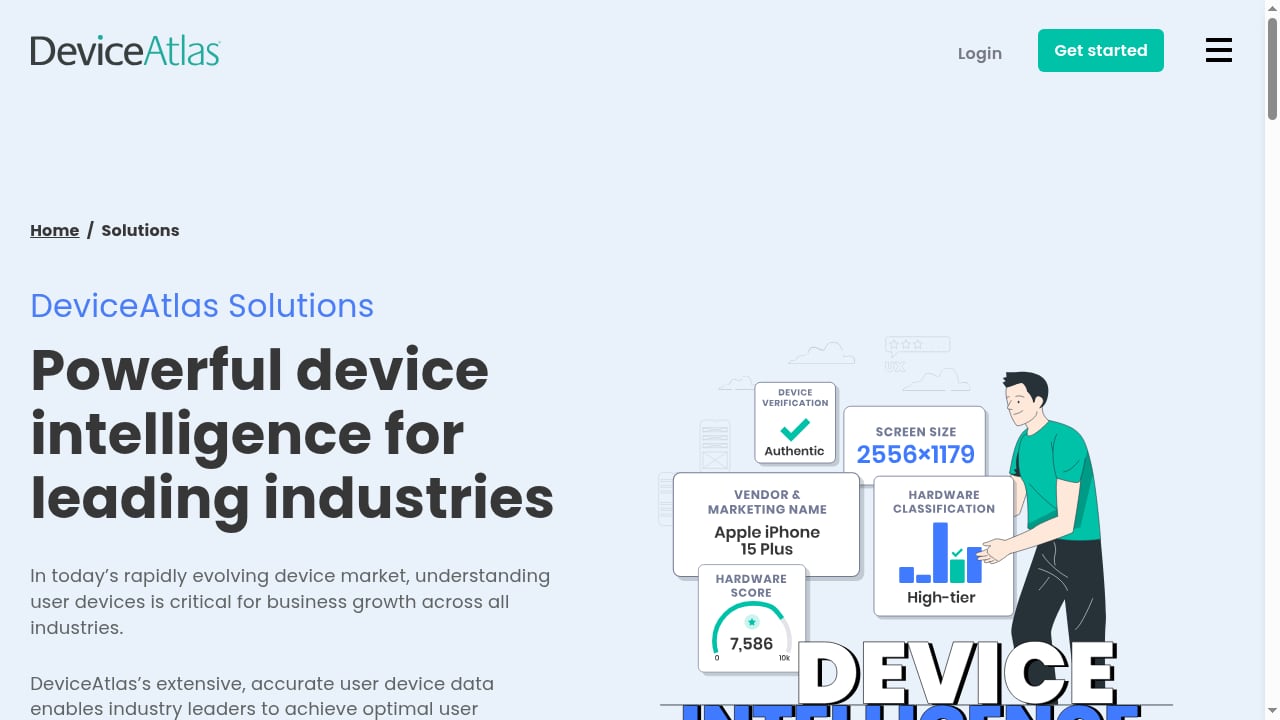
First viewport screenshot of deviceatlas.com.
- Choose BrowserScan if you want a comprehensive, free fingerprint and privacy analysis with extensive leak tests and additional utilities. It's ideal for privacy enthusiasts, anti-detect browser users, and developers who need to understand what websites see.
- Choose Browser Check if you need a quick, straightforward privacy check without technical overload. It's perfect for casual users who want to verify their browser's basic privacy settings and WebRTC leaks.
- Choose DeviceAtlas if you're a business requiring accurate device identification for fraud prevention, analytics, or personalization at scale. It's an enterprise solution, not a consumer privacy tool.
Practical Examples
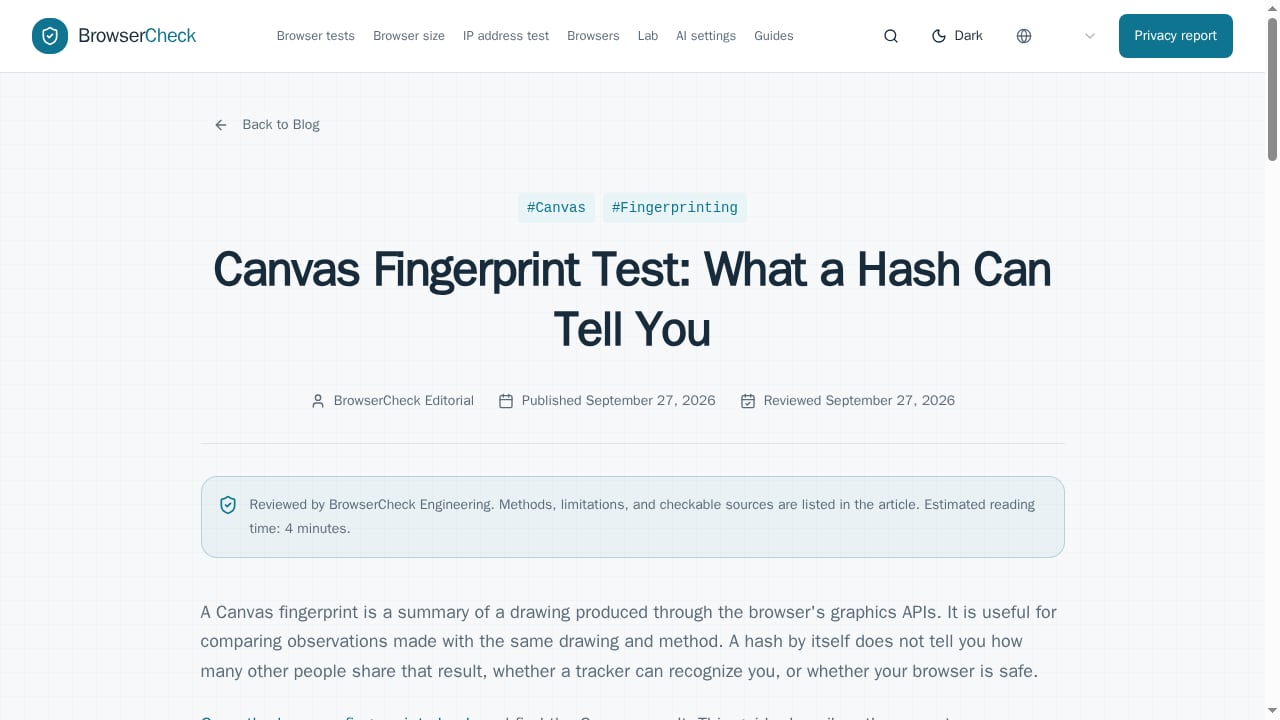
First viewport screenshot of browsercheck.net.
Scenario 1: Privacy-Conscious Individual You want to minimize your online footprint. BrowserScan reveals your Canvas and WebGL fingerprints, checks for DNS and WebRTC leaks, and suggests improvements. Browser Check gives a quick overview but lacks depth. DeviceAtlas is irrelevant here.
Scenario 2: Anti-Detect Browser User You manage multiple profiles and need to ensure each one appears unique and leak-free. BrowserScan's detailed fingerprint and proxy detection help verify consistency. Browser Check is too basic. DeviceAtlas could verify device attributes but isn't designed for browser fingerprint spoofing detection.
Scenario 3: E-Commerce Fraud Team You need to identify suspicious devices in real time. DeviceAtlas provides device intelligence and risk signals. BrowserScan and Browser Check are not built for this use case.
Related reading
- CreepJS Review: Browser Fingerprint & IP Risk Analysis - Evidence-based CreepJS review: 59 checks, 8 categories, lie detection, API and SDK, pricing signals, setup, and ideal users for fingerprint audits.
- AdsPower Alternative for Teams: Fingerprint Privacy Checks - Compare team-friendly AdsPower alternatives and learn how BrowserScan fingerprint detection, leak tests, and IP checks verify each profile before your team scales.
FAQ
What is the main difference between BrowserScan and Browser Check?
BrowserScan offers deeper fingerprint analysis, more leak tests (DNS, proxy, port scanning), and additional utilities, while Browser Check provides a simpler, faster privacy check with basic fingerprint and WebRTC leak detection.
Can DeviceAtlas be used for personal privacy testing?
No, DeviceAtlas is an enterprise device intelligence platform designed for businesses. It is not a consumer-facing privacy tool.
Is BrowserScan free?
Yes, BrowserScan is free to use and provides comprehensive results without payment.
Which tool is best for detecting WebRTC leaks?
Both BrowserScan and Browser Check detect WebRTC leaks. BrowserScan also offers DNS leak testing and proxy detection for a more complete network privacy assessment.
How accurate is DeviceAtlas for device identification?
DeviceAtlas is known for high accuracy and is widely used in enterprise environments for fraud prevention and analytics.
Conclusion
BrowserScan, Browser Check, and DeviceAtlas serve different purposes. BrowserScan stands out as a comprehensive, free fingerprint detection and privacy testing tool with extensive diagnostics and utilities—ideal for individuals and professionals who want deep insights. Browser Check is a great lightweight option for quick privacy checks. DeviceAtlas is the go-to for businesses needing reliable device intelligence. Assess your needs: for personal privacy and fingerprint analysis, BrowserScan offers the most complete toolkit.
For more comparisons, see our BrowserScan vs Panopticlick and BrowserScan vs Pixelscan.dev articles. You can also explore the Top 10 Browser Fingerprinting & Privacy Testing Tools 2026 for a broader view.
External references: