
CreepJS Review: Browser Fingerprint & IP Risk Analysis

CreepJS Review: Browser Fingerprint and IP Risk Analysis
CreepJS is often described as a strict browser fingerprint checker, but that label undersells what it actually does. It is a diagnostic environment that runs collectors locally in your browser, compares signals from multiple sources, and reports where those signals contradict each other. This review examines CreepJS as a product: what it measures, who benefits, where it falls short, and how to decide whether it belongs in your toolkit.
What CreepJS Is and What It Is Not
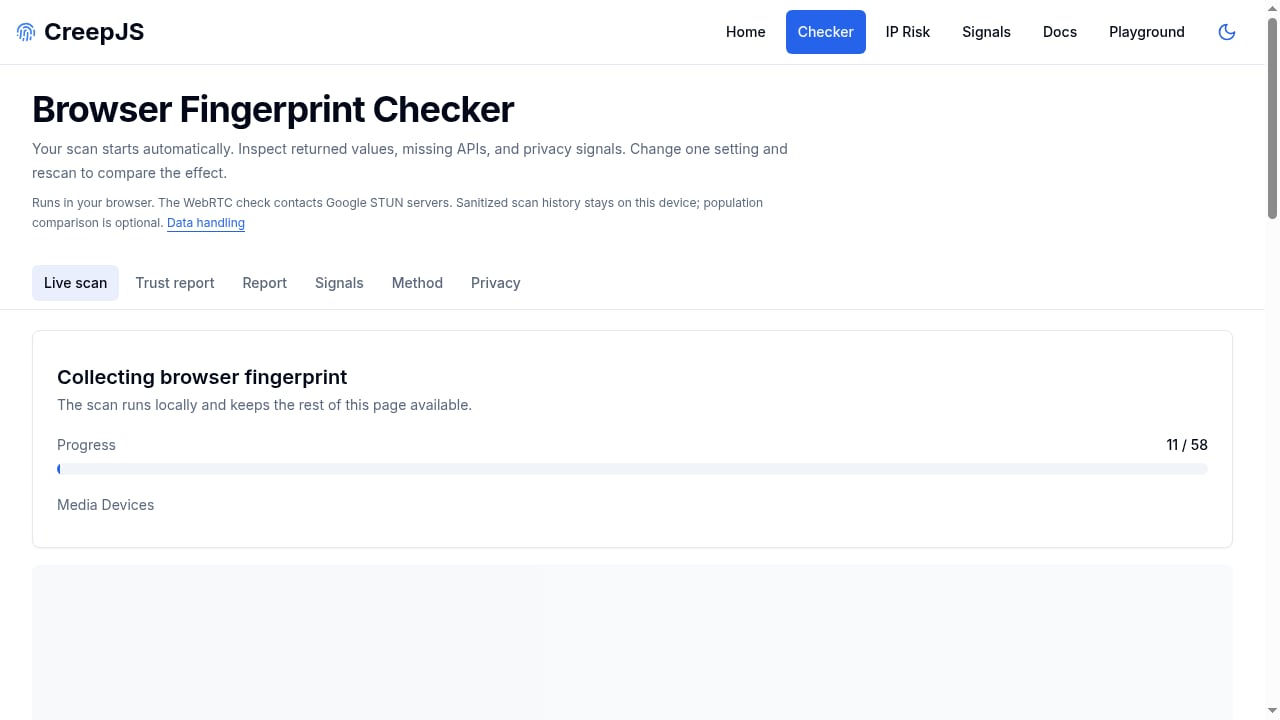
First viewport screenshot of creepjs.org.
CreepJS is a browser fingerprint checker and IP risk analysis platform. It runs 59 checks across 8 categories, including graphics rendering (Canvas, WebGL, SVG), device surface, browser capabilities, system context, audio, display preferences, network exposure, and privacy resistance. Results appear in a human-readable report with a diagnostic fingerprint ID and collector coverage.
The project is explicit about a critical limitation: the fingerprint ID summarizes a scan, not a person. Coverage does not measure uniqueness, identity, or fraud probability. That distinction matters because many fingerprint tools imply a score equals risk. CreepJS treats its output as a diagnostic signal, not a verdict.
CreepJS is not a commercial anti-fraud platform in the traditional sense. It does not sell identity graphs or cross-site tracking. Instead, it provides transparency and education: scans run locally, results stay in the tab, and the project is positioned for legitimate security, fraud prevention, engineering, research, and educational use cases.
How CreepJS Works: Local Collectors and Consistency Checks
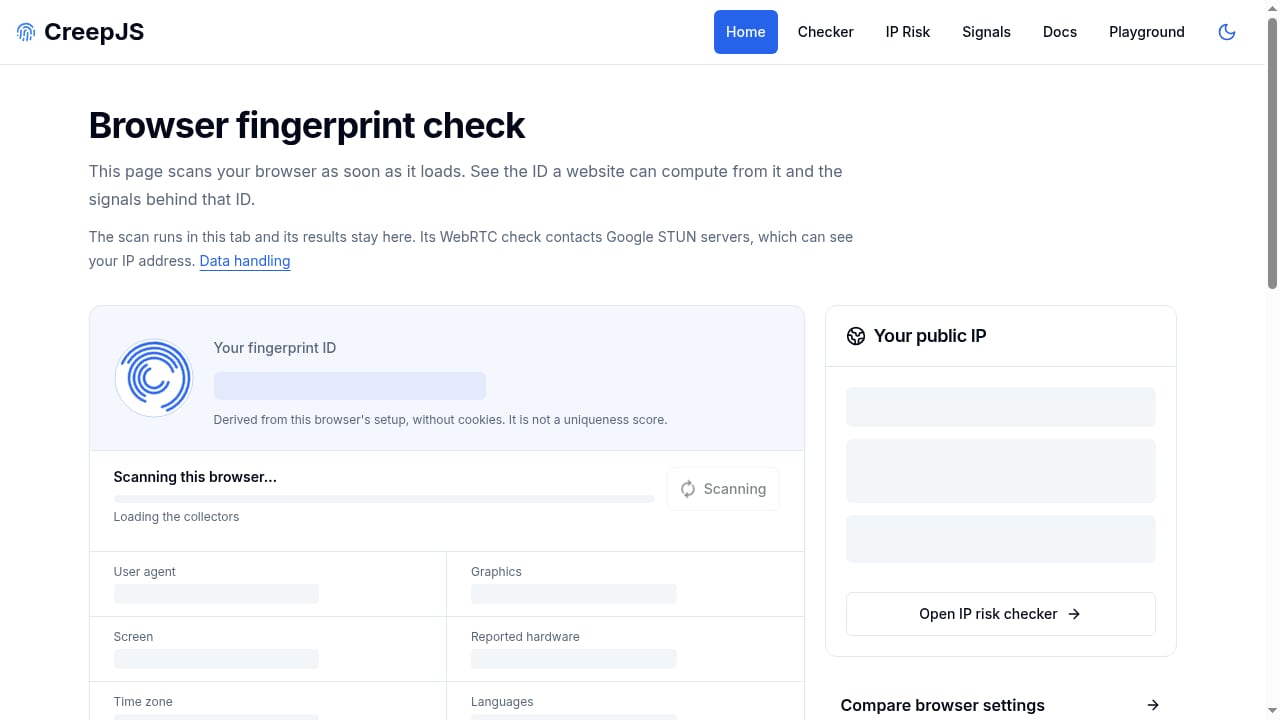
First viewport screenshot of creepjs.org.
CreepJS runs collectors in the browser. Each collector gathers a specific class of signals, and the report shows which collectors ran and what they found. The emphasis is on consistency: does the value reported by one API agree with the same fact derived from another source?
For example, a browser might report a user agent string that claims one platform while WebGL rendering reveals a different GPU vendor. Or a canvas hash might look ordinary on its own, but the same computation inside a Web Worker produces a different result. CreepJS flags these disagreements as inconsistencies, often described as "lies" in the fingerprint.
This approach is more demanding than simple fingerprint viewers. A setup can appear unique on a basic checker yet fail CreepJS because its signals do not hang together. That is why security researchers and automation engineers use CreepJS as a stress test.
The 8 Check Categories
CreepJS organizes its 59 checks into eight categories:
- Graphics rendering: Canvas, WebGL, and SVG outputs that vary by hardware and driver.
- Device surface: Screen dimensions, pixel ratio, and related display properties.
- Browser capabilities: Feature detection, API availability, and implementation details.
- System context: Platform, timezone, language, and hardware concurrency.
- Audio: Audio processing characteristics exposed through the Web Audio API.
- Display preferences: Color depth, orientation, and visual settings.
- Network exposure: WebRTC and other network-related signals.
- Privacy resistance: Indicators of anti-fingerprinting extensions or privacy browsers.
Each category contributes to the overall diagnostic picture. The report does not collapse everything into a single trust score without context; it shows collector coverage and individual findings.
Key Features and Capabilities
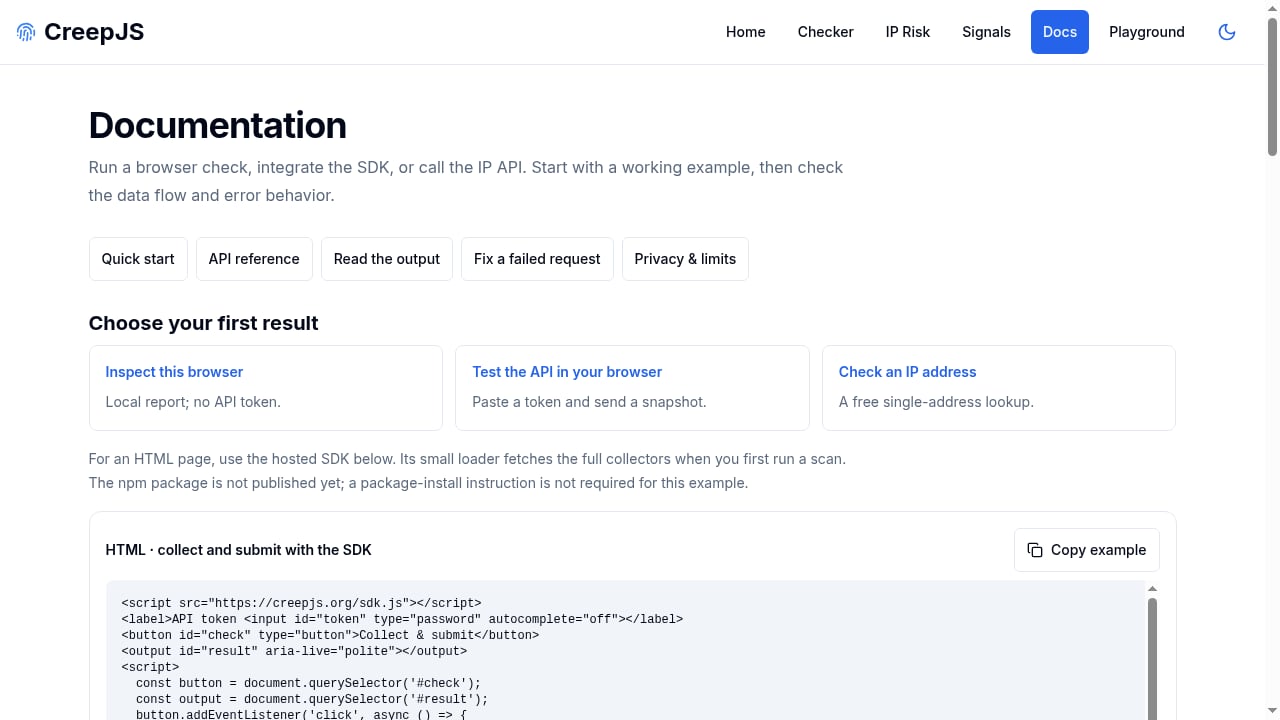
First viewport screenshot of creepjs.org.
CreepJS offers several components beyond the browser-based report:
- RESTful API: Programmatic access to fingerprint and IP risk data.
- Hosted JavaScript SDK: Integration for web applications that need to run checks.
- API playground: Token generation and testing environment.
- Free IP risk checker: Proxy, VPN, Tor, datacenter, ASN, geolocation, and routing signals.
- Signal library: Individual live signal pages with documentation.
- Educational guides: Explanations of browser fingerprinting concepts.
The signal library is particularly useful for developers who want to understand a specific API before building detection logic. Each signal page shows a live value and explains how it can be used in tracking or fraud prevention.
Batch IP Lookup
CreepJS supports batch IP lookup up to 50 addresses. This is practical for fraud-prevention teams that need to screen a list of IPs for proxy, VPN, Tor, or datacenter signals. The free IP risk checker covers the basics, while the API likely supports higher-volume or automated workflows.
Ideal Users and Use Cases
CreepJS is not for everyone. Its technical depth and diagnostic focus make it most valuable to specific audiences.
Developers and Security Researchers
Developers building fingerprinting or anti-fraud systems can use CreepJS to understand which signals are available and how they behave across browsers. Security researchers can study inconsistency detection and test hypotheses about browser modifications.
Privacy Engineers
Privacy engineers can use CreepJS to audit anti-fingerprinting extensions and privacy browsers. The tool reveals whether a privacy tool introduces new inconsistencies even as it blocks known tracking vectors. This is valuable for evaluating whether a privacy setup is internally coherent.
Fraud-Prevention Teams
Fraud-prevention teams can use CreepJS alongside other tools to assess IP risk and browser signal consistency. The free IP risk checker and batch lookup are useful for preliminary screening. However, teams should remember that CreepJS does not provide a fraud probability score; it provides diagnostic signals that must be interpreted in context.
Automation and Web Scraping Engineers
Engineers running Puppeteer, Playwright, or Selenium can point automated browsers at CreepJS to see which properties reveal automation. This is a common use case: a clean CreepJS report does not guarantee bypassing anti-bot systems, but a failing report reliably indicates problems. For a broader comparison of testing tools, see our Top 10 Browser Fingerprinting & Privacy Testing Tools 2026.
Strengths of CreepJS
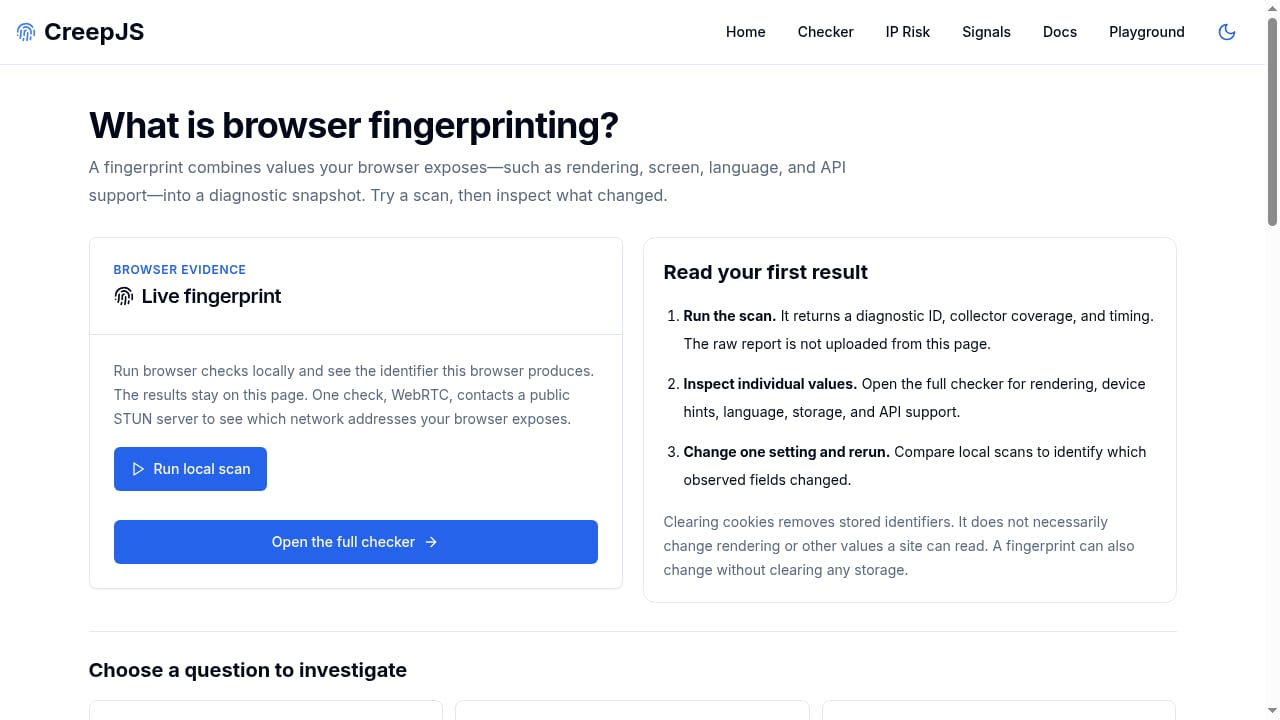
First viewport screenshot of creepjs.org.
- Transparency: Scans run locally, and results stay in the tab. The project emphasizes privacy-first defaults such as in-memory token handling and local-only scan history.
- Depth: 59 checks across 8 categories provide broad coverage of browser and device signals.
- Consistency focus: Rather than just collecting values, CreepJS checks whether those values agree with each other.
- Educational value: The signal library and guides help users understand fingerprinting mechanics.
- Free IP risk checker: Useful for quick proxy, VPN, and datacenter detection.
- API and SDK: Enable integration into custom workflows.
Limitations and Considerations
- Not a uniqueness score: The fingerprint ID summarizes a scan, not a person. Coverage does not measure uniqueness, identity, or fraud probability.
- Diagnostic, not definitive: A clean report does not guarantee passing anti-bot systems. Real-world detection also weighs TLS fingerprints, IP reputation, and behavior.
- Technical audience: The report assumes familiarity with browser APIs and fingerprinting concepts. Non-technical users may find it overwhelming.
- No built-in remediation: CreepJS identifies inconsistencies but does not automatically fix them. Users must interpret findings and adjust their setups.
- Pricing opacity: The free IP risk checker is available, but API and SDK pricing may require contacting the vendor. This review did not find public pricing tiers.
Pricing Signals
CreepJS offers a free IP risk checker and a browser-based report that appears free to use. The API and hosted SDK likely have commercial terms, but public pricing information is limited. Teams should expect to request a quote or consult documentation for volume pricing. The free tier is suitable for individual developers and small-scale testing, while production integrations may require a paid plan.
Setup and Getting Started
Getting started with CreepJS depends on your use case.
Using the Browser Report
Visit the official CreepJS site and wait for the collectors to finish. The report displays fingerprint data, collector coverage, and any inconsistencies. No installation is required. For a quick check, this is the fastest path.
Using the API and SDK
The API playground allows token generation and testing. Developers can explore endpoints before integrating. The hosted JavaScript SDK is designed for web applications that need to run checks programmatically. Documentation and the signal library provide guidance on specific signals.
Running Locally
For development environments, CreepJS can be cloned from its GitHub repository and run locally. This is useful for offline testing or modifying detection rules. The project is open source, so researchers can inspect the code.
CreepJS vs Alternatives
CreepJS occupies a specific niche. Here is how it compares with common alternatives.
CreepJS vs FingerprintJS
FingerprintJS is a commercial identification platform focused on stable user identification across sessions. It provides a visitor ID and is designed for anti-fraud and analytics. CreepJS, by contrast, is a diagnostic tool that emphasizes consistency and education. FingerprintJS is better for production identification; CreepJS is better for auditing and research.
CreepJS vs BrowserLeaks
BrowserLeaks offers a suite of independent tests for individual parameters such as IP, Canvas, and WebRTC. It is excellent for leak diagnostics but does not combine signals into a unified consistency model. CreepJS provides a more integrated report with lie detection. For a detailed comparison of fingerprint detection tools, see our BrowserScan vs Pixelscan.dev: Best Fingerprint Detection article.
CreepJS vs BrowserScan
BrowserScan is a fingerprint detection and privacy testing tool that emphasizes leak tests and usability. It may be more approachable for teams that need a guided workflow. CreepJS is more research-oriented and exposes raw inconsistencies. Teams should choose based on whether they need a polished interface or deep diagnostic detail. Our BrowserScan Fingerprint Detection Tool for Privacy review covers BrowserScan in depth.
Decision Criteria: When to Choose CreepJS
Consider CreepJS if:
- You are a developer or researcher who needs to understand browser signal consistency.
- You want to audit anti-fingerprinting extensions or privacy browsers.
- You need a free IP risk checker with batch lookup for preliminary screening.
- You are building automation and want to see which properties reveal headless or instrumented browsers.
- You value local-only scans and privacy-first defaults.
Avoid CreepJS if:
- You need a commercial identity graph or cross-site tracking.
- You want a simple uniqueness score without interpreting technical details.
- You require built-in remediation or automated profile correction.
- You need guaranteed bypass of anti-bot systems; no single tool provides that.
Related reading
- AdsPower Alternative for Teams: Fingerprint Privacy Checks - Compare team-friendly AdsPower alternatives and learn how BrowserScan fingerprint detection, leak tests, and IP checks verify each profile before your team scales.
- How to Use BrowserScan with Accovod for Fingerprint Privacy - Learn how to combine BrowserScan fingerprint detection with Accovod antidetect browser to test, fix, and protect your online privacy across multiple profiles.
- BrowserScan vs VPN Master Pro IP Checker vs WhoerIP - Compare BrowserScan, VPN Master Pro IP Checker, and WhoerIP for fingerprint detection, leak tests, and IP diagnostics. Find the best privacy tool for your needs.
Sources and further reading
- CreepJS Review 2026: The Ultimate Guide to Browser Fingerprint Analysis - Decode CreepJS! 🛡️ Learn how this advanced tool analyzes fingerprints, detects lies, and calculates your trust score. Get the ultimate guide.
- CreepJS & Multilogin - Discover the full potential of CreepJS with an antidetect browser. Check browser fingerprinting to stay undetected and prevent bans.
- How to use CreepJS in 2026: Bypass browser fingerprinting - How to bypass CreepJS browser fingerprinting: read the lie detection report and fix the leaks that give away Puppeteer, Playwright, and Selenium.
FAQ
Is CreepJS free?
The browser-based report and free IP risk checker are available at no cost. The API and hosted SDK may have commercial terms. Check the official documentation for current pricing.
What does the CreepJS trust score mean?
The trust score reflects the consistency of the fingerprint. A lower score indicates more inconsistencies or signs of tampering. It is not a measure of fraud probability or personal trustworthiness.
Can CreepJS detect automation tools like Puppeteer or Playwright?
Yes, CreepJS includes checks for automation artifacts such as WebDriver traces and headless browser signals. A failing report can help identify why an automated browser is being flagged.
Does CreepJS store my fingerprint data?
CreepJS emphasizes privacy-first defaults: scans run locally, results stay in the tab, and scan history is local-only. Token handling is in-memory. Users should still review the project's documentation for details.
How many checks does CreepJS run?
CreepJS runs 59 checks across 8 categories, including graphics rendering, device surface, browser capabilities, system context, audio, display preferences, network exposure, and privacy resistance.
Can I use CreepJS for fraud prevention?
CreepJS provides diagnostic signals that can support fraud-prevention workflows, especially IP risk analysis. However, it does not provide a fraud probability score. Teams should combine it with other tools and human judgment.
Conclusion
CreepJS is a valuable diagnostic tool for developers, security researchers, privacy engineers, and fraud-prevention teams who need to understand browser fingerprint consistency. Its 59 checks across 8 categories, local-only scans, and educational resources make it a strong choice for auditing and research. However, it is not a commercial identity platform, and its output requires interpretation. A clean report is a diagnostic, not a guarantee. Teams should evaluate CreepJS against their specific needs, considering alternatives like FingerprintJS for identification or BrowserLeaks for individual leak tests. For a broader view of the market, see our Top 10 Browser Fingerprint Detection & Privacy Testing Tools 2026.