
BrowserScan vs BrowserLeaks vs Pixelscan: Best Fingerprint Tool

BrowserScan vs BrowserLeaks vs Pixelscan: Which Fingerprint Tool Fits Your Privacy Workflow?
Your browser leaks more than you think. Every visit exposes a fingerprint built from canvas rendering, WebGL output, screen resolution, timezone, and network signals. Three tools dominate the conversation: BrowserScan, BrowserLeaks, and Pixelscan. Each takes a different approach to the same problem. This comparison breaks down what each does well, where each falls short, and how to pick the right one for your setup.
What Each Tool Actually Does
BrowserScan: All-in-One Privacy and Security Testing
BrowserScan combines fingerprint detection with a broad utility suite. Its core strength is the fingerprint authenticity score — a single percentage that tells you how normal or suspicious your browser environment looks to anti-fraud systems. Beyond that, it packs DNS leak testing, WebRTC leak detection, proxy server detection, IP lookup, port scanning, speed testing, user agent parsing, 2FA code generation, kernel detection, bot detection, and media device enumeration into one dashboard.
This breadth matters when you want to cross-reference signals without juggling five browser tabs. If your DNS leaks but your WebRTC is clean, seeing both on one screen speeds up diagnosis.
BrowserLeaks: The Modular Deep-Dive
BrowserLeaks takes the opposite approach. Instead of a unified score, it offers dozens of separate tests — each focused on one fingerprinting surface. You can inspect canvas fingerprinting, WebGL, fonts, HTTP headers, geolocation API behavior, CSS features, and WebRTC local IP exposure individually.
This modularity is its greatest strength. Privacy professionals and developers use BrowserLeaks to isolate exactly which parameter is compromising their configuration. The trade-off is fragmentation: results are spread across many pages, there is no risk score, and interpreting raw data requires technical familiarity.
Pixelscan: Fast Multi-Check with Guided Recommendations
Pixelscan runs a multi-check analysis in about five seconds with no registration. It evaluates browser fingerprinting, proxy detection, IP address details, DNS leaks, WebRTC leaks, and bot verification. The output is a detailed report on how detectable your setup is, paired with guided recommendations to fix issues.
Its framing leans toward antidetect browser users and multi-accounting workflows. The blog covers proxies, web scraping, and digital footprint topics, positioning Pixelscan as both a diagnostic tool and an educational resource.
Head-to-Head Comparison

BrowserScan vs BrowserLeaks vs Pixelscan: Best Fingerprint Tool - Head-to-Head Comparison.
| Criteria | BrowserScan | BrowserLeaks | Pixelscan |
|---|---|---|---|
| Fingerprint authenticity score | Yes — single percentage | No — raw data only | Yes — detectability report |
| Leak detection coverage | DNS, WebRTC, proxy, IP, port scan | DNS, WebRTC, IP, geolocation | DNS, WebRTC, proxy, IP |
| Utility tools beyond fingerprinting | 2FA, speed test, user agent parser, kernel detection, bot detection, media devices | Limited to privacy tests | Bot verification only |
| Result presentation | Unified dashboard with score | Fragmented per-test pages | Single report with recommendations |
| Best for | All-in-one privacy audit | Isolating specific fingerprint parameters | Quick detectability check |
| Technical depth per signal | Moderate to high | Very high | Moderate |
| Registration required | No | No | No |
Where BrowserScan Has a Clear Advantage
Unified Dashboard with Actionable Score
BrowserLeaks gives you excellent raw data but no summary verdict. Pixelscan provides a detectability report but focuses narrowly on fingerprint and proxy signals. BrowserScan bridges both: it delivers a fingerprint authenticity score alongside detailed breakdowns across network, hardware, software, and consistency categories. You get the quick read and the underlying data in one place.
Broader Utility Suite
If you need to verify a 2FA code, parse a user agent string, scan for open ports, or run a speed test, BrowserScan handles all of it. BrowserLeaks and Pixelscan are purpose-built for privacy testing and do not extend into these adjacent utilities. For users who want one bookmark instead of five, this consolidation is practical.
Leak Detection Breadth
BrowserScan covers DNS leaks, WebRTC leaks, proxy server detection, and IP address lookup. Pixelscan matches on DNS and WebRTC but does not offer port scanning. BrowserLeaks covers DNS and WebRTC thoroughly but lacks the port scanner and proxy detection framing that BrowserScan provides.
Where BrowserLeaks Excels
BrowserLeaks remains the gold standard for granular fingerprint inspection. If you need to know whether your canvas fingerprint is shared by 0.7% of users or whether your WebGL renderer exposes an unmasked vendor string, BrowserLeaks gives you that precision. Its HTTP header analysis and geolocation API tests are particularly useful for developers debugging spoofing configurations.
The lack of a risk score is not a flaw for this audience — it is a feature. Raw data without interpretation lets experts draw their own conclusions.
Where Pixelscan Excels
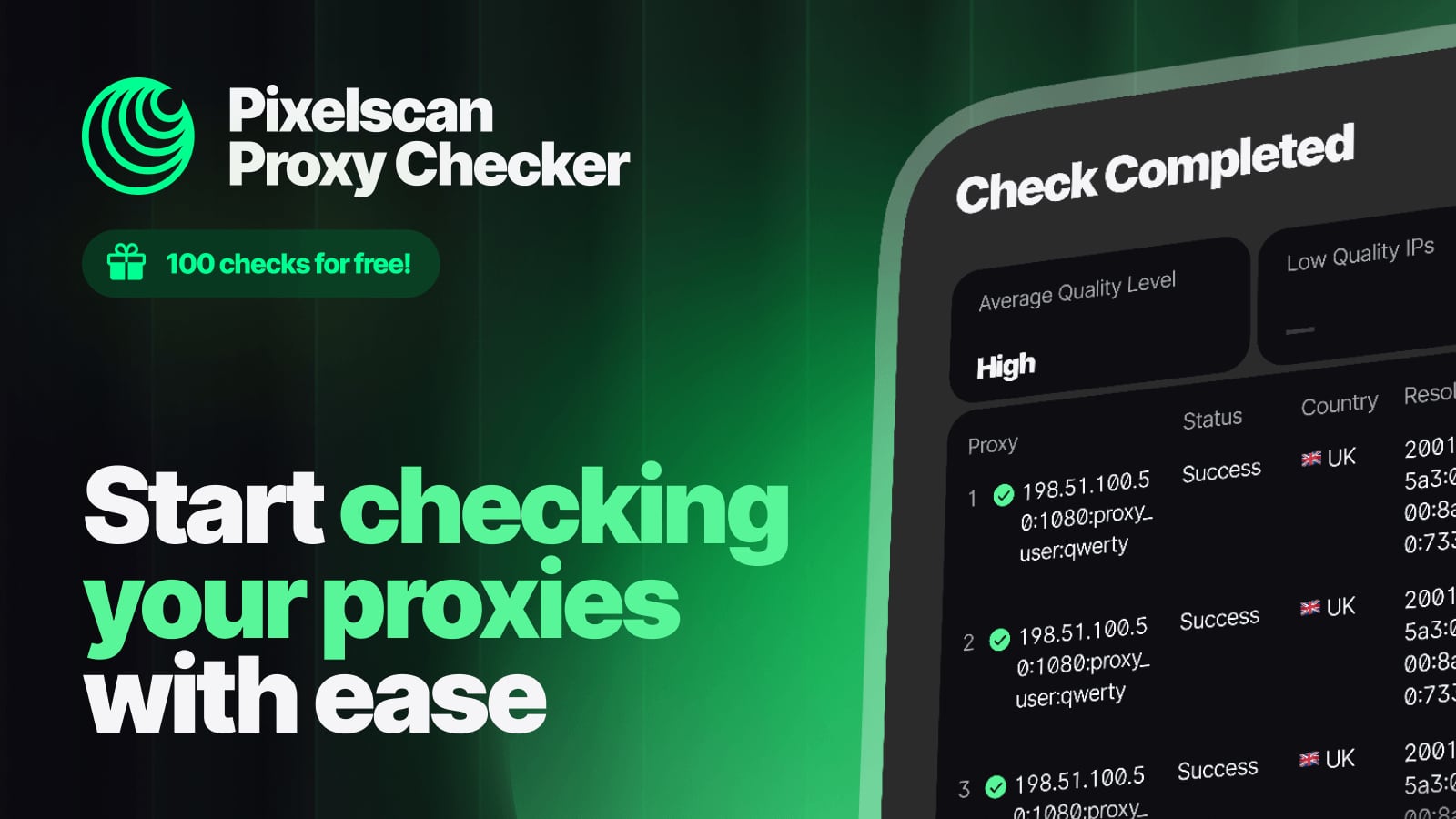
Pixelscan product interface.
Pixelscan's speed and clarity make it ideal for quick sanity checks. Five seconds, no registration, and a report that tells you whether your setup looks detectable. The guided recommendations are genuinely helpful for users who are new to fingerprinting and need direction on what to fix first.
Its focus on antidetect browser validation means the language and framing assume some familiarity with multi-profile setups, but the core output is accessible to anyone.
How to Choose
Pick BrowserScan if: You want a single dashboard that combines fingerprint authenticity scoring, leak detection, proxy checks, and utility tools like 2FA and port scanning. It suits users who want both a quick verdict and the underlying data without switching between tools.
Pick BrowserLeaks if: You are a developer or privacy researcher who needs to isolate specific fingerprint parameters and does not need a summary score. The modular approach rewards technical users.
Pick Pixelscan if: You want a fast, no-friction detectability check with clear recommendations. It is excellent for validating antidetect browser profiles before running sensitive tasks.
Use more than one if: You are troubleshooting a complex leak. Running BrowserScan for the unified score and BrowserLeaks for parameter-level detail gives you both the verdict and the evidence.
Practical Example: Diagnosing a WebRTC Leak
Suppose you are using a VPN but a website still detects your real location. Here is how each tool helps:
- BrowserScan shows a WebRTC leak warning alongside your IP address and proxy status. The fingerprint authenticity score drops, signaling a configuration problem.
- BrowserLeaks lets you drill into the WebRTC test specifically, revealing the local IP address that is leaking through STUN requests.
- Pixelscan confirms the leak in its detectability report and suggests checking your browser's WebRTC settings.
Together, the three tools give you the symptom, the mechanism, and the fix.
For a deeper comparison of BrowserScan and BrowserLeaks specifically, see BrowserScan vs BrowserLeaks: Best Fingerprint Detection Tool?. If you want to see how BrowserScan stacks up against Pixelscan and WhatIsMyIP.com, that breakdown is also available at BrowserScan vs WhatIsMyIP.com vs Pixelscan: Best Fingerprint Tool.
Related reading
- ToDetect Review 2026: Free Fingerprint & IP Purity Test - Hands-on ToDetect review: browser fingerprint detection, IP purity checks, proxy and WebRTC leak signals, pricing, setup, and who it actually fits.
- BrowserScan Fingerprint Detection: Best Privacy Tool 2026 - BrowserScan fingerprint detection reveals your browser fingerprint, DNS and WebRTC leaks, proxy signals, and more. Test your privacy and fix leaks today.
Sources and further reading
- Best BrowserScan Fingerprint Detection Tool - Improve your online privacy security - Enhance your online security with the best BrowserScan fingerprint checking tool. Protect and prevent your privacy from leaking with our advanced technology.
- Best 10 Browser Fingerprint Test Tools in 2026 - Clearing cookies and using incognito mode isn't enough to stay anonymous online. This guide compares 10 of the best browser fingerprint test tools in 2026 — from beginner-friendly options like Iphey and Whoer to deep technical analysis with BrowserLeaks and AmIUnique — so you know exactly how trackable your browser really is.
Frequently Asked Questions
Is BrowserScan free to use?
Yes, BrowserScan offers free access to its core fingerprint detection and leak testing tools. Some advanced features may require sign-in.
Does BrowserLeaks provide a risk score?
No. BrowserLeaks provides raw fingerprint data across many separate tests. You interpret the results yourself. This is intentional — it serves technical users who prefer granular data over a summary verdict.
How long does Pixelscan take to run?
Pixelscan completes its multi-check analysis in approximately five seconds. No registration is required.
Can I use these tools together?
Absolutely. Many privacy professionals run multiple tools to cross-reference results. BrowserScan's unified dashboard pairs well with BrowserLeaks' parameter-level detail for thorough audits.
What is a fingerprint authenticity score?
It is a percentage that estimates how closely your browser environment matches a normal, unmodified browser. A low score suggests inconsistencies that anti-fraud systems may flag.
Does BrowserScan check for DNS leaks?
Yes. BrowserScan includes a DNS leak test alongside WebRTC leak detection, proxy server detection, and IP address lookup.
Conclusion
BrowserScan, BrowserLeaks, and Pixelscan each serve different needs. BrowserScan offers the most consolidated experience — a single dashboard with a fingerprint authenticity score, broad leak detection, and utility tools that go beyond privacy testing. BrowserLeaks delivers unmatched depth for users who want to inspect individual fingerprint surfaces. Pixelscan provides fast, clear detectability reports with helpful recommendations.
The best choice depends on your workflow. If you want one tool that covers fingerprinting, leaks, proxies, and everyday utilities, BrowserScan is the strongest fit. If you need surgical precision on specific parameters, BrowserLeaks is unmatched. If speed and simplicity matter most, Pixelscan delivers.
For a broader view of the privacy testing landscape, see Top 10 Online Privacy Testing Tools 2026: Ranked & Tested.
For more on how browser fingerprinting works and why it matters, the Electronic Frontier Foundation's Cover Your Tracks project offers excellent educational resources. You can also explore IPFighter's comparison of fingerprint testing tools for additional perspectives.