
BrowserScan vs Pixelscan vs NSLookup.io: Which Tool Wins?
BrowserScan vs Pixelscan vs NSLookup.io: Which Tool Wins?
Choosing the right online privacy and network diagnostics toolkit can be confusing. Three names often surface: BrowserScan, Pixelscan, and NSLookup.io. Each serves a distinct audience, and misunderstanding their strengths can leave you exposed to leaks or using more tools than you need. At BrowserScan, we put privacy and network toolkits to the test so you can make informed decisions. Here, we examine how these three platforms stack up, where they shine, and which one earns a spot in your toolbox.
At a Glance: BrowserScan, Pixelscan, and NSLookup.io
BrowserScan vs Pixelscan vs NSLookup.io: Which Tool Wins? product interface and feature overview.
BrowserScan is an all-in-one online privacy and security suite. It runs browser fingerprint detection, DNS and WebRTC leak tests, IP lookups with geolocation and blacklist checks, a port scanner, internet speed test, user agent parser, bot detection, and a collection of handy utilities like a cookie converter and 2FA code generator. No plugins or accounts are required, and it pulls IP data from multiple trusted sources.
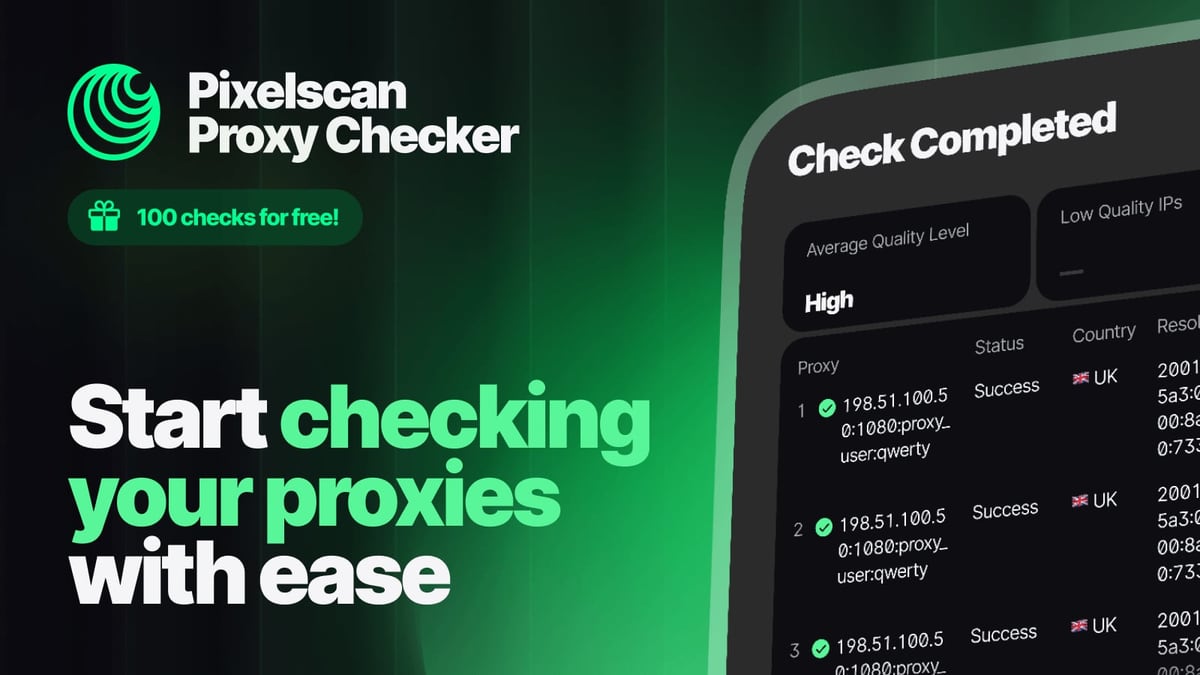
Pixelscan is a focused privacy diagnostics platform built for speed and transparency. In about five seconds, it delivers a detailed scan of your browser fingerprint, checks proxy quality, tests for DNS and WebRTC leaks, flags VPN exposure, and verifies IP blacklist status. It claims a 99.95% accuracy rate, stores zero data, and has processed over five million scans.
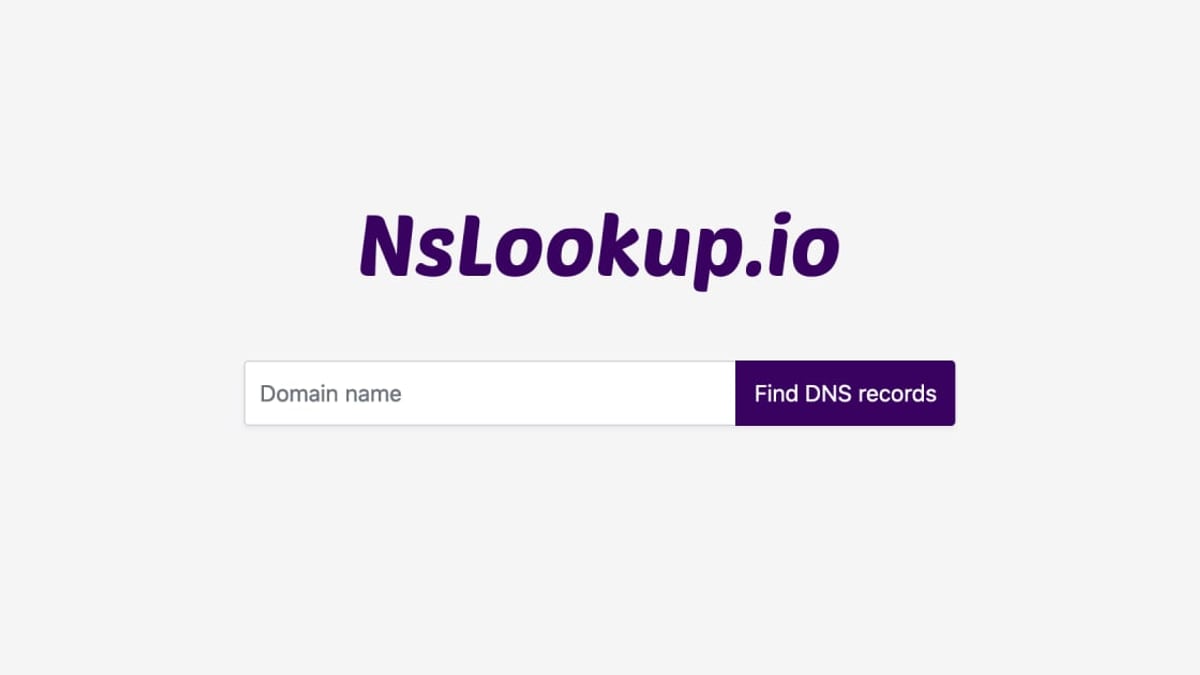
NSLookup.io is a dedicated DNS and network utility hub. It lets you query more than 20 DNS record types in real time from global servers, inspect email authentication protocols (SPF, DKIM, DMARC), monitor SSL certificates and uptime, and benchmark website performance with automated Lighthouse audits. It offers MCP and REST APIs for automation and avoids result caching so you always see current data.
Feature Breakdown: What Each Tool Excels At
BrowserScan vs Pixelscan vs NSLookup.io: Which Tool Wins? product interface and feature overview.
Browser Fingerprinting and Leak Detection
Both BrowserScan and Pixelscan put browser fingerprint analysis front and center. Pixelscan rapidly evaluates canvas and audio fingerprints, WebGL properties, fonts, user-agent strings, and timezone consistency, then scores your setup for mismatches. Its lightning‑fast scan and 99.95% accuracy rate make it a favorite among proxy and antidetect browser users who need to spot configuration errors instantly.
BrowserScan dives even deeper. It not only runs the same core checks but also verifies kernel detection, client hints, WebGPU browser reports, gyroscope visualizations, and media device enumeration. Its fingerprint authenticity scoring goes beyond a simple consistent/inconsistent flag—it assigns a percentage score and compares across multiple IP data sources. If you need a forensic-level view of what your browser reveals, BrowserScan gives you more parameters under one roof.
NSLookup.io does not offer browser fingerprint or real‑time leak detection, so it cannot compete in this category.
DNS and Network Utilities
NSLookup.io is the undisputed leader here. It queries A, AAAA, CNAME, MX, TXT, NS, SOA, and 15+ other record types from multiple global resolvers without caching. On top of that, it includes free DNS change monitoring, SSL certificate checks, uptime monitoring, and email security analysis (SPF, DKIM, DMARC, BIMI). For a network engineer troubleshooting a domain or a marketer auditing an email infrastructure, it’s a one‑stop shop.
BrowserScan includes a DNS leak test and a port scanner (powered by nmap) to check for open high‑risk ports. These are vital for verifying your VPN or proxy setup isn’t silently sending queries through your ISP’s DNS. However, it does not handle full DNS record lookups or email authentication audits. For a detailed comparison focused solely on BrowserScan and NSLookup.io, read our BrowserScan vs NSLookup.io: Privacy Suite or DNS Tool? guide.
Pixelscan offers a DNS leak test but lacks any DNS record lookup, email auth inspection, or monitoring capabilities.
IP and Proxy Analysis
Pixelscan excels at proxy quality verification. It identifies whether your IP belongs to a datacenter, residential, or mobile pool, scans against known blacklists, and cross‑checks geolocation with browser settings. For users who need to validate a proxy’s anonymity and “clean” status before a sensitive session, Pixelscan delivers fast, no‑login results.
BrowserScan also performs IP lookups with geolocation and blacklist checks, but it goes further by integrating data from multiple IP intelligence providers—ip‑api, IPinfo, IP2Location, db‑ip, and IPQuery—so you can cross‑reference results. Its port scanner adds another layer: you can see if a misconfigured service might leak your real IP through an open port.
NSLookup.io can query an IP’s DNS records and perform reverse lookups, but it was not designed as a proxy or blacklist analyzer.
Extra Utility Toolkit
This is where BrowserScan pulls ahead. Beyond the core privacy checks, it bundles a collection of practical tools that do not appear in Pixelscan or NSLookup.io:
- Internet speed test (download/upload, latency)
- User agent parser
- Cookie format converter
- Online 2FA authenticator code generator
- Currency converter
- Kernel detections and WebGPU report
These extras turn BrowserScan into a privacy‑conscious Swiss Army knife. For example, you can verify your fingerprint, run a WebRTC leak test, parse a suspicious user agent string, and generate a two‑factor code—all without leaving the dashboard. Neither Pixelscan nor NSLookup.io includes such a broad utility belt.
Privacy and Data Handling
Pixelscan is transparent about data: it stores zero information and requires no registration. That strong privacy stance reassures users who want to test their setups without leaving digital traces.
BrowserScan also operates without mandatory plugins or accounts, making it frictionless to use. Its privacy policy should be reviewed directly on the site; the platform emphasizes that the goal is to help you detect leaks, not to collect your data.
NSLookup.io may log minimal metadata for its monitoring services, but its DNS lookups are performed in real time and not permanently stored. As with any tool, understanding the data retention policy is part of due diligence.
Side‑by‑Side Comparison
BrowserScan vs Pixelscan vs NSLookup.io: Which Tool Wins? product interface and feature overview.
| Feature | BrowserScan | Pixelscan | NSLookup.io |
|---|---|---|---|
| Browser fingerprint detection | ✅ Deep (scoring, multiple params) | ✅ Fast, 99.95% accuracy | ❌ |
| DNS leak test | ✅ | ✅ | ❌ |
| WebRTC leak test | ✅ (multiple STUN servers) | ✅ | ❌ |
| Port scanner | ✅ (nmap‑based) | ❌ | ❌ |
| IP geolocation & blacklist check | ✅ Multi‑source | ✅ | ❌ (IP lookup only) |
| Full DNS record queries (A, MX, TXT, etc.) | ❌ | ❌ | ✅ (20+ types, uncached) |
| Email authentication (SPF, DKIM, DMARC) | ❌ | ❌ | ✅ |
| SSL / Uptime monitoring | ❌ | ❌ | ✅ |
| Bot detection | ✅ | ✅ | ❌ |
| Internet speed test | ✅ | ❌ | ❌ |
| User agent parser | ✅ | ❌ | ❌ |
| 2FA / Cookie converter / Currency tools | ✅ | ❌ | ❌ |
| Data stored | No account required | Zero data stored | Real‑time lookups, minimal logging |
| Typical use case | All‑in‑one privacy audit + utilities | Quick proxy & fingerprint validation | Full DNS management & monitoring |
When to Choose Each Tool
BrowserScan vs Pixelscan vs NSLookup.io: Which Tool Wins? product interface and feature overview.
For Proxy and Antidetect Browser Users: Pixelscan
If your daily workflow involves residential or mobile proxies, antidetect browsers, and you need to confirm that your browser fingerprint is airtight in seconds, Pixelscan is purpose‑built. Its guided fix recommendations and 99.95% accuracy help you spot mismatched timezones, WebRTC leaks, and canvas spoofing artifacts fast. The zero‑data policy is ideal when you are testing sensitive configurations.
For System Administrators and Webmasters: NSLookup.io
When the task is DNS troubleshooting, email deliverability audits, or website health monitoring, NSLookup.io is the only choice among the three. It simplifies complex record lookups, automates SSL expiry checks, and gives you Lighthouse performance reports. The API integrations make it scriptable for teams managing multiple domains.
For All‑in‑One Privacy Auditing and Toolkit: BrowserScan
BrowserScan wins when you want a single dashboard that covers browser fingerprinting, DNS/WebRTC leak tests, IP intelligence, a port scanner, and a handful of everyday utilities like a speed test and 2FA generator. It’s particularly useful if you are a privacy‑conscious VPN user or an IT professional who needs to run multiple checks without switching tools. If you’re already using another IP lookup service, learn how to layer the checks in our guide on How to Use BrowserScan with Best Online Privacy. And if you are exploring IP intelligence beyond these three, see our curated Top 10 IP Intelligence & Network Lookup Tools for 2026.
Related reading
- HUMAN Security Review: Bot Management & Fraud Prevention Tested - In-depth HUMAN Security review covering anti-bot protection, ad fraud prevention, account takeover defense, pricing signals, user feedback, and ideal enterprise use cases.
- Top 10 Internet Performance Measurement Platforms 2026 - Discover the 10 best internet performance measurement platforms for 2026. Compare speed tests, network diagnostics, and broadband monitoring tools with transparent criteria.
- How to Use BrowserScan with IP.ME: Privacy & Leak Check Combo - Learn to pair BrowserScan's fingerprint and leak tests with IP.ME's IP and DNS tools for a thorough online privacy audit. Step-by-step workflow with examples.
Sources and further reading
- Best BrowserScan Fingerprint Detection Tool - Improve your online privacy security - Enhance your online security with the best BrowserScan fingerprint checking tool. Protect and prevent your privacy from leaking with our advanced technology.
Frequently Asked Questions
Does Pixelscan store my scan results?
No. According to Pixelscan, zero data is stored and no identity is linked to your test. You can read more about their methodology on the official Pixelscan website.
Can NSLookup.io detect DNS leaks like BrowserScan or Pixelscan?
No. NSLookup.io is a DNS record lookup and monitoring platform, not a leak tester. Use BrowserScan or Pixelscan to check for DNS leaks caused by VPN or proxy misconfigurations.
Which tool is best for checking VPN anonymity?
BrowserScan and Pixelscan both excel here. They run DNS leak, WebRTC leak, and IP address tests that reveal whether your real identity is exposed through the VPN tunnel. Pixelscan’s one‑click, 5‑second scan is popular, while BrowserScan includes extra layers like a port scanner to flag open services that might bypass your VPN.
Does BrowserScan offer a free plan?
Yes. BrowserScan provides free access to its core checks and utilities—no plugins or sign‑up required. Simply visit the site and start testing.
How does Pixelscan achieve 99.95% accuracy?
The company uses a combination of JavaScript‑based fingerprinting techniques and server‑side heuristics to minimize false positives. For a deep‑dive into how it analyzes canvas, audio, and WebGL signatures, check out the detailed guide on Proxidize’s blog.
Is NSLookup.io suitable for non‑technical users?
Absolutely. Its interface is designed to make DNS queries straightforward, and it includes explanations for each record type. Even a marketer checking SPF records for email deliverability can use it without prior DNS knowledge.
Final Verdict
No single tool dominates every category. Pixelscan delivers the fastest, most transparent fingerprint and proxy analysis—ideal for proxy users and antidetect browser operators who need immediate, accurate feedback. NSLookup.io is the go‑to for DNS infrastructure, email security, and website monitoring; it plays no role in browser privacy but is the clear expert in its domain. BrowserScan bridges the gap by combining forensic‑level fingerprint detection with a suite of utilities (speed test, port scanner, user agent parser, 2FA codes) that neither competitor offers. If your priority is a full privacy audit plus practical extras in one place, BrowserScan earns its keep.
Ultimately, the best workflow might involve using these tools together—Pixelscan for rapid proxy validation, NSLookup.io for deep DNS dives, and BrowserScan when you need the complete picture with an added toolbox.