
BrowserScan vs Pixelscan: Which Fingerprint Checker Gives You More?
BrowserScan vs Pixelscan: Which Fingerprint Checker Gives You More?
Modern browsers leak a surprisingly detailed picture of your device through fingerprinting. Two free diagnostic tools—BrowserScan and Pixelscan—let you see that picture, but they serve very different needs. While Pixelscan delivers a solid consistency check, BrowserScan wraps a complete privacy testing lab around its fingerprint analysis. In this head-to-head comparison, we'll unpack the features, highlight where BrowserScan pulls ahead, and help you decide which tool deserves a bookmark.
What Is BrowserScan?
BrowserScan vs Pixelscan: Which Fingerprint Checker Gives You More? product interface and feature overview.
BrowserScan is an all-in-one online privacy and security toolkit. It goes far beyond a simple fingerprint check. You can detect canvas, WebGL, audio, font, and client‑hints fingerprints; run DNS and WebRTC leak tests; perform an IP lookup that pulls data from multiple geo‑intelligence providers (ip‑api, IPinfo, IP2Location, db‑ip, IPQuery) and checks blacklists; scan high‑risk ports with a built‑in nmap scanner; measure internet speed; parse user‑agent strings; detect bots; and even convert cookies or generate 2FA codes. Everything happens directly in the browser—no plugins, no registration.
What makes BrowserScan stand out is its authenticity scoring. After scanning, you get a clear percentage that tells you how "human" your fingerprint looks. It also uses multiple STUN servers for WebRTC leak tests, giving a more reliable picture than a single‑server check.
What Is Pixelscan?
BrowserScan vs Pixelscan: Which Fingerprint Checker Gives You More? product interface and feature overview.
Pixelscan is a streamlined browser‑based diagnostic tool. In a few seconds it analyzes your canvas, WebGL, audio context, fonts, timezone, IP, DNS, WebRTC, and proxy/VPN setup. The result is a simple consistent‑or‑inconsistent verdict with color‑coded warnings. With over 5 million scans and a claimed 99.95% accuracy rate, it's a trusted starting point for many proxy users and anti‑detect browser operators.
Pixelscan’s strength is its speed and simplicity. It answers one question well: “Does my fingerprint look natural?” But it stops there.
Head-to-Head Feature Comparison
The table below shows how the two platforms compare, feature by feature. Notice that BrowserScan adds an entire network‑testing and utility layer that Pixelscan simply doesn’t offer.
| Feature | BrowserScan | Pixelscan |
|---|---|---|
| Browser Fingerprint Check | ✅ Authenticity score (e.g., 100%) | ✅ Consistent/Inconsistent flag |
| DNS Leak Test | ✅ | ✅ |
| WebRTC Leak Test | ✅ (Multiple STUN servers) | ✅ |
| IP Lookup + Blacklist | ✅ (5+ data providers) | ✅ |
| Proxy/VPN Detection | ✅ | ✅ |
| Bot Detection | ✅ (Automated script/plugin check) | ✅ |
| Port Scanner (nmap) | ✅ | ❌ |
| Internet Speed Test | ✅ | ❌ |
| Cookie Converter | ✅ | ❌ |
| 2FA Code Generator | ✅ | ❌ |
| HTTP/2, SSL/TLS Fingerprint | ✅ | ❌ |
| Client Hints Analysis | ✅ | ❌ |
| WebGPU / Gyroscope Tools | ✅ | ❌ |
A feature table in a popular third‑party review also confirms this split: Pixelscan excels at beginner‑friendly leak detection, while BrowserScan is positioned as a go‑to for routine checks with moderate technical depth. The table above, however, reveals the bigger picture—BrowserScan packs many more utilities into one place.
Where BrowserScan Outperforms Pixelscan
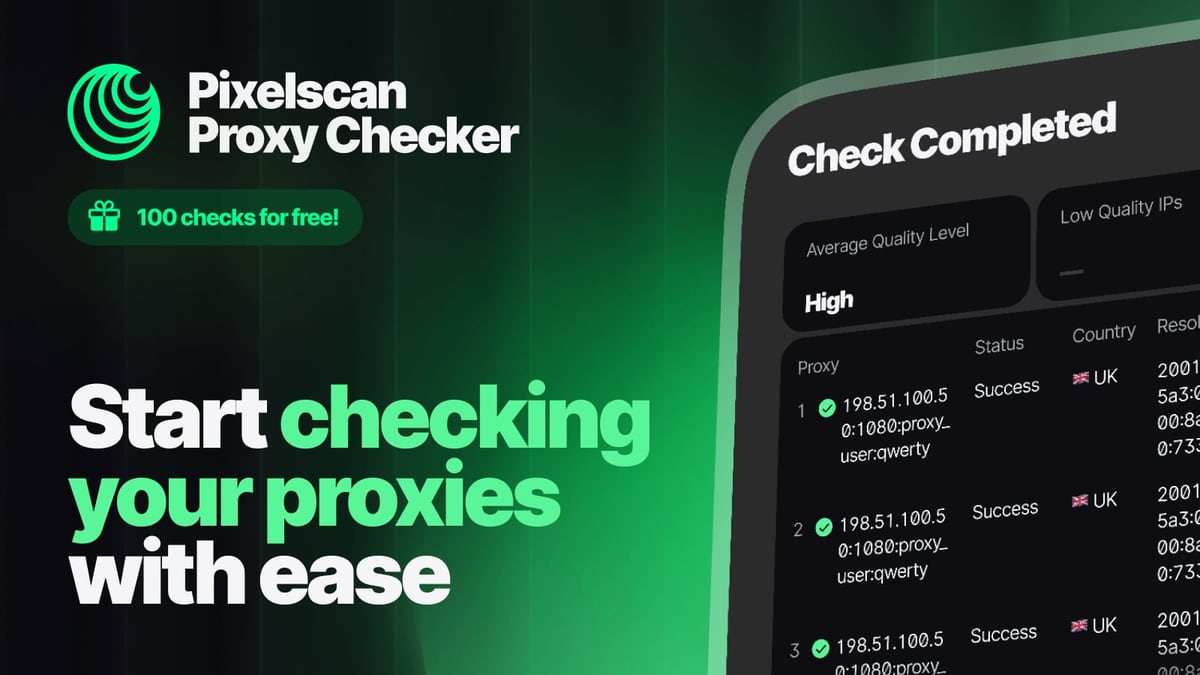
BrowserScan vs Pixelscan: Which Fingerprint Checker Gives You More? product interface and feature overview.
1. A True All‑in‑One Privacy Lab
BrowserScan doesn’t stop at fingerprinting. It gives you a port scanner to check for exposed services, a speed test to benchmark your connection, a cookie converter to handle tracking data, and a 2FA code generator for secure login workflows. No extra websites or tools needed.
2. Richer IP Intelligence
Pixelscan shows your IP and flags blacklists, but BrowserScan queries five independent geo‑IP providers simultaneously and cross‑references the results. If one API returns inaccurate data, the others can expose the discrepancy. For developers who need programmatic IP verification beyond a browser diagnostic, our Abstract API review explores a dedicated verification API that can complement these checks.
3. Granular Authenticity Scoring
Instead of a binary consistent/inconsistent label, BrowserScan displays a percentage that reflects how natural your fingerprint appears. A score of 95% vs 100% tells you exactly how much wiggle room you have—valuable when fine‑tuning an anti‑detect browser or a proxy configuration.
4. Advanced WebRTC Testing
Both tools detect WebRTC leaks, but BrowserScan’s multi‑STUN‑server architecture catches leaks that a single server might miss. This is especially useful if you’re behind a complex VPN or corporate network.
5. Forward‑Looking Tracking Signals
BrowserScan already analyzes HTTP/2 fingerprints, client hints, WebGPU properties, and even gyroscope data—signals that modern trackers are increasingly using. Pixelscan’s focus remains on the classic fingerprint vector.
When Pixelscan Might Still Be Sufficient

BrowserScan vs Pixelscan: Which Fingerprint Checker Gives You More? product interface and feature overview.
If all you need is a fast, everyday check of whether your timezone matches your IP, your WebRTC isn’t leaking, or your canvas hash looks consistent, Pixelscan’s 5‑second test and green/red interface are hard to beat. It’s an excellent first‑line diagnostic for beginners. However, once you outgrow that narrow scope—say you need to scan for open ports, verify an HTTP/2 fingerprint, or convert a cookie string—you’ll find yourself opening BrowserScan anyway.
How to Use BrowserScan to Strengthen Your Digital Fingerprint
- Visit browserscan.net. No plugins required.
- Run the fingerprint authenticity check and note the percentage score.
- Inspect each module: Under “IP address,” verify that the location and ISP match your expectations. Compare data across all five providers.
- Test for leaks: Use the DNS leak test and WebRTC leak test. If any real IP appears, adjust your VPN or disable WebRTC in your browser.
- Use the port scanner to find high‑risk open ports that could be exploited.
- Leverage the utilities: Convert cookies between formats or generate a time‑based 2FA code while you’re still in the diagnostic dashboard.
- Re‑test after making changes. Because BrowserScan’s cross‑checks are so detailed, it catches mismatches that simpler tools overlook.
Sources and further reading
- Pixelscan: How to Check Your Browser Fingerprint - Learn how to use Pixelscan to check your browser fingerprint, read the results, and fix inconsistencies in your proxy and antidetect browser setup in 2026.
Frequently Asked Questions
Is BrowserScan better than Pixelscan for proxy users? Yes, especially if you need to verify proxy quality beyond a simple IP‑location match. BrowserScan’s five‑provider IP intelligence reveals if your IP is being reported differently across databases, and its port scanner can confirm the proxy isn’t leaking on unexpected ports.
Does BrowserScan store my data? The scan runs entirely inside your browser; BrowserScan does not log or store personal data from your tests, similar to Pixelscan’s zero‑data promise.
Can I use BrowserScan to test anti‑detect browser profiles? Absolutely. The detailed authenticity score and advanced signal checks (WebGPU, client hints, HTTP/2 fingerprint) let you validate a spoofed profile more thoroughly than a simple consistent/inconsistent flag would.
Conclusion
Pixelscan does one thing well: it quickly tells you if your browser fingerprint is internally consistent. But browser privacy today demands a wider lens. BrowserScan gives you that lens with a fingerprint checker, full leak test suite, IP geo‑cross‑referencing, port scanner, speed test, and a set of day‑to‑day privacy utilities—all in one tab. When you’re serious about diagnosing every layer of your digital footprint, BrowserScan is the clear upgrade.
At BrowserScan, we keep testing the tools that help you stay invisible online. For more head‑to‑head comparisons and in‑depth reviews, browse our growing library of privacy and security guides.