
BrowserScan vs PrivacyTestLab vs ToDetect: Fingerprint Test
BrowserScan vs PrivacyTestLab vs ToDetect: Which Fingerprint Detection Tool Fits Your Privacy Workflow?
Your browser broadcasts a surprising amount of data—IP address, canvas rendering, WebGL details, timezone, and more—that websites can combine into a unique fingerprint. Choosing the right detection tool helps you see what's exposed and whether your VPN or privacy setup is actually working. In this comparison, we put three popular options side by side: BrowserScan, PrivacyTestLab, and ToDetect. Each has strengths, and the best choice depends on whether you need deep fingerprint analysis, independent VPN testing, or a quick all-in-one check.
What Each Tool Does
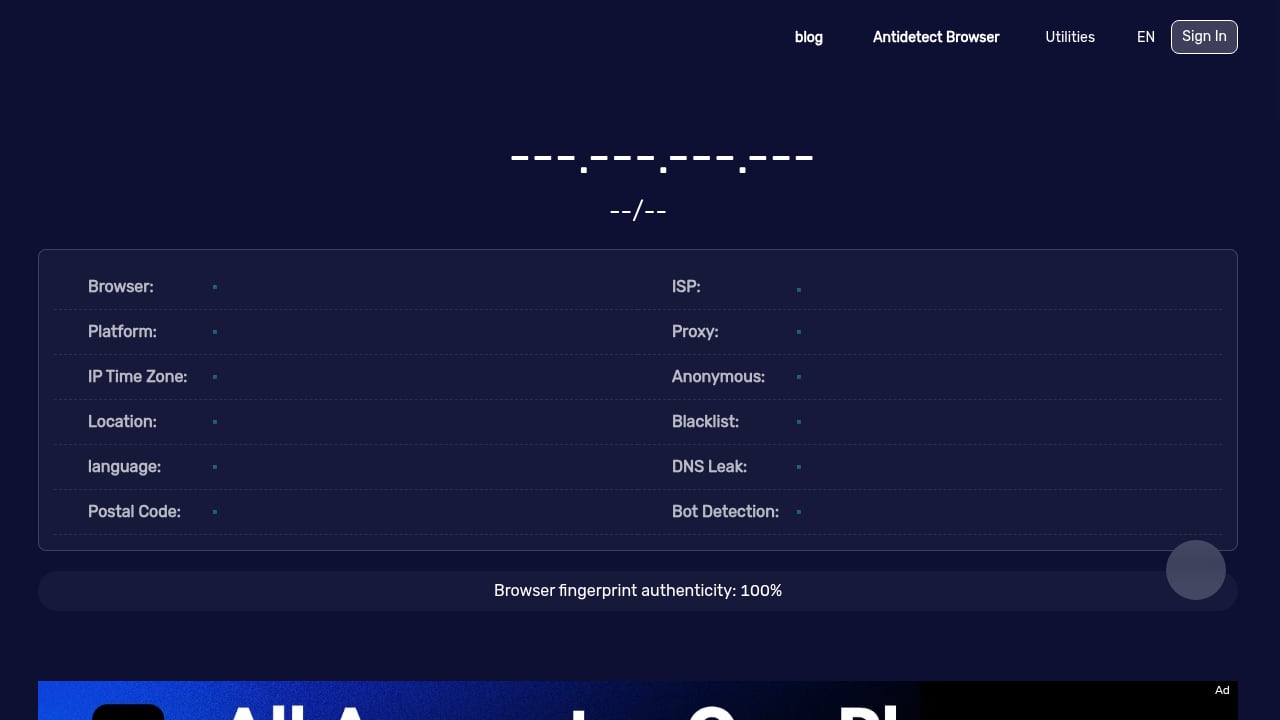
First viewport screenshot of www.browserscan.net.
BrowserScan: All-in-One Fingerprint and Leak Testing
BrowserScan is a comprehensive privacy testing platform that goes beyond basic fingerprinting. It offers a suite of tools including DNS leak tests, WebRTC leak tests, IP address lookup, port scanning, user agent parsing, proxy detection, and even a 2FA live code generator. The main dashboard shows a fingerprint authenticity score and breaks down what websites see about you across categories like hardware, software, and network identity. You can explore BrowserScan's full capabilities on their official site.
PrivacyTestLab: Independent VPN and Privacy Testing
PrivacyTestLab is an independent, reader-supported website focused on real-time privacy and VPN tunnel testing. It provides instant detection of WebRTC leaks, DNS leaks, and browser fingerprinting, helping users verify whether their VPN is truly protecting their traffic. Beyond tools, it hosts in-depth guides and reviews covering IP and network privacy, tracking and fingerprinting, VPN encryption, and account security. Written by Bipul Debnath, the site is funded by user contributions and has no ads or investors. Its content is known for hands-on testing—such as measuring DNS leaks across nine setups—and critical analysis of VPN industry ownership. If you value independent, ad-free evaluations, PrivacyTestLab is a credible resource.
ToDetect: Quick Browser Fingerprint and IP Checks
ToDetect is a free online browser fingerprint detection tool that also supports IP purity checks, proxy detection, DNS/WebRTC leak tests, and IP address lookup. It's designed for users who want a fast, straightforward analysis of browser privacy risks without navigating a complex suite. The interface is likely simple and results are presented quickly, making it suitable for casual users or those new to privacy testing.
Feature Comparison
| Feature | BrowserScan | PrivacyTestLab | ToDetect |
|---|---|---|---|
| Browser fingerprint detection | Yes, detailed with authenticity score | Yes, basic fingerprinting | Yes, core fingerprinting |
| DNS leak test | Yes | Yes | Yes |
| WebRTC leak test | Yes | Yes | Yes |
| IP address lookup | Yes | Likely (as part of tests) | Yes |
| Proxy detection | Yes | Not specified | Yes |
| Port scanner | Yes | No | No |
| User agent parser | Yes | No | No |
| 2FA live code generator | Yes | No | No |
| Independent VPN reviews | No | Yes, in-depth | No |
| Ad-free / reader-supported | No (free tool with ads?) | Yes | No (free tool) |
| Overall focus | Comprehensive privacy toolkit | Independent testing and education | Quick fingerprint and IP check |
Note: Feature availability for PrivacyTestLab and ToDetect is based on their public descriptions; some details may vary.
When BrowserScan Is the Better Choice
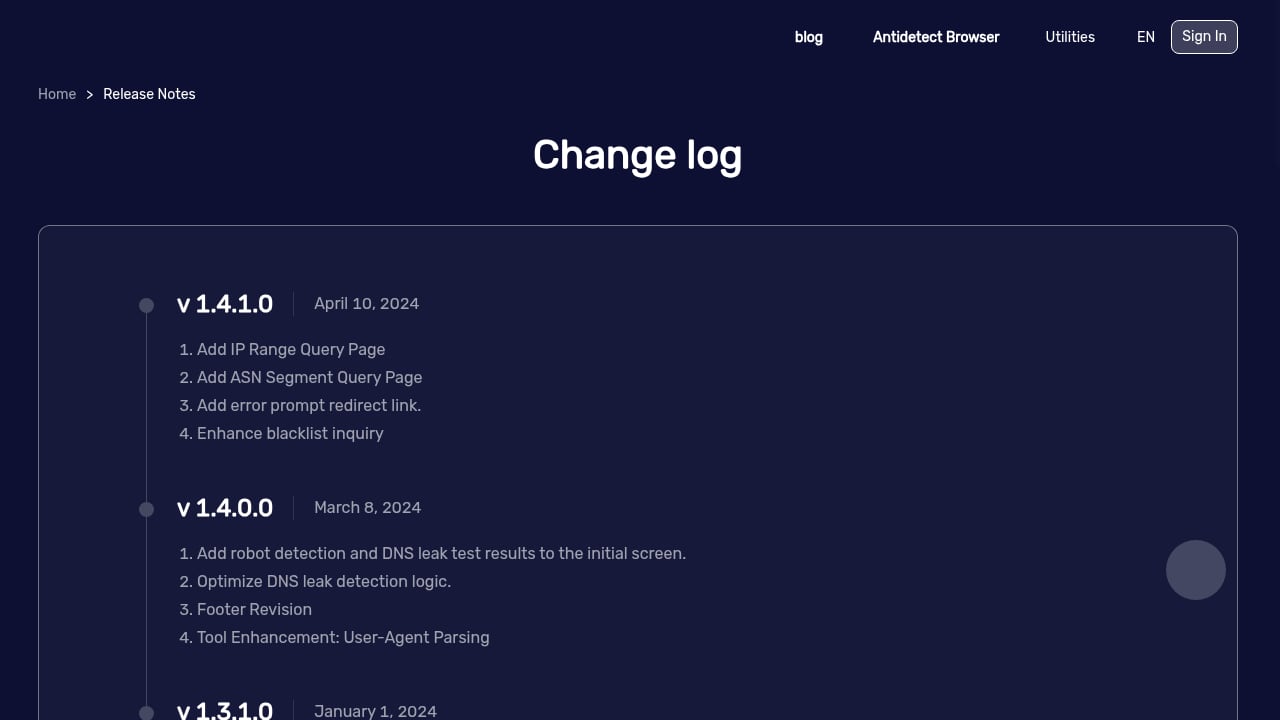
First viewport screenshot of www.browserscan.net.
BrowserScan stands out when you need a single platform that covers a wide range of privacy and security checks. Its combination of fingerprint analysis, leak tests, port scanning, and utility tools (like 2FA and user agent parsing) makes it a Swiss Army knife for privacy enthusiasts. The fingerprint authenticity score and detailed breakdown of hardware and software signals give you actionable insights to reduce your digital footprint. If you're already using BrowserScan, you might find our guide on pairing it with IP.me useful for a complete workflow.
Additionally, BrowserScan's port scanner and proxy detection are valuable for users who want to check for open ports or verify if their traffic is routed through a proxy. These features are not commonly found in basic fingerprint testers.
When PrivacyTestLab Is the Better Choice
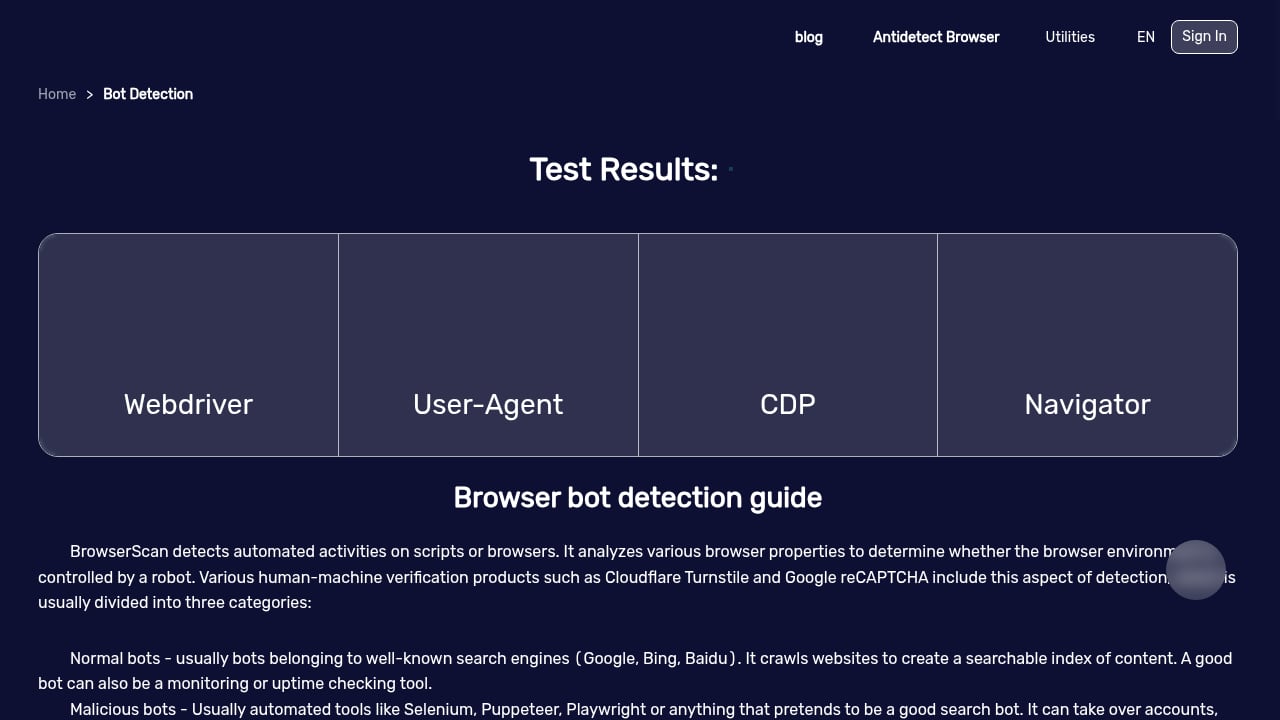
First viewport screenshot of www.browserscan.net.
PrivacyTestLab excels if you prioritize independent, ad-free content and want to understand the VPN industry beyond just tool outputs. Its detailed guides and critical reviews—such as analysis of VPN ownership—provide context that raw test results lack. The site's focus on real-time VPN tunnel testing means you can verify whether your VPN is leaking DNS or WebRTC data, and the accompanying articles help you interpret those results. For users who want to learn about privacy holistically and support a reader-funded platform, PrivacyTestLab is a strong option.
When ToDetect Is the Better Choice
ToDetect is ideal for quick, no-frills checks. If you just want to see your browser fingerprint, check for IP leaks, or verify proxy detection without exploring a full suite, ToDetect's straightforward approach saves time. It's also a good starting point for beginners who might feel overwhelmed by BrowserScan's many tools. However, it lacks the depth of BrowserScan's fingerprint breakdown and the educational resources of PrivacyTestLab.
Practical Examples: Which Tool for Which Scenario?
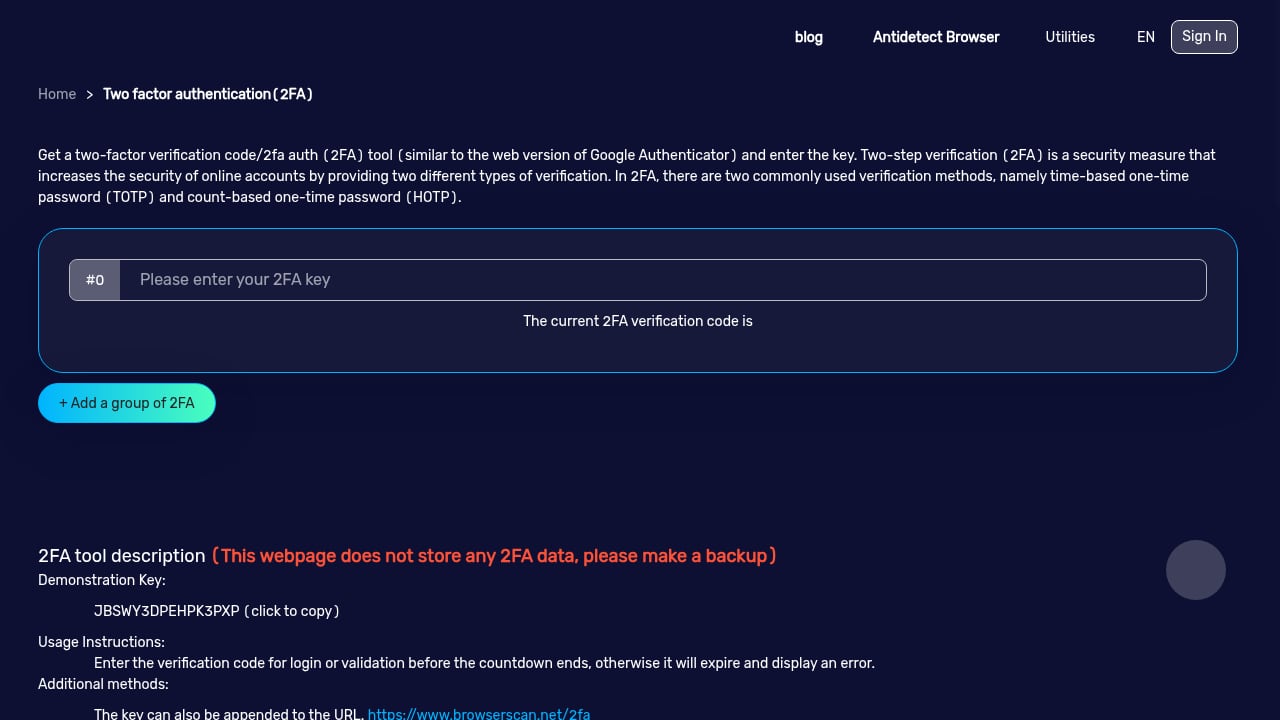
First viewport screenshot of www.browserscan.net.
- You're a privacy enthusiast who wants a complete audit: Use BrowserScan to check fingerprint, run DNS/WebRTC leak tests, scan for open ports, and parse your user agent—all in one place. For a broader comparison of privacy tools, see our Top 10 Browser Privacy and Security Tools for 2026.
- You're evaluating a VPN and want independent evidence: PrivacyTestLab's DNS leak tests across multiple setups and critical reviews can help you decide if a VPN is trustworthy.
- You need a fast fingerprint check on a shared computer: ToDetect's simple interface lets you quickly see what's exposed without navigating complex menus.
Related reading
- BrowserScan vs Whoer.net: Which Privacy Check Fits You? - Compare BrowserScan and Whoer.net on fingerprint depth, leak tests, IP risk scoring, and usability to choose the right privacy checker for your needs.
- What Is My IP Address? Review: IP Lookup & Privacy Tools - Hands-on review of What Is My IP Address? IP lookup and privacy tools: ideal users, use cases, strengths, limits, pricing signals, and setup.
- VPN 1 Month $11.99: What It Really Hides Online - A $11.99 monthly VPN hides your IP, but not your browser fingerprint. See what sites still detect and how BrowserScan reveals the gaps.
Sources and further reading
- BrowserScan — Free Browser Fingerprint & Trust Score Analyzer - Analyze your browser fingerprint and get a trust score. Compare WebRTC evidence, DNS capability status, VPN/proxy signals, and bot indicators.
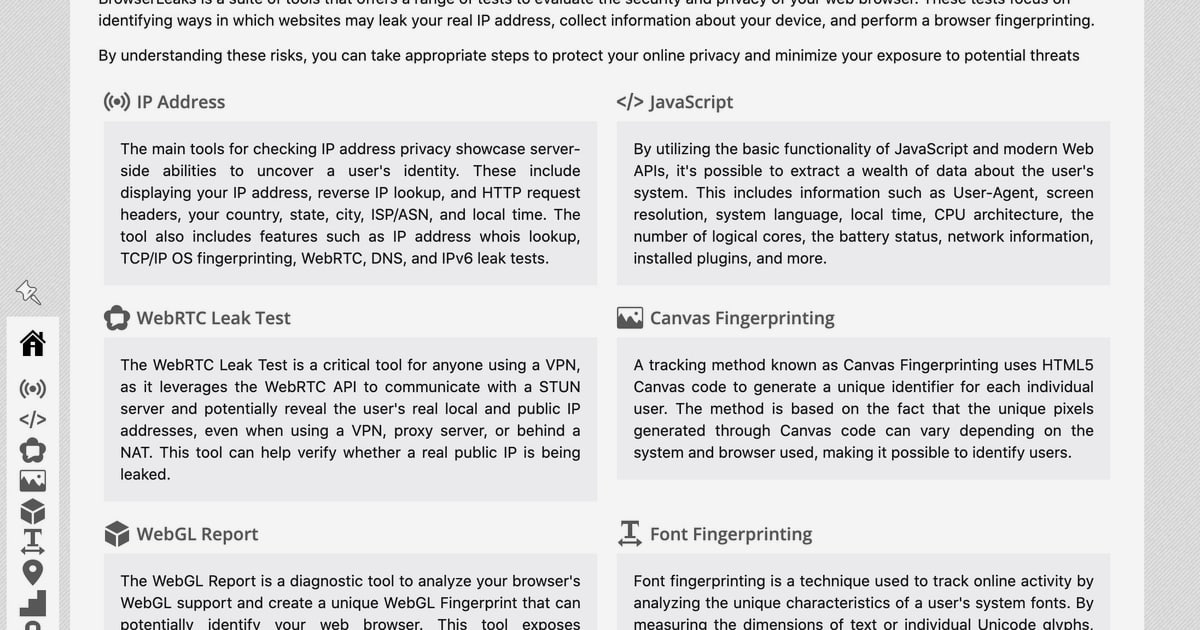
- Browserleaks - Check your browser for privacy leaks - BrowserLeaks is a suite of tools that offers a range of tests to evaluate the security and privacy of your web browser. These tests focus on identifying ways in which websites may leak your real IP address, collect information about your device, and perform a browser fingerprinting.
FAQ
What is browser fingerprinting?
Browser fingerprinting is a technique that collects data about your browser and device—such as screen resolution, installed fonts, canvas rendering, and WebGL details—to create a unique identifier. Websites use it to track users, detect fraud, and personalize content.
How do I know if my VPN is leaking my real IP?
Run a WebRTC leak test and a DNS leak test. If your real IP appears in the results, your VPN is leaking. Tools like BrowserScan, PrivacyTestLab, and ToDetect all offer these tests.
Is BrowserScan free to use?
Yes, BrowserScan offers free access to its core tools, including fingerprint detection and leak tests. Some advanced features may have limitations, but the main dashboard is freely available.
Can I use these tools together?
Absolutely. You might use ToDetect for a quick check, BrowserScan for a deep dive, and PrivacyTestLab for independent VPN reviews. Combining tools gives you a more complete picture.
Which tool is most accurate for fingerprint detection?
Accuracy depends on the depth of analysis. BrowserScan provides a detailed breakdown with an authenticity score, while PrivacyTestLab and ToDetect offer core fingerprinting. For the most comprehensive view, BrowserScan's multi-point analysis is likely more thorough.
Conclusion
BrowserScan, PrivacyTestLab, and ToDetect each serve different needs. BrowserScan is the most feature-rich for users who want an all-in-one privacy toolkit with extensive fingerprint and leak testing. PrivacyTestLab shines as an independent, ad-free resource for VPN testing and education. ToDetect offers a quick, simple way to check your browser fingerprint and IP leaks. Consider your priorities—depth, independence, or speed—and choose the tool that aligns with your privacy workflow. For a head-to-head between BrowserScan and another popular tool, check out our BrowserScan vs Whoer.net comparison.