
Bypass Government Censorship: Test Your Browser for Leaks
Bypass Government Censorship: Test Your Browser for Leaks First
Governments block websites in several different ways, and each method fails in a different place. DNS filtering breaks if you switch resolvers. IP blocking breaks if you tunnel traffic through a permissive jurisdiction. Deep packet inspection breaks if your traffic looks like nothing worth inspecting. That is why the same tool can work perfectly for one person and fail instantly for another: the block is not the same, and neither is the leak.
This article explains how censorship circumvention actually works, where it quietly falls apart, and how to test your own browser for the fingerprint and leak signals that give you away — using the Best BrowserScan Fingerprint Detection Tool and its DNS, WebRTC, proxy, and user-agent checks.
How Government Censorship Blocks Traffic
Before you can bypass anything, you need to know what is being blocked. Most censorship falls into a few technical categories, and the Internet censorship circumvention literature describes them consistently.
DNS filtering and hijacking
The censor intercepts your DNS lookups and returns a wrong or empty answer. The site itself is not blocked — only the name resolution is. Switching to an encrypted DNS resolver or a public recursive resolver often restores access, unless the censor also blocks the destination IP.
IP address blocking
The censor blocks the server's IP range outright. Alternate DNS will not help here. You need a proxy, a tunnel, or an alternative route to a server outside the blocked range.
Deep packet inspection (DPI)
The censor inspects traffic patterns and protocol signatures. A plain VPN handshake is easy to fingerprint; obfuscated traffic that mimics ordinary HTTPS is much harder. This is the layer where the arms race between censors and circumvention developers is most visible.
Content and keyword filtering
The censor inspects the payload, not just the connection. This is the hardest layer to defeat technically, because the block is about what you are reading, not where it lives.
Where Circumvention Tools Leak
Even when a tool successfully reaches a blocked site, it can still expose you. The leaks are usually not in the tunnel — they are in the browser sitting on top of it.
- DNS leaks. Your operating system may resolve names through a local resolver instead of the tunnel, revealing every domain you visit.
- WebRTC leaks. WebRTC can expose your real local and public IP addresses even when you believe all traffic is proxied.
- Proxy and IP mismatches. A proxy may be detected, or your visible IP may not match the region your browser claims.
- Fingerprint inconsistencies. Your user agent, timezone, language, and canvas fingerprint may contradict each other, which is a strong signal that something is being hidden.
A censor does not need to break your encryption to identify you. Inconsistency is often enough.
Why a Browser Fingerprint Check Belongs in Your Setup
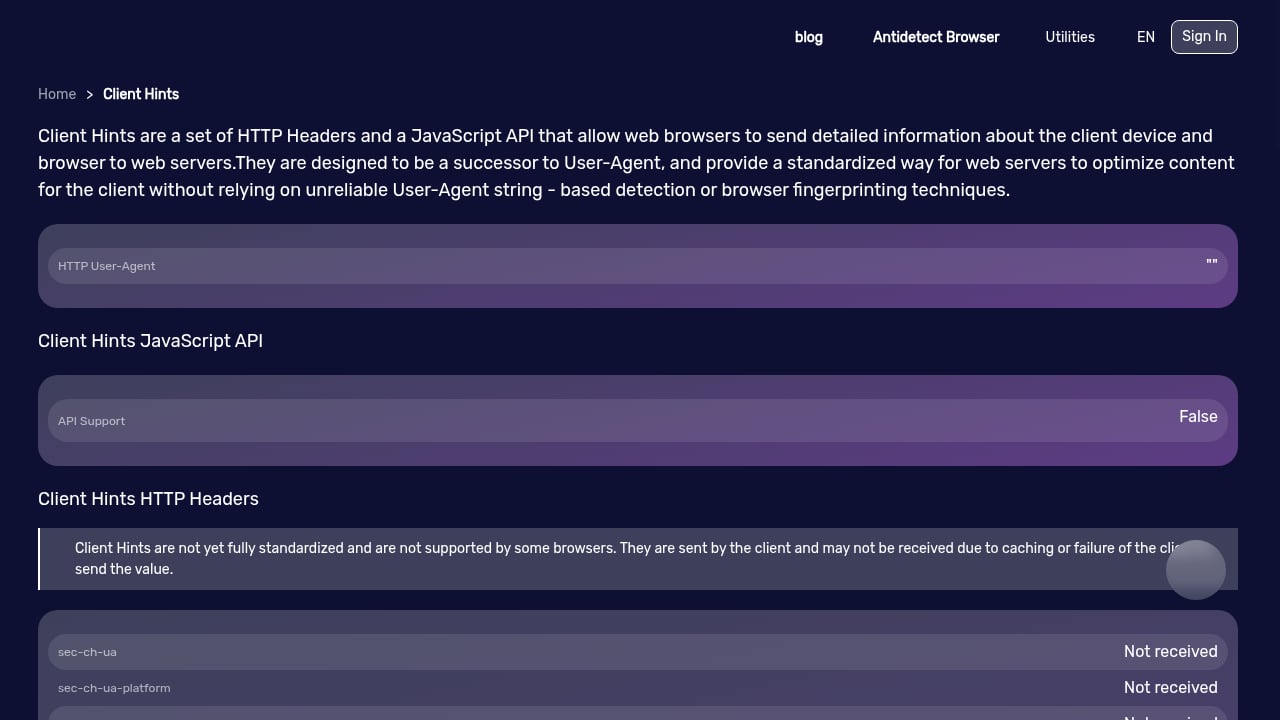
First viewport screenshot of Client Hints.
Circumvention tools are usually evaluated on one question: does the site load? That is the wrong test. The right test is whether the site loads and whether your browser looks like an ordinary browser from an ordinary place.
Browser fingerprinting identifies you through the combination of signals your browser volunteers: canvas rendering, WebGL output, installed fonts, screen dimensions, timezone, language, and dozens of smaller details. When you use a proxy or tunnel, those signals can contradict your apparent location. A browser fingerprint check surfaces that contradiction before a censor or a website does.
If you want to compare how different tools handle this, our ranked breakdown of the top 10 browser privacy testing tools in 2026 covers leak coverage, fingerprint depth, and evidence quality side by side.
What BrowserScan Tests
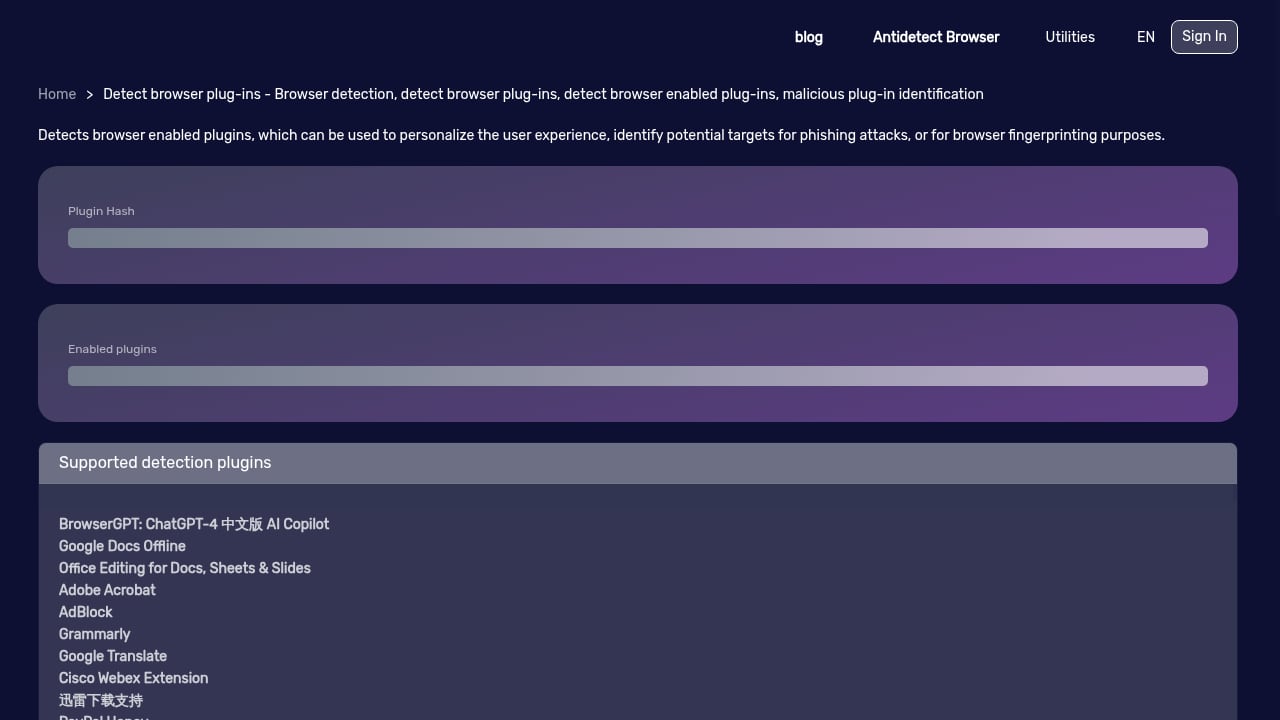
First viewport screenshot of Browser Plug-in Detection - Browser Detection, Detect Browser Plug-ins, Detect Browser Enabled Plug-ins - BrowserScan.
BrowserScan is a browser-based privacy and security testing suite. It runs in the page, requires no installation, and reports what your browser actually exposes. The checks most relevant to a censorship-resistant setup are:
- DNS leak test — confirms which resolvers are answering your lookups and whether they match your expected exit point.
- WebRTC leak test — reveals whether your real IP is reachable through WebRTC channels.
- Proxy server detection — flags whether a proxy is present, and whether it is visible to the destination.
- Check IP — shows your visible IP, geolocation, and whether it aligns with your browser's declared locale.
- User agent parse — breaks down your UA string so you can spot mismatches between claimed and actual browser identity.
- Browser checker and 2FA live — verifies browser configuration details and whether two-factor flows behave as expected.
- Port scanner and speed test — useful for diagnosing whether a tunnel is degrading performance or exposing unexpected services.
Each result is a signal, not a verdict. The value is in reading them together.
A Practical Leak-Testing Workflow
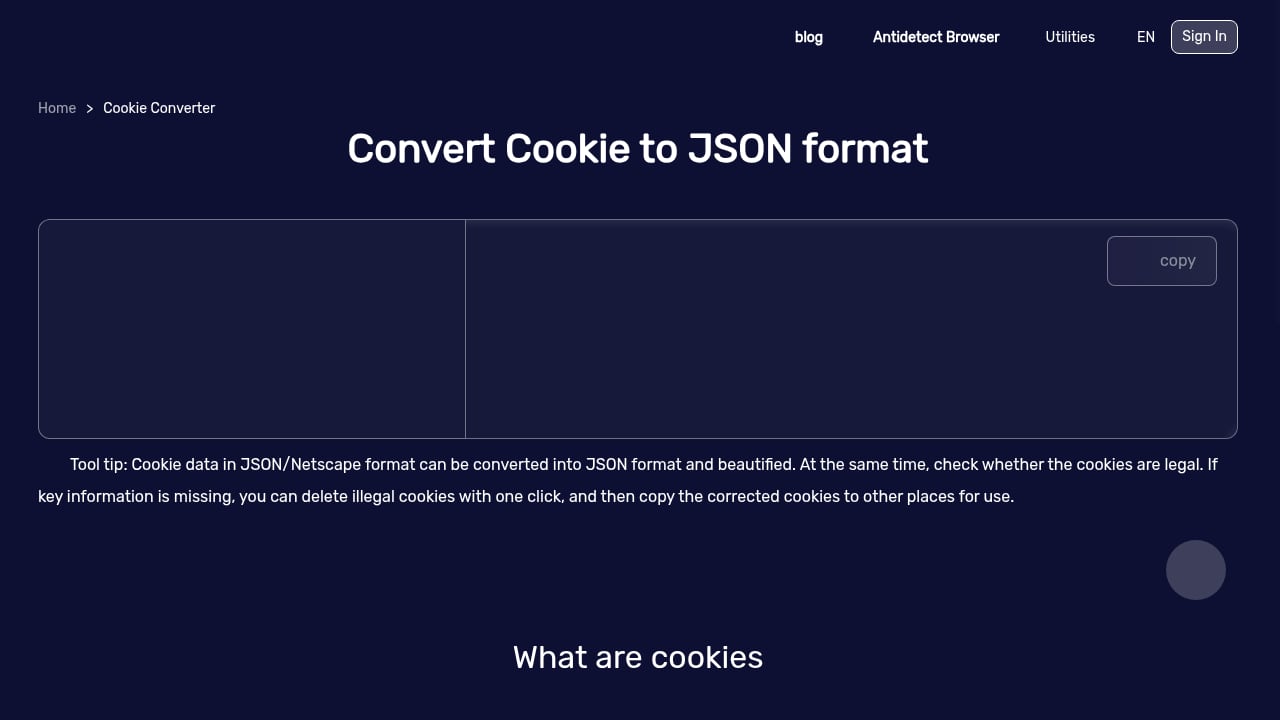
First viewport screenshot of Cookie Format Converter - Convert Cookies from Netscape to JSON.
Use this sequence whenever you change your circumvention setup — a new proxy, a new tunnel, a new browser profile.
- Baseline first. Run the full check with no proxy or tunnel active. Save the results. You need to know what your normal fingerprint looks like before you can judge an abnormal one.
- Enable your circumvention tool. Connect, then reload the test page in a fresh tab.
- Read the IP and geolocation. Does the visible IP match the region you expect? Does the reported timezone match your browser's timezone setting?
- Run the DNS leak test. If your lookups resolve through your local ISP rather than your tunnel, you have a leak regardless of what the IP check says.
- Run the WebRTC leak test. Any real IP appearing here defeats the purpose of the proxy.
- Check proxy detection. If the proxy is flagged as a proxy, some sites will treat you differently. That is a configuration problem, not a privacy problem, but it matters for access.
- Compare fingerprints. Look for contradictions: a European IP with a US timezone, a mobile user agent on a desktop screen size, a language that does not match the region.
Repeat the baseline comparison after every change. Fingerprints drift as browsers update, and a setup that passed last month can fail today.
Choosing the Right Tool for the Job
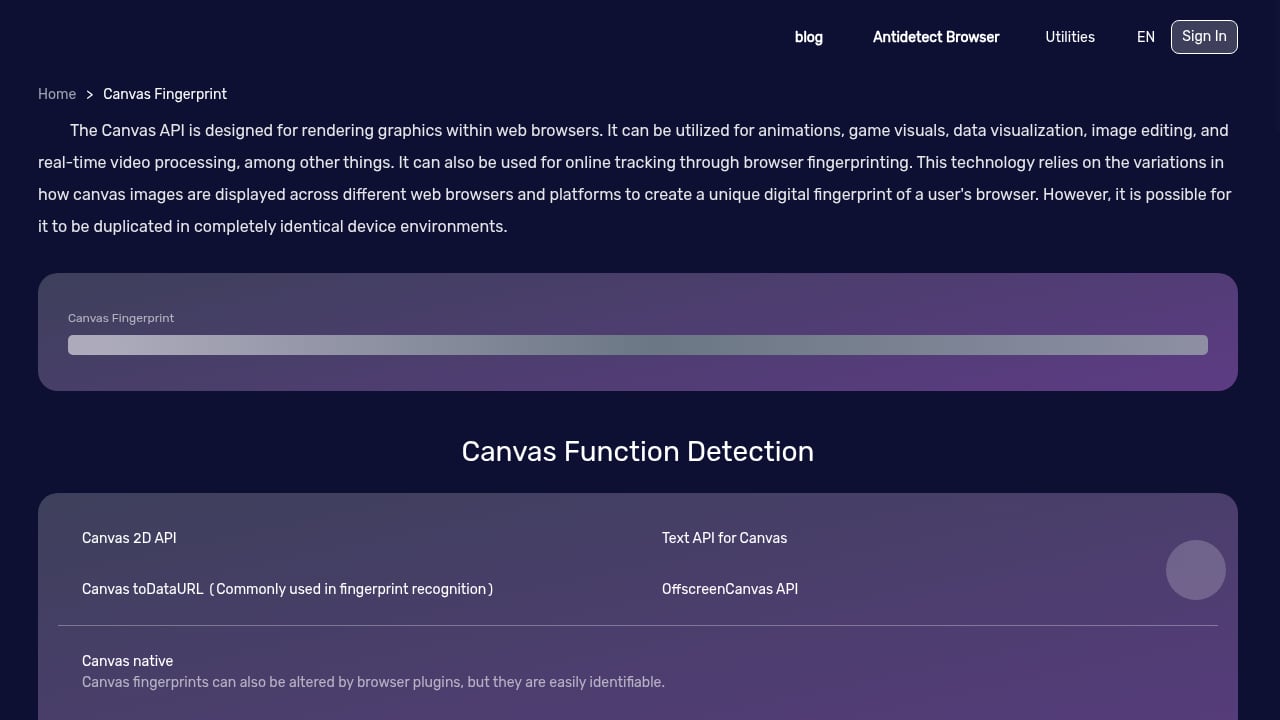
First viewport screenshot of Canvas Fingerprint.
Different tools answer different questions, and no single check covers everything.
| Question | What to use |
|---|---|
| Is my DNS resolving through my tunnel? | DNS leak test |
| Is my real IP exposed? | WebRTC leak test, check IP |
| Is my proxy visible? | Proxy server detection |
| Does my browser identity match my location? | User agent parse, fingerprint check |
| How do the major tools compare? | BrowserScan vs BrowserLeaks vs Cover Your Tracks |
| How does canvas fingerprinting persist without cookies? | Canvas fingerprint explained |
If you are running multiple browser profiles for different accounts or regions, the testing step matters even more, because each profile needs its own consistent fingerprint. Our walkthrough on using BrowserScan fingerprint detection with BitBrowser shows how to verify leaks and proxies across anti-detect profiles.
Common Mistakes That Undo a Working Setup
- Testing only the IP. A clean IP with a leaking DNS resolver is still a leak.
- Ignoring timezone and language. These are among the most reliable inconsistency signals.
- Reusing one profile everywhere. A single fingerprint used across regions is itself a pattern.
- Never re-testing. Browser updates change fingerprint surfaces constantly.
- Assuming a tunnel equals anonymity. Many circumvention tools provide access, not anonymity, and the BypassCensorship project makes this distinction explicitly in its own tool descriptions.
Related reading
- Top 10 Browser Privacy Testing Tools 2026: Ranked & Tested - We rank the 10 best browser privacy testing tools of 2026 by leak coverage, fingerprint depth, evidence and pricing. Compare BrowserLeaks, Cover Your Tracks and more.
- How to Use BrowserScan Fingerprint Detection with BitBrowser - Learn how to pair BrowserScan fingerprint detection with BitBrowser anti-detect profiles to test leaks, verify proxies, and protect multi-account privacy.
- BrowserScan vs BrowserLeaks vs Cover Your Tracks (2026) - Compare BrowserScan, BrowserLeaks, and Cover Your Tracks for fingerprint detection, leak testing, and privacy checks. See which tool fits your needs.
Sources and further reading
- US plans online portal to bypass content bans in Europe ... - Reuters - Feb 25, 2026 ... In a statement to Reuters, a State Department spokesperson said the U.S. government does not have a censorship-circumvention program ...
FAQ
Does bypassing government censorship make me anonymous?
No. Access and anonymity are separate properties. Many circumvention tools are designed to reach blocked content quickly, not to hide who you are. If anonymity is the goal, the tool choice and the browser configuration both have to support it.
Why does my circumvention tool work but websites still know my location?
Usually because of a DNS or WebRTC leak, or because your browser's timezone, language, and user agent still reflect your real region. Run a DNS leak test and a WebRTC leak test to confirm.
How often should I test my browser fingerprint?
After every configuration change, and periodically even without one. Browser updates, new extensions, and proxy changes all alter your fingerprint.
Can a browser fingerprint check tell me if my proxy is blocked?
It can tell you whether the proxy is detected as a proxy, which is often the reason a site treats you differently. It cannot tell you whether a specific censor has blocked that proxy today.
Is a fingerprint check the same as a VPN?
No. A fingerprint check is a diagnostic. It reports what your browser exposes. It does not route or encrypt your traffic.
Conclusion
Bypassing government censorship is a technical problem with a moving target. The blocking method changes, the detection method changes, and the tools adapt. What stays constant is that leaks are usually local — in your browser, not in your tunnel.
Test the baseline, test after every change, and read the signals together rather than in isolation. Start with a full fingerprint and leak check on BrowserScan, then compare your results against the broader field using our top 10 browser fingerprint detection tools ranking. Access is only half the problem. Consistency is the other half.