
Top 10 Browser Privacy Testing Tools 2026: Ranked & Tested
Top 10 Browser Privacy Testing Tools 2026: Ranked & Tested
Browser privacy testing tools answer one practical question: what can a website learn about you before you click anything? In 2026 the answer depends on far more than cookies. Canvas rendering, WebGL output, audio context, WebRTC candidates, DNS resolution, timezone, fonts, and hardware concurrency all feed fingerprinting systems that persist across private windows and cleared storage.
This ranking covers tools that actually test browser privacy and fingerprint exposure. It is not a list of private browsers, VPNs, or cross-browser QA platforms. Each entry was assessed on the same criteria, and each one earns its place with a specific, verifiable capability.
How We Evaluated These Tools
Every product below was scored against six criteria. No tool wins on brand recognition alone.
- Leak coverage: Which leak vectors are tested — IP, DNS, WebRTC, WebGL, canvas, audio, fonts, TLS/JA3, timezone, and proxy detection.
- Fingerprint depth: Whether the tool surfaces raw entropy values and uniqueness estimates, not just a pass/fail badge.
- Evidence quality: Whether results are reproducible, explained, and accompanied by the underlying data a user can verify.
- Actionability: Whether the report tells you what to change — disable WebRTC, fix a DNS mismatch, align timezone with proxy location.
- Access and cost: Free tier limits, account requirements, and whether core tests run without signup.
- Maintenance: Signs of active updates in 2026, since fingerprinting techniques and browser APIs change quickly.
A tool that tests one vector exceptionally well can outrank a broad suite that tests everything shallowly. The ranking reflects that balance.
The Top 10 Browser Privacy Testing Tools for 2026
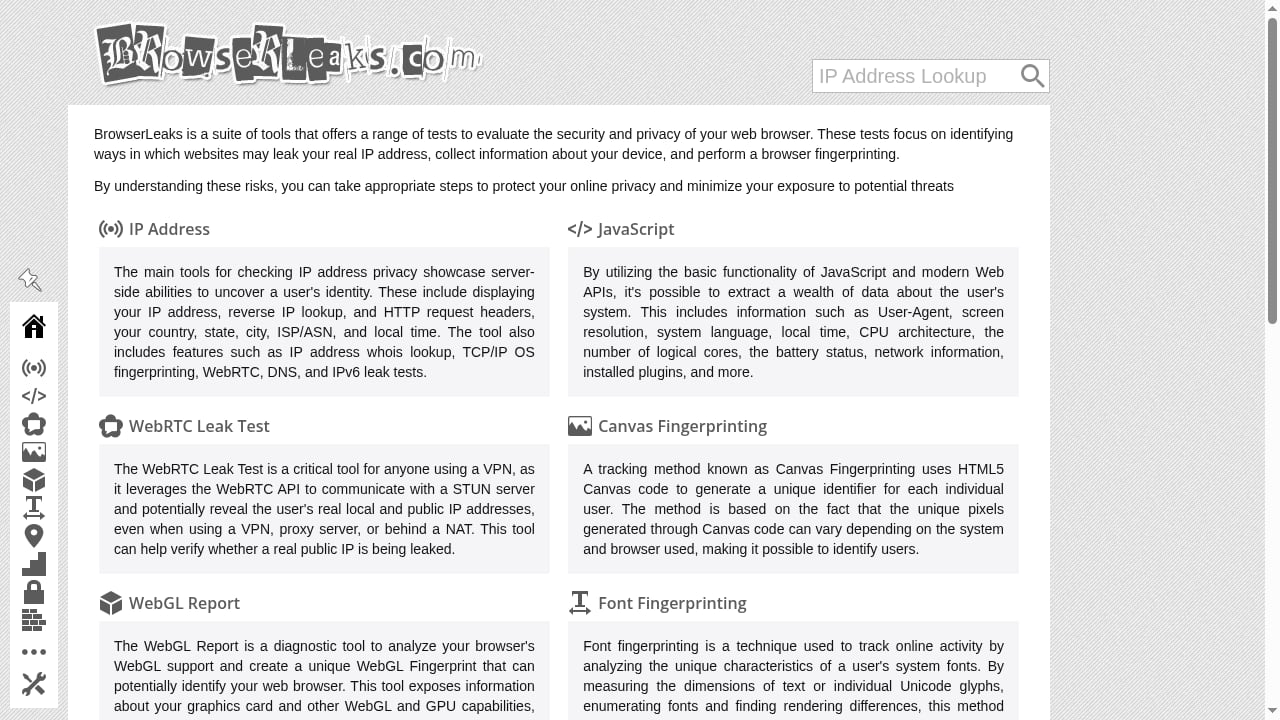
First viewport screenshot of Browserleaks - Check your browser for privacy leaks.
1. BrowserLeaks
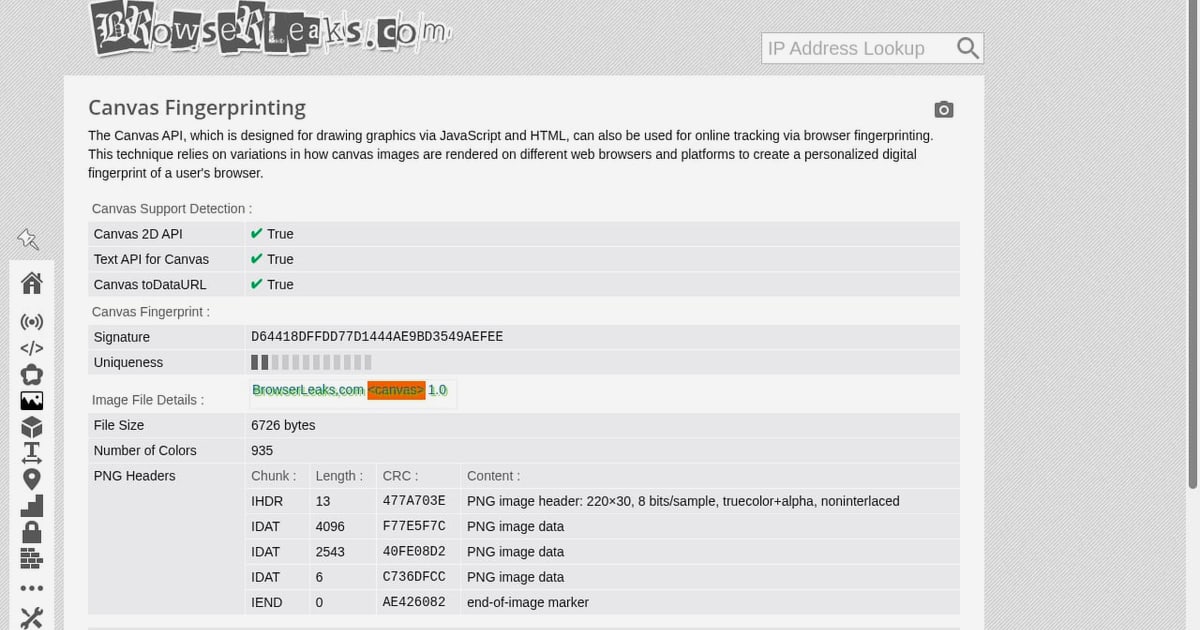
BrowserLeaks remains the most complete free suite for browser privacy testing. It is a collection of independent test pages rather than a single dashboard, covering IP address, DNS leaks, WebRTC, canvas fingerprinting, WebGL, JavaScript, fonts, TLS fingerprinting, and more.
The strength is granularity. Each test page exposes raw values — the exact canvas hash, the WebGL renderer string, the WebRTC candidate IPs — so you can verify what changed after a configuration adjustment. The weakness is presentation: results are spread across many pages, and there is no unified score or history.
Best for: Technical users, anti-detect browser operators, and anyone who needs raw evidence rather than a summary badge.
2. Cover Your Tracks (EFF)
Cover Your Tracks, formerly Panopticlick, popularized the fingerprint uniqueness test. It reports whether your browser blocks tracking ads, invisible trackers, and fingerprinting, then estimates how unique your fingerprint is within its test population.
The 2026 value of this tool is its simplicity and its independence. It is a fast sanity check that a mainstream browser with default settings is still highly identifiable. It does not expose raw canvas or WebGL values, so it is a starting point rather than a diagnostic instrument.
Best for: General users who want a plain-language verdict on tracking protection and fingerprint uniqueness.
3. BrowserScan Fingerprint Detection Tool
BrowserScan focuses on fingerprint authenticity and leak detection in one report. It checks IP and proxy status, DNS leaks, WebRTC leaks, user agent consistency, canvas and WebGL fingerprints, and whether browser signals look internally coherent — for example, whether the reported timezone, language, and IP geolocation agree.
The coherence check is the differentiator. Many leak tests tell you a value; BrowserScan tells you whether that value contradicts another signal, which is exactly the failure mode that breaks anti-detect profiles. It also bundles adjacent utilities such as port scanning and speed testing.
Best for: Multi-account operators and anti-detect browser users who need consistency scoring, not just raw values.
4. Whoer.net
Whoer.net provides a consolidated anonymity score built from IP, DNS, WebRTC, timezone, language, and user agent checks. It is one of the fastest ways to see several leak vectors on a single screen, and it flags obvious mismatches such as a proxy IP paired with a local timezone.
The score is a summary, not a forensic report. Treat it as a triage tool: if the score drops, open the detailed sections to find which signal caused it. The site also markets VPN and anti-detect browser products, so separate the free diagnostic value from the commercial upsell.
Best for: Quick multi-vector checks before deeper testing in a dedicated suite.
5. AmIUnique
AmIUnique is an academic fingerprinting research project that collects anonymized fingerprint samples and shows how your browser compares to its dataset. It reports attribute-level entropy — which of your signals are rare versus common — rather than a single uniqueness number.
That attribute breakdown is genuinely useful for hardening. If your screen resolution or font list is the rare attribute, you know where to focus. The tradeoff is that submitting a sample contributes to a research dataset, which some privacy-conscious users will not want.
Best for: Users who want to understand which specific attributes make them identifiable.
6. CreepJS
CreepJS is an open-source, aggressively technical fingerprinting test. It probes canvas, WebGL, audio, fonts, and a long list of browser API behaviors, then assigns trust scores and highlights inconsistencies that suggest spoofing or automation.
It is not beginner-friendly, and some results are deliberately opaque. But for detecting whether a spoofed fingerprint holds up under adversarial probing, CreepJS is one of the few free tools that goes deep enough to matter.
Best for: Researchers and advanced users validating whether fingerprint spoofing survives hostile detection.
7. DeviceInfo.me
DeviceInfo.me presents browser, hardware, network, and fingerprint data in a structured, readable layout. It covers screen and viewport dimensions, GPU renderer, CPU cores, memory, touch support, codecs, and media device enumeration alongside standard fingerprint tests.
The layout makes it easy to spot hardware-level mismatches — for example, a mobile user agent reporting desktop GPU strings. It is less focused on leak testing than BrowserLeaks or BrowserScan, so pair it with a dedicated leak suite.
Best for: Verifying hardware and device signals for consistency across profiles.
8. IPLeak.net
IPLeak.net is a narrow, focused tool: it checks whether your real IP address escapes through WebRTC, DNS, or other channels. The interface is minimal and the results are direct — which IPs are visible, and through which mechanism.
Because it does one job, it is fast and easy to interpret. It does not assess canvas, audio, or font fingerprinting, so it belongs in a testing stack rather than as a standalone solution.
Best for: Confirming proxy or VPN integrity before any fingerprint-sensitive session.
9. BrowserAudit
BrowserAudit runs a battery of automated security tests against your browser and reports which security features and headers are enforced. It is closer to a security posture audit than a fingerprinting tool, but the overlap matters: cookie attributes, content security policy handling, and transport security behavior all affect how much a site can track and persist.
Results are presented as pass, warn, or fail with explanations, which makes remediation straightforward.
Best for: Users and developers who want to verify browser security controls alongside privacy checks.
10. Panopticlick-style fingerprint estimators and open test pages
A final category worth including: the growing set of open, self-hosted fingerprint test pages maintained by privacy communities and anti-detect vendors. These range from single-purpose canvas hash pages to full local test suites you can run offline.
The advantage is control — you can run tests without sending data to a third party, and you can modify the tests to probe specific vectors. The disadvantage is maintenance: open projects vary widely in update frequency, and an unmaintained test may report stale or misleading results.
Best for: Users who need offline or self-hosted testing, and developers building their own verification pipelines.
Comparison: Which Tool Fits Which Job
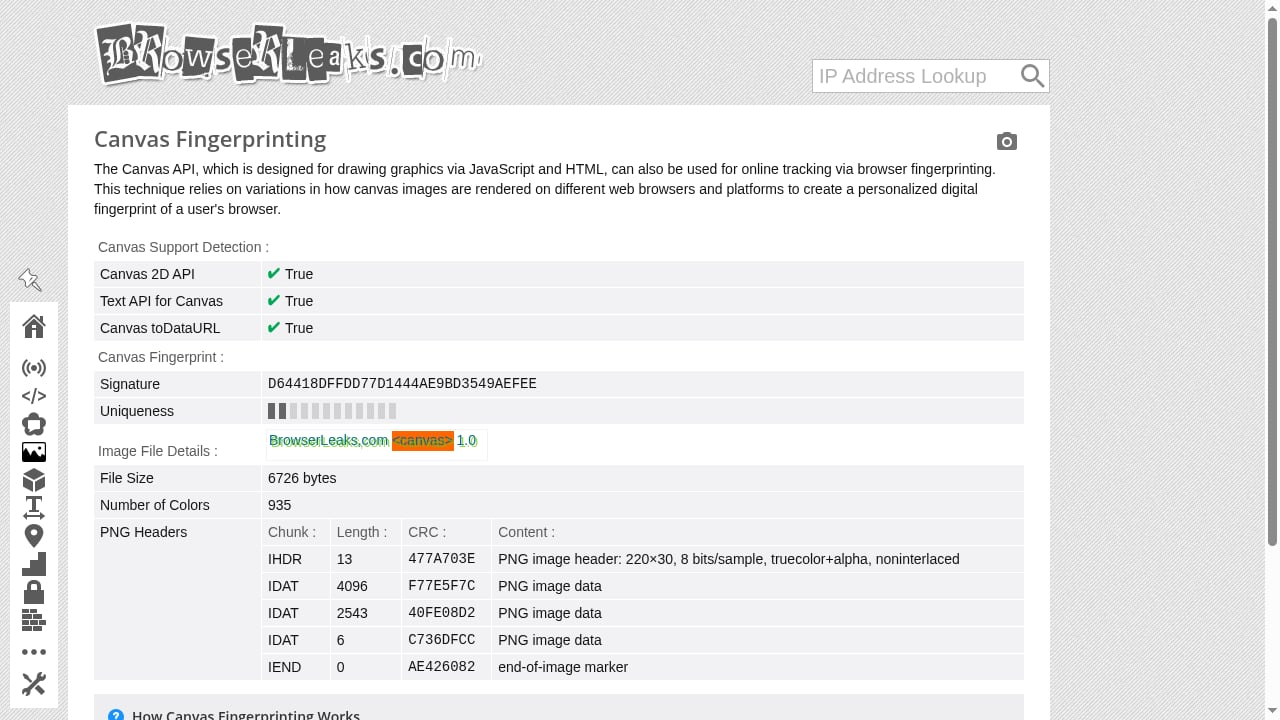
First viewport screenshot of Canvas Fingerprinting.
| Job to be done | First choice | Supporting tool |
|---|---|---|
| Raw leak evidence across many vectors | BrowserLeaks | IPLeak.net |
| Fingerprint authenticity and signal coherence | BrowserScan | CreepJS |
| Plain-language tracking verdict | Cover Your Tracks | Whoer.net |
| Attribute-level uniqueness analysis | AmIUnique | DeviceInfo.me |
| Adversarial spoofing validation | CreepJS | BrowserScan |
| Browser security posture | BrowserAudit | Cover Your Tracks |
No single tool covers every vector well. A practical workflow uses one broad suite for coverage, one coherence checker for consistency, and one adversarial tool for validation.
Practical Workflow: Testing a Browser Profile Before You Use It
First viewport screenshot of Firefox Resource URLs Reader.
- Check the network layer first. Run an IP and DNS leak test. Confirm the visible IP matches the intended proxy and that DNS resolution does not reveal your ISP.
- Verify WebRTC. Confirm no local or public IP leaks through WebRTC candidates. This is the most common failure in misconfigured anti-detect setups.
- Test fingerprint coherence. Compare timezone, language, user agent, platform, and GPU strings against the proxy's geolocation. Mismatches here are what fingerprinting systems flag.
- Probe canvas and WebGL. Record the hashes, then re-test after any configuration change to confirm the values actually shifted.
- Run an adversarial check. Use a tool like CreepJS to see whether spoofed values hold up under active probing.
- Re-test after every change. Fingerprint configuration is not a one-time task; browser updates and extension changes can silently alter signals.
If you operate anti-detect profiles, this workflow maps directly onto profile creation. For a step-by-step example, see how to use BrowserScan fingerprint detection with BitBrowser, which walks through pairing detection with profile isolation.
Where Adjacent Tools Fit
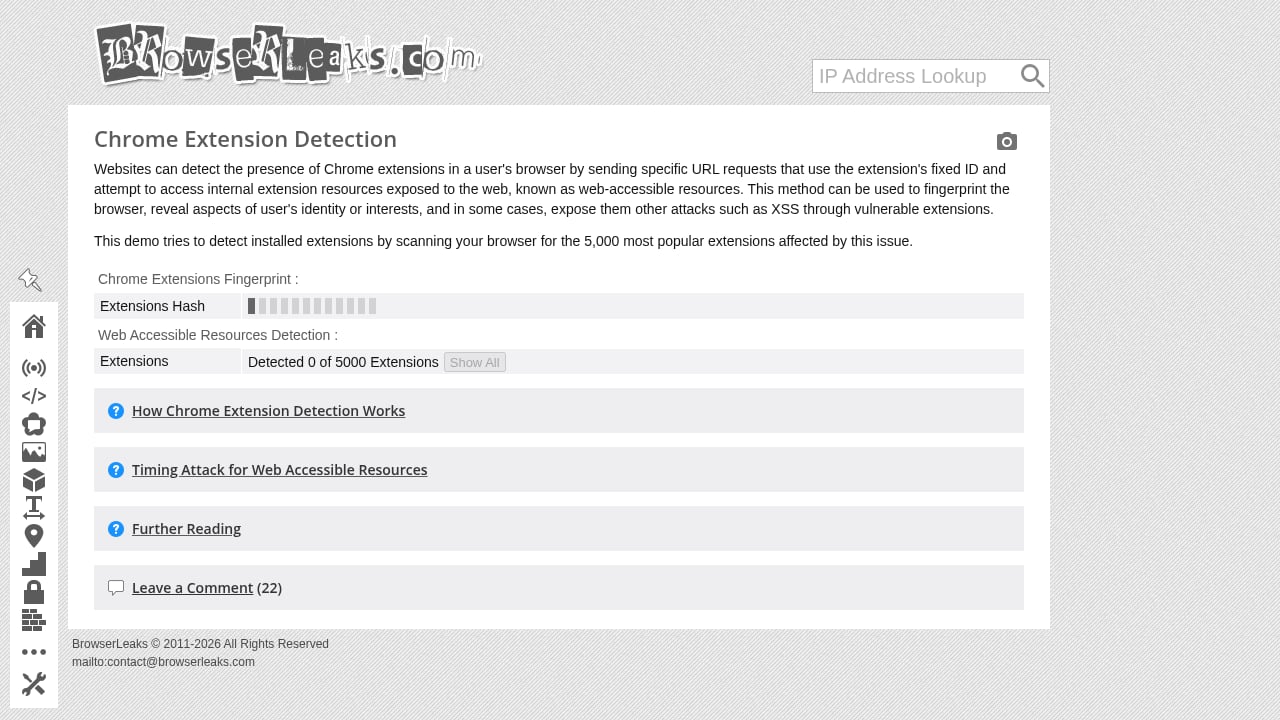
First viewport screenshot of Chrome Extension Detection.
The tools above test the browser. Adjacent tools test the environment around it. If you are comparing detection platforms specifically, BrowserScan vs BrowserLeaks vs Cover Your Tracks breaks down the differences in depth and reporting style.
For readers who want the broader fingerprinting landscape, including tools that focus on canvas and WebGL entropy, the top 10 browser fingerprint detection tools for 2026 covers overlapping ground with a different emphasis. And if canvas specifically is your concern, how canvas fingerprinting works and how to test yours explains the mechanism behind the hashes these tools report.
Related reading
- BrowserScan vs Iphey: Best Fingerprint Detection Tool 2026 - Compare BrowserScan and Iphey for browser fingerprint testing. See which tool offers deeper leak detection, authenticity scoring, and privacy protection in 2026.
- Whoer.net Review 2026: Free IP Checks, VPN & Anti-Detect - Hands-on Whoer.net review: free IP, DNS leak and fingerprint checks, WhoVPN pricing and speed, WADE X anti-detect browser, plus who should use it.
Sources and further reading
- The Best Private Browsers We've Tested for 2026 | PCMag - May 18, 2026 ... In our brief tests, Brave was the only browser for which the EFF tool reported a randomized fingerprint. Brave offers other privacy-focused ...
- Best Privacy Tools & Software Guide in 2026 - The most reliable website for privacy tools since 2015. Find private alternatives to the apps you use every day.
- 14 Best Cross-Browser Testing Tools in 2026: Free & Paid Options - Compare the best cross-browser testing tools, including BrowserStack, LambdaTest, Sauce Labs, Playwright, and free alternatives for web testing.
FAQ
What is the best free browser privacy testing tool in 2026?
BrowserLeaks offers the widest free coverage of leak and fingerprint vectors. Cover Your Tracks is the easiest starting point for a plain-language verdict. For coherence scoring across signals, BrowserScan provides a consolidated free report.
Do these tools collect my data?
It varies. BrowserLeaks and IPLeak.net run tests client-side and display results without requiring an account. AmIUnique explicitly collects anonymized fingerprints for research. Always read the privacy notice before running a test, especially on a work or shared machine.
Can a privacy testing tool make me anonymous?
No. These tools measure exposure; they do not eliminate it. Reducing fingerprint uniqueness requires configuration changes in the browser itself — disabling WebRTC, aligning timezone and language with your network, and controlling canvas and WebGL output.
How often should I re-test my browser?
After every browser update, extension change, proxy switch, or profile modification. Fingerprint signals are not static, and a configuration that passed last month can fail after a routine update.
Are browser privacy testing tools the same as cross-browser testing tools?
No. Cross-browser testing platforms such as BrowserStack and LambdaTest verify that a website renders and functions correctly across browsers and devices. Browser privacy testing tools measure what a browser reveals about its user. The two categories solve different problems, though both involve running tests in a browser.
Which tool detects proxy and VPN leaks best?
IPLeak.net and BrowserLeaks are the most direct for network-layer leaks. BrowserScan adds proxy detection and consistency checks that flag when a proxy IP conflicts with other browser signals.
Conclusion
The browser privacy testing landscape in 2026 rewards a layered approach. Start with a broad suite like BrowserLeaks for raw coverage, add a coherence checker like BrowserScan to catch contradictory signals, and validate with an adversarial tool like CreepJS when spoofing accuracy matters. Cover Your Tracks and Whoer.net remain useful for fast, plain-language checks, while AmIUnique and DeviceInfo.me help you understand which specific attributes make you identifiable.
No single tool does everything. The right stack is the smallest set that covers your actual threat model — and the discipline to re-run it every time your browser or network configuration changes.