
BrowserScan vs Iphey: Best Fingerprint Detection Tool 2026
BrowserScan vs Iphey: Which Fingerprint Detection Tool Better Protects Your Privacy?
Your browser leaks more than you think. Every visit exposes canvas hashes, WebGL renderers, timezone mismatches, and IP signals that trackers use to build a unique profile. Browser fingerprint detection tools promise to reveal what websites see — but they differ sharply in depth, scoring, and practical value. This comparison examines BrowserScan and Iphey, two popular options in 2026, to help you choose the right privacy testing tool.
What Each Tool Actually Does
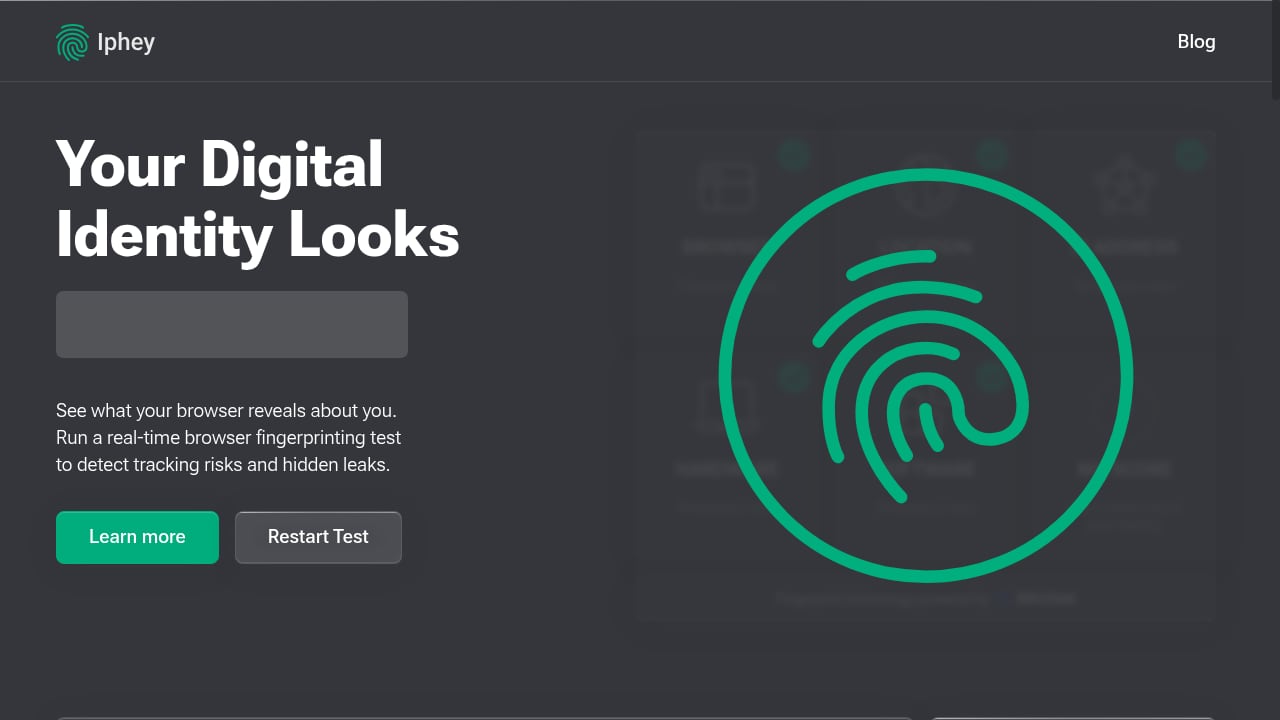
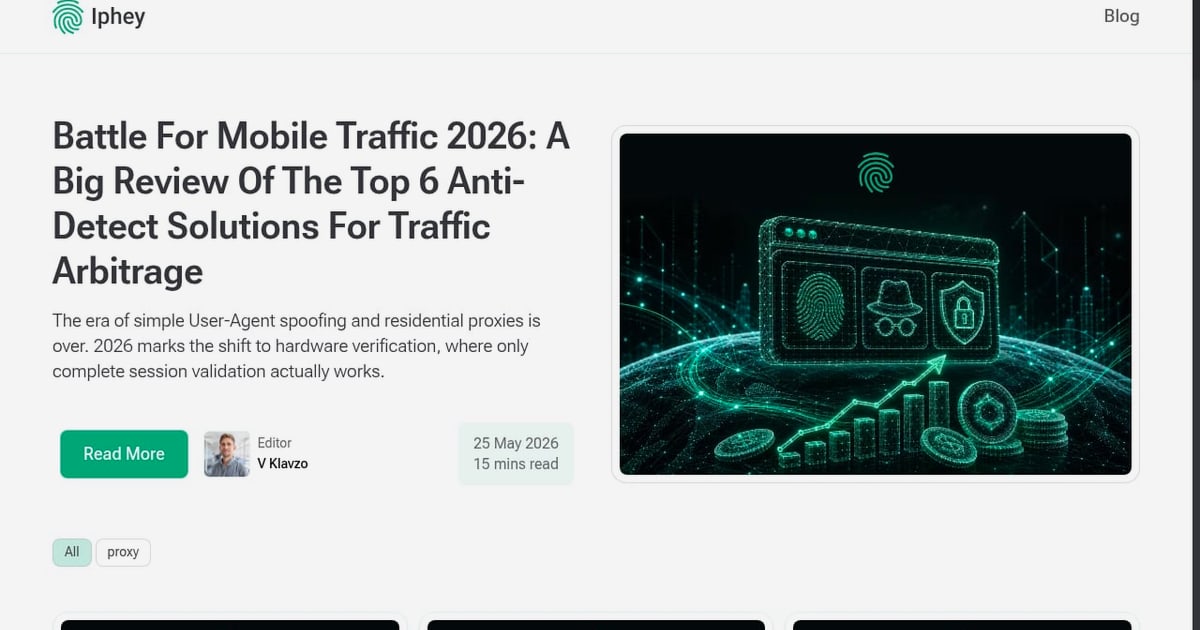
First viewport screenshot of Iphey - Real-Time Browser Fingerprinting Test - IPhey.
BrowserScan: Comprehensive Fingerprint and Leak Testing
BrowserScan positions itself as an all-in-one privacy and security testing suite. According to its official site, it supports DNS leak testing, WebRTC leak detection, IP address lookup, port scanning, user agent parsing, proxy server detection, speed testing, and 2FA code generation. Its core fingerprint engine reports a browser fingerprint authenticity score — a percentage that indicates how natural or suspicious your browser environment appears to anti-fraud systems.
The tool surfaces detailed hardware and software signals: canvas fingerprint, WebGL report (including unmasked vendor and renderer), WebGPU report, audio fingerprint, client rects, screen resolution, color depth, touch support, media devices, kernel detection, bot detection, and timezone consistency. It also tracks your visitor ID and IP count over a 7-day window.
Iphey: Real-Time Fingerprinting with a Risk Score
Iphey focuses on real-time browser fingerprinting and privacy auditing. Its homepage test reveals tracking risks, hidden leaks, and bot configuration details. Key features include WebRTC IP leak checks, ISP risk scoring, IP reputation, geographic breakdown (country, state, city, coordinates), bot and automation detection, and blacklist status. Iphey also provides a risk score and is often recommended for validating anti-detect browser profiles.
Head-to-Head Comparison
| Feature | BrowserScan | Iphey |
|---|---|---|
| Fingerprint authenticity score | ✅ Yes (percentage) | ❌ No (risk score instead) |
| DNS leak test | ✅ Yes | ❌ Not listed |
| WebRTC leak test | ✅ Yes | ✅ Yes |
| Port scanner | ✅ Yes | ❌ No |
| User agent parser | ✅ Yes | ❌ No |
| Proxy server detection | ✅ Yes | ❌ Not explicitly listed |
| Canvas fingerprint | ✅ Yes | ❌ Not listed |
| WebGL / WebGPU report | ✅ Yes | ❌ Not listed |
| Bot detection | ✅ Yes | ✅ Yes |
| IP reputation / blacklist | ✅ IP blacklist | ✅ ISP risk score + blacklist |
| Geographic breakdown | ✅ Country, region, city, lat/long | ✅ Country, state, city, coordinates |
| 2FA live code | ✅ Yes | ❌ No |
| Speed test | ✅ Yes | ❌ No |
| Anti-detect browser validation | ✅ Yes (authenticity score) | ✅ Yes (risk score) |
Where BrowserScan Outperforms Iphey
First viewport screenshot of Blog - IPhey.
1. Broader Leak Detection Coverage
BrowserScan explicitly supports DNS leak testing, WebRTC leak testing, and proxy server detection. Iphey's public feature list mentions WebRTC IP leak checks but does not highlight DNS leak testing or proxy detection. For users who rely on VPNs or proxies, DNS leaks are a critical exposure vector — BrowserScan addresses this directly.
2. More Granular Fingerprint Analysis
BrowserScan reports canvas fingerprint, WebGL details (unmasked vendor and renderer), WebGPU report, audio fingerprint, client rects, and kernel detection. Iphey's fingerprint elements are less granular; its public materials emphasize browser type, operating system, language, location, timezone, font size, screen resolution, and hardware characteristics. If you need to diagnose exactly which canvas or WebGL parameter is making you unique, BrowserScan provides the raw data.
3. Built-In Utility Suite
Beyond fingerprinting, BrowserScan bundles a port scanner, user agent parser, speed test, 2FA live code generator, and cookie converter. These extras make it a one-stop privacy toolkit. Iphey focuses narrowly on fingerprinting and risk scoring, which is useful but less versatile for users who want to audit multiple aspects of their setup.
4. Authenticity Score for Anti-Detect Validation
BrowserScan's fingerprint authenticity percentage gives a clear, actionable metric. A score below 100% signals that your browser environment may be flagged. This is especially valuable when configuring anti-detect browsers or multiple profiles. While Iphey also offers a risk score, BrowserScan's authenticity framing is more directly tied to how anti-fraud systems evaluate your browser.
Where Iphey Excels
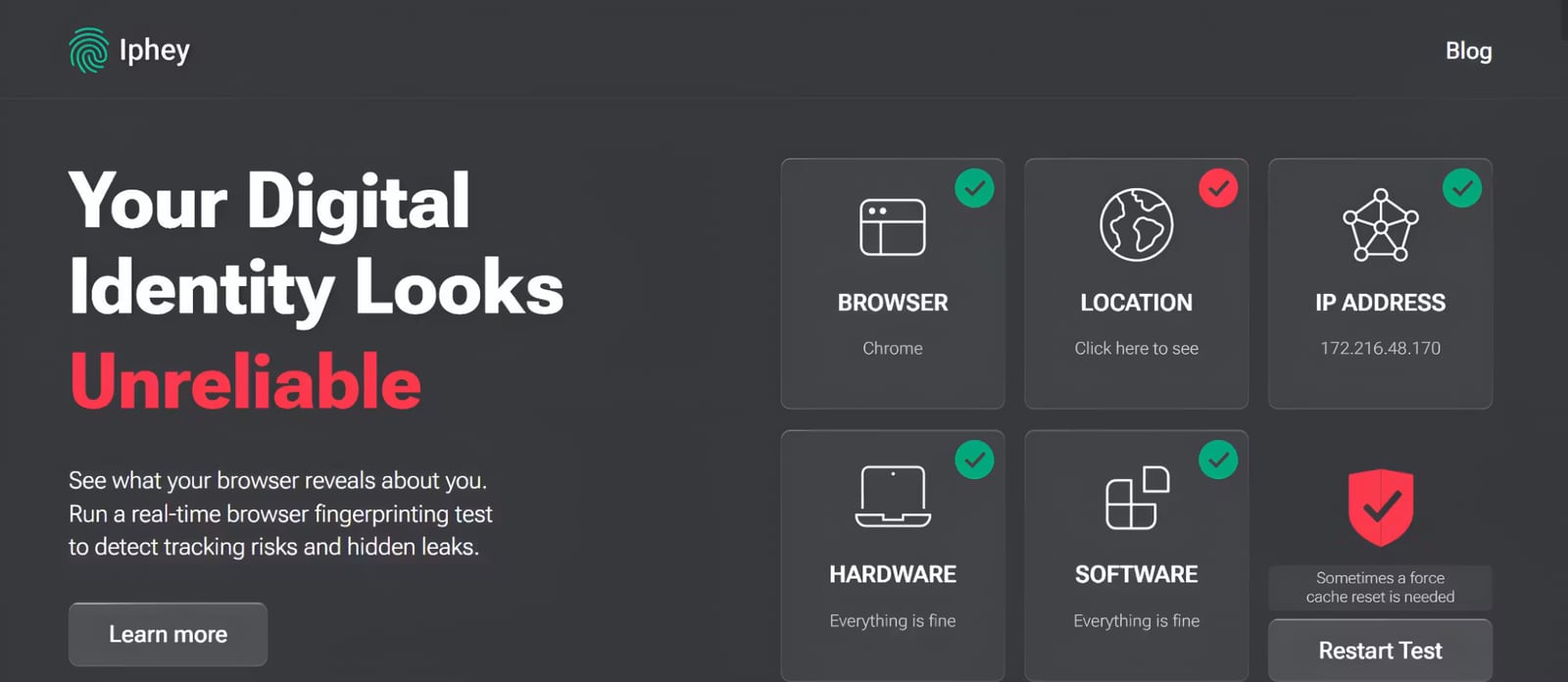
Iphey - Real-Time Browser Fingerprinting Test - IPhey product interface.
1. Beginner-Friendly Interface
Iphey is frequently praised for its simplicity. The homepage test delivers a quick, understandable risk score without requiring users to interpret raw technical data. For non-technical users who just want a fast privacy check, Iphey's approach is less overwhelming.
2. ISP Risk Scoring and IP Reputation
Iphey provides detailed ISP risk scoring and IP reputation data, which can help identify whether your IP is associated with suspicious activity. This is useful for users who need to assess the trustworthiness of their network connection.
3. Real-Time Monitoring Focus
Iphey emphasizes real-time fingerprinting and bot detection. Its bot configuration details — including web driver and user agent checks — are valuable for detecting automation flags that could expose anti-detect setups.
When to Choose BrowserScan
- You need DNS leak testing or proxy server detection alongside fingerprinting.
- You want canvas, WebGL, and WebGPU fingerprint details for deep analysis.
- You require a port scanner or user agent parser in the same tool.
- You are validating anti-detect browser profiles and need an authenticity score.
- You prefer a comprehensive privacy toolkit rather than a single-purpose test.
For a deeper dive into BrowserScan's capabilities, see our BrowserScan vs BrowserCheck vs Whoer.net comparison. If you use Nstbrowser, learn how to combine BrowserScan with Nstbrowser profiles.
When to Choose Iphey
- You want a quick, beginner-friendly risk score without technical details.
- You need ISP risk scoring and IP reputation data.
- You are primarily checking bot detection and automation flags.
- You prefer a minimalist interface over a feature-rich dashboard.
Practical Example: Testing a VPN Setup
First viewport screenshot of 7 Cover Your Tracks Alternatives 2026 - IPhey.
Suppose you connect through a VPN and want to verify your anonymity. With BrowserScan, you can run a DNS leak test, WebRTC leak test, and check your fingerprint authenticity score — all on one page. You might discover that your DNS requests are leaking outside the VPN tunnel, or that your canvas fingerprint is unusually unique. With Iphey, you would get a risk score and ISP reputation, but you would need a separate tool for DNS leak testing.
For a broader look at available options, see our Top 10 Browser Fingerprint Detection Tools for 2026.
Related reading
- Whoer.net Review 2026: Free IP Checks, VPN & Anti-Detect - Hands-on Whoer.net review: free IP, DNS leak and fingerprint checks, WhoVPN pricing and speed, WADE X anti-detect browser, plus who should use it.
FAQ
What is browser fingerprinting?
Browser fingerprinting is a technique that collects data points — such as canvas rendering, WebGL output, fonts, screen resolution, timezone, and user agent — to create a unique identifier for your browser. This identifier can track you across sites even without cookies.
Does BrowserScan offer a DNS leak test?
Yes. BrowserScan explicitly supports DNS leak testing as part of its suite, along with WebRTC leak testing and proxy server detection.
Can Iphey detect DNS leaks?
Iphey's public feature list does not mention DNS leak testing. It focuses on WebRTC IP leaks, ISP risk scoring, and bot detection.
Which tool is better for anti-detect browser validation?
Both tools can validate anti-detect profiles. BrowserScan provides a fingerprint authenticity percentage, while Iphey offers a risk score. BrowserScan's broader leak detection and granular fingerprint data may give more actionable insights for advanced users.
Is BrowserScan free to use?
BrowserScan runs in your browser and offers free access to many tools, though some results may require signing in. See our BrowserScan download guide for safe usage tips.
Can I use both tools together?
Yes. Many privacy-conscious users run multiple fingerprint tests to cross-verify results. Using BrowserScan for leak detection and Iphey for ISP risk scoring can provide a more complete picture.
Conclusion
BrowserScan and Iphey both help you understand your browser's fingerprint, but they serve different needs. BrowserScan offers a more comprehensive suite: DNS leak testing, WebRTC leak detection, proxy detection, canvas and WebGL analysis, port scanning, and a fingerprint authenticity score. Iphey excels at simplicity, ISP risk scoring, and real-time bot detection. If your priority is thorough privacy auditing and leak detection, BrowserScan is the stronger choice. If you want a fast, beginner-friendly risk check, Iphey is a solid alternative.
For more on how fingerprinting works, read our guide on canvas fingerprinting.
Sources: BrowserScan official site, Iphey blog on browser fingerprint test tools, Iphey blog on Cover Your Tracks alternatives.