
Geolocation API: How It Works, Privacy Risks & Testing

Geolocation API: How It Works, Privacy Risks & Testing
When a website asks for your location, the browser Geolocation API is usually what powers that request. It is a standard web API that lets sites access your device's location — but only after you explicitly grant permission. This article explains how the API works, how accurate it really is, the privacy trade-offs, and how to verify what your browser and IP address are exposing.
What Is the Geolocation API?

Geolocation API: How It Works, Privacy Risks & Testing - What Is the Geolocation API?.
The Geolocation API is a browser interface that lets web applications request a user's location. It is accessed through navigator.geolocation and is only available in secure contexts (HTTPS). For privacy reasons, the browser always asks the user for permission before sharing location data.
Key points:
- Entry point:
navigator.geolocation - Secure context required: HTTPS only
- Permission required: The user must approve access
- Widely supported: Available across modern browsers since around 2015
Core Methods: getCurrentPosition vs watchPosition

Geolocation API: How It Works, Privacy Risks & Testing - Core Methods: getCurrentPosition vs watchPosition.
The API exposes two main methods for retrieving location:
getCurrentPosition()
Returns the device's current location once. It takes up to three arguments:
- A mandatory success callback that receives a
GeolocationPositionobject - An optional error callback that receives a
GeolocationPositionErrorobject - An optional options object (timeout, maximum age, enableHighAccuracy)
navigator.geolocation.getCurrentPosition(
  (position) => {
    console.log(position.coords.latitude, position.coords.longitude);
  },
  (error) => {
    console.error(error.code, error.message);
  },
  { enableHighAccuracy: true, timeout: 10000 }
);
watchPosition()
Registers a handler that fires each time the position changes — useful for navigation or fitness tracking. clearWatch() stops it.
What the position object contains
coords.latitudeandcoords.longitude— always returnedcoords.accuracy— always returned (in meters)coords.altitude,altitudeAccuracy,heading,speed— returned only if availabletimestamp— when the reading was taken
How Accurate Is Browser Geolocation?
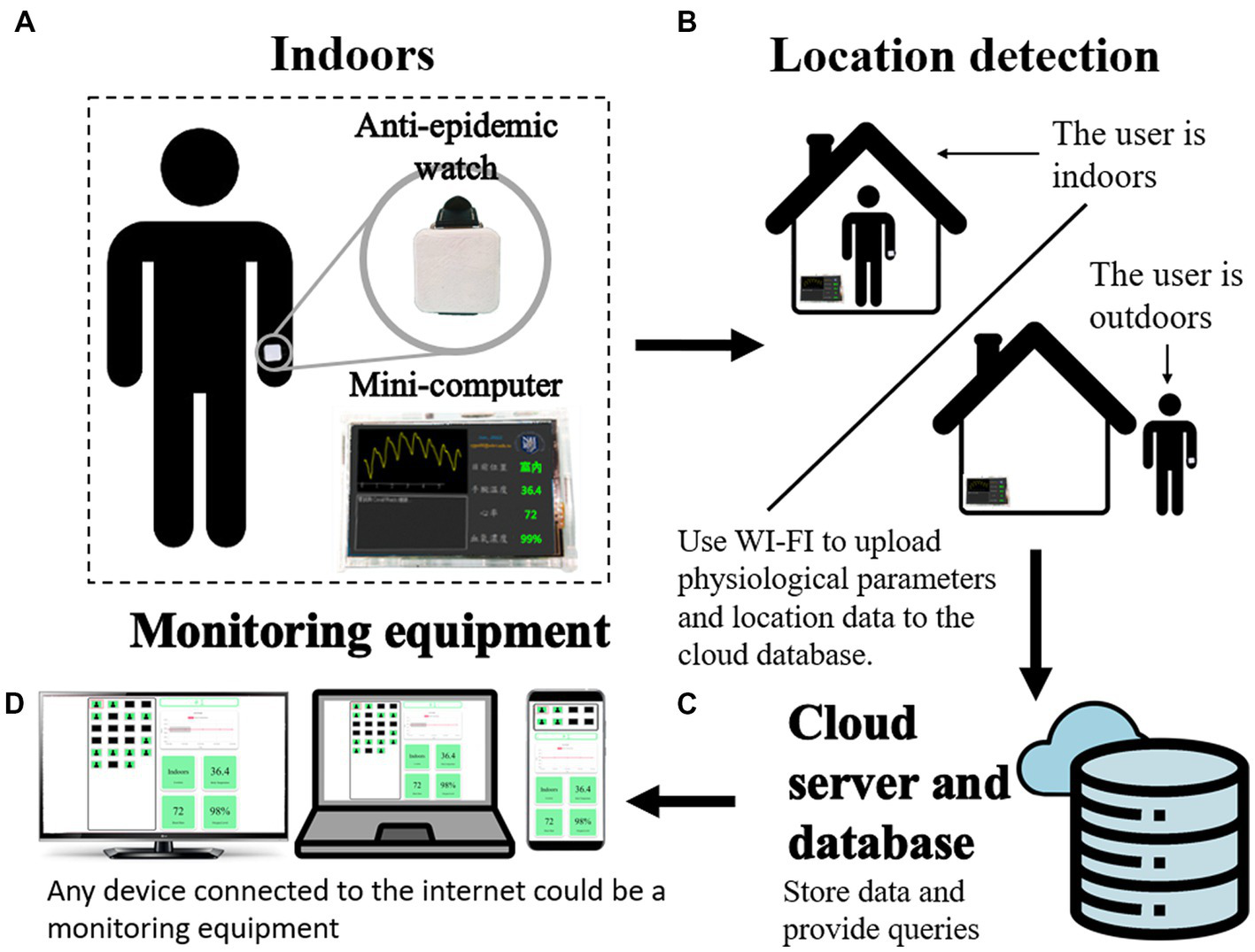
Geolocation API: How It Works, Privacy Risks & Testing - How Accurate Is Browser Geolocation?.
Accuracy depends on the device and the available signals:
- GPS devices (smartphones, smartwatches) are the most accurate, often within a few meters.
- Wi-Fi positioning can be reasonably accurate in dense urban areas.
- IP-based fallback is the least precise — it may only resolve to a city or region, and can be wrong when a VPN or proxy is in use.
One practical caveat: because Wi-Fi-based locating is often provided by Google, the vanilla Geolocation API may be unavailable in some regions, such as China, where local providers are used instead.
Privacy and Security Considerations

Geolocation API: How It Works, Privacy Risks & Testing - Privacy and Security Considerations.
Location data can reveal where you live, work, or travel. The API is designed with several safeguards:
- Explicit permission prompts are required before any location is shared.
- Permission lifetime is controlled by the browser and may be session-based, time-based, or persistent.
- Permissions Policy can restrict access. The default allowlist is
self, meaning only same-origin frames can request location. Third-party frames need an explicit header:
Permissions-Policy: geolocation=(self b.example.com)
<iframe src="https://b.example.com" allow="geolocation"></iframe>
You can check the current permission state with the Permissions API (navigator.permissions.query({ name: 'geolocation' })), which returns granted, denied, or prompt.
Two different kinds of "geolocation"
It is important not to confuse the browser Geolocation API with IP geolocation APIs. The browser API asks the device for coordinates; IP geolocation services estimate location from your IP address, without any permission prompt. That distinction matters for privacy because IP-based location can be inferred silently by any server you connect to.
If you are working with IP-based location data, see this IPWHOIS.io geolocation API guide for endpoint and format examples.
How to Test What Your Browser and IP Reveal
Even if you never grant location permission, your IP address and browser configuration can still expose a surprising amount of information. A practical way to audit this is to run a few free checks:
- IP address and geolocation lookup — see what city, ISP, and proxy signals your connection exposes.
- WebRTC leak test — confirm your real IP is not leaking outside a VPN tunnel.
- DNS leak test — verify DNS requests are not revealing your actual location or provider.
- Browser fingerprint test — check how identifiable your browser is, independent of location.
BrowserScan offers these as free, browser-based tools with no installation required. Running a fingerprint test alongside an IP lookup gives you a clearer picture of what is exposed versus what you have explicitly shared. For a broader look at how fingerprinting and bot detection overlap, see the Pixelscan.dev breakdown.
Handling Errors Gracefully
A robust implementation always handles failure. The error callback provides a code you can map to a message:
PERMISSION_DENIED— the user declined the requestPOSITION_UNAVAILABLE— location could not be determinedTIMEOUT— the request took too longUNKNOWN_ERROR— an unexpected failure occurred
Always check navigator.geolocation exists before calling it, and provide a fallback (for example, manual city entry) when location is unavailable.
Related reading
- Nmap Pricing: Is the Network Mapper Really Free? - Nmap pricing explained: the Network Mapper is free and open source. See what's included, how to download it, and how to scan ports without installing anything.
- Data Protection Explained: Principles, Laws, and How to Test Your Own Exposure - Learn what data protection really means, how it differs from data security and privacy, key laws like GDPR and HIPAA, and how to test your own browser and network exposure for free.
Sources and further reading
- Weather data that scales - Integrate in any stack - AccuWeather's API delivers 99.5% uptime and trillions of calls annually. Start building. More accurate, more reliable, more parameters. Trusted by developers worldwide.
- Geolocation API - Web APIs | MDN - The Geolocation API allows the user to provide their location to web applications if they so desire. For privacy reasons, the user is asked for permission to report location information.
- Geolocation API - Geolocation API is used to get the user's current location.
Frequently Asked Questions
Does the Geolocation API work without permission?
No. The browser prompts the user, and location data is not shared unless permission is granted. The only exception is if permission was previously granted and the browser still remembers it.
Why does geolocation sometimes return the wrong city?
When GPS and Wi-Fi signals are unavailable, the browser may fall back to IP-based estimation. That method is coarse and can be inaccurate, especially when using a VPN, proxy, or mobile network.
Is the Geolocation API available on all browsers?
It is widely supported and has been available across major browsers since around 2015. However, it requires a secure context (HTTPS), and availability of Wi-Fi-based positioning can vary by region.
Can a website track my location without asking?
Not through the Geolocation API. However, a server can still estimate your approximate location from your IP address without any prompt, which is why leak tests and IP checks are useful.
What is the difference between the Geolocation API and an IP geolocation API?
The browser Geolocation API retrieves device coordinates with user consent. An IP geolocation API estimates location from an IP address, typically without user interaction.
Conclusion
The Geolocation API is a well-designed, permission-first interface for accessing device location — but it is only one part of the location privacy picture. IP-based estimation, WebRTC leaks, and DNS behavior can all reveal information without any prompt. If you want to know what your browser is actually exposing, start with a free fingerprint test and an IP lookup, then decide which signals you want to reduce.