
What Is an IP API? A Complete Guide to IP Geolocation Services
What Is an IP API? A Complete Guide to IP Geolocation Services
Every device connected to the internet has an IP address, and behind that string of numbers lies a wealth of contextual data. An IP API (Application Programming Interface) lets you programmatically retrieve that data—country, city, ISP, time zone, even whether the address belongs to a VPN or hosting provider. Instead of manually looking up addresses one by one, you integrate an API into your application, dashboard, or security workflow and automate the process.
This guide explains how IP geolocation APIs work, what data they return, how to evaluate free versus paid options, and how to verify that the information you receive is accurate. You will also learn how to pair an IP API with privacy testing tools to audit your own digital footprint.
How an IP Geolocation API Works
What Is an IP API? A Complete Guide to IP Geolocation Services - How an IP Geolocation API Works.
An IP API is a RESTful web service. You send an HTTP request containing an IPv4 or IPv6 address (or omit it to query your own public IP), and the server responds with a structured JSON or XML object. Under the hood, the provider maintains a database that maps IP ranges to geographic and network attributes. When a request arrives, the API engine matches the queried IP against its database and returns the corresponding record.
Most modern services use Anycast networks and globally distributed points of presence to keep response times under 50 milliseconds. The databases themselves are updated through multiple channels: Regional Internet Registries (RIRs) such as ARIN, RIPE NCC, and APNIC, plus proprietary probing and machine-learning models that refine location accuracy over time.
Common Data Fields Returned by an IP API
While every provider structures its response slightly differently, you can expect most of these fields:
- IP address – the queried IP.
- Country, region, city – geographic hierarchy.
- Postal code – where available.
- Latitude and longitude – approximate coordinates.
- Time zone – IANA identifier and UTC offset.
- ISP and organization – the internet service provider and the entity that owns the IP block.
- ASN and AS name – the autonomous system number and its owner, essential for network diagnostics.
- Currency – local currency code and symbol.
- Security flags – proxy, VPN, Tor exit node, or hosting/datacenter detection.
Some APIs also return mobile carrier information, EU membership status, and language codes.
Free vs. Paid IP APIs: What You Need to Know
What Is an IP API? A Complete Guide to IP Geolocation Services - Free vs. Paid IP APIs: What You Need to Know.
Developers often start with a free IP API because there is no registration, no API key, and instant results. The trade-offs become apparent once you move beyond testing.
Free Tier Characteristics
- Rate limits – typically 45 to 1,000 requests per minute or per day.
- No SLA – uptime is best-effort.
- HTTP only – many free endpoints lack SSL encryption.
- Commercial restrictions – some forbid commercial use entirely; others allow it but throttle heavily.
- Limited fields – security intelligence or bulk lookup may be reserved for paid plans.
Popular free options include ip-api.com (45 requests/minute, no key required), ipapi.co (1,000 requests/day on the free plan), and ipwhois.io (1,000 requests/day, commercial use allowed). All three return JSON, support field-specific queries, and serve as excellent starting points.
When to Upgrade to a Paid Plan
Paid plans unlock higher request volumes, SSL access, bulk lookup endpoints, and advanced threat intelligence. If your application depends on IP data for fraud prevention, content personalization, or compliance, a paid plan with a 99.9% uptime SLA is the safer choice. Pricing typically scales from a few dollars per month for tens of thousands of queries to enterprise tiers handling millions.
How to Verify Your IP Data Accuracy
What Is an IP API? A Complete Guide to IP Geolocation Services - How to Verify Your IP Data Accuracy.
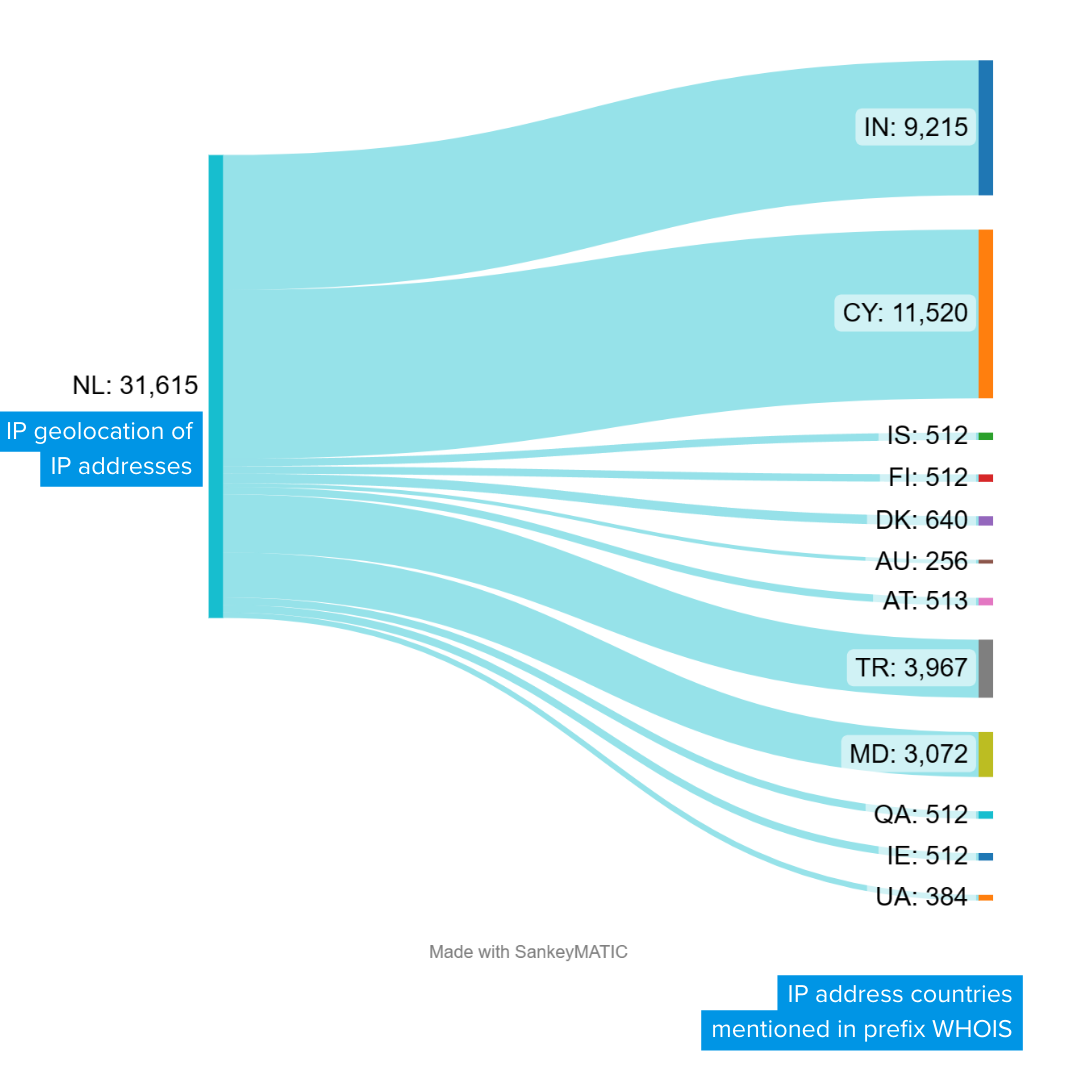
Even the best IP API can return stale or imprecise data, especially for mobile IPs or addresses behind carrier-grade NAT. Before you build business logic on top of geolocation, you should verify what the API returns against real-world network signals.
1. Cross-Check with an IP Lookup Tool
Run the same IP through two or three independent APIs and compare the country, city, and ISP fields. If they disagree significantly, the IP range may have been reassigned recently, or the address could be routed through a proxy.
2. Test for Proxy and VPN Leaks
If your use case involves detecting anonymizers, you need to confirm that the security flags are accurate. A flagged IP might be a false positive, while a clean IP could still be hiding behind an undetected VPN. Tools like BrowserScan let you run a comprehensive leak test directly in your browser. Its DNS and WebRTC leak checks reveal whether your real IP is exposed even when a VPN is active, while the IP address lookup shows the geolocation, ISP, and proxy status that external services would see. This gives you a ground-truth reference to evaluate any IP API's proxy detection claims.
3. Validate Browser Fingerprint Consistency
An IP address is just one signal. Advanced fraud detection correlates IP data with browser fingerprints. If a user's IP says they are in London but their browser fingerprint reveals a system time zone set to Jakarta, something is off. BrowserScan's fingerprint analysis module checks dozens of attributes—canvas hash, WebGL renderer, font list, client hints—and flags mismatches. When you integrate an IP API into a security workflow, pairing it with fingerprint verification dramatically reduces false positives. For a deeper dive into how anti-fingerprinting works and how to test your own defenses, see our anti-fingerprinting guide.
Practical Examples: Using an IP API from the Command Line
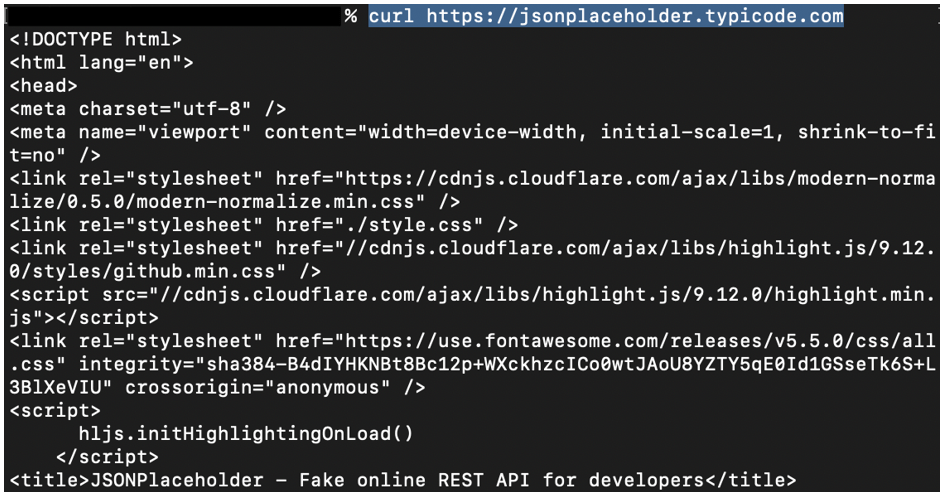
What Is an IP API? A Complete Guide to IP Geolocation Services - Practical Examples: Using an IP API from the Command Line.
Most IP APIs let you query a specific address or your own public IP with a single curl command. Here are real patterns from the top services.
Full JSON response (ipapi.co):
curl https://ipapi.co/8.8.8.8/json/
Returns country, city, region, postal, timezone, ASN, org, and more.
Single field lookup (ipapi.co):
curl https://ipapi.co/8.8.8.8/country/
# Returns: US
Security intelligence (ipwhois.io):
curl "http://ipwho.is/8.8.4.4?fields=security"
Returns anonymous, proxy, VPN, Tor, and hosting flags.
Time zone data (ipwhois.io):
curl "http://ipwho.is/8.8.4.4?fields=timezone"
Returns IANA time zone ID, abbreviation, DST status, and UTC offset.
These simple calls can be embedded in shell scripts, cron jobs, or server-side applications to automate IP enrichment.
Choosing the Right IP API for Your Project
| Criteria | Free APIs | Paid APIs |
|---|---|---|
| Rate limit | 45–1,000 req/min or day | Custom, up to millions/month |
| SSL encryption | Often not included | Standard |
| Commercial use | Varies; some prohibit | Always allowed |
| Data freshness | Good, but no SLA | Real-time updates, SLA-backed |
| Security fields | Basic proxy flag | Advanced threat intelligence |
| Support | Community or email | Dedicated, priority support |
If you are building a prototype, a free IP API is perfectly adequate. For production systems that handle payments, block fraudulent sign-ups, or personalize content for a global audience, invest in a paid plan with the accuracy and reliability guarantees your business needs.
Beyond Geolocation: The Bigger Privacy Picture
An IP API tells you what the network says about an address. It does not tell you what the browser is leaking. WebRTC can expose your real IP even when a VPN is connected. DNS queries can bypass your encrypted tunnel. Browser fingerprints can track you across IP changes. Understanding your full exposure requires testing all these vectors together.
BrowserScan brings these diagnostics into a single, no-install dashboard. You can run an IP lookup to see your public-facing geolocation and proxy status, then immediately run a WebRTC leak test to confirm your VPN is not leaking, and finish with a fingerprint analysis to see how unique—and trackable—your browser configuration really is. For network professionals, the platform also includes an Nmap-powered port scanner to identify open vulnerabilities, which is especially useful when paired with ASN data. If you are new to autonomous system numbers, our ASN data guide explains how they route internet traffic and why they matter for network diagnostics.
Related reading
- What Is Cloud Security? A Complete 2025 Guide - Learn what cloud security really means, the core components, biggest challenges, and how to start assessing your own cloud and browser exposure with free tools.
- What Is Anti-Fingerprinting? How It Protects Your Privacy - Learn what anti-fingerprinting is, how browsers like Brave and Firefox combat tracking, and how to test your defenses with free online tools.
- PrivacyTools.io Tutorial: Navigate & Harden Your Setup - Learn how to use PrivacyTools.io to find and configure privacy-respecting apps, browsers, and VPNs. A step-by-step tutorial with testing and verification tips.
Sources and further reading
- IP-API.com - Geolocation API - Free IP Geolocation API - lookup any IP address
- ipapi - IP Address Lookup and Geolocation API - Enterprise IP Location by Kloudend, Inc - built on AWS, trusted by Fortune 500. Geolocation API for JSON, XML in PHP, JS, Java, Python, Node & more.
- IP Geolocation API - IPWHOIS.io - Free IP Geolocation and IP Location Lookup API
Frequently Asked Questions
What is an IP API used for?
An IP API is used to programmatically retrieve geolocation, ISP, ASN, time zone, currency, and security intelligence data for an IP address. Common use cases include fraud detection, content localization, ad targeting, form auto-fill, and network diagnostics.
Do I need an API key for a free IP API?
It depends on the provider. ip-api.com and ipwhois.io do not require an API key for their free tiers. ipapi.co requires a key only for paid plans; its free tier works without registration. Always check the current terms, as policies can change.
How accurate is IP geolocation data?
Accuracy varies by provider and by the type of IP address. At the country level, accuracy often exceeds 95%. City-level accuracy typically ranges from 50% to 80%, depending on the region and whether the IP is from a mobile network. No IP API can provide a precise street address.
Can an IP API detect VPNs and proxies?
Many IP APIs include security fields that flag known VPN, proxy, Tor, and hosting provider IP ranges. These flags are based on threat intelligence feeds and are not foolproof—new or private VPN servers may go undetected. Cross-checking with browser-based leak tests improves detection reliability.
What is the difference between an IP API and a browser fingerprint?
An IP API returns network-level data tied to an IP address. A browser fingerprint is a collection of device and browser attributes (canvas hash, fonts, WebGL, etc.) that can identify a user even when their IP changes. The two are complementary: IP data answers "where does this connection originate?" while fingerprinting answers "is this the same device I saw before?"
How can I test if my own IP is leaking?
Use a tool like BrowserScan to run a WebRTC leak test and DNS leak test while connected to your VPN. If the tests show your real IP address, your VPN is not properly configured. The platform's IP lookup will also show you exactly what geolocation and ISP data the public internet sees.
Conclusion
An IP API is a foundational building block for location-aware applications, security automation, and network intelligence. The free services available today are remarkably capable for prototyping and low-volume projects, while paid tiers deliver the speed, accuracy, and support that production systems demand.
Whichever service you choose, remember that an IP address is just one data point. Real privacy and security assessments require looking at the full stack—IP geolocation, DNS and WebRTC leaks, browser fingerprints, and open ports. By combining a reliable IP API with a comprehensive testing platform like BrowserScan, you gain both the programmatic data you need and the ground-truth verification that keeps your applications—and your own privacy—in check.