
IP Risk Score: What It Is, How It Works & How to Check
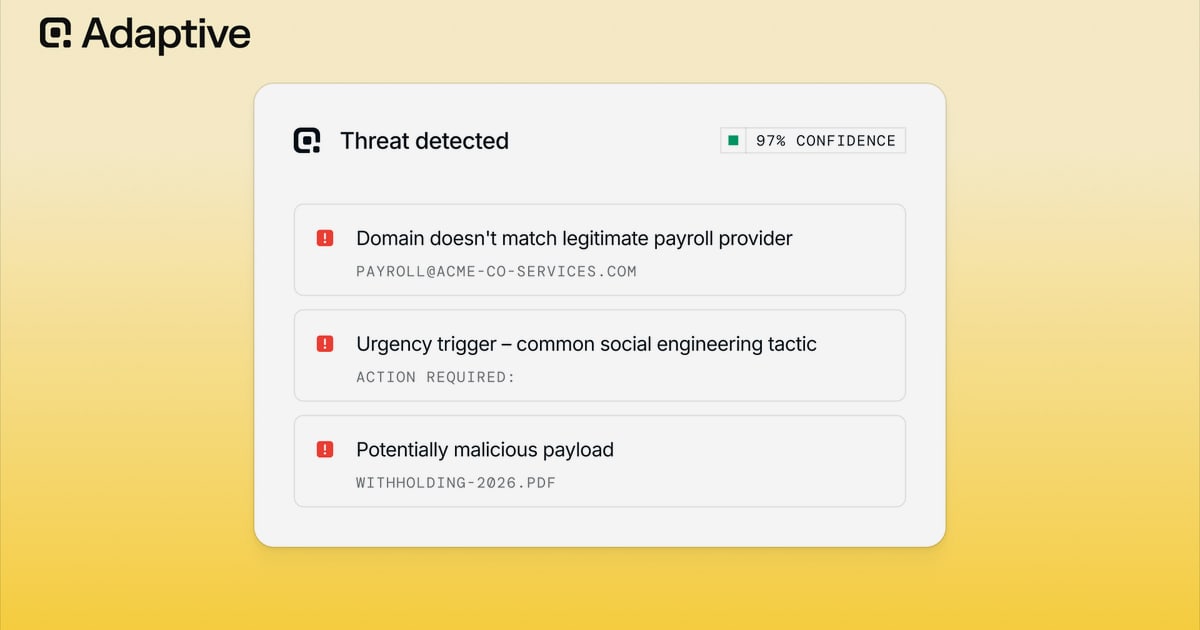
IP Risk Score: What It Is, How It Works & How to Check Any Address
Every time someone visits a website, signs up for a service, or completes a transaction, the IP address behind that action carries a hidden reputation. An IP risk score turns that reputation into a number: a quick, data-driven estimate of how likely an address is to be involved in fraud, abuse, or automated activity.
Fraud teams, payment processors, ad networks, and security platforms rely on these scores to decide whether to approve a login, accept a payment, or block a request before damage occurs. If you run an online business, manage a network, or simply want to understand why some websites treat your connection with suspicion, understanding IP risk scoring is essential.
What Is an IP Risk Score?
IP Risk Score: What It Is, How It Works & How to Check - What Is an IP Risk Score?.
An IP risk score is a numerical rating that estimates the probability that traffic from a specific IP address is malicious, fraudulent, or automated. Most scoring systems use a 0–100 scale, where higher values indicate greater risk.
A score near 0 typically means the IP has a clean history and behaves like a normal residential connection. A score near 100 suggests the address has been repeatedly linked to abuse, operates from a data center, routes through anonymizing networks, or exhibits bot-like behavior.
Different providers use different scales and labels. Some categorize results as Low, Medium, High, or Extreme. Others return a continuous 0–100 value. The underlying goal is the same: condense complex threat intelligence into a single actionable signal.
Why IP Risk Scores Matter

IP Risk Score: What It Is, How It Works & How to Check - Why IP Risk Scores Matter.
Online businesses face constant pressure from automated fraud. Credential stuffing attacks, fake account creation, payment fraud, click fraud, and scraping all leave traces in IP-level data. An IP risk score helps separate legitimate users from bad actors without adding friction for everyone.
Common use cases include:
- Payment gateways that decline transactions from high-risk IPs to reduce chargebacks.
- E-commerce platforms that flag orders from data center or proxy addresses.
- SaaS companies that block signups from IPs with a history of abuse.
- Ad networks that filter out click fraud from bot-driven traffic.
- Online communities that detect ban evasion and sock puppet accounts.
- Security teams that prioritize alerts based on the reputation of source IPs.
For individuals, the score explains why a VPN or hosting-provider IP might trigger extra verification, CAPTCHAs, or outright blocks on certain websites.
How IP Risk Scores Are Calculated
IP Risk Score: What It Is, How It Works & How to Check - How IP Risk Scores Are Calculated.
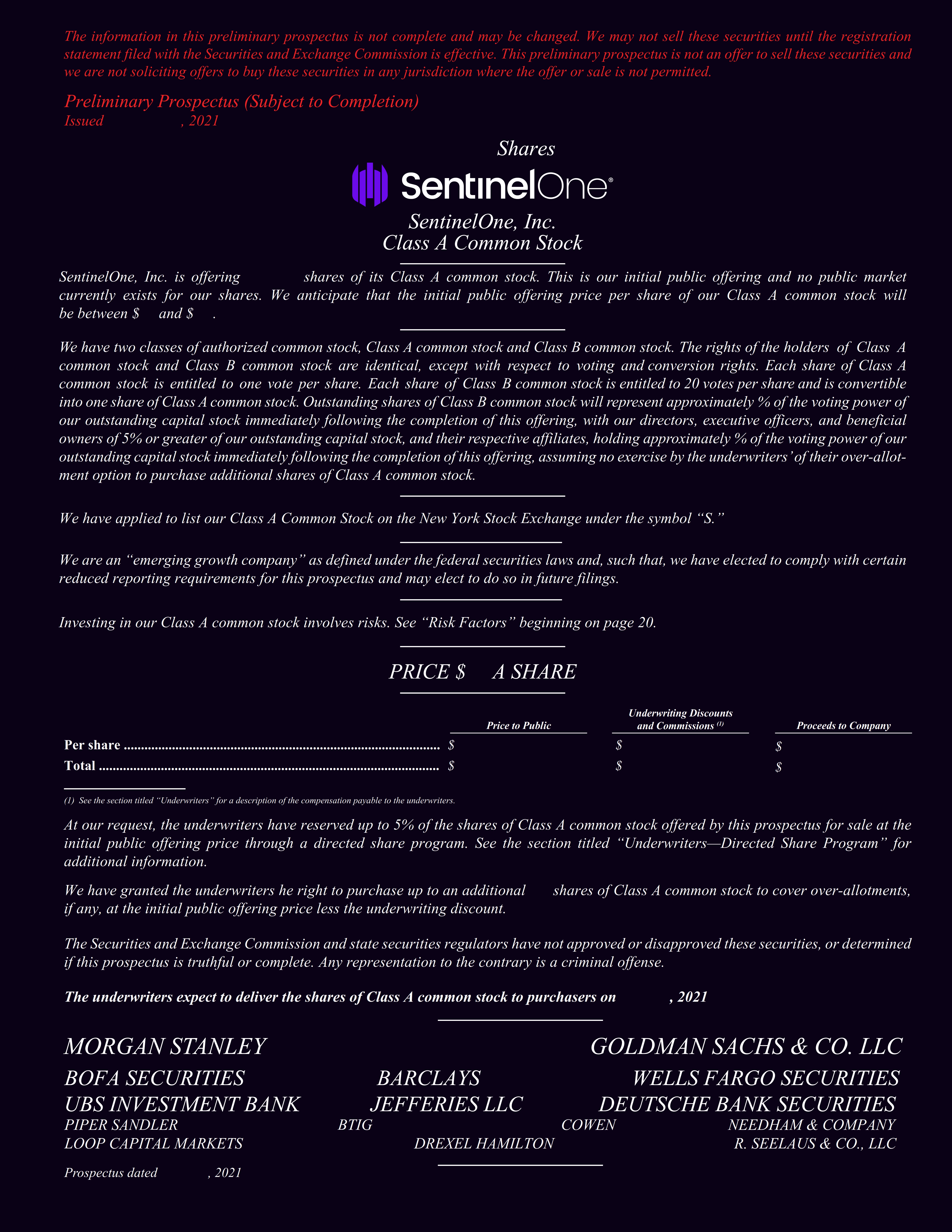
No single factor determines an IP risk score. Providers combine multiple signals, each weighted according to its predictive value. The most important inputs include:
1. Proxy and VPN Detection
IPs associated with VPNs, public proxies, or anonymizing services receive elevated risk scores. Legitimate privacy users share these ranges with fraudsters, so the mere presence of a proxy flag does not guarantee abuse—but it raises the probability enough to matter.
2. Tor Exit Node Status
Tor exit nodes are frequently flagged as high risk because they anonymize traffic at scale. Many fraud prevention systems automatically challenge or block Tor traffic, even though some legitimate users rely on Tor for privacy.
3. Data Center vs. Residential Classification
Data center IPs belong to cloud providers and hosting companies. They are cheap to provision, easy to rotate, and heavily used by bots, scrapers, and fraud operations. A data center classification almost always increases risk, especially when combined with other suspicious signals.
4. Abuse History and Blacklist Events
If an IP has appeared in spam traps, been reported for abuse, or landed on public blacklists, its score rises. Providers track these events over time and decay old incidents so that a single past mistake does not permanently doom an address.
5. Behavioral and Traffic Patterns
High request volumes, rapid repeated actions, unusual session durations, and non-human timing patterns all suggest automation. Some providers monitor millions of URLs through sensor networks to detect these behaviors in real time.
6. Geolocation and Network Context
The country, ISP, autonomous system number (ASN), and connection type provide context. An IP from a residential ISP in a low-fraud region with normal usage patterns scores lower than a hosting-provider IP in a high-fraud region.
7. Device and Fingerprint Signals
Advanced systems combine IP data with browser fingerprints, device identifiers, and behavioral biometrics. An IP that consistently appears alongside masked devices or emulator fingerprints earns a higher score.
What Raises an IP Risk Score
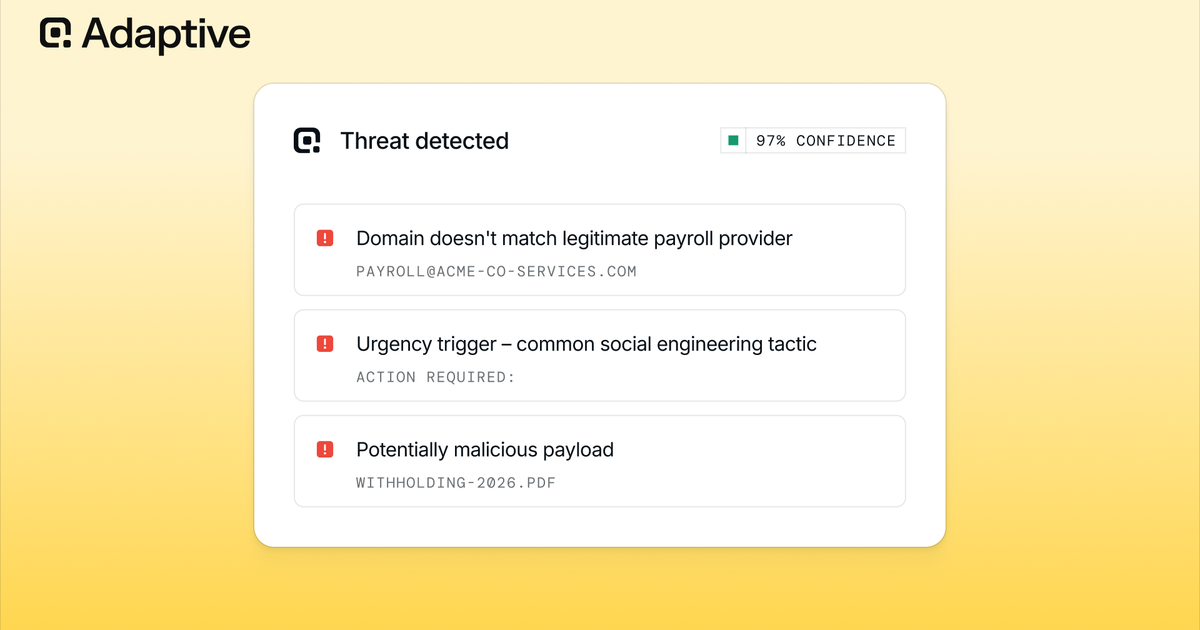
IP Risk Score: What It Is, How It Works & How to Check - What Raises an IP Risk Score.
Understanding what pushes a score upward helps both fraud teams and legitimate users diagnose problems.
| Factor | Impact on Risk Score |
|---|---|
| Public proxy or VPN exit | Significant increase |
| Tor exit node | Significant increase |
| Data center / hosting IP | Moderate to significant increase |
| Recent blacklist listing | Significant increase |
| High request velocity | Moderate increase |
| Bot-like navigation patterns | Moderate increase |
| Geolocation mismatch with user data | Moderate increase |
| Shared IP with known abusers | Moderate increase |
| Residential IP with clean history | Decrease |
| Mobile carrier IP with normal usage | Decrease |
A single flag rarely produces an extreme score. Risk accumulates when multiple signals point in the same direction. A data center IP that also appears on a blacklist and shows bot-like request patterns will score far higher than a residential IP with only a mild velocity anomaly.
How to Check an IP Risk Score
Several free and commercial tools let you look up the risk score for any IP address. The process is straightforward: enter the IP, submit the query, and review the resulting score plus supporting evidence.
Free IP Risk Lookup Tools
- Scamalytics offers a free IP fraud check that returns a fraud score along with proxy status, Tor status, and true country information.
- Fraudlogix provides a free IP risk score lookup with categories like Low, Medium, High, and Extreme, plus VPN/proxy, Tor, and data center flags.
- IPQualityScore offers an IP reputation check with a 0–100 fraud score based on abuse history, blacklist events, proxy usage, and bot behavior.
These tools are useful for quick manual checks, but they typically limit the number of free lookups or require registration for API access.
API-Based Scoring for Automation
For production use, most businesses integrate an IP risk scoring API into their application stack. The API receives an IP address and returns a score plus structured risk signals in milliseconds. This enables real-time decisions at login, checkout, or form submission without human review.
When evaluating an API, consider:
- Coverage: How many IPs does the provider see daily?
- Freshness: How quickly do scores update after new abuse is detected?
- False positive rate: Does the provider distinguish between privacy-conscious users and actual fraudsters?
- Data transparency: Can you see why a score is high, or just the number?
- Cost structure: Per-lookup pricing versus subscription tiers.
Interpreting Risk Score Results
A raw score without context is easy to misuse. Fraud teams that block every IP above a fixed threshold often create false positives that frustrate legitimate customers. A more effective approach combines the score with other signals and applies graduated responses.
Recommended Decision Framework
Low risk (0–25): Allow normal access. Apply standard monitoring.
Medium risk (26–60): Allow access but add friction. Request email verification, phone confirmation, or a CAPTCHA. Flag the transaction for manual review if the order value is high.
High risk (61–85): Challenge the user with stronger verification. Hold transactions pending review. Consider blocking for high-value or high-sensitivity actions.
Extreme risk (86–100): Block by default. These IPs are almost certainly involved in automated abuse or fraud.
The key is to treat the score as one input among many. A legitimate traveler using a VPN from a hotel may score medium risk. A fraudster using a clean residential proxy may score low. Pair IP risk with device fingerprinting, behavioral analysis, and transaction context for the best results.
Why Your Own IP Might Score High
If you check your own IP and see an elevated risk score, do not panic. Several common scenarios produce high scores for innocent users.
You Use a VPN or Proxy
VPN users share exit IPs with thousands of other people, including some bad actors. The shared IP accumulates abuse history that raises its score. This is a trade-off of privacy tools, not evidence that you personally did anything wrong.
Your ISP Uses CGNAT
Carrier-grade NAT (CGNAT) places many customers behind a single public IP. If one customer on that shared IP sends spam or runs a bot, everyone on the IP inherits the reputation damage.
You Connect Through a Data Center
Remote workers connecting through corporate VPNs, developers testing from cloud servers, and users of certain privacy services all appear on data center IPs. These ranges are inherently riskier from a fraud prevention perspective.
Your IP Was Previously Abused
IP addresses are recycled. If a previous holder of your current IP ran a spam operation, the reputation may linger until the scoring system decays the old events.
To verify what your connection currently exposes, run a privacy check. BrowserScan's IP address lookup shows your public IP, geolocation, ISP, and proxy detection status. Its DNS and WebRTC leak tests confirm whether your VPN is hiding your real IP or leaking it to the sites you visit. If your IP shows a high risk score but your connection is clean, these diagnostics help you understand which signals are triggering the flag.
How to Lower Your IP Risk Score
You cannot directly edit an IP's reputation, but you can change the conditions that produced the score.
For Individuals
- Disconnect from VPN or proxy when accessing services that block high-risk IPs.
- Switch to a residential IP if you must use a proxy. Residential proxies score lower than data center proxies.
- Restart your router to obtain a new IP from your ISP if your current one is heavily flagged.
- Contact your ISP if the entire range is blacklisted due to another customer's abuse.
- Use a reputable VPN provider with dedicated IP options if you need consistent access to services that block shared VPN IPs.
For Businesses
- Whitelist trusted partners whose IPs score high due to legitimate VPN or data center use.
- Use graduated responses instead of hard blocks to reduce false positives.
- Combine IP scoring with device and behavioral signals for more accurate decisions.
- Monitor score distributions over time to detect shifts in your traffic mix.
Limitations of IP Risk Scoring
IP risk scores are probabilistic, not deterministic. They estimate likelihood based on historical patterns, and they can be wrong in both directions.
False positives occur when legitimate users are flagged as risky. VPN users, travelers, remote workers, and customers behind CGNAT are the most common victims. Overly aggressive blocking drives away good business.
False negatives occur when fraudsters evade detection. Sophisticated attackers use residential proxies, botnets of compromised home routers, and device spoofing to appear legitimate. No IP scoring system catches everything.
Reputation lag means scores reflect past behavior, not current intent. An IP that was abused last month may be clean today, but the score takes time to recover.
Shared infrastructure blurs individual responsibility. One bad actor on a shared IP affects everyone else using that address.
For these reasons, treat IP risk scores as a screening layer, not a final verdict. The most effective fraud prevention stacks IP reputation with device fingerprinting, behavioral analysis, velocity checks, and manual review for edge cases.
IP Risk Score vs. Related Metrics
IP risk scoring overlaps with several related concepts, but they are not identical.
IP Risk Score vs. IP Reputation
IP reputation is the broader concept: the accumulated history of an IP's behavior across the internet. The risk score is one way of quantifying that reputation. Some tools use the terms interchangeably.
IP Risk Score vs. IP Quality Score
IPQualityScore and similar providers use "quality" to describe the overall trustworthiness of an IP, including fraud risk, abuse history, and connection type. The quality score is essentially a risk score with a different name.
IP Risk Score vs. Blacklist Status
Blacklist status is binary: an IP is either listed or not. Risk scores are continuous and incorporate blacklist data as one input among many. An IP can have a high risk score without being on any blacklist.
IP Risk Score vs. Browser Fingerprint Risk
Browser fingerprinting evaluates the uniqueness and consistency of a browser's configuration, while IP risk evaluates the network address. Fraud systems often combine both. A clean IP with a spoofed fingerprint is still suspicious, and a risky IP with a clean fingerprint still warrants caution. BrowserScan's fingerprint analysis tool verifies whether your browser profile looks authentic or carries signs of manipulation, complementing IP-level checks.
Related reading
- How to Use BrowserLeaks: A Complete Privacy Testing Guide - Learn how to use BrowserLeaks to test for IP, DNS, and WebRTC leaks, analyze browser fingerprints, and verify your VPN. Step-by-step instructions for every major tool.
- HackerTarget Tutorial: Master OSINT, Scans & Network Tools - A practical HackerTarget tutorial covering Recon-ng for OSINT, hosted Nmap and OpenVAS scanners, and how to verify your setup with privacy testing tools.
- How to Use PrivacyTools.io: A Practical Privacy Guide - Learn how to use PrivacyTools.io to find private software alternatives, understand the recommendations, and verify your setup with privacy testing tools.
Sources and further reading
- IP Address Fraud Check - Lookup any IP address to fraud check that IP. Check the fraud score, view supporting information including true country, operator, proxy status, and Tor status.
- IP Risk Score - Free Weekly IP Feed Get the week's 10,000 worst-offending IPs, refreshed weekly — a free sample of our full IP Blocklist, available to qualifying businesses. See If You Qualify → IP Risk ScorePrevent Bots, Click, Lead & Account Fraud Start now with 1,000 FREE IP look-ups!Register Your Free Account GET RESULTS Loading IP information... […]
- IP Reputation Check & Fraud Risk Lookup | IPQS - IP reputation scores usually range from 0 to 100. Higher values indicate greater risk based on abuse history, blacklist events, proxy usage, bot behavior, and ...
Frequently Asked Questions
What is a good IP risk score?
A good IP risk score is typically below 25 on a 0–100 scale. Scores in this range indicate a clean residential IP with no recent abuse history, no proxy or VPN flags, and normal traffic patterns.
What is considered a high IP risk score?
Scores above 75 are generally considered high risk. These IPs usually combine multiple negative signals, such as data center classification, proxy or Tor usage, blacklist presence, and bot-like behavior.
Can I check an IP risk score for free?
Yes. Scamalytics, Fraudlogix, and IPQualityScore all offer free IP risk lookups. Free tiers typically limit the number of queries or require registration for API access.
Does using a VPN always raise my IP risk score?
Almost always. VPN exit IPs are shared, frequently flagged, and often classified as data center or proxy traffic. The score increase reflects the shared infrastructure, not your personal behavior.
How often do IP risk scores update?
Update frequency varies by provider. Some refresh scores daily, while others update in near real time as new abuse events are detected. Scores also decay as old incidents age out of the calculation window.
Can a high IP risk score block me from websites?
Yes. Many websites, payment processors, and online services automatically challenge or block IPs above a certain risk threshold. This is why VPN users often encounter CAPTCHAs or access denials.
How do I check if my VPN is leaking my real IP?
Run a DNS leak test and WebRTC leak test while connected to your VPN. BrowserScan offers both tests for free, along with an IP lookup that shows which address websites actually see. If the displayed IP differs from your VPN's assigned IP, you have a leak.
Conclusion
An IP risk score distills a complex web of threat intelligence into a single, actionable number. It helps businesses block fraud before it happens and helps individuals understand why certain connections face extra scrutiny. But the score is a probability, not a verdict.
The most effective approach combines IP risk scoring with other signals: device fingerprints, behavioral patterns, transaction context, and manual review for ambiguous cases. For individuals, understanding what your IP reveals—and verifying that your privacy tools actually work—is the first step toward a cleaner online footprint.
Whether you are screening traffic or diagnosing your own connection, start with a reliable IP lookup, understand the contributing factors, and apply the score as one layer in a broader security strategy.