
IPhey Download: What It Is and How to Run a Fingerprint Test
IPhey Download: What It Is and How to Run a Fingerprint Test
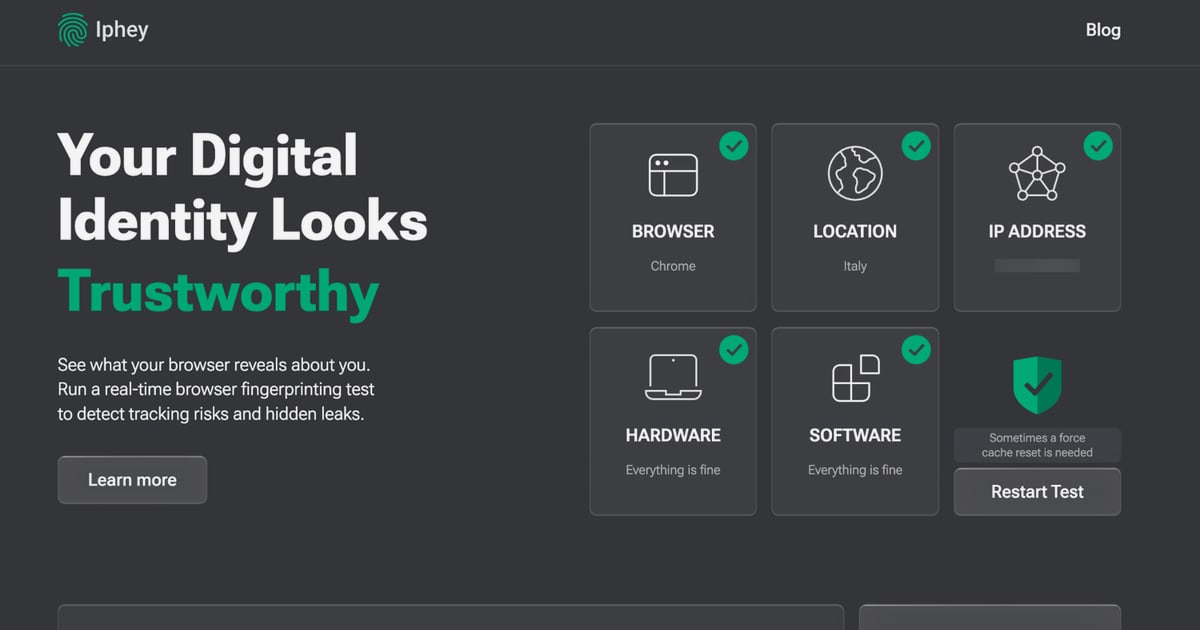
If you searched for an "IPhey download," you probably want a desktop app that checks what your browser reveals about you. Here is the key fact: IPhey is a web-based testing service, not downloadable software. You open it in a browser, and it runs its checks live. This guide explains what IPhey does, why there is no installer, and how to get the same kind of diagnostics from free, browser-based tools — including what to do when a test flags a real problem.
What Is IPhey?
IPhey Download: What It Is and How to Run a Fingerprint Test - What Is IPhey?.
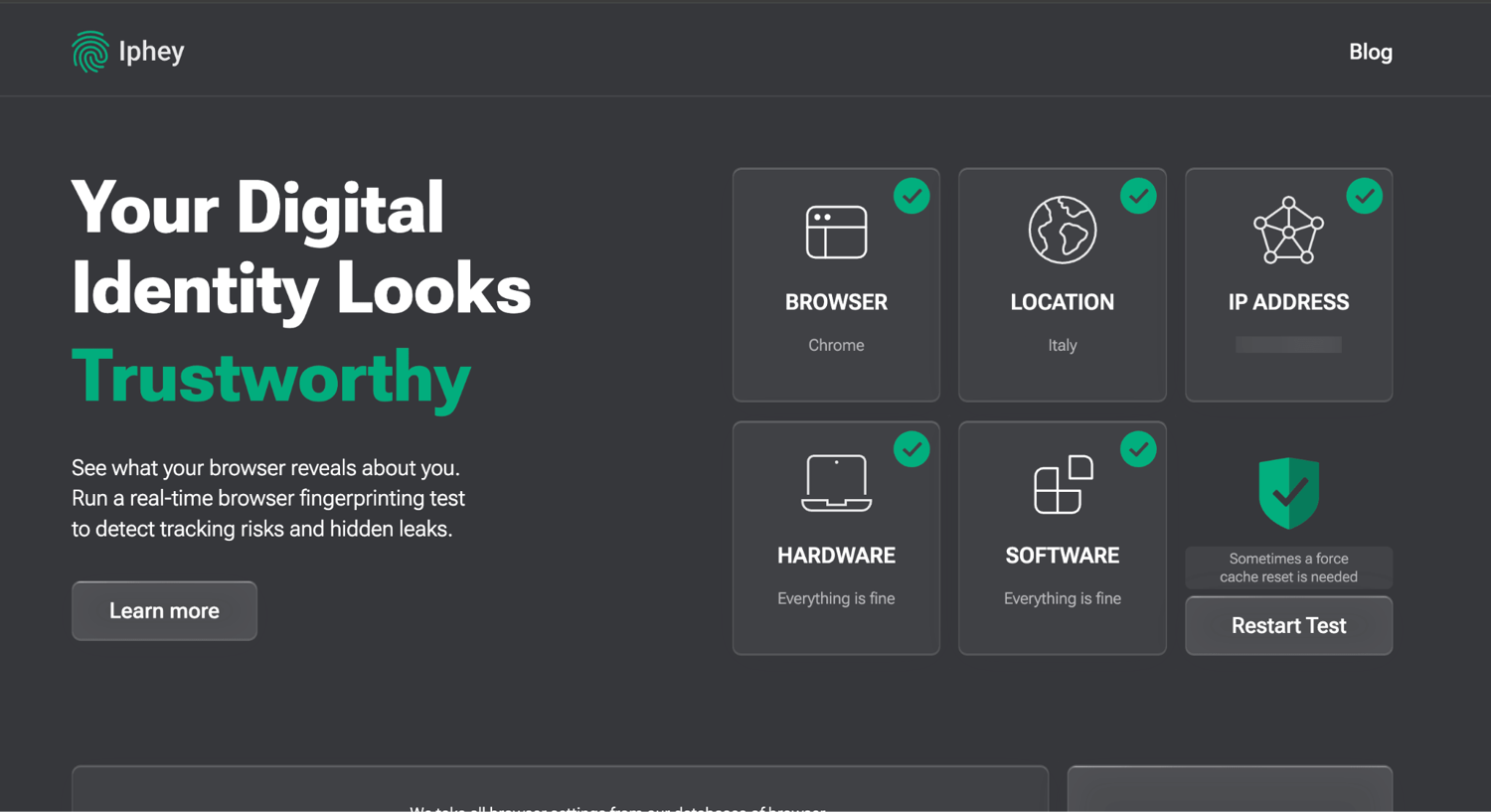
IPhey is an online service that shows how websites and tracking systems see your browser. Instead of installing anything, you visit the site and it analyzes the signals your browser sends: your IP address, user agent, screen resolution, time zone, installed fonts, and deeper parameters such as Canvas and WebGL rendering. The result is a snapshot of how unique — and therefore how trackable — your setup looks.
It also bundles related checks:
- Fingerprint check — estimates how uniquely your browser can be identified
- IP check — shows your visible IP address and location data
- VPN/proxy checker — confirms whether your VPN or proxy is actually masking your connection
- DNS leak test — reveals whether DNS queries expose your real ISP or location
- Bot check — estimates whether automated-behavior signals might get you flagged
- IP blacklist test — checks whether your IP appears in spam or threat databases
Because everything runs in the browser, there is nothing to download, install, or update.
Why There Is No IPhey Download
IPhey is a website, not a program. That design choice has practical consequences:
- No installer means no local footprint. A downloaded app adds files, permissions, and update obligations to your machine. A web test does not.
- It always runs the current version. Fingerprinting techniques change constantly; a hosted test can be updated server-side without you doing anything.
- It works across devices. The same URL runs on Windows, macOS, Linux, Android, and iOS with any modern browser.
If you found a page offering an "IPhey download," treat it with caution. A privacy-testing service has no reason to ship an executable, and unofficial installers are a common malware lure. The legitimate way to use IPhey is to open its site directly.
What a Fingerprint Test Actually Measures

IPhey Download: What It Is and How to Run a Fingerprint Test - What a Fingerprint Test Actually Measures.
Understanding the inputs makes the results far more useful. Modern fingerprinting combines dozens of parameters, and the combination — not any single value — is what makes you identifiable.
Core browser and system signals
- User agent — browser name, version, and engine
- Screen and viewport size — resolution, color depth, pixel ratio
- Time zone and language — often compared against your IP's expected region
- Fonts and plugins — a set that rarely repeats exactly across users
Advanced signals
- Canvas fingerprinting — a hidden image is drawn and rendered; tiny differences in GPU and driver output create a stable identifier
- WebGL parameters — GPU model strings and rendering capabilities
- AudioContext — characteristics of your system's audio stack
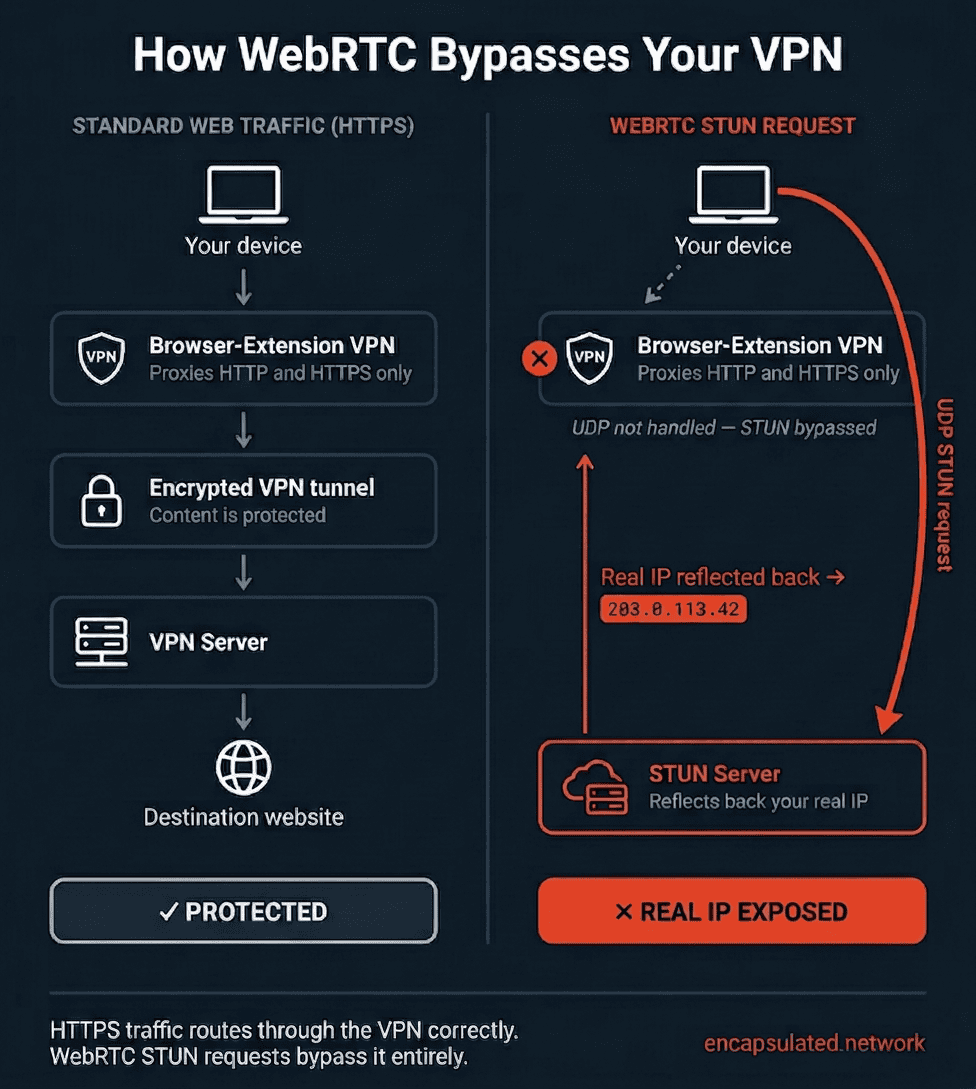
- WebRTC — can expose local or real IP addresses even when a VPN is active
Network-level signals
- IP address and geolocation — country, city, ISP, and whether the address belongs to a hosting provider or proxy
- DNS resolvers — which servers answer your lookups and whether they match your apparent location
A mismatch between these layers is the most common reason a privacy test reports a low anonymity score. For example, a VPN that changes your IP but leaves your system time zone and DNS resolvers pointing to your real region creates an obvious inconsistency.
How to Run the Test Step by Step
IPhey Download: What It Is and How to Run a Fingerprint Test - How to Run the Test Step by Step.
- Connect your normal setup first. Run the test without a VPN to establish a baseline of what your browser reveals.
- Enable your VPN or proxy and re-run it. Compare the IP, DNS, and WebRTC results against the baseline.
- Check consistency. Your IP geolocation, time zone, and language settings should tell a coherent story.
- Review uniqueness. A highly unique fingerprint is easy to track across sessions; a common one blends into the crowd.
- Fix what is broken, then retest. Change one variable at a time so you know what actually helped.
If you want a structured approach to this process, see Privacy Protection Explained: How to Test Your Own Digital Safety, which walks through browser, DNS, WebRTC, and IP exposure checks in order.
Common Problems These Tests Reveal
DNS leaks
Your VPN encrypts traffic but your operating system still sends DNS queries to your ISP's resolver. The result: websites you visit may be visible to your provider even though your IP is masked. A DNS leak test shows which resolvers are answering and whether they belong to your VPN provider or your ISP.
WebRTC leaks
WebRTC is designed for real-time communication and can request local network information. In some configurations it exposes your real IP address alongside your VPN IP. This is one of the most damaging leaks because it directly contradicts your masked identity.
Time zone and IP mismatches
If your IP says Germany but your browser reports a US time zone, anti-fraud systems notice. This is a configuration error, not a leak, and it is usually fixable in your VPN client or operating system settings.
Flagged or blacklisted IPs
Shared VPN and proxy addresses are frequently abused, so they end up on blocklists. An IP blacklist check tells you whether your current address is already distrusted before you try to use it for anything important.
Inconsistent or suspicious browser profiles
If you run multiple isolated browser profiles, each one should look internally consistent. How to Use Chameleon Mode: Real Browser Profiles Guide explains how isolated profiles work and how to verify that each one presents a coherent identity rather than a patchwork of spoofed values.
IPhey vs. BrowserScan: Which Should You Use?
Both services are free, browser-based, and focused on the same question: what does my browser expose? The difference is in emphasis.
| Aspect | IPhey | BrowserScan |
|---|---|---|
| Fingerprint analysis | Yes, with a uniqueness/trust score | Yes, with detailed fingerprint breakdown |
| DNS leak test | Yes | Yes |
| WebRTC leak test | Yes | Yes |
| IP lookup with ISP/proxy detection | Yes | Yes, with geolocation and proxy detection |
| Port scanning | No | Yes, Nmap-powered port scanner |
| Internet speed test | Yes | Yes |
| User agent parser | Limited | Yes, dedicated parser for debugging |
| Extra utilities | Bot check, blacklist check | 2FA code generator, canvas fingerprint checker, cookie converter, client hints analyzer |
Practical guidance: run both. Fingerprinting is probabilistic, and different tools weight parameters differently. If IPhey reports a low trust score and BrowserScan shows the same underlying inconsistency — a DNS mismatch, a WebRTC leak, an unusual canvas hash — you have found a real issue rather than a quirk of one tool's scoring. BrowserScan's additional utilities, such as the port scanner and client hints analyzer, are useful when you want to go beyond fingerprinting into network exposure and browser configuration debugging.
For a deeper look at how IP detection and leak exposure work underneath these tests, IP Address Detection: How It Works and How to Verify It covers the mechanics and the verification steps.
Who Actually Needs This Kind of Testing
- Privacy-conscious individuals — confirm that a VPN is doing what it claims
- VPN and proxy users — catch DNS and WebRTC leaks before they matter
- IT and security teams — validate browser configurations and network exposure across an environment; IT Security Operations: SecOps Guide, Tools & Best Practices covers how these checks fit into a broader workflow
- Developers — debug user agent strings, client hints, and bot-detection behavior
- Multi-account and scraping professionals — verify that each profile looks internally consistent
Limitations to Keep in Mind
No browser test can tell you exactly how every website will classify you. Anti-fraud vendors use proprietary models, and a clean result on one tool does not guarantee the same elsewhere. Treat these tests as diagnostics, not guarantees:
- Scores are heuristic and can change between tool versions
- A "unique" fingerprint is not automatically bad — it depends on your goals
- Completely hiding a fingerprint is nearly impossible; empty or contradictory values look more suspicious than ordinary ones
- Consistency across IP, DNS, time zone, and browser signals matters more than any single metric
Related reading
- BigDataCloud Download: SDKs, Clients & Setup Guide - BigDataCloud download options explained: official SDKs for Node, Python, .NET, Go, mobile clients, MCP setup, and how to verify your IP data safely.
FAQ
Is there an IPhey app I can download?
No. IPhey is a web-based service that runs entirely in your browser. There is no official desktop or mobile app, and any site offering an IPhey installer should be treated as untrustworthy.
Is IPhey free?
Yes. Its core checks — fingerprint, IP, VPN/proxy, DNS leak, and bot detection — are free to run without an account.
Does IPhey store my data?
According to the service, results are generated in real time and personal data such as browsing history is not saved. As with any online tool, avoid entering sensitive information into third-party test pages.
Can IPhey hide my IP address?
No. It only reports what your connection exposes. To change your visible IP you need a VPN, proxy, or similar tool — and then you should re-run the test to confirm it worked.
Why does my IP location look wrong?
IP geolocation is based on ISP registration data and routing, not your physical address. VPNs and proxies also shift the reported location by design. Small discrepancies between your city and the reported city are normal.
Does IPhey work on mobile?
Yes. It runs in any modern mobile browser, though mobile fingerprinting surfaces differ from desktop because of platform restrictions.
What should I do if a test shows a leak?
Identify which layer is leaking — DNS, WebRTC, or IP — then fix that specific setting. Disable WebRTC in your browser if you do not need it, configure your VPN's DNS handling, and re-run the test until the results are consistent.
Conclusion
The short answer to "IPhey download" is that there is nothing to download — IPhey is a browser-based fingerprinting and privacy test you access through a URL. That is a feature, not a limitation: no installer, no stale version, no local footprint. Use it to see how your browser appears to the web, then cross-check the results with a second tool such as BrowserScan to separate genuine leaks from scoring quirks. Fix DNS and WebRTC leaks first, align your time zone and language with your IP, and retest after every change. Consistency, not invisibility, is the realistic goal.