
Mozilla VPN Review: Features, Privacy, and Setup Guide
Mozilla VPN: A Practical Guide to Features, Privacy, and Setup
Mozilla VPN is a commercial virtual private network service from Mozilla, the non-profit-backed organization behind Firefox. It encrypts your internet traffic and routes it through remote servers, hiding your IP address from websites, apps, and network observers. The service uses the modern WireGuard protocol, supports up to five devices per subscription, and promises a no-logging policy for network data.
This guide explains what Mozilla VPN actually offers, how it compares to common expectations, and how to confirm that the VPN is doing its job after you connect.
What Is Mozilla VPN?
Mozilla VPN Review: Features, Privacy, and Setup Guide - What Is Mozilla VPN?.
Mozilla VPN is a subscription-based VPN that works across Windows, macOS, Linux, Android, and iOS. It is built on WireGuard, a lightweight protocol known for strong encryption and fast connection speeds. Mozilla positions the service as a privacy tool for everyday use: protecting data on public Wi-Fi, limiting ad tracking, and giving users more control over how their traffic appears online.
Key facts about the service:
- Up to 5 devices per subscription
- More than 500 servers in 30+ countries
- WireGuard protocol for encryption
- No bandwidth restrictions or throttling
- No logging, tracking, or sharing of network data
- 30-day money-back guarantee for first-time customers
- Open source client and infrastructure
Mozilla also offers a Firefox extension for Windows that enables website-specific VPN settings, letting you customize protections on a per-site basis.
Mozilla VPN Features in Detail

Mozilla VPN Review: Features, Privacy, and Setup Guide - Mozilla VPN Features in Detail.
Device Coverage and Platforms
Mozilla VPN supports the major desktop and mobile platforms. The official download page lists specific minimum versions:
- Windows: Windows 10/11
- macOS: Version 13.0 and up
- Linux: Ubuntu 22.04 and up
- iOS: Version 17.0 and up
- Android: Version 9.0 and up
A single subscription covers up to five simultaneous devices, which is enough for a typical individual or small household setup.
WireGuard Encryption
WireGuard is a modern VPN protocol designed to be faster and simpler than older options like OpenVPN or IKEv2. It uses state-of-the-art cryptography and a smaller codebase, which makes it easier to audit and less prone to configuration errors. Mozilla VPN relies on WireGuard for all connections, which contributes to its reputation for solid speed even during gaming or streaming.
No-Logging Policy
Mozilla states that it does not log, track, or share your network data. This means the VPN should not keep records of the websites you visit, the files you download, or the services you use while connected. Mozilla's privacy commitment is backed by its status as a non-profit-supported organization with a long history of advocating for an open web.
Multi-Hop Routing and Extra Security
Beyond standard VPN tunneling, Mozilla VPN includes additional security features such as multi-hop routing, which sends your traffic through two VPN servers instead of one. This adds a layer of obfuscation and can be useful for users with elevated privacy needs.
Website-Specific VPN Settings
On Windows, the Mozilla VPN extension for Firefox allows you to define per-website rules. For example, you could keep the VPN active for banking sites but bypass it for a local streaming service that blocks VPN traffic. This granularity is uncommon among mainstream VPNs and reflects Mozilla's browser-centric approach.
How Much Does Mozilla VPN Cost?

Mozilla VPN Review: Features, Privacy, and Setup Guide - How Much Does Mozilla VPN Cost?.
Mozilla VPN is sold as a subscription with an annual plan as the primary option. The official site frequently advertises a 50% discount on annual subscriptions. Pricing can vary by region, but the service generally falls in the mid-range compared to other commercial VPNs.
What you get with the subscription:
- Full-device protection across all supported apps
- Access to the complete server network
- All security features, including multi-hop routing
- Customer support and regular client updates
First-time customers can request a refund within 30 days if the service does not meet their expectations.
How to Download and Set Up Mozilla VPN
Mozilla VPN Review: Features, Privacy, and Setup Guide - How to Download and Set Up Mozilla VPN.
Setting up Mozilla VPN takes only a few minutes.
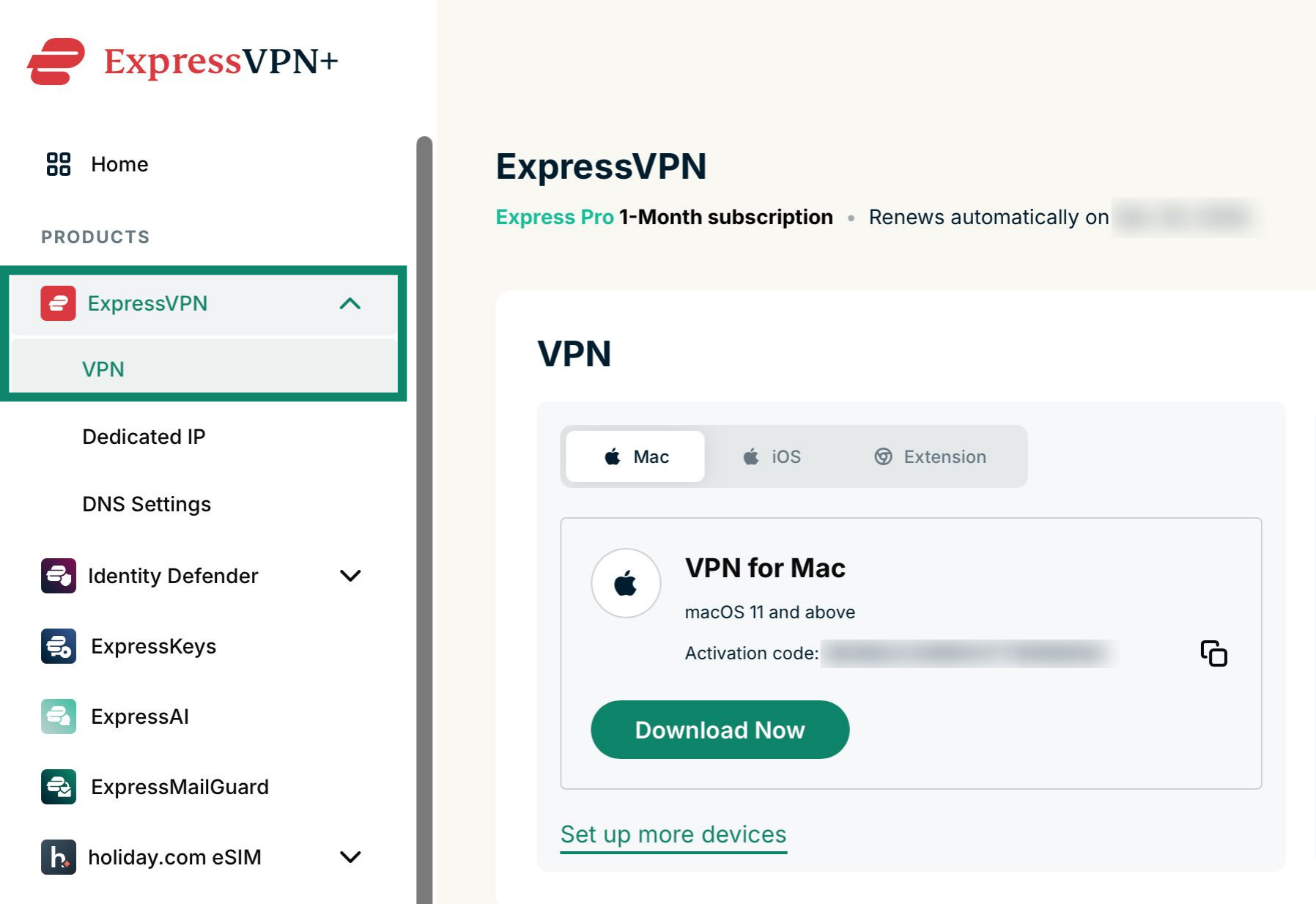
- Go to the official Mozilla VPN download page and select your platform.
- Install the application on your device.
- Sign in with your Mozilla account or create one.
- Choose a subscription plan and complete the purchase.
- Open the app, pick a server location, and toggle the connection on.
On Windows, you can also install the Firefox extension to enable website-specific VPN rules after the desktop client is running.
Verifying Mozilla VPN Is Actually Working
Connecting to a VPN is only the first step. A VPN can leak your real IP address through DNS requests, WebRTC, or browser fingerprinting even when the tunnel appears active. Verifying your connection is essential if you rely on the VPN for privacy.
Check for DNS and WebRTC Leaks
After connecting to Mozilla VPN, visit a leak testing tool and confirm that:
- The displayed IP address matches the VPN server location, not your real ISP
- The DNS server belongs to the VPN provider, not your local resolver
- WebRTC does not expose your local or public IP address
BrowserScan offers free DNS and WebRTC leak tests that show whether your VPN is accidentally exposing your real IP address. These browser-based checks require no installation and give you an immediate read on your connection's integrity.
Check Your IP Address and Geolocation
Use an IP lookup tool to confirm that your visible IP address, geolocation, and ISP match the VPN server you selected. If the lookup still shows your home ISP or actual city, the VPN tunnel is not routing traffic correctly.
BrowserScan's IP address lookup includes geolocation, ISP details, and proxy detection, making it a practical way to verify that Mozilla VPN is masking your true location.
Check Browser Fingerprint Consistency
A VPN hides your IP address, but it does not automatically change your browser fingerprint. Websites can still identify you through canvas rendering, installed fonts, user agent strings, and other browser characteristics. If your goal is stronger anonymity, you should check how unique your fingerprint remains after connecting.
BrowserScan's browser fingerprint analysis tool evaluates your fingerprint authenticity and uniqueness. For users who want to reduce tracking further, the platform's browser fingerprint masking guide explains practical methods, from privacy browsers to antidetect tools.
Mozilla VPN vs. Other Privacy Tools
Mozilla VPN is not a complete anonymity solution on its own. It is best understood as one layer in a broader privacy stack.
| Tool | What It Does | What It Does Not Do |
|---|---|---|
| Mozilla VPN | Encrypts traffic and hides IP address | Does not change browser fingerprint or block all trackers |
| Privacy browser | Reduces tracking and fingerprinting | Does not encrypt all device traffic |
| Leak testing tools | Verify VPN and browser configuration | Do not provide ongoing protection |
| Antidetect tools | Mask or spoof browser fingerprints | Do not encrypt network traffic |
For a complete privacy check, combine Mozilla VPN with regular leak tests and fingerprint audits. This is especially important if you use the VPN for sensitive activities like banking, journalism, or accessing geo-restricted services.
Common Questions About Mozilla VPN
Is Mozilla VPN safe?
Mozilla VPN uses WireGuard encryption and operates under a no-logging policy for network data. Mozilla is a well-established organization with a strong privacy track record, and the VPN client is open source. No VPN can guarantee absolute anonymity, but Mozilla VPN offers a credible baseline for everyday privacy.
Does Mozilla VPN work with Netflix and other streaming services?
Mozilla VPN does not explicitly market itself as a streaming unblocker. Some users report success with certain streaming platforms, while others encounter blocks. If streaming access is your primary goal, test the service during the 30-day refund window.
Can I use Mozilla VPN on my router?
Mozilla VPN does not offer native router support. The service is designed for installation on individual devices through its official apps. Advanced users may be able to configure WireGuard manually on compatible routers, but this is not officially supported.
How many devices can I connect at once?
A single Mozilla VPN subscription supports up to five devices simultaneously.
Does Mozilla VPN log my browsing history?
According to Mozilla's published privacy policy, the VPN does not log, track, or share your network data. This includes browsing history, DNS queries, and traffic content.
How do I know if Mozilla VPN is leaking my IP address?
Connect to a VPN server, then run a DNS and WebRTC leak test. If the test shows your real IP address or local DNS server, your connection is leaking. BrowserScan provides free leak tests that work directly in your browser without installation.
Related reading
- Nmap: The Network Mapper Free Security Scanner Login & Setup - Learn whether Nmap requires a login, how to download and install the free security scanner on Windows, macOS, and Linux, and how to run your first scan.
- HackerTarget Pricing: Plans, Limits & What You Get - Compare HackerTarget pricing plans from $10 to $100+ per month, including scan quotas, API limits, scheduling, and which tier fits your security workflow.
- Nmap: Free Security Scanner Download & Setup Guide - Download Nmap for Windows, macOS, or Linux and learn how to install, configure, and run your first network scan safely and legally.
Sources and further reading
- Get Mozilla VPN — Mozilla (US) - Use Mozilla VPN for full-device protection for all apps. With servers in 57+ countries, you can connect to anywhere, from anywhere.
- Does anyone have more info about Mozilla VPN's privacy? - Reddit - May 24, 2026 ... It's not a real VPN, it's a proxy service and Mozilla uses Fastly as the network operator. So your sharing data (IP address) with Mozilla and ...
Conclusion
Mozilla VPN is a solid, trustworthy VPN option for users who value transparency and simplicity. It combines WireGuard encryption, a no-logging policy, multi-hop routing, and per-website controls in a clean package backed by a respected non-profit organization. The five-device limit and mid-range pricing make it suitable for individuals and small households.
However, a VPN is not a magic privacy switch. After connecting, always verify that your IP address is hidden and that DNS or WebRTC leaks are not exposing your real location. Tools like BrowserScan's free leak tests and IP lookup make this verification quick and accessible. For deeper anonymity, pair Mozilla VPN with fingerprint checks and privacy-focused browser settings. Used together, these layers give you a much clearer picture of what websites actually see when you connect.