
Nmap Online: Scan Ports from Your Browser (Free Guide)
What Is Nmap Online?
Nmap Online: Scan Ports from Your Browser (Free Guide) - What Is Nmap Online?.
Nmap (Network Mapper) is a free, open-source tool for network discovery and security auditing. Traditionally, using Nmap means installing it on your computer and running commands in a terminal. But an Nmap online scanner lets you perform similar port scans directly from a web browser—no installation, no command-line skills required.
These hosted tools run Nmap (or a compatible engine) on a remote server. You enter a target IP address or hostname, choose your scan options, and get results in a web interface. It's a convenient way to check for open ports and exposed services on your own systems or on hosts you're authorized to test.
How Online Nmap Scanners Work
Nmap Online: Scan Ports from Your Browser (Free Guide) - How Online Nmap Scanners Work.
When you use a web-based port scanner, the scanning happens from the provider's infrastructure, not your local machine. This has several implications:
- No local setup – You don't need to install Nmap, configure firewall rules, or manage dependencies.
- External perspective – The scan originates from the internet, showing what an attacker would see from outside your network.
- Limited control – You can't use every Nmap feature (like custom NSE scripts or advanced timing options) unless the provider exposes them.
Most online scanners offer a free tier that checks a handful of common ports. Paid plans unlock full-range scans, UDP support, scheduling, and export options.
When to Use an Online Nmap Scanner
Nmap Online: Scan Ports from Your Browser (Free Guide) - When to Use an Online Nmap Scanner.
Online port scanners are practical for:
- Quick exposure checks – Verify that your firewall blocks unwanted ports on a public IP.
- Cloud server audits – Check whether a new VPS has unexpected services listening (SSH, RDP, databases).
- Troubleshooting connectivity – Confirm whether a specific port is open before blaming the application.
- Testing firewall logging – Launch a scan and see if your IDS or firewall logs the attempt.
- Educational purposes – Learn how port scanning works without installing software.
If you need deep, customized scans with NSE scripts or OS fingerprinting, installing Nmap locally is still the better choice. For a fast, external view, an online scanner is often enough.
How to Run an Nmap Online Scan
Nmap Online: Scan Ports from Your Browser (Free Guide) - How to Run an Nmap Online Scan.
The exact steps vary by provider, but the general workflow is:
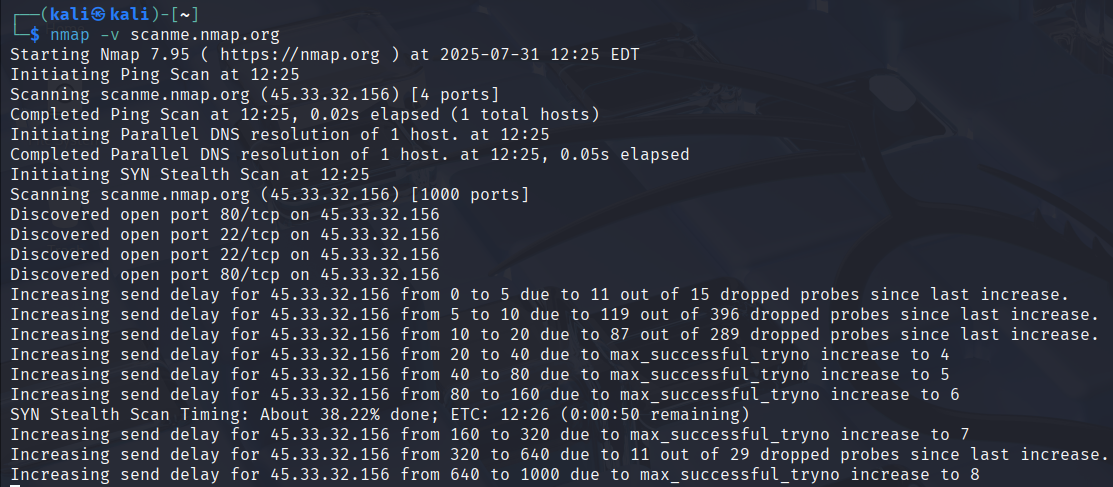
- Enter a target – Type a public IP address or hostname (e.g.,
example.comor192.0.2.1). You must have permission to scan the target. - Choose scan depth – Select a fast scan of top ports or a full scan of all 65,535 ports. Full scans take longer.
- Select protocol – TCP is default; UDP scanning is slower and may be limited.
- Launch the scan – Results appear in your browser or are emailed to you.
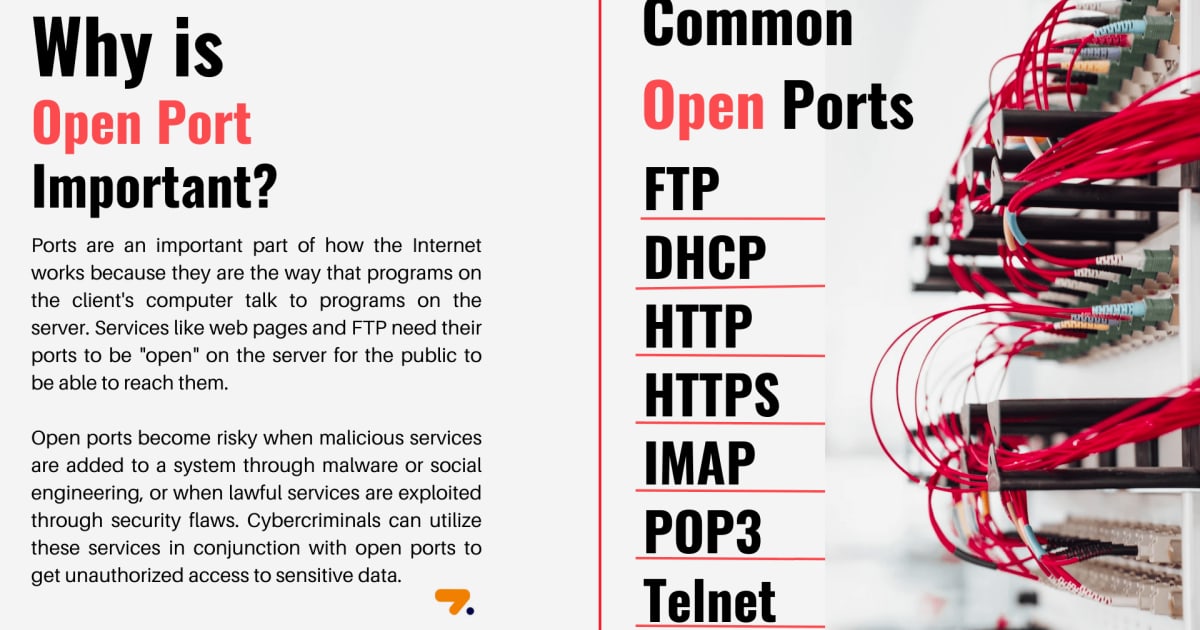
- Review open ports – Look for services like HTTP (80), HTTPS (443), SSH (22), RDP (3389), and database ports.
Some tools also offer optional features like OS detection, traceroute, and IPv6 support.
Reading and Acting on Scan Results
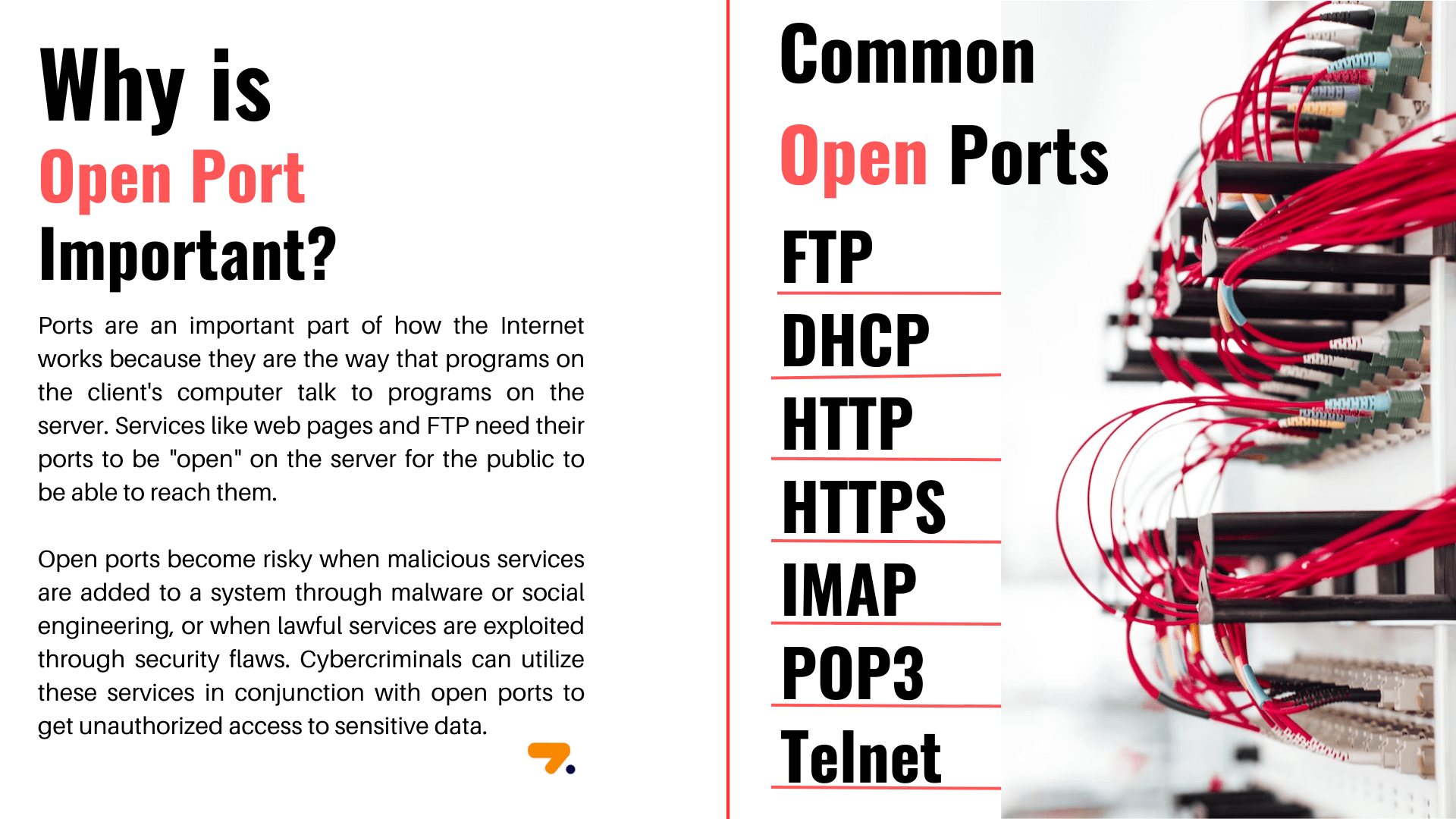
An open port isn't automatically a vulnerability—but it is an entry point that needs justification. Here's how to interpret common findings:
- Port 22 (SSH) – Expected on servers, but should be key-based and rate-limited. Exposed to the internet, it's a brute-force target.
- Port 3389 (RDP) – Often should not be public. If open, ensure strong authentication and consider a VPN.
- Port 80/443 (HTTP/HTTPS) – Normal for web servers. Check that the service is patched and properly configured.
- Database ports (3306, 5432, 27017) – Should rarely be internet-facing. If open, restrict access immediately.
After identifying open ports, verify firewall rules, close unnecessary services, and schedule regular scans to catch changes.
Free Tools for Online Port Scanning
Several reputable services offer free online Nmap scans:
- HackerTarget's Nmap Online Port Scanner – Free scan of 10 common TCP ports with version detection. Paid membership unlocks full port ranges, UDP, scheduling, and IPv6. It's a straightforward way to test external exposure.
- Pentest-Tools.com Port Scanner – Offers fast top-port scans and full-range TCP/UDP scans. Results can be exported in CSV, JSON, or PDF. A good option for professionals who need reporting.
- Nmap.org – The official source for the Nmap engine. Download it if you need advanced features or want to run scans locally.
For quick, no-install checks, BrowserScan also provides an Nmap-powered port scanner as part of its free online privacy and security testing suite. It's designed for users who want a fast external view without creating an account. You can also verify your IP and DNS leaks with BrowserScan's other tools to ensure your scanning activity isn't exposing your real address.
Online vs. Local Nmap: Which Should You Use?
| Consideration | Online Nmap Scanner | Local Nmap Installation |
|---|---|---|
| Setup | None | Requires installation and updates |
| Skill level | Beginner-friendly | Command-line knowledge helpful |
| Scan origin | External (internet-facing) | Local machine (internal perspective) |
| Customization | Limited to provider options | Full control (NSE scripts, timing, evasion) |
| Speed | Depends on provider | Can be optimized locally |
| Use case | Quick exposure checks, cloud audits | Deep assessments, internal network mapping |
Use online scanners for convenience and external validation. Use local Nmap when you need granular control or are scanning internal networks.
Legal and Ethical Considerations
Port scanning without authorization is illegal in many jurisdictions and violates most terms of service. Only scan:
- Systems you own.
- Systems you have explicit written permission to test.
- Public bug bounty targets within scope.
Online scanners often log scan requests. Always ensure you have the right to test a target before clicking "scan."
Related reading
- BrowserScan Download: How to Run It Safely (2025 Guide) - Looking for a BrowserScan download? Learn why it runs in your browser, how to avoid fake installers, and how to read fingerprint, DNS, and WebRTC results.
- Threat Modeling: A Practical Guide with Examples - Learn threat modeling step by step: scope systems, find threats with STRIDE and attack trees, prioritize risks, and verify controls with real tests.
- What Is HackerTarget? Tools, Uses & How to Verify Exposure - HackerTarget is a hosted suite of open-source security scanners for attack surface discovery and vulnerability checks. Learn what it does and how to verify your own exposure.
FAQ
Is Nmap online free?
Many online Nmap scanners offer a free tier that checks a limited set of ports. Full-range scans, UDP, and advanced features usually require a paid plan. BrowserScan's port scanner is free to use.
Can I scan UDP ports online?
Some providers support UDP scanning, but it's slower and less reliable than TCP. Check the tool's documentation for UDP options.
How long does an online Nmap scan take?
A fast scan of common ports can finish in seconds to a minute. A full 65,535-port scan may take 20 minutes to several hours depending on the target and network conditions.
Is online Nmap as accurate as local Nmap?
If the service uses the real Nmap engine, accuracy is comparable for port status. However, online scans may be blocked by firewalls that allow local scans, and they lack advanced customization.
Do I need permission to scan a website?
Yes. Unauthorized scanning is unethical and potentially illegal. Only scan systems you own or have written permission to test.
Conclusion
Nmap online scanners make port discovery accessible to anyone with a browser. They're ideal for quick external checks, cloud server audits, and firewall validation. For deeper assessments, local Nmap remains the gold standard. Whichever you choose, always scan responsibly—and consider using BrowserScan's free port scanner and privacy tools to get a fast, no-install view of your exposure.