
Threat Modeling: A Practical Guide with Examples

Threat Modeling: A Practical Guide with Examples
Threat modeling is how you decide what could go wrong with a system before an attacker proves you right. Instead of guessing, you write down what you are building, who might attack it, what they could do, and which controls you will rely on. The output is a short, prioritized list of fixes — not a 200-page document nobody reads.
This guide walks through a practical process you can run in an afternoon, with examples for a web app, a home network, and a small business. It also shows where quick verification tests fit, because a threat model is only as good as the assumptions behind it.
What Is Threat Modeling?
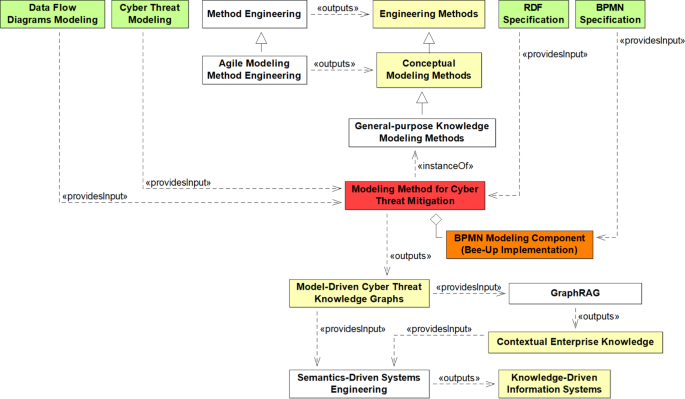
Threat Modeling: A Practical Guide with Examples - What Is Threat Modeling?.
Threat modeling is a structured way to identify, communicate, and understand threats and mitigations within the context of protecting something of value. A threat model is essentially a security-focused view of a system and its environment: what it is, what it assumes, what could go wrong, and what you plan to do about it.
It applies far beyond software. You can threat model an application, a network, an IoT device, a cloud architecture, or a business process. The OWASP Foundation describes it as a family of activities for improving security by identifying threats and then defining countermeasures to prevent or reduce their effects.
Two ideas keep the practice honest:
- A threat is not always malicious. A denial-of-service attack is a threat, but so is a failed storage device or a misconfigured backup job.
- A model is a set of assumptions. Assumptions can be checked later, and they should be, because the threat landscape changes.
Why Bother? The Real Benefits
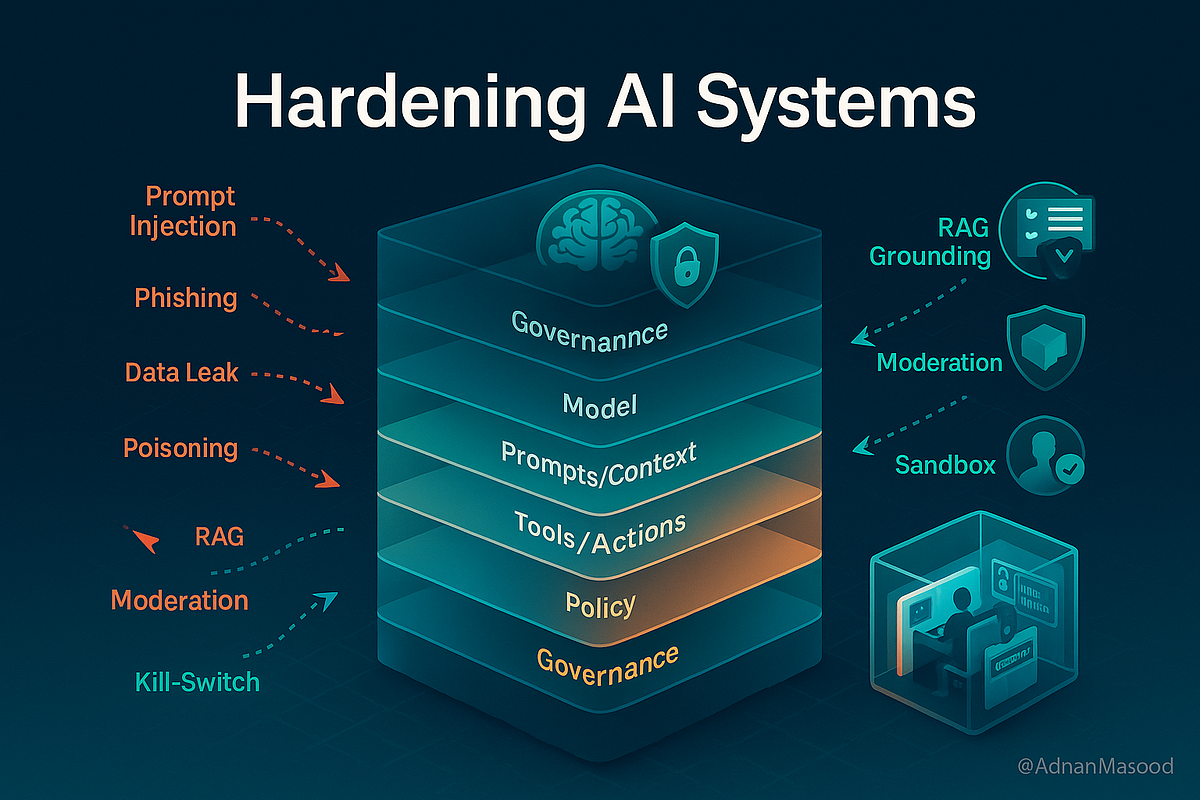
Threat Modeling: A Practical Guide with Examples - Why Bother? The Real Benefits.
Done well, threat modeling gives you a clear line of sight across a project. It justifies security work with evidence instead of opinion, and it produces an assurance argument you can use to explain and defend your security posture.
Concrete benefits include:
- Finding design flaws early, before code exists and before fixes get expensive. Traditional testing and code review are good at implementation bugs but weaker at spotting architectural mistakes.
- Focusing your testing budget. A prioritized threat list tells you where to spend scarce penetration testing and code review time.
- Surfacing threats you would not otherwise consider, including abuse cases specific to your application rather than generic attack lists.
- Making security a team conversation instead of one person's private worry.
A common misconception is that automated scanning or code review can replace threat modeling. They answer different questions. Scanners find known vulnerability patterns in code; threat modeling asks whether the design itself creates risk.
The Four-Question Framework

Threat Modeling: A Practical Guide with Examples - The Four-Question Framework.
The simplest way to organize the work is four questions, popularized by OWASP and echoed in most modern methodologies:
- What are we working on? Define the system, its boundaries, and its assets.
- What can go wrong? Enumerate threats against each element.
- What are we going to do about it? Choose mitigations, or consciously accept, transfer, or eliminate the risk.
- Did we do a good job? Validate that the model is accurate and the mitigations actually work.
Trying to evaluate every possible combination of attacker, attack, vulnerability, and impact is a waste of time. The framework exists to narrow the search space to threats that matter for your system.
Step 1: Scope and Diagram the System
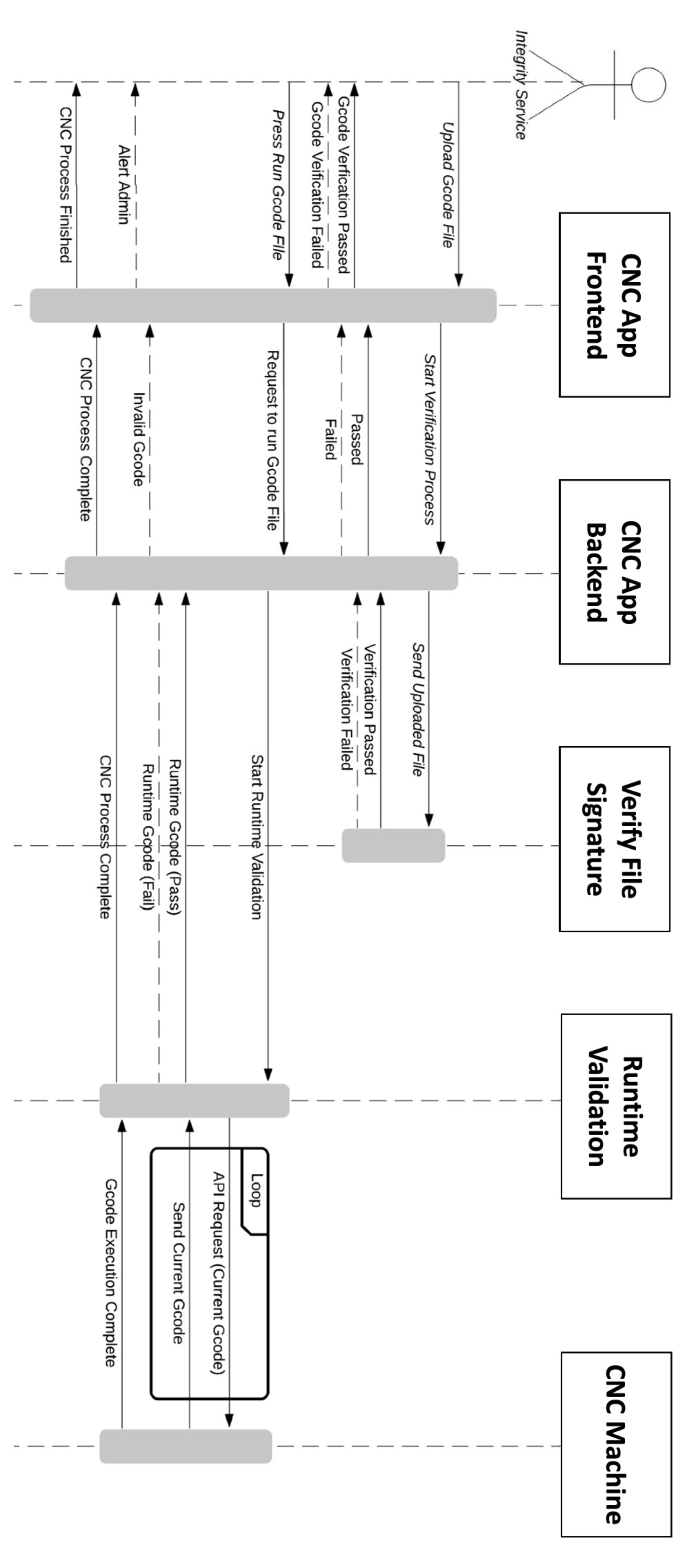
Threat Modeling: A Practical Guide with Examples - Step 1: Scope and Diagram the System.
Start by drawing the system. Most approaches use a data flow diagram (DFD) with five elements:
- External interactors — users, admins, third-party APIs, bots
- Processes — services, functions, jobs that transform data
- Data stores — databases, caches, object storage, logs
- Data flows — how data moves between the above
- Trust boundaries — where data crosses from one trust level to another
Trust boundaries are the highest-value part of the diagram. Every place a request crosses from untrusted to trusted is a place to look hard.
Example: a small SaaS app
- Interactors: browser client, mobile app, Stripe webhook, internal admin
- Processes: API gateway, auth service, billing worker
- Stores: PostgreSQL, Redis session cache, S3 uploads
- Boundaries: internet → API gateway, API gateway → internal services, webhook → billing worker
Keep the diagram at the level of detail your team can actually maintain. A whiteboard photo with a date on it beats a perfect diagram that never gets updated.
Step 2: Identify Threats
There are two broad families of approaches, and the best practice is to combine them.
Checklist-based: STRIDE
STRIDE, developed at Microsoft, is a mnemonic for six threat categories to consider for every data flow that crosses a trust boundary:
| Category | Question to ask |
|---|---|
| Spoofing | Can someone pretend to be another user or service? |
| Tampering | Can data be modified in transit or at rest? |
| Repudiation | Can someone deny an action without evidence? |
| Information disclosure | Can data leak to someone unauthorized? |
| Denial of service | Can availability be degraded or destroyed? |
| Elevation of privilege | Can a low-privilege actor gain more access? |
Creative and attacker-centric methods
- Attack trees — start with the attacker's goal as a root node and branch into the ways it could be achieved. This is useful for high-value targets like account takeover or payment fraud.
- PASTA — a seven-step, risk-centric methodology that aligns business objectives with technical requirements and produces an attacker-centric view you then defend against.
- Brainstorming with the team — cheap, fast, and often catches domain-specific abuse cases no checklist contains.
The Wikipedia overview of threat models is a useful reference for how these methodologies evolved, from early attack trees to modern hybrid approaches.
Worked example: login flow
For a standard email-and-password login crossing the internet boundary:
- Spoofing: credential stuffing with leaked passwords; no MFA on admin accounts
- Tampering: session cookie modified client-side; JWT signature not verified
- Repudiation: no audit log of failed and successful logins
- Information disclosure: error messages reveal whether an email exists
- Denial of service: no rate limit on the login endpoint
- Elevation of privilege: password reset token predictable or long-lived
That list alone is more actionable than most generic security checklists.
Step 3: Prioritize and Choose Mitigations
Once you have a threat list, rank it. A practical approach is to score each threat by likelihood and impact, then sort. The NIST guidance on risk prioritization is a common reference point, and most teams can start with a simple high/medium/low matrix.
For each threat, decide one of four things:
- Mitigate — add a control (rate limiting, MFA, encryption, input validation)
- Transfer — push the risk to a third party (insurance, a managed provider)
- Eliminate — remove the feature or data that creates the risk
- Accept — document why the risk is tolerable for now
Write the decision down. A threat model's value is largely in the record of what you chose and why.
Step 4: Validate the Model
This is the step most teams skip, and it is where the model either earns trust or quietly rots. Validation has two parts: checking that the model matches reality, and checking that mitigations actually work.
Verify your own exposure
Some assumptions in a threat model are testable in minutes with browser-based tools, no installation required:
- Network exposure. If your model assumes only ports 80 and 443 are reachable, confirm it. An Nmap-powered port scanner run against your own host will show what is actually listening and reachable from outside.
- IP and proxy assumptions. If you assume traffic egresses from a specific region or that a VPN hides your origin, verify it with an IP address lookup that shows geolocation, ISP, and proxy signals.
- Leak assumptions. If your model depends on a VPN or proxy not exposing the real IP, a DNS and WebRTC leak test will confirm or break that assumption.
- Client-side identity. If you assume users are who their headers say they are, a browser fingerprint check shows how much identifying signal a client actually exposes — useful for bot detection and fraud modeling.
These checks do not replace a full security assessment, but they close the gap between what the diagram says and what the network does. For a broader walkthrough of browser-level exposure, see Secure Browsing in 2026: How to Actually Protect Your Privacy.
Revisit triggers
Update the model when:
- A new feature ships
- A security incident occurs
- Architecture or infrastructure changes
- A new technology is adopted (choosing a framework or a regex-based validator introduces new threat classes)
Example: home network threat model
A home network is a legitimate subject. A quick model might look like:
- Assets: laptops, phones, NAS with family photos, smart TV, router admin panel
- Boundaries: internet → router, guest Wi-Fi → LAN, IoT VLAN → main LAN
- Top threats: default router credentials, unpatched IoT firmware, exposed remote administration port, DNS hijacking
- Mitigations: change defaults, segment IoT devices, disable WAN admin, use encrypted DNS
- Validation: scan the router's external ports, confirm DNS resolution path, check that guest devices cannot reach the NAS
That is a complete, useful threat model in under an hour.
Threat Modeling Tools and Automation
Historically this was a whiteboard activity. Today there are tools that help:
- Microsoft Threat Modeling Tool — free, DFD-based, generates STRIDE threats automatically
- IriusRisk — commercial platform with a community edition, supports multiple methodologies
- OWASP Threat Dragon — open-source diagramming and threat tracking
- AI-assisted analysis — useful for processing large volumes of design data, but only as a supplement. If the input data is wrong, the output will be wrong, and human oversight remains essential.
The most efficient pattern is a human building the model and interpreting results, with automation handling the repetitive parts.
Common Mistakes to Avoid
- Modeling everything at once. Scope to a sprint, a service, or a single feature.
- Treating it as a one-time gate. Threat modeling is most valuable applied continuously across the lifecycle.
- Producing a document nobody reads. Keep the artifact short and link it to real tickets.
- Skipping validation. An unverified assumption is a future incident.
- Ignoring non-malicious threats. Hardware failure and human error belong in the model too.
Related reading
- What Is HackerTarget? Tools, Uses & How to Verify Exposure - HackerTarget is a hosted suite of open-source security scanners for attack surface discovery and vulnerability checks. Learn what it does and how to verify your own exposure.
- Mozilla VPN Tutorial: Setup, Servers & Leak Checks - Step-by-step Mozilla VPN tutorial: install on Windows, Mac, Android, iOS and Linux, pick servers, use multi-hop, and verify your IP with free leak tests.
- IP-Lookup.net: What It Shows and How to Use It Safely - IP-Lookup.net reveals IP location, ISP, ASN, and proxy signals. Learn what it shows, its limits, and how to verify leaks with BrowserScan.
Sources and further reading
- Threat Modeling Explained: Definition, Benefits, and Best Practices - Threat modeling is the process of identifying and prioritizing potential threats to a system and finding solutions to mitigate them. Get best practices on threat modeling.
FAQ
Is threat modeling only for software?
No. It applies to software, applications, systems, networks, distributed systems, IoT devices, and business processes. Anything with assets worth protecting and a boundary worth crossing can be modeled.
How long should a threat model take?
A focused session on one feature or service can take one to three hours. The goal is a prioritized list of improvements, not exhaustive coverage. Refine the model over time rather than trying to finish it up front.
What is the difference between threat modeling and penetration testing?
Threat modeling is a design-time analysis that identifies what could go wrong and what controls are needed. Penetration testing is an execution-time activity that attempts to exploit weaknesses. Threat modeling tells you where to point the testers.
Do I need special tools?
No. A diagram, a checklist like STRIDE, and a shared document will get you most of the way. Tools help with consistency and tracking once the practice is established.
How do I know my threat model is any good?
You can explain it to a new team member, every listed mitigation maps to a real control, and the assumptions in it have been tested — including network exposure, IP behavior, and client-side signals. If you cannot verify an assumption, mark it as an open risk.
Conclusion
Threat modeling is not a heavyweight process reserved for large security teams. It is four questions, a diagram, and a willingness to write down what you assume. Start with one system, run STRIDE across its trust boundaries, rank what you find, and fix the top items.
Then validate. Confirm that your network exposure, IP behavior, and client-side assumptions match what your diagram claims. That final step is what turns a plausible document into a defensible security decision — and it is the step that keeps your model honest as the system changes.