
Online Port Scanner: Free Nmap-Powered Tool to Check Open Ports
Online Port Scanner: Check Open Ports Instantly
An online port scanner probes a target system's network ports to determine which services are listening and potentially exposed. Instead of installing software, you can run a scan directly from your browser and get a clear picture of your attack surface in minutes. This article explains how port scanning works, how to interpret results, and how to use a free Nmap-powered scanner to improve your security posture.
What Is an Online Port Scanner?
Online Port Scanner: Free Nmap-Powered Tool to Check Open Ports - What Is an Online Port Scanner?.
A port scanner is a tool that sends network packets to specific ports on a target IP address or hostname and analyzes the responses. Each response reveals whether a port is open, closed, or filtered:
- Open: A service is actively listening and accepting connections.
- Closed: No service is listening, but the port is reachable.
- Filtered: A firewall or filter is blocking the probe, so the status is unknown.
Online port scanners run in the cloud, meaning you don't need to install Nmap or any other software locally. They are ideal for quick reconnaissance, firewall validation, and troubleshooting connectivity issues from an external perspective.
How Port Scanning Works
Online Port Scanner: Free Nmap-Powered Tool to Check Open Ports - How Port Scanning Works.
Most online scanners rely on the same core techniques used by Nmap, the industry-standard network scanning tool. The scanner sends TCP SYN packets, full TCP connect requests, or UDP probes to the target ports. Based on the reply—or lack thereof—it classifies the port state.
For example, a TCP SYN scan sends a synchronize packet. If the target responds with SYN-ACK, the port is open. A RST (reset) response indicates a closed port. No response usually means the port is filtered by a firewall.
UDP scanning is trickier because UDP is connectionless. The scanner may send an empty UDP packet and wait for an ICMP "port unreachable" message to determine if the port is closed. If no message arrives, the port could be open or filtered.
Why Use an Online Port Scanner?
Online Port Scanner: Free Nmap-Powered Tool to Check Open Ports - Why Use an Online Port Scanner?.
Online port scanners offer several advantages over local tools:
- No installation or setup: Run scans from any device with a browser.
- External perspective: See your network as an attacker would, bypassing local firewall restrictions.
- Speed and convenience: Get results in minutes without CLI expertise.
- Integration: Export results in CSV, JSON, or PDF for reporting and further analysis.
They are valuable for:
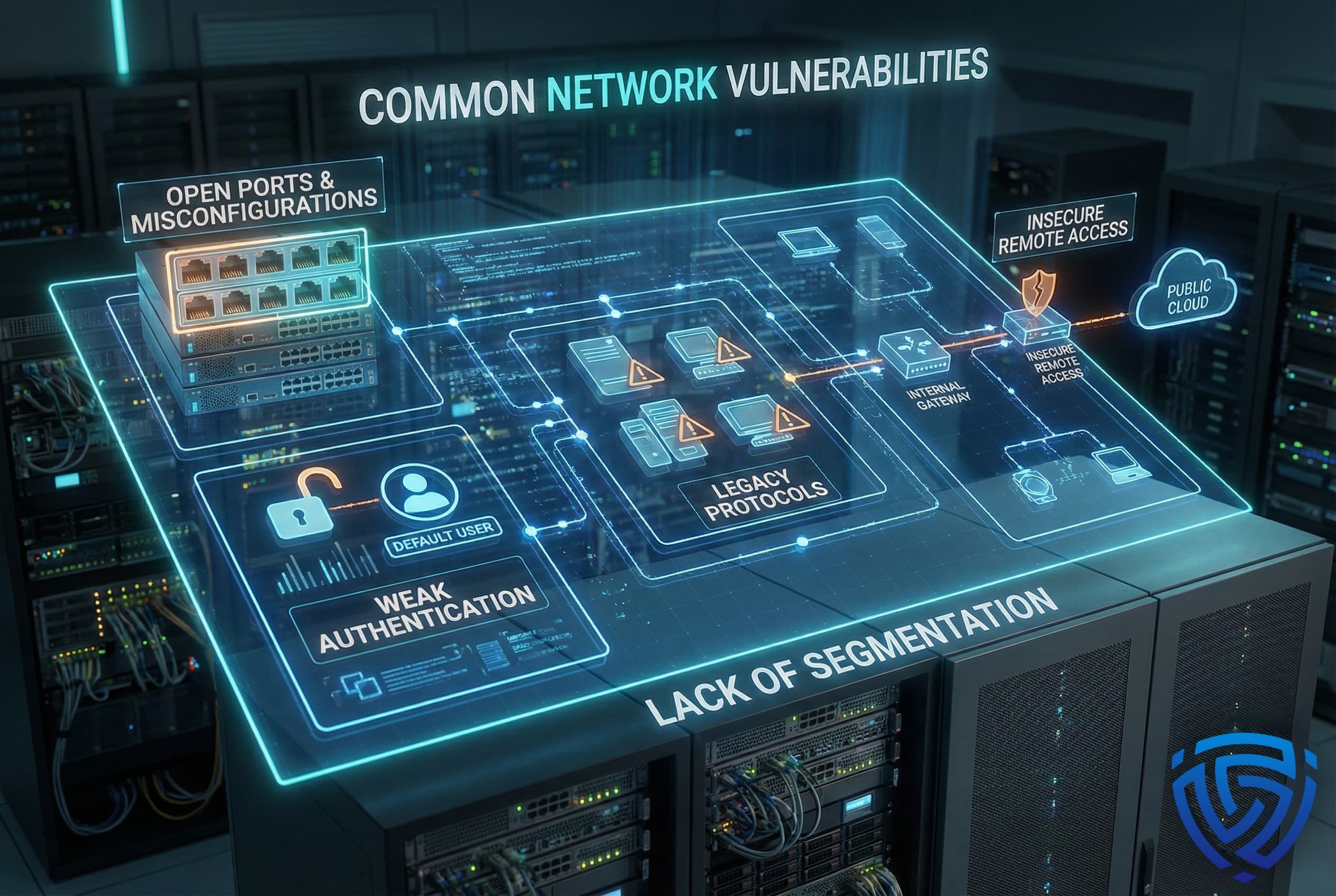
- Security assessments: Identify unnecessary open ports that could be exploited.
- Firewall testing: Verify that firewall rules are working as intended.
- Troubleshooting: Diagnose why a service is unreachable.
- Compliance: Demonstrate that only required ports are exposed.
How to Run a Port Scan
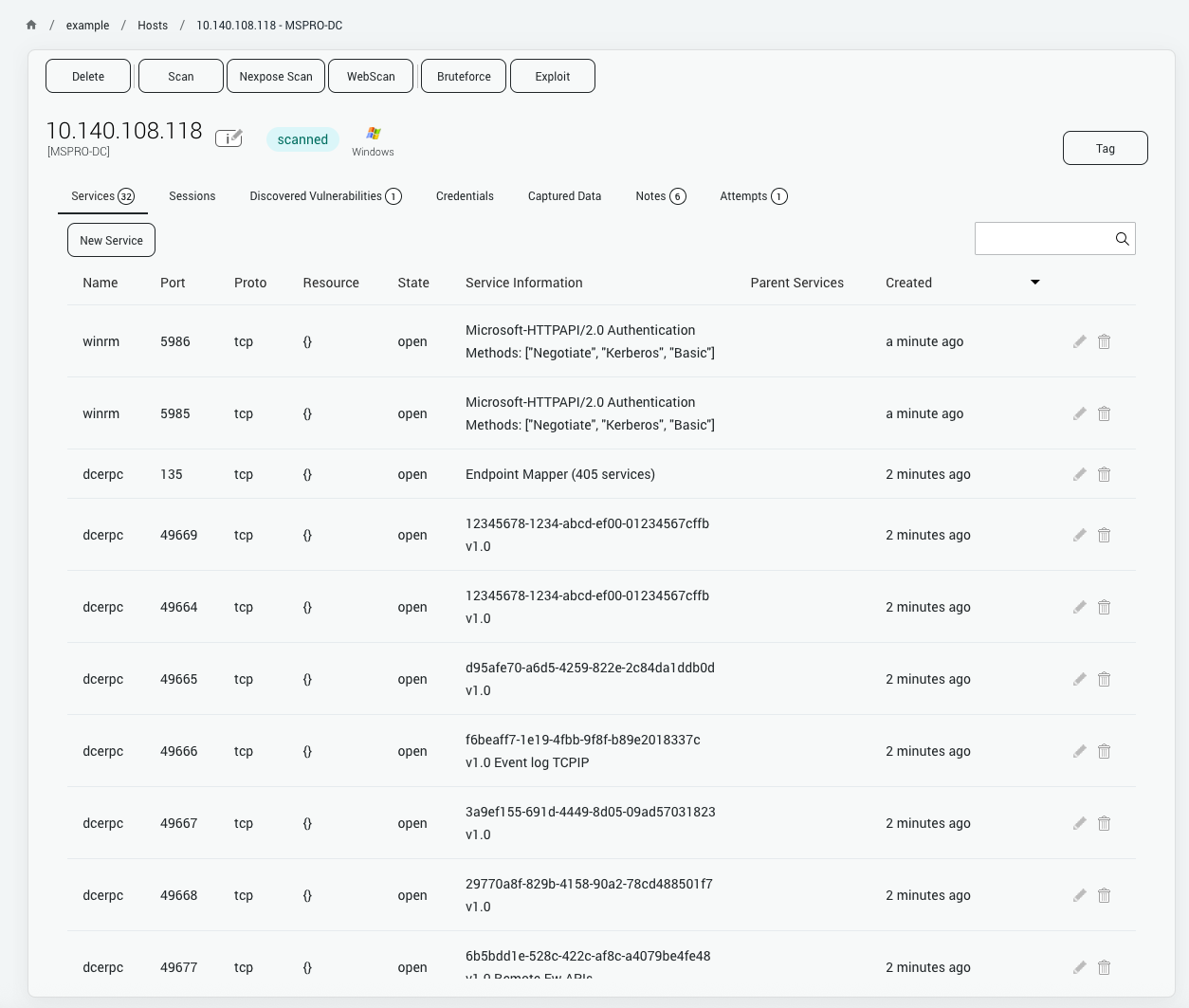
Online Port Scanner: Free Nmap-Powered Tool to Check Open Ports - How to Run a Port Scan.
Running an online port scan typically involves three steps:
- Enter the target: Provide a domain name, IP address, or IP range. Ensure you have permission to scan the target.
- Choose scan depth: Select a fast scan of common ports or a full scan of all 65,535 ports. You can also specify custom ports.
- Start the scan: The tool probes the ports and displays results, often with service detection and version information.
For a quick check, scanning the top 100 ports is usually sufficient. For a thorough audit, a full TCP scan combined with UDP checks provides the most complete view.
Understanding Scan Results
After a scan, you'll see a list of ports with their status and often the service running on them. Here's how to interpret common findings:
- Port 22 (SSH) open: Secure Shell is accessible. If this is not intended for public access, restrict it to trusted IPs.
- Port 80 (HTTP) open: A web server is running without encryption. Consider redirecting to HTTPS (port 443).
- Port 443 (HTTPS) open: Encrypted web traffic is enabled. Verify the certificate is valid.
- Port 3389 (RDP) open: Remote Desktop is exposed. This is a common attack vector; limit access via VPN or firewall rules.
- Port 3306 (MySQL) open: A database is publicly accessible. This is a critical risk; databases should never be exposed to the internet.
If you see unexpected open ports, investigate immediately. They could indicate misconfigured services or even backdoors.
Common Ports and Their Risks
| Port | Service | Risk Level | Recommendation |
|---|---|---|---|
| 21 | FTP | High | Use SFTP or FTPS instead |
| 22 | SSH | Medium | Restrict access, use key authentication |
| 23 | Telnet | High | Disable; use SSH |
| 25 | SMTP | Medium | Secure mail relay, prevent open relay |
| 53 | DNS | Medium | Restrict zone transfers |
| 80 | HTTP | Low | Redirect to HTTPS |
| 443 | HTTPS | Low | Keep certificates updated |
| 445 | SMB | High | Block from internet |
| 3306 | MySQL | Critical | Never expose publicly |
| 3389 | RDP | High | Use VPN, enable NLA |
Online Port Scanner vs. Local Nmap
Local Nmap offers unmatched flexibility and scripting capabilities, but it requires installation and command-line knowledge. Online scanners provide a simpler, browser-based alternative that is often sufficient for external checks. They are also useful when you cannot install software on your machine or need to scan from an external network.
For deeper analysis, you can combine online scanning with other privacy and security checks. For instance, after scanning your ports, you might want to verify your browser fingerprint with a fingerprint test to ensure your online identity isn't leaking additional information. If you're concerned about VPN leaks, a privacy protection check can reveal whether your real IP or DNS is exposed.
When to Use a Port Scanner
Port scanning is appropriate in several scenarios:
- Before deploying a new server: Ensure only necessary ports are open.
- After firewall changes: Verify the rules are effective.
- During incident response: Check for unauthorized services.
- For regular audits: Schedule scans to detect drift.
Always obtain proper authorization before scanning any system you do not own. Unauthorized scanning can be illegal and unethical.
How BrowserScan Helps
BrowserScan offers a free, Nmap-powered online port scanner that runs entirely in your browser. It checks common TCP and UDP ports, identifies open services, and provides actionable results without any installation. Beyond port scanning, BrowserScan includes a suite of privacy and security tools: browser fingerprint analysis, DNS and WebRTC leak tests, IP lookup, and more. These tools help you assess your digital footprint from multiple angles. For IT professionals and privacy-conscious users, BrowserScan provides a convenient way to perform quick security checks. You can also explore related tools like the IPhey download guide to learn how to run fingerprint and leak tests alongside port scans.
Related reading
- Secure Messaging in 2026: How to Choose and Verify Privacy - Compare secure messaging apps by encryption, metadata, and identity design, plus how to verify your browser, IP, and DNS aren't leaking your privacy.
- Chameleon Mode Download: Real Browser Profiles Guide - Chameleon Mode download explained: how to get the real-browser antidetect tool, install it, and verify your profiles with free privacy tests.
Sources and further reading
- Free Port Scanner with Nmap 🛡️ scan for open TCP and UDP ports - Use our Nmap-powered port scanner to find open TCP or UDP ports and services. Free online port checker to map your network perimeter and attack surface.
- Port Checker - Check Open Ports Online - Check open ports with Port Checker Online. Scans the most common ports, and check port forwarding on your router.
- Online Port Scanner Powered by Nmap | HackerTarget.com - This online port scanner allows testing of open ports and firewalls. With Nmap Online you can scan a single IP address or a range of IPs. Test IPv4 or IPv6.
FAQ
What is an online port scanner?
An online port scanner is a web-based tool that probes a target system's network ports to determine which are open, closed, or filtered. It helps identify exposed services and potential vulnerabilities.
Is it legal to scan ports?
Scanning your own systems is legal. Scanning systems you do not own without explicit permission is illegal in many jurisdictions. Always obtain authorization first.
How long does a port scan take?
A fast scan of common ports takes seconds to a few minutes. A full scan of all 65,535 ports can take 20 minutes to several hours, depending on the target and network conditions.
What is the difference between TCP and UDP scanning?
TCP scanning establishes a connection or sends SYN packets to determine port state. UDP scanning sends datagrams and waits for ICMP responses, which is less reliable but necessary for UDP services like DNS and DHCP.
Can I scan a range of IP addresses?
Yes, many online scanners support scanning IP ranges or subnets. This is useful for auditing multiple hosts at once.
What should I do if I find unexpected open ports?
Investigate the service behind the port. If it's not needed, close it or restrict access via firewall rules. If it's a known service, ensure it's patched and configured securely.
Conclusion
An online port scanner is a fast, accessible way to check for open ports and understand your network exposure. By running regular scans, you can catch misconfigurations early and reduce your attack surface. Whether you're a network administrator, developer, or privacy-conscious user, incorporating port scanning into your security routine is a smart move. Start with a free scan today and take control of your digital perimeter.