
Penetration Testing Tools: Types, Top Picks & How to Choose
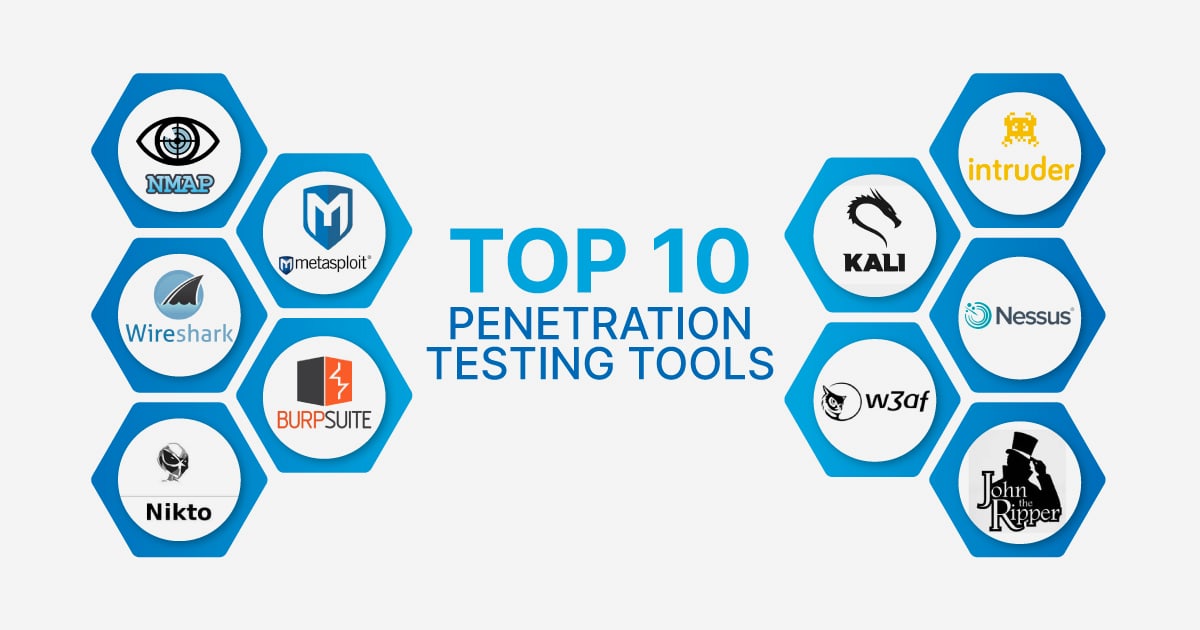
Penetration Testing Tools: Types, Top Picks, and How to Build an Effective Toolkit
Penetration testing tools are the practical backbone of any security assessment. They automate reconnaissance, expose misconfigurations, validate vulnerabilities, and produce the evidence teams need to prioritize fixes. But with hundreds of scanners, sniffers, proxies, and crackers available, choosing the right combination can feel overwhelming.
This guide breaks down the main tool categories, highlights proven options for each stage of a test, and explains how to assemble a toolkit that matches your goals—whether you are running an external network assessment, testing a web application, or verifying that your own privacy defenses actually work.
What Are Penetration Testing Tools?
Penetration Testing Tools: Types, Top Picks & How to Choose - What Are Penetration Testing Tools?.
Penetration testing, often shortened to pentesting, is an authorized security exercise in which testers simulate real-world attacks to find weaknesses before malicious actors do. Penetration testing tools support this process by automating repetitive tasks, expanding test coverage, and surfacing issues that manual analysis alone would miss.
These tools are not a substitute for skilled testers. A talented pentester uses tools to move faster and dig deeper, but still relies on judgment, creativity, and context to interpret results. The best outcomes come from pairing the right software with a clear methodology.
Core Categories of Penetration Testing Tools
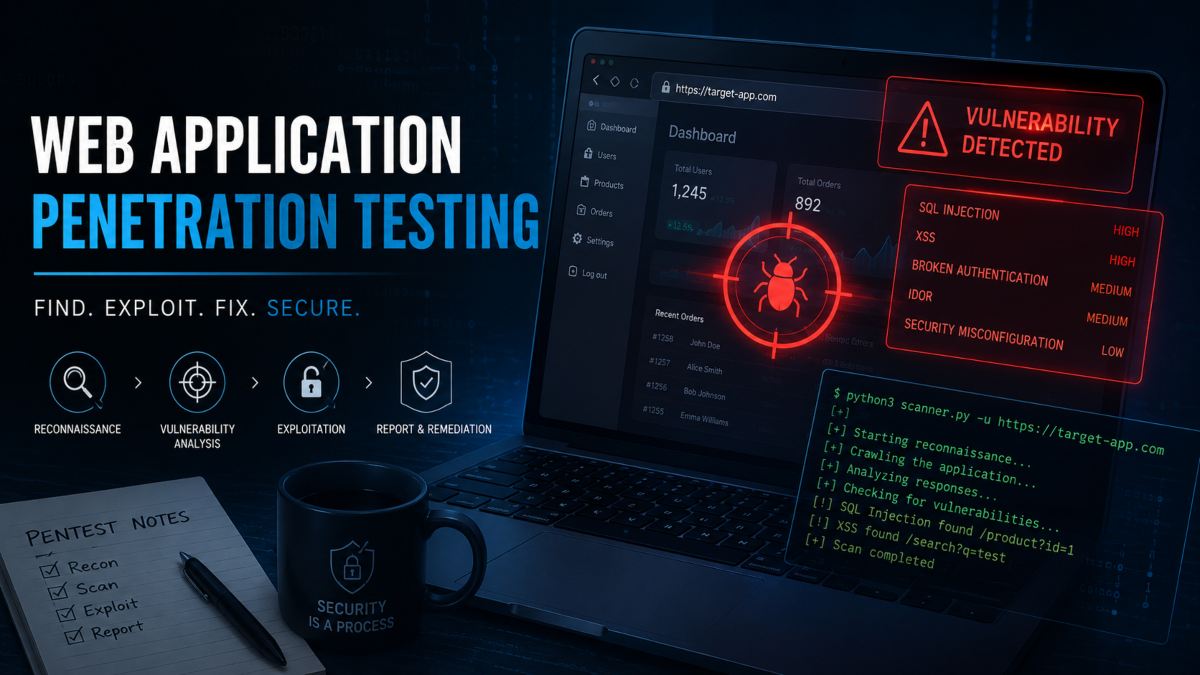
Penetration Testing Tools: Types, Top Picks & How to Choose - Core Categories of Penetration Testing Tools.
A complete pentest rarely relies on a single product. Most engagements combine several tool types across the testing lifecycle, from initial discovery to final reporting.
Port Scanners
Port scanners identify open ports, running services, and sometimes the underlying operating system on target hosts. They are fundamental to reconnaissance because every open service is a potential entry point.
Nmap is the standard here. It runs on Linux, Windows, and macOS, supports both CLI and GUI workflows, and can discover live hosts, enumerate services, detect firewall rules, and script custom checks. Testers use Nmap output to map the attack surface and decide where to focus deeper testing.
Vulnerability Scanners
Vulnerability scanners compare discovered services and applications against databases of known flaws, misconfigurations, and outdated software versions. They produce prioritized reports that help testers choose which vulnerabilities to exploit or validate manually.
Commercial platforms such as Invicti and Pentest-Tools.com automate much of this workflow. Invicti uses a Chrome-based crawler to scan dynamic web apps, single-page applications, and authenticated areas. Pentest-Tools.com combines network and web scanning with automatic exploitation of critical CVEs and evidence-rich reporting. Open-source alternatives like OpenVAS remain popular for teams that need a no-cost baseline scanner.
Web Proxies
Web proxies sit between the tester's browser and the target web server, allowing interception and modification of HTTP traffic. This is essential for finding hidden form fields, testing input validation, and crafting exploits for issues like cross-site scripting (XSS) or cross-site request forgery (CSRF).
Burp Suite from PortSwigger is the dominant tool in this category. Its proxy component enables deep manual testing, while its scanner automates vulnerability discovery. Burp also includes utilities for testing token randomness, constructing CSRF proofs of concept, and fine-tuning brute-force attacks with custom payload sequences.
Network Sniffers and Packet Analyzers
Sniffers capture and inspect network traffic to reveal communication paths, protocols, and whether data is encrypted. They help testers identify weak encryption, exposed credentials, or unexpected services talking on the network.
Wireshark is the most widely used packet analyzer. It captures live traffic from Ethernet, loopback, and other connection types, applies complex filters, and lets testers drill into individual packets. It is equally useful for diagnosing network problems and confirming whether sensitive data is being transmitted in plaintext.
Password Crackers
Password cracking tools test whether users have chosen weak or reused credentials. They work by taking password hashes—often recovered during a test—and attempting to reverse them using dictionaries, rainbow tables, or brute force.
John the Ripper supports a wide range of hash formats, including Unix crypt hashes, Kerberos tokens, and Windows LM hashes. Hashcat is known for cracking highly complex representations by combining multiple techniques and leveraging GPU acceleration. Both are open source and widely used in credential audits.
Integrated Pentest Platforms
Some tools bundle many of the above capabilities into a single environment. Kali Linux, maintained by Offensive Security, is a Debian-based operating system that ships with hundreds of pre-installed security tools, including Nmap, Wireshark, Metasploit, John the Ripper, sqlmap, Aircrack-ng, OWASP ZAP, and Burp Suite. For testers who want a ready-made lab, Kali removes much of the setup burden.
Top Penetration Testing Tools at a Glance
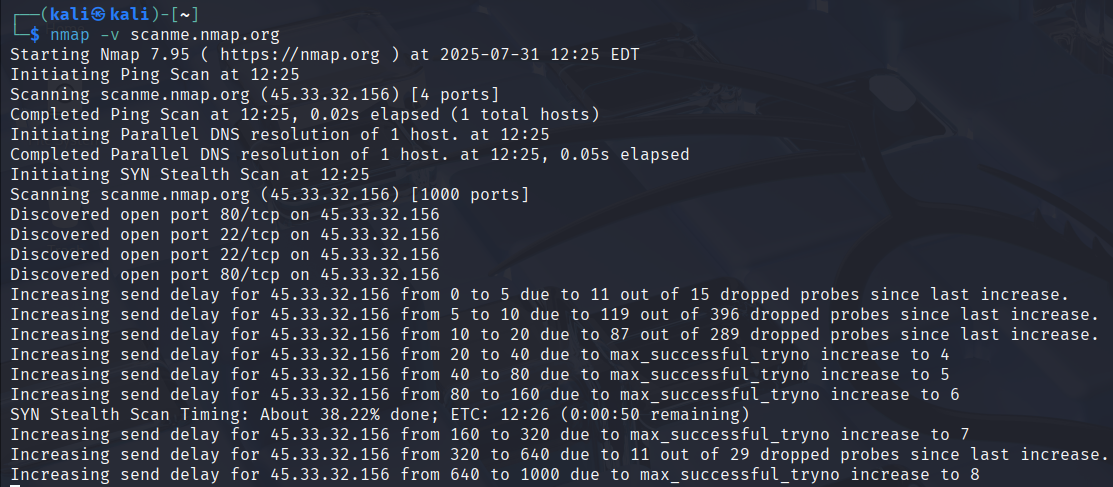
Penetration Testing Tools: Types, Top Picks & How to Choose - Top Penetration Testing Tools at a Glance.
| Tool | Primary Category | License | Best For |
|---|---|---|---|
| Nmap | Port scanner / network discovery | Open source | Mapping hosts, ports, and services |
| Burp Suite | Web proxy / application scanner | Free and paid | Manual and automated web app testing |
| Wireshark | Packet analyzer | Open source | Inspecting network traffic and encryption |
| Kali Linux | Integrated pentest OS | Open source | All-in-one testing environment |
| John the Ripper | Password cracker | Open source | Auditing weak or reused passwords |
| Hashcat | Password cracker | Open source | High-performance hash cracking |
| Invicti | Web vulnerability scanner | Commercial | Automated scanning of complex web assets |
| Pentest-Tools.com | Cloud pentest platform | Free and paid | Consolidated scanning, exploitation, and reporting |
How to Choose the Right Penetration Testing Tools
Penetration Testing Tools: Types, Top Picks & How to Choose - How to Choose the Right Penetration Testing Tools.
Tool selection should follow the scope and objective of the engagement, not the other way around. Consider these factors:
Match Tools to the Target
A web application test demands a proxy like Burp Suite and a scanner that handles JavaScript-heavy or authenticated apps. An external network assessment leans on Nmap for discovery and a network vulnerability scanner for known CVEs. Wireless testing requires specialized suites like Aircrack-ng. Define the target first, then select tools that cover that surface.
Balance Free and Commercial Options
Open-source tools like Nmap, Wireshark, and John the Ripper provide enormous capability at no cost, but they often require more manual configuration and interpretation. Commercial platforms such as Invicti or Pentest-Tools.com offer automation, validated findings, and polished reporting that can save hours on client deliverables. Many teams combine both: open-source tools for depth and control, commercial platforms for speed and consistency.
Prioritize Evidence and Reporting
The final pentest report is often the most valuable deliverable. Tools that capture screenshots, HTTP request/response pairs, exploit paths, and remediation guidance make it easier to justify findings and get fixes approved. If reporting speed matters, look for platforms with built-in report generators and customizable templates.
Verify Your Own Setup Before Testing Others
Before running scans against any target, confirm you have explicit authorization. Then make sure your own testing environment is not leaking information that could compromise the engagement. For example, if you are testing through a VPN, verify that DNS and WebRTC are not exposing your real IP address. Browser-based privacy testing platforms can help here. BrowserScan offers free web-based diagnostics—including DNS and WebRTC leak tests, IP lookup with proxy detection, and an Nmap-powered port scanner—that let you validate your network configuration before you begin. This kind of pre-flight check is especially useful for remote testers and consultants who need to confirm their traffic is properly isolated.
Building a Practical Pentest Toolkit
A sensible starting toolkit for most testers looks like this:
- Reconnaissance: Nmap for host discovery and port scanning, plus a subdomain finder or URL fuzzer for web targets.
- Web testing: Burp Suite Community or Professional for proxy-based manual testing and automated scanning.
- Traffic analysis: Wireshark for packet inspection when network-level issues or weak encryption are suspected.
- Credential testing: John the Ripper or Hashcat for auditing recovered password hashes.
- Vulnerability validation: A scanner such as OpenVAS, Invicti, or Pentest-Tools.com to identify and confirm exploitable flaws.
- Reporting: A tool or platform that consolidates findings into clear, evidence-backed documentation.
This stack covers the most common pentest scenarios without requiring a massive budget. As engagements grow more specialized, you can add wireless tools, cloud security scanners, or API testing utilities.
Common Mistakes to Avoid
- Scanning without authorization: Unauthorized scanning is illegal in most jurisdictions. Always obtain written permission before testing.
- Relying on a single tool: No scanner catches everything. Cross-check results with manual testing and a second tool where possible.
- Ignoring false positives: Automated scanners flag issues that are not actually exploitable. Validate findings before including them in a report.
- Skipping your own opsec: If your testing traffic leaks your real IP or DNS queries, you may expose your client or your own infrastructure. Use a network security tools guide to understand how monitoring, scanning, and defensive tools fit together, and verify your setup before you start.
- Neglecting reporting: A technically brilliant test is less useful if findings are unclear or lack evidence. Invest time in documentation.
Related reading
- Network Security Tools: 15 Essential Types & How to Use Them - Discover the essential network security tools for monitoring, scanning, and defending your systems. Compare free and paid options and learn how to verify your setup.
- Algo VPN Tutorial: Deploy a Personal WireGuard & IPsec VPN - Step-by-step Algo VPN tutorial covering cloud deployment, client setup, user management, and leak testing to verify your personal VPN works.
- HackerTarget Login: Access Scanners, API & Account - Learn how HackerTarget login works, what free vs paid accounts unlock, how to access the API, and how to verify your setup with privacy tools.
Sources and further reading
- 7 Pentesting Tools You Must Know About | HackerOne - What are Pentesting Tools?Penetration testing (also known as pentesting) is a cybersecurity technique used by organizations to identify, test, and remediate vulnerabilities and weaknesses in their security controls.Penetration testing tools are used as part of penetration testing to automate certain tasks, improve testing efficiency, and uncover issues that are difficult to discover with manual analysis techniques alone. Once threats and vulnerabilities are assessed, penetration testers provide a report that can help the organization address the identified risks to improve their cyber defenses
- Pentesting & vulnerability assessment toolkit - Detect and validate vulnerabilities with actual exploits, prioritize real risk, and generate customizable pentest reports with ease.
- Penetration testing software - PortSwigger - When it comes to penetration testing software, Burp rules the roost. Request a free trial and join over 60,000 users securing web applications globally.
Frequently Asked Questions
What is the difference between a vulnerability scanner and a penetration testing tool?
A vulnerability scanner identifies potential weaknesses by comparing targets against known flaw databases. Penetration testing tools include scanners but also encompass proxies, sniffers, crackers, and exploitation frameworks that actively test and validate whether a vulnerability can be abused. Pentesting is broader and more hands-on.
Are open-source penetration testing tools good enough for professional work?
Yes. Many professional testers rely heavily on open-source tools like Nmap, Wireshark, Burp Suite Community, and Kali Linux. The trade-off is that open-source options often require more manual effort and expertise. Commercial tools add automation, validated findings, and faster reporting, which can be worth the cost for high-volume teams.
Do I need to learn programming to use penetration testing tools?
Not necessarily. Many tools have graphical interfaces and pre-built workflows. However, scripting skills in Python or Bash become valuable when you need to customize scans, parse output, or chain multiple tools together. A basic understanding of networking and web protocols is more immediately important than programming.
Can I use penetration testing tools to test my own network?
Yes, testing your own systems or systems you are authorized to assess is a legitimate use case. Many administrators use Nmap, vulnerability scanners, and privacy testing tools to audit their own infrastructure. Just ensure you have permission for any third-party systems involved.
How do I verify that my VPN is not leaking during a pentest?
Run DNS and WebRTC leak tests before the engagement. Browser-based tools like BrowserScan let you check whether your real IP address is exposed through DNS queries or WebRTC, and an IP risk score check can reveal whether your exit IP is flagged as suspicious. If leaks appear, fix your VPN configuration before starting the test.
Conclusion
Penetration testing tools are force multipliers, not replacements for skill. The most effective testers understand the strengths and limits of each category—port scanners for discovery, proxies for web testing, sniffers for traffic analysis, crackers for credential audits—and combine them into a workflow that produces validated, evidence-backed findings.
Start with a focused toolkit built around Nmap, Burp Suite, Wireshark, and a reliable vulnerability scanner. Expand as your engagements demand. And before you test anything, confirm your authorization and verify your own operational security. A quick proxy detection check or leak test takes minutes and can prevent a compromised engagement. With the right tools, methodology, and preparation, penetration testing becomes a repeatable process that consistently improves security posture.