
Pixelscan.dev Pricing: Is the Fingerprint Tool Free?
Pixelscan.dev Pricing: Is the Fingerprint Tool Free?
If you searched for Pixelscan.dev pricing, the short answer is that there is no price list to find. Pixelscan.dev runs as a free, browser-based scanner: you open the page, it analyzes your connection, and you get a report without creating an account or entering payment details. This article explains what the free scan covers, why a tool like this can stay free, and which free alternatives are worth testing alongside it.
What Pixelscan.dev Actually Is
Pixelscan.dev Pricing: Is the Fingerprint Tool Free? - What Pixelscan.dev Actually Is.
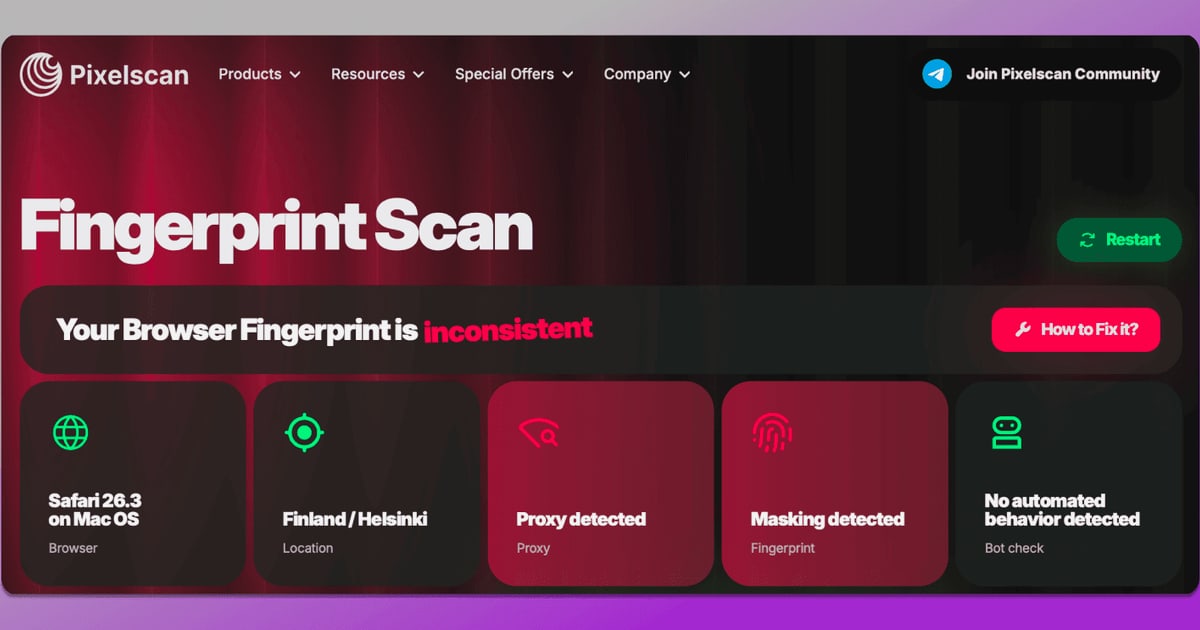
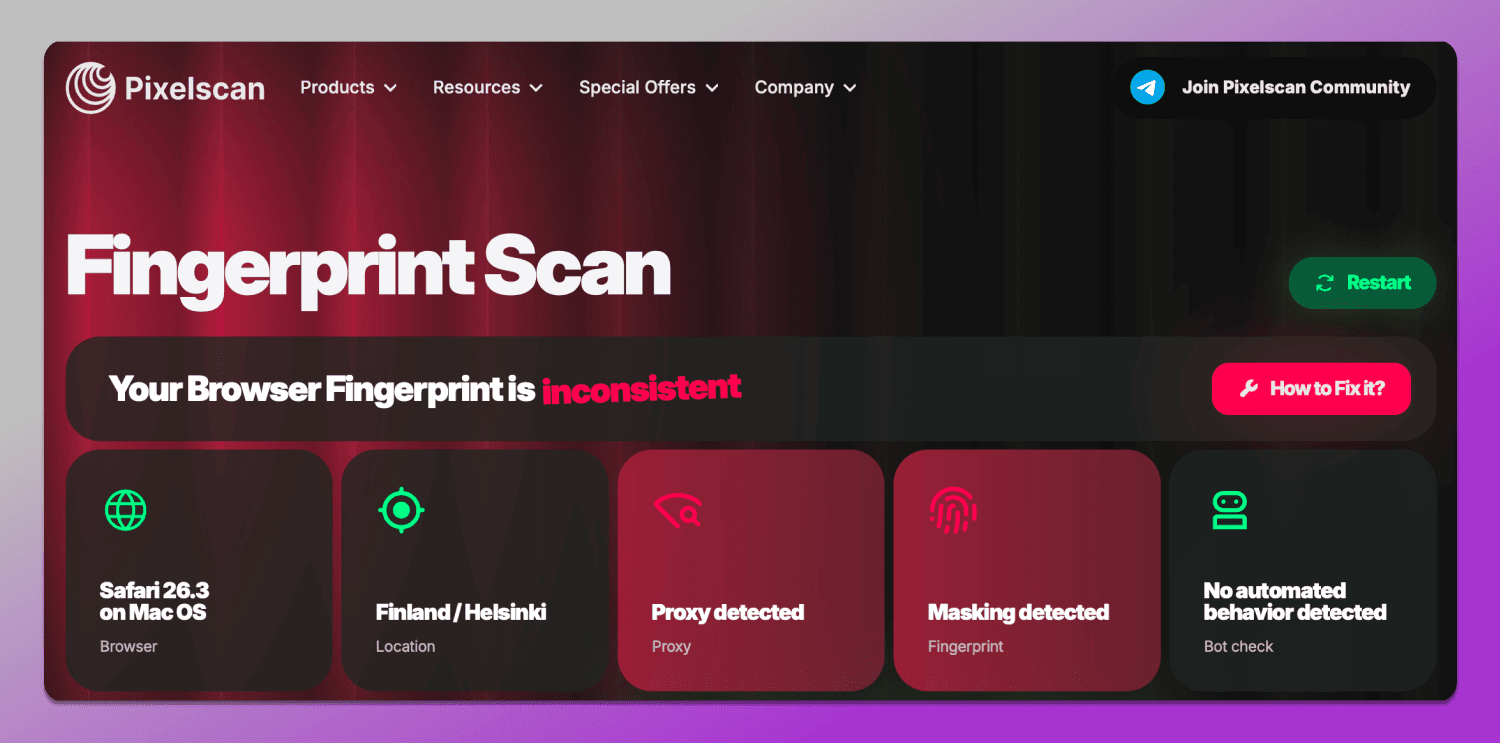
Pixelscan.dev is an online diagnostic that shows how websites may see your browser and network. It combines several checks in one scan:
- Browser fingerprint analysis — canvas, WebGL, audio, and hardware signals that make a browser look unique.
- VPN and proxy detection — whether your connection looks routed, and whether your IP carries a bad reputation.
- Bot automation signals — traces left by frameworks such as Puppeteer or Selenium.
- Leak tests — WebRTC and DNS checks that can expose your real IP or ISP even when a VPN is active.
- Consistency checks — mismatches between your IP location, timezone, and browser language.
The tool describes its analysis as running on Cloudflare edge telemetry combined with client-side JavaScript collection, and it states that scan data is not sent to third parties. That architecture is one reason the service can operate without charging users.
Why Pixelscan.dev Is Free

Pixelscan.dev Pricing: Is the Fingerprint Tool Free? - Why Pixelscan.dev Is Free.
A pricing question usually hides a second question: what is the catch? With Pixelscan.dev, the model is straightforward — there is no paid tier, no trial, and no account wall. The scan is the product.
Several factors make this sustainable:
- No installation or backend per user. Everything runs in your browser and on edge infrastructure, so the marginal cost of each scan is low.
- No stored results. Because reports are not saved or linked to an identity, there is no database to maintain per user.
- No premium features to unlock. The full check set — fingerprint, network, leaks, consistency — appears in the same free report.
If you want a deeper walkthrough of what the report shows and how to read each section, see our Pixelscan.dev review.
What the Free Scan Checks — and What It Doesn't

Pixelscan.dev Pricing: Is the Fingerprint Tool Free? - What the Free Scan Checks — and What It Doesn't.
Free does not mean identical to every paid tool. Knowing the boundaries helps you decide whether Pixelscan.dev alone is enough.
Covered in the free scan
- Browser uniqueness and fingerprint consistency
- IP address, provider, and proxy/VPN status
- DNS and WebRTC leak detection
- Bot framework and automation traces
- IP blacklist and reputation signals
Not covered
- Historical tracking. You cannot compare scans over time inside the tool; you would need to save screenshots or notes yourself.
- Profile management. Pixelscan.dev tests your current browser session. It does not create or manage isolated browser profiles — that is the job of antidetect browsers and multi-account platforms.
- Remediation. The tool tells you what looks wrong. Fixing it (rotating a proxy, adjusting a VPN, changing browser settings) is up to you.
That last point matters for anyone running multiple accounts or scraping workflows. A scanner diagnoses; it does not repair. If you need persistent, isolated identities, you are looking at a different category of paid software.
How Pixelscan.dev Compares to Other Free Checkers
Pixelscan.dev Pricing: Is the Fingerprint Tool Free? - How Pixelscan.dev Compares to Other Free Checkers.
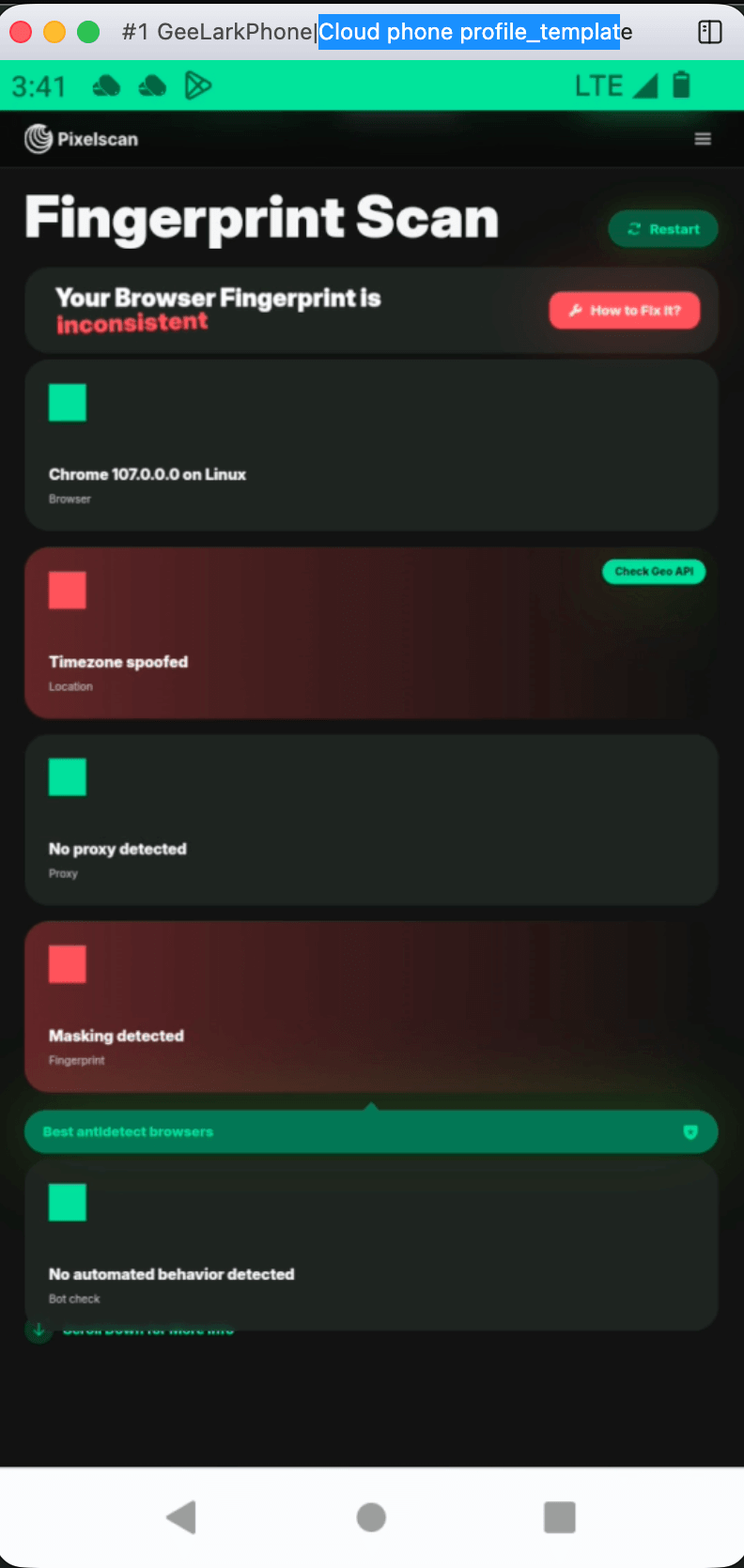
Pixelscan.dev is not the only free option. The most useful approach is to run two or three scanners and compare findings, because each weights signals differently.
| Tool | Free? | Standout checks |
|---|---|---|
| Pixelscan.dev | Yes | Fingerprint, VPN/proxy, bot signals, leaks, consistency |
| BrowserScan | Yes | Fingerprint analysis, DNS/WebRTC leaks, IP lookup, port scanning, user agent parsing |
| Browser fingerprint test suites | Yes | Canvas and WebGL entropy, uniqueness scoring |
BrowserScan is a useful companion because it widens the scope beyond fingerprinting. Alongside fingerprint and leak checks, it offers an IP address lookup with geolocation and proxy detection, an Nmap-powered port scanner, an internet speed test, and a user agent parser for debugging browser or bot strings. Running Pixelscan.dev for consistency analysis and BrowserScan for network exposure gives you a fuller picture than either tool alone.
For network-layer verification specifically, our guides on IP geolocation lookup and Nmap port scanning explain how to interpret what these checks reveal about your setup.
When Free Is Enough — and When It Isn't
Use this quick decision guide:
Free scanners are enough if you:
- Want to confirm a VPN is not leaking DNS or WebRTC data
- Are checking whether your browser fingerprint looks unusual
- Need a one-time audit before signing into sensitive accounts
- Are debugging a scraper or automation script locally
You likely need paid tooling if you:
- Manage many accounts that must stay unlinked
- Need repeatable, isolated browser profiles with saved configurations
- Require proxy rotation matched to specific locations at scale
- Want historical reporting and team access controls
In other words, the pricing question for Pixelscan.dev is settled — it is free. The real budget decision is whether your workflow needs a profile-management layer on top of detection testing.
Practical Example: A Five-Minute Privacy Audit
Here is a repeatable routine using only free tools:
- Connect your VPN and open Pixelscan.dev. Run the scan and note any consistency warnings between IP location, timezone, and language.
- Open BrowserScan and run the fingerprint and leak tests. Check whether DNS or WebRTC results expose your real ISP.
- Look up your IP to confirm the reported geolocation and provider match what your VPN claims.
- If you run servers or self-hosted services, scan your own ports with an Nmap-based tool to confirm nothing unexpected is open.
- Record the results. Re-run after any configuration change to confirm the fix worked.
This takes minutes, costs nothing, and catches the most common causes of accidental exposure.
Related reading
- Ansible VPN Automation: Playbooks, Modules & Verification - Learn how Ansible automates VPN deployment and configuration with playbooks and modules, plus how to verify your tunnel for DNS and WebRTC leaks.
- Mozilla VPN Setup: Install, Connect & Verify (2025 Guide) - Step-by-step Mozilla VPN setup for Windows, Mac, Android, iOS, and Linux, plus how to verify your IP, DNS, and WebRTC leaks after connecting.
- Antivirus Explained: How It Works & What It Can't Do - Learn how antivirus software detects malware, what free vs paid tools really cover, and which browser and network leaks antivirus can't fix.
Sources and further reading
- Pixelscan | Fast multi-check tool for detection analysis - Pixelscan is a complete multi-check tool for browser fingerprinting, proxy detection, IP analysis, DNS leaks, and more. See how detectable your setup really is.
- Pixelscan.dev | Browser Fingerprint & Bot Detection Tool - Free online tool to detect browser fingerprints, bot automation, VPN/proxy usage, and fingerprint spoofing. Test your digital footprint instantly.
- Pixelscan & multi-account management platform - Multilogin - Unlock the power of Pixelscan with Multilogin 🔐 Analyze browser fingerprints to ensure your accounts avoid bans. Try from $2.
Frequently Asked Questions
Is Pixelscan.dev really free?
Yes. The scan runs in your browser with no registration, subscription, or paid tier. There is no premium version to upgrade to.
Does Pixelscan.dev store my scan results?
The tool states that scan data is not sent to third parties and results are not linked to an identity. As with any online scanner, avoid running it while logged into accounts you would not want associated with the test.
Can Pixelscan.dev detect my VPN?
It checks for VPN and proxy indicators, including IP reputation and routing signals. A well-configured VPN may still be detectable as a VPN without exposing your real IP — those are different findings.
What is the best free alternative to Pixelscan.dev?
BrowserScan is a strong complement rather than a replacement. It covers fingerprint analysis plus DNS and WebRTC leak tests, IP lookup, port scanning, and user agent parsing, so the two tools together cover more ground than either one alone.
Do I need a paid antidetect browser to pass fingerprint checks?
Not necessarily. Many users only need to reduce obvious inconsistencies — for example, aligning timezone and language with their IP location. Paid profile-management platforms matter mainly for multi-account operations at scale.
Conclusion
Pixelscan.dev pricing is simple: it costs nothing. The free scan delivers fingerprint analysis, VPN and proxy detection, bot signal checks, and leak testing in a single pass, which is more than enough for most privacy audits. Where it stops — persistent profiles, remediation, historical tracking — is where paid tools begin.
Run Pixelscan.dev first to see how you look. Then run a second scanner to confirm. If you want broader coverage of your network exposure in the same session, start with BrowserScan's fingerprint detection tools and verify your leaks before you trust any VPN setup.