
Pixelscan Tutorial: Run and Read a Fingerprint Test

Pixelscan Tutorial: Run and Read a Fingerprint Test
Pixelscan is a free, browser-based checker that shows what a website can infer about your device — IP address, timezone, language, canvas hash, WebGL renderer, and more. This tutorial walks through running the test, reading each result category, and deciding what to fix. It also shows where a second opinion from BrowserScan helps confirm whether a mismatch is real or just noise.
What Pixelscan actually checks
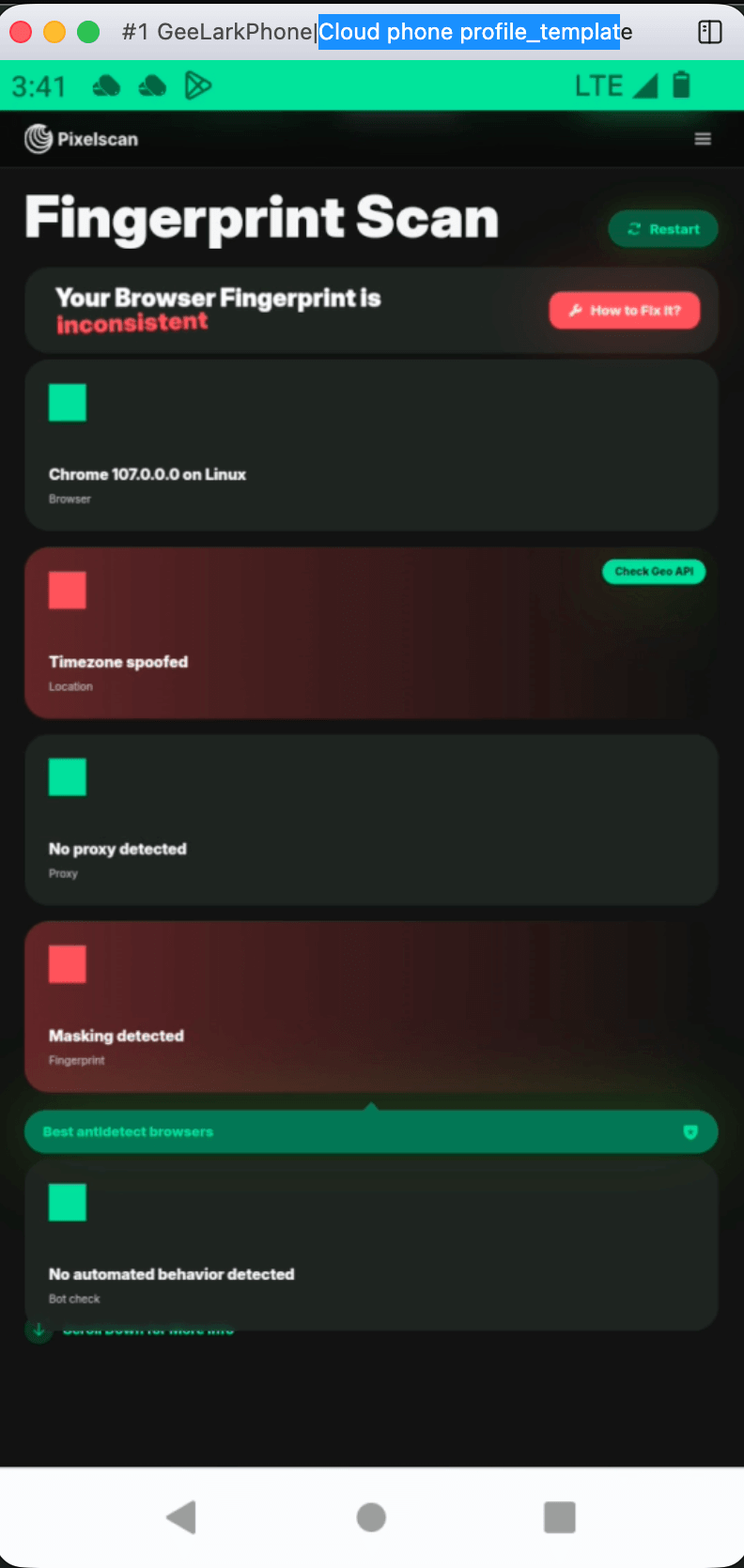
Pixelscan Tutorial: Run and Read a Fingerprint Test - What Pixelscan actually checks.
Pixelscan does not issue a pass/fail badge. It reports raw signals and flags combinations that look inconsistent. The main categories are:
- IP and location — the address you appear from, its ISP, and whether it is flagged as a proxy, VPN, or data center range.
- Time and language — your system timezone, browser language, and whether they match your IP's region.
- Navigator and headers — user agent, platform string, accept-language, and related HTTP headers.
- Hardware fingerprints — canvas rendering hash, audio fingerprint, WebGL vendor and renderer strings, screen resolution, and font list.
For a deeper explanation of how these signals combine into a tracking identifier, see this overview of browser fingerprinting protection. The practical takeaway: no single value matters much on its own — the story they tell together is what detection systems evaluate.
How to run a Pixelscan check
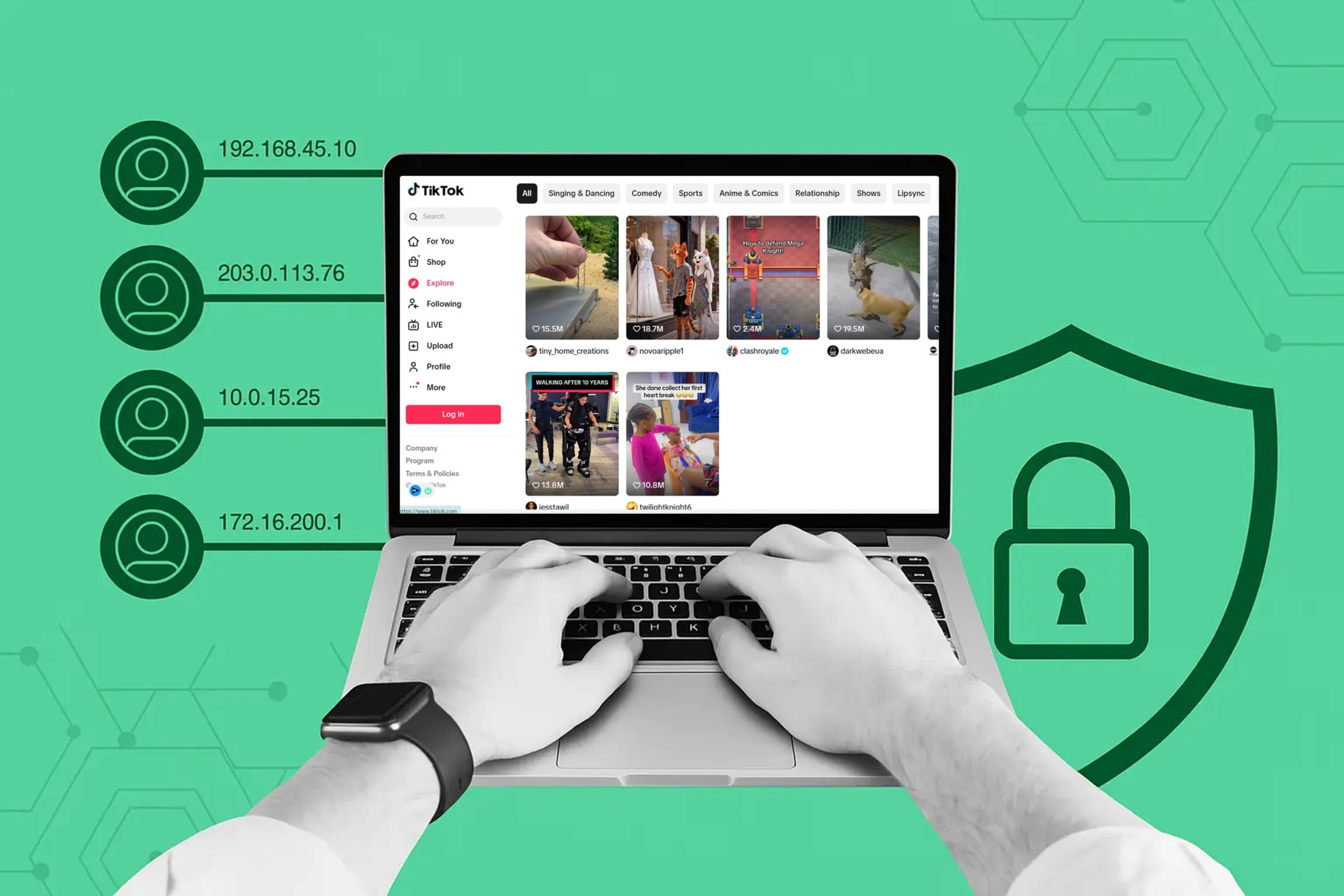
Pixelscan Tutorial: Run and Read a Fingerprint Test - How to run a Pixelscan check.
- Open your browser in the profile you want to test. If you use isolated profiles, launch the exact one you plan to log into accounts with.
- Go to the Pixelscan homepage and start the scan. No account or extension is required.
- Wait for the scan to finish. It runs several scripts in sequence, so give it a few seconds.
- Scroll through every result section instead of stopping at the top summary.
- Copy or screenshot the results so you can compare them against a later run.
Run the test twice on the same profile without changing anything. If the canvas hash, WebGL renderer, and timezone stay stable across both runs, your setup is consistent. If they change randomly, something in your spoofing layer is unstable — and unstable is often worse than a plain, honest fingerprint.
Reading the results category by category
Pixelscan Tutorial: Run and Read a Fingerprint Test - Reading the results category by category.
IP address and proxy detection
Check that the displayed IP is the one you expect. If you are behind a VPN or proxy, the real address should not appear anywhere on the page. A residential-looking IP that matches your declared region is the least suspicious outcome; a data center range in a country that contradicts your timezone is a common red flag.
Timezone and language alignment
Your browser timezone, system language, and accept-language header should point to the same region as your IP. A US English browser exiting through an Indonesian IP looks unnatural to fraud scoring systems even when nothing is technically broken. If you need a refresher on what a VPN does and does not hide, this VPN explanation and verification guide covers the mechanics.
Canvas and audio fingerprints
The canvas hash is derived from how your device renders a hidden graphic. Identical hashes across supposedly separate profiles usually mean spoofing is not working. A missing or default audio fingerprint can indicate an automated or headless environment.
WebGL and hardware consistency
WebGL exposes GPU vendor and renderer strings. If your user agent claims macOS but the renderer names a Windows-only GPU or a virtual adapter, that contradiction is easy to detect. Screen resolution and font lists should also fit the device you claim to be.
Common red flags and what they mean

Pixelscan Tutorial: Run and Read a Fingerprint Test - Common red flags and what they mean.
| Symptom | Likely cause | What to do |
|---|---|---|
| Real IP visible despite VPN | DNS or WebRTC leak | Run a dedicated leak test, then recheck |
| Same canvas hash on multiple profiles | Spoofing disabled or shared | Re-enable per-profile canvas noise |
| WebGL vendor contradicts user agent | Incomplete profile config | Align OS, GPU, and user agent |
| Timezone differs from IP region | Proxy in another country | Match proxy location to profile locale |
| Values change on every reload | Unstable randomization | Prefer a consistent per-profile fingerprint |
Verifying a mismatch with a second tool
Pixelscan tells you what it sees, but it does not simulate how a specific platform will score you. When a result looks wrong, confirm it before you start changing settings. BrowserScan is a free, no-install option for that second pass: its fingerprint analysis, IP lookup, and DNS and WebRTC leak tests cover the same core signals from a different data set, so agreement between the two tools is a stronger signal than either one alone. The BrowserScan setup walkthrough shows how to run a fingerprint check and read the score in a few minutes.
A practical loop for anyone managing multiple profiles:
- Configure the profile's language, timezone, OS, and WebGL settings.
- Run Pixelscan and note the canvas hash, WebGL renderer, and IP details.
- Run BrowserScan on the same profile and compare the reported fingerprint and leak status.
- Fix any contradiction, then retest both tools before logging into a sensitive account.
If you maintain several identities, treat this as part of a repeatable routine rather than a one-time check. The same discipline applies to session handling — see this guide to session validation and tokens for how platforms tie fingerprints to logged-in sessions.
When Pixelscan is the wrong tool
Pixelscan is a diagnostic, not a fix. It will not tell you how Facebook, Google, or an ad network will react to your fingerprint, and it will not warn you that ten accounts share the same profile template. It also does not evaluate behavioral signals like typing rhythm or navigation patterns. Use it to confirm that your environment looks plausible, and rely on your own process discipline to avoid reuse across accounts.
Related reading
- Browser Security: Threats, Tests & Best Practices (2025) - Learn how browser security works, the top threats like phishing and malicious extensions, and how to test your browser for leaks and fingerprinting.
- Chameleon Mode: Real Browser Management for Multi-Accounts - Chameleon Mode uses stock browsers with isolated profiles instead of modified Chromium. Learn how it works, who it's for, and how to verify your setup.
Sources and further reading
- How to Use Pixelscan to Detect Browser Fingerprint Leaks - Use Pixelscan to improve your browser fingerprint within your Incogniton browser profiles. Discover how it works and which elements you can check.
- How to add and configure proxy settings in Chrome for privacy and security | Pixelscan - Google Chrome is one of the most popular browsers worldwide. There are several reason to that - its speed, functionality, and ease of use. However,
FAQ
Is Pixelscan free to use?
Yes. The check runs in the browser with no registration, installation, or paid tier required.
Does Pixelscan store my results?
Pixelscan states that it does not store test results. Even so, avoid running scans on profiles you consider highly sensitive if that matters to you.
Why does my canvas hash stay the same across profiles?
That usually means canvas spoofing is off, shared, or overridden by another extension. Real devices produce subtly different rendering output, so identical hashes across profiles are a spoofing tell.
Can Pixelscan detect a VPN?
It can often identify that an IP belongs to a VPN, proxy, or hosting provider, and it will flag region mismatches. Whether that matters depends on the site you are visiting.
Should I use Pixelscan or BrowserScan?
Use both. Pixelscan gives a detailed component-by-component view; BrowserScan adds fingerprint scoring plus DNS, WebRTC, and port checks. Cross-checking reduces the chance of acting on a false alarm.
How often should I run a fingerprint test?
After creating a profile, after changing any spoofing setting, and immediately before logging into a platform that enforces fingerprint-based detection.
Conclusion
A Pixelscan tutorial is really a lesson in coherence: the goal is not a perfect fingerprint but a believable one where IP, timezone, language, and hardware signals agree. Run the scan, read every section rather than the headline, and retest after each change. Pair it with a second checker like BrowserScan to separate genuine leaks from harmless variation, and you will catch most fingerprint problems before a platform does.