
Browser Fingerprint Test 2026: See What Sites Detect

Browser Fingerprint Test 2026: See What Sites Detect
A VPN hides your IP address, but it does not hide your browser. That is the gap most people miss. Even with a fast, well-reviewed VPN running, a site can still recognize your device through dozens of signals your browser broadcasts on every page load. A browser fingerprint test shows you exactly what those signals are before a tracker uses them against you.
This guide explains what a fingerprint test measures, how to read the results, and how to check whether your VPN, proxy, or anti-detect setup is actually doing what you think it is.
What a Browser Fingerprint Actually Contains
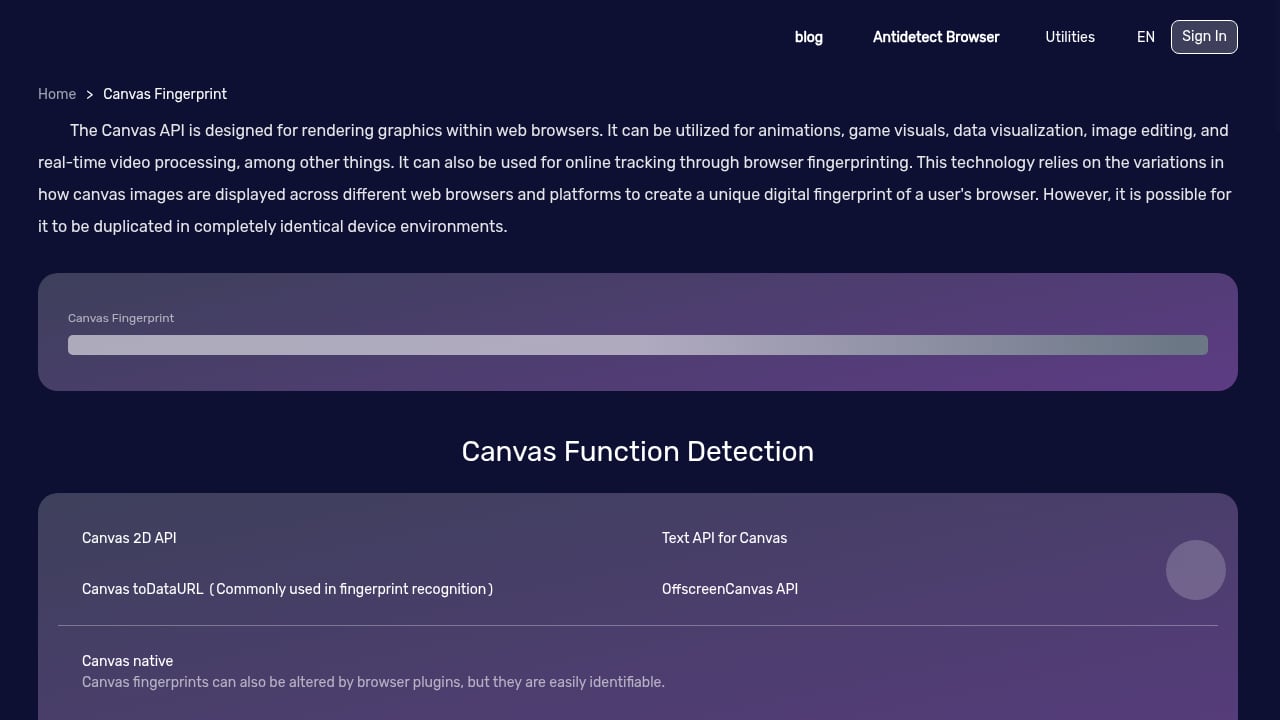
First viewport screenshot of Canvas Fingerprint.
Your fingerprint is the combined set of properties a site can read without asking permission. Individually, most are harmless. Together, they can identify you across sessions, browsers, and even after you clear cookies.
Common components include:
- User agent and client hints — browser name, version, platform, and architecture
- Canvas and WebGL rendering — tiny differences in how your GPU draws graphics
- Screen and viewport data — resolution, color depth, device pixel ratio
- Hardware signals — CPU cores, memory, touch support, media devices
- Network signals — IP address, timezone, language, DNS resolvers
- Fonts and audio output — installed font lists and audio processing quirks
A fingerprint test collects these, hashes them, and shows you how unique the combination is.
Why a VPN Alone Is Not Enough
VPN reviews focus on speed, streaming, and server counts. Those matter, but they answer a different question than "can a website still tell it's me?" A VPN changes your IP. It does not change your canvas hash, your client hints, or your timezone.
That mismatch is where leaks appear. If your IP says one country and your browser timezone says another, that inconsistency is itself a signal. Anti-fraud systems flag it. So do fingerprinting scripts.
This is why privacy testing and VPN testing are complementary, not competing. You need both: a tunnel for the network layer, and a fingerprint check for the browser layer.
How to Run a Fingerprint Test
First viewport screenshot of BrowserScan - Two factor authentication(2FA)/2FA tools/2FA Solution/2FA online tools.
- Open a fingerprint detection tool in the browser profile you actually use for sensitive browsing. Testing a clean profile tells you nothing about your real setup.
- Run the scan and note your fingerprint hash and authenticity score.
- Check the network section for IP, proxy detection, and blacklist status.
- Run a DNS leak test to confirm your queries resolve through the resolver you expect.
- Run a WebRTC leak test to see whether your real IP is exposed through WebRTC.
- Repeat after each change — new VPN server, new browser, new extension — and compare hashes.
If the hash changes every time you reconnect, your setup is doing real work. If it stays identical, your fingerprint is stable and trackable.
Reading the Results: What Each Signal Tells You
Fingerprint authenticity score
A low or unstable score often means your browser is presenting contradictory data — a classic sign of spoofing tools that patch one value but not the others. Consistency matters more than randomness. A fingerprint that looks like a real, common device is harder to single out than one that looks synthetic.
IP and proxy detection
This section tells you whether your connection looks like a datacenter, a residential line, or a known proxy. Datacenter IPs are not automatically bad, but they are treated differently by many sites.
DNS leak test
DNS is the most common silent leak. Your traffic goes through the VPN while your DNS queries go to your ISP. The result: your provider still sees every domain you visit. A leak test shows which resolver actually answered.
WebRTC leak test
WebRTC can reveal your local and public IP even when a VPN is active, depending on browser and configuration. If the test shows your real address, that is a concrete, fixable problem.
Canvas fingerprint analysis
Canvas rendering is one of the most persistent tracking vectors because it is hard to normalize without breaking legitimate graphics. The test shows your canvas hash and whether it is distinctive.
Client hints inspection
Modern Chromium browsers send structured client hints that are far more detailed than the old user agent string. Inspecting them shows what version, platform, and device class you are advertising.
Bot detection and browser kernel detection
These checks reveal whether automation frameworks or unusual browser builds are visible. They matter for developers testing scrapers, QA engineers verifying compatibility, and anyone who needs to confirm a browser is behaving like a normal one.
Practical Scenarios
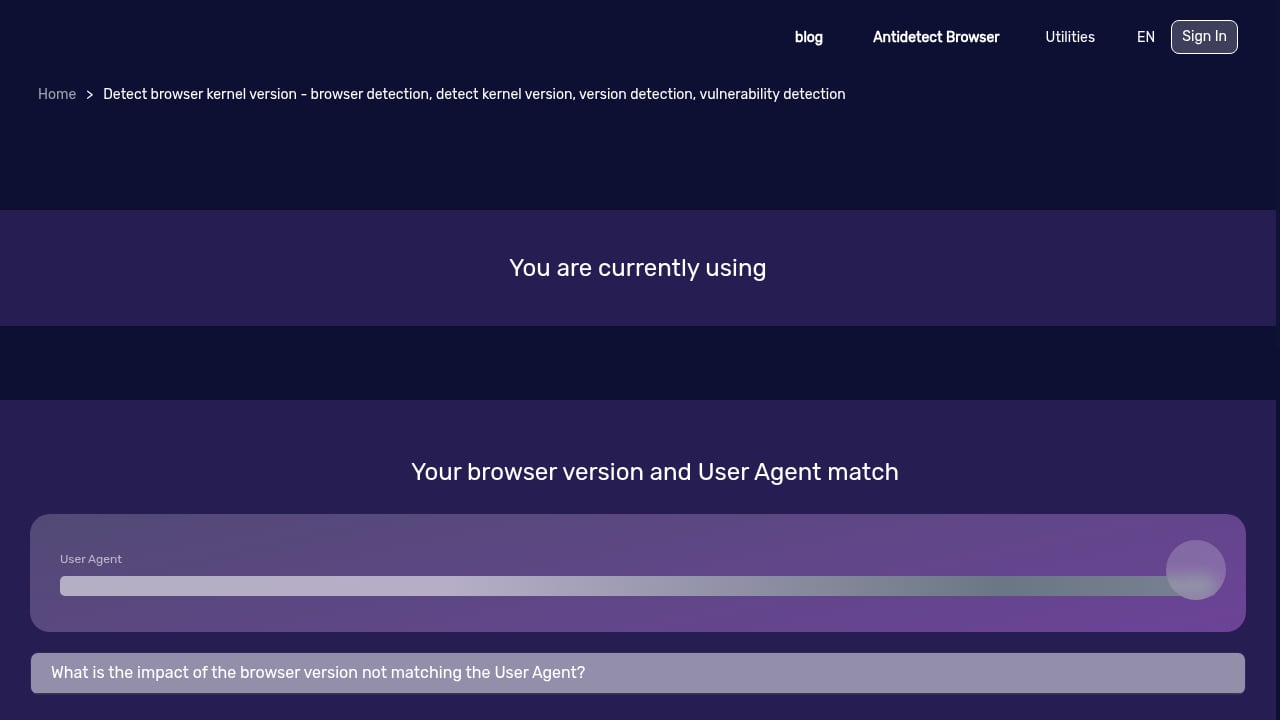
First viewport screenshot of Browser kernel detection - Browser detection, kernel version detection, version detection, vulnerability detection - BrowserScan.
You use a VPN for privacy. Run the fingerprint test with the VPN on. If your DNS or WebRTC test exposes your real IP, the VPN is not covering the layer you assumed. Fix the leak before trusting the tunnel.
You manage multiple accounts. Fingerprint stability across sessions is a liability. Compare hashes between profiles to see whether they are genuinely isolated or accidentally sharing signals.
You build or test web apps. Client hints, kernel detection, and bot detection checks help you verify that your app sees the browsers you expect — and that your own test automation is not obviously flagged.
You are evaluating privacy tools. A fingerprint test gives you evidence instead of marketing claims. You can measure whether a tool changed anything.
Choosing the Right Testing Setup
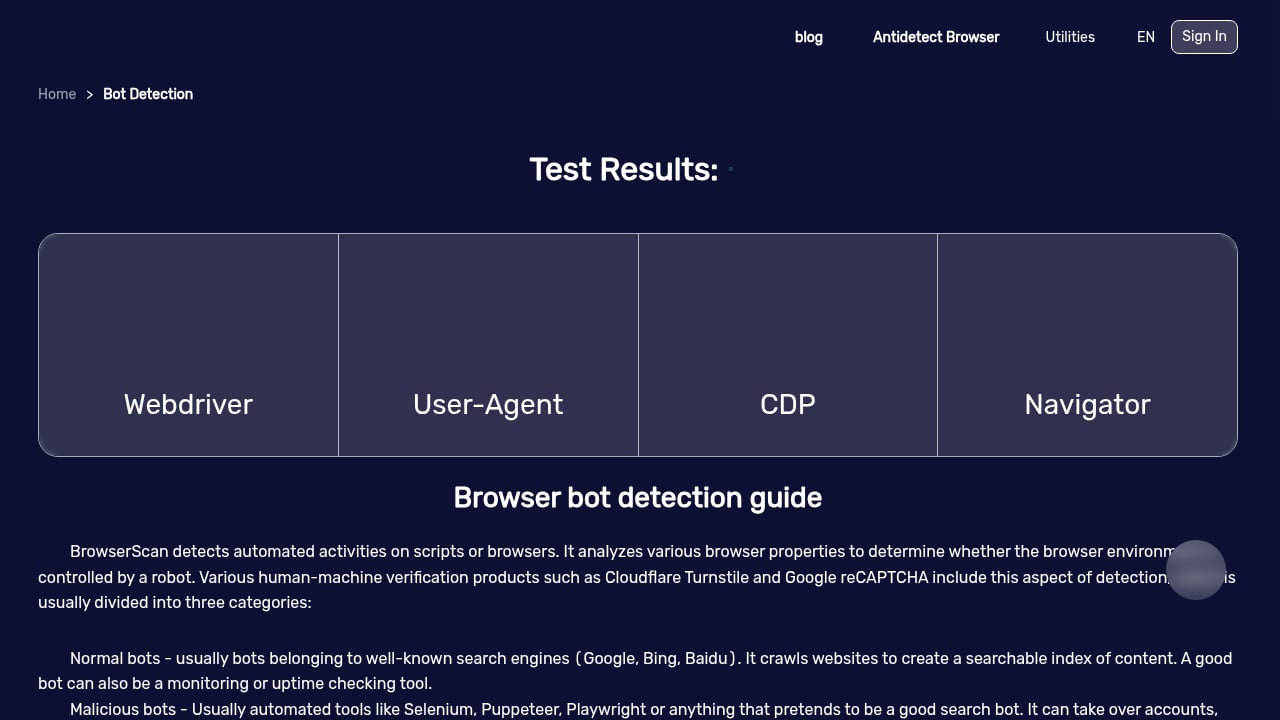
First viewport screenshot of BrowserScan - Robot Detection/WebDriver.
Not every tool covers every layer. Some focus on fingerprinting, others on leak detection, others on IP intelligence. For a broader view of what is available in 2026, see our ranked list of online privacy testing tools. If you want to compare detection depth specifically, the breakdown of BrowserScan vs BrowserLeaks vs Pixelscan covers where each tool is strong.
For a deeper look at how fingerprint detection fits into a full privacy workflow, read BrowserScan Fingerprint Detection: Best Privacy Tool 2026.
What to Do After the Test
- Fix leaks first. DNS and WebRTC leaks are concrete and correctable. Address them before worrying about fingerprint entropy.
- Normalize, do not randomize. A consistent, common-looking fingerprint is safer than a unique one.
- Re-test after every change. VPN server switches, browser updates, and new extensions all alter your fingerprint.
- Keep a baseline. Record your hash and score so you can tell when something changes unexpectedly.
Related reading
- Top 10 Online Privacy & IP Intelligence Tools 2026 - We ranked the 10 best online privacy and IP intelligence tools of 2026 by IP data depth, leak detection, fingerprinting, and value. See which fits your workflow.
- How to Use BrowserScan with BigDataCloud IP Geolocation APIs - Pair BrowserScan fingerprint detection with BigDataCloud's IP geolocation and reverse geocoding APIs to verify location signals and fix privacy leaks.
- BrowserScan vs BrowserLeaks: Best Fingerprint Detection Tool? - Compare BrowserScan and BrowserLeaks for fingerprint detection, DNS, WebRTC and proxy leak testing. See which privacy tool fits your workflow in 2026.
Sources and further reading
- Best VPN Service for 2026: The Top-Ranked VPNs in Our Testing - An up-to-date guide to keeping your online activity private.
- The Best VPN Services We've Tested for 2026 - Using a VPN (or virtual private network) is one of the best ways to protect your online privacy. We review dozens every year, and these are the top VPNs we've tested.
- Best VPN 2026 🔥 I Tested 4 Top VPNs — Here’s My #1 Pick - Best VPN 2026 | Full VPN comparison of Surfshark, NordVPN, Proton VPN, and ExpressVPN for speed, privacy, streaming, and value.✅ *Get Surfshark 86% Off + 4 M...
FAQ
Does a VPN change my browser fingerprint? No. A VPN changes your IP and routing. Your canvas hash, client hints, fonts, and hardware signals stay the same unless you change browsers or use a tool that modifies them.
Why does my fingerprint stay the same after switching VPN servers? Because the fingerprint is generated from browser and hardware properties, not your IP. Only the network-related fields should change.
What is a DNS leak and why does it matter? It means your DNS queries bypass the VPN and reach your ISP's resolver. Your ISP can then see which domains you request, even though your traffic is encrypted.
Is a unique fingerprint bad? Usually yes. Uniqueness makes you easier to single out. A fingerprint that blends into a large group of similar devices is better for privacy.
Can fingerprint tests detect bots? Yes. Bot detection checks look for automation signatures, inconsistent properties, and headless browser behavior. These are useful for developers and security researchers.
Conclusion
A VPN is one layer of privacy. Your browser fingerprint is another, and it is the layer most people never check. Running a fingerprint test takes minutes and tells you something no VPN review can: whether your setup is actually consistent, leak-free, and hard to track.
Test first, fix what is broken, then re-test. That loop — not any single tool — is what keeps your digital identity from being pieced together across the web.