
Best BrowserScan Fingerprint Detection Tool: Improve Online Privacy
Best BrowserScan Fingerprint Detection Tool: Improve Online Privacy
Your browser may reveal more about you than your IP address. BrowserScan's fingerprint detection tool shows the unique combination of signals that websites can use to recognize you, and it helps you close the gaps that leak privacy. This article explains what browser fingerprinting is, how to run a diagnostic, and how to act on the results.
What browser fingerprinting actually collects
First viewport screenshot of www.browserscan.net.
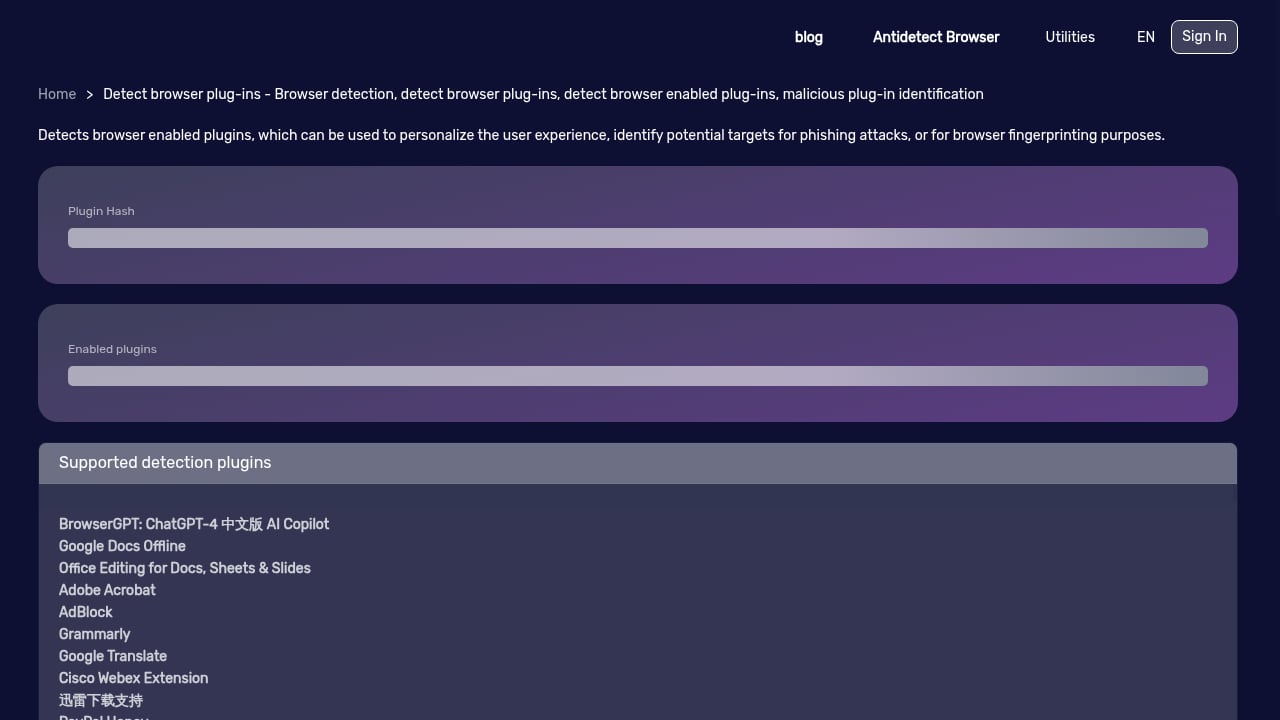
A browser fingerprint is a set of attributes that, combined, can identify a device even without cookies. Common components include:
- User agent and platform: browser version, operating system, and device type.
- Screen and window properties: resolution, color depth, and available fonts.
- Canvas and WebGL rendering: tiny differences in how graphics are drawn.
- Audio and hardware signals: audio processing quirks and hardware concurrency.
- Network details: IP address, time zone, language, and DNS behavior.
- Leak surfaces: WebRTC local IP exposure and proxy misconfiguration.
Individually these signals look harmless. Together they can be distinctive enough to track you across sites and sessions, which is why a fingerprint check belongs in any privacy routine.
Why an online privacy diagnostic tool matters
First viewport screenshot of www.browserscan.net.
Most people check their IP address and stop there. That misses the bigger picture. A privacy diagnostic tool tests the browser layer—the part that stays visible even when you use a VPN. If your fingerprint is inconsistent or unusually unique, sites can still profile you.
A good diagnostic gives you three things:
- Visibility: a clear report of what your browser exposes.
- Consistency checks: whether your IP, time zone, language, and user agent tell the same story.
- Actionable leaks: specific tests such as WebRTC and DNS leaks that you can fix.
How to run a BrowserScan fingerprint check
First viewport screenshot of www.browserscan.net.
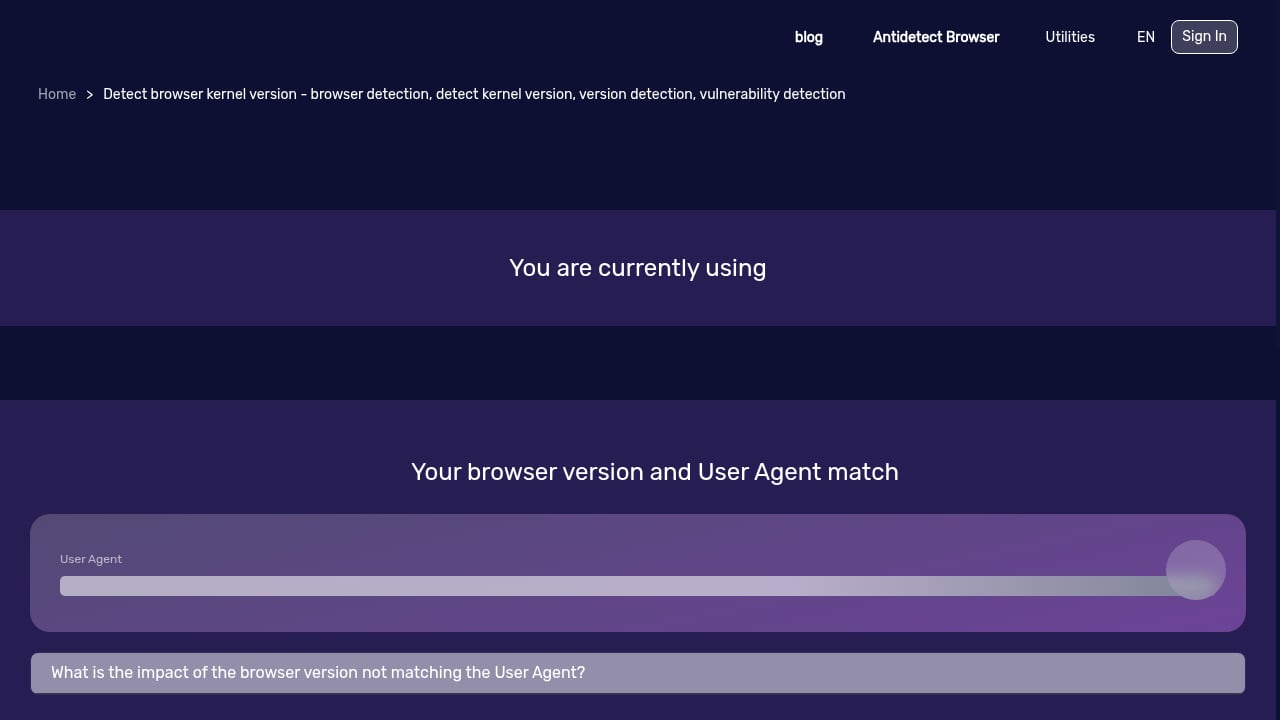
BrowserScan is built for exactly this kind of browser-level inspection. The tool supports DNS leak tests, WebRTC leak tests, proxy server detection, IP checks, user agent parsing, a port scanner, a speed test, and 2FA live checks. Here is a practical workflow:
- Open the fingerprint test and let it collect your browser signals.
- Review the uniqueness score and note which attributes stand out.
- Run the leak tests—WebRTC and DNS first, since these are the most common exposure points.
- Check IP and proxy detection to confirm your connection matches what you expect.
- Parse your user agent to see whether it reveals an outdated or mismatched browser.
- Record a baseline before making changes, then retest after each fix.
For a step-by-step walkthrough that combines BrowserScan with a fingerprint browser, see the BrowserScan Fingerprint Detection Tool Tutorial: Enhancing Privacy and Security with AdsPower.
Reading your results: what matters most
Not every signal deserves equal attention. Prioritize these areas:
Uniqueness versus consistency
A highly unique fingerprint is easier to track. But a fingerprint that is inconsistent—for example, a European IP with a US time zone—is a red flag that can trigger extra scrutiny. Aim for a coherent profile rather than a random one.
Leak tests
WebRTC leaks can expose your real local IP even when you use a proxy. DNS leaks reveal which resolver is handling your queries. Both are quick to test and often fixable through browser settings or extension configuration.
Proxy and IP alignment
If you use a proxy, confirm that the detected IP, geolocation, and time zone align. BrowserScan's proxy server detection helps you spot mismatches before they become a problem.
Browser hygiene
An outdated user agent or unusual configuration can make you stand out. Keeping your browser updated and avoiding unnecessary extensions reduces your surface area.
BrowserScan in context: how it compares
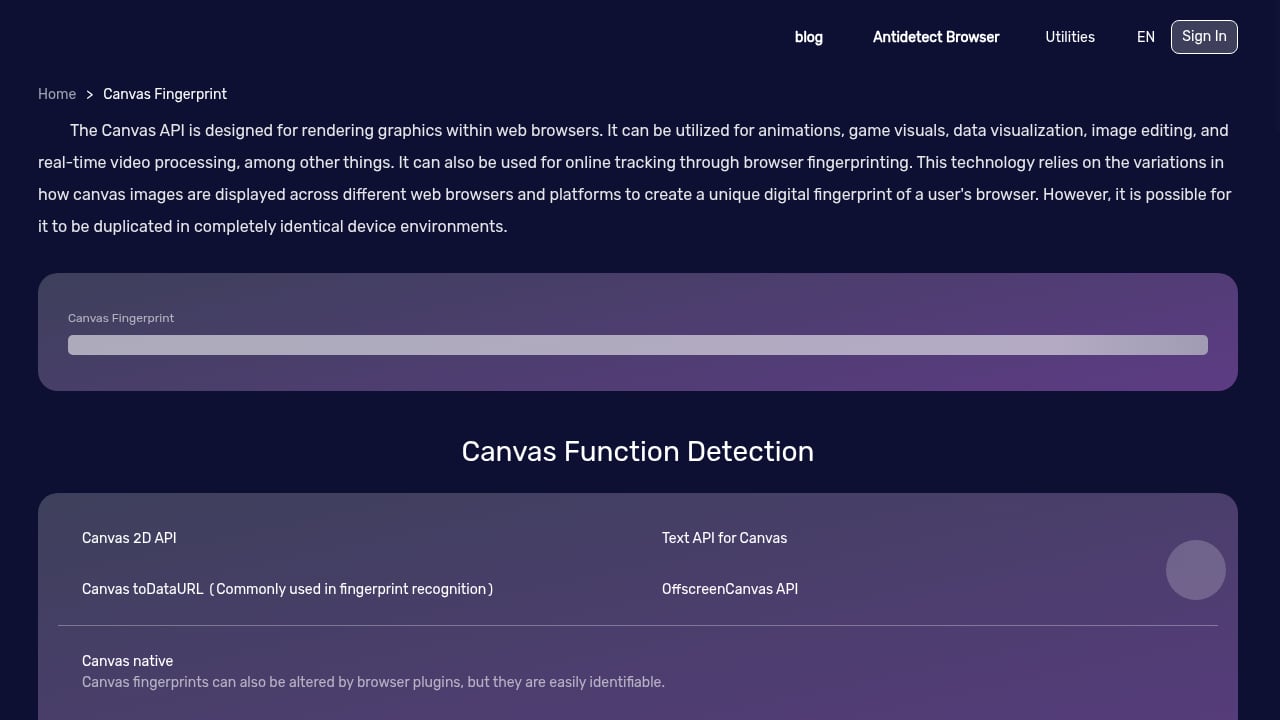
First viewport screenshot of www.browserscan.net.
BrowserScan focuses on fingerprint depth and leak diagnostics. Other tools approach privacy from different angles. BrowserAudit, for example, runs hundreds of tests on how well your browser implements security standards—useful for assessing browser security rather than fingerprint exposure. You can try it at BrowserAudit.
For a broader comparison of fingerprint testing tools, see our Top 10 Browser Privacy & Fingerprint Testing Tools 2026. If you are deciding between specific options, the BrowserScan vs PrivacyTestLab vs ToDetect comparison breaks down signal coverage and usability.
Practical fixes after a diagnostic
Once you have your report, act in this order:
- Fix leaks first: disable or configure WebRTC, and set a trusted DNS resolver.
- Align your profile: match time zone and language to your IP location, especially when using a VPN or proxy.
- Reduce uniqueness: limit unnecessary extensions, block third-party scripts where possible, and avoid rare font or screen configurations if they are not needed.
- Update your browser: patches close security gaps and can normalize your user agent.
- Retest: run the fingerprint check again to confirm improvements and record the new baseline.
When to use a fingerprint tool versus other privacy scans
Different diagnostics answer different questions. A personal privacy scan, such as the one offered by Experian, looks for exposed personal data on people-search and data-broker sites. A privacy code scanning tool like Privado AI helps engineering teams map how data flows through their own applications. BrowserScan answers a narrower but critical question: what does my browser reveal right now, and where does it leak?
Use BrowserScan when you want to test fingerprint exposure, leaks, and proxy alignment. Use data-broker scans when you want to find where your personal information is published. Use code scanning when you build software and need privacy governance. They complement each other.
Related reading
- BrowserScan vs Whoer.net: Which Privacy Check Fits You? - Compare BrowserScan and Whoer.net on fingerprint depth, leak tests, IP risk scoring, and usability to choose the right privacy checker for your needs.
FAQ
What is a browser fingerprint?
A browser fingerprint is a combination of attributes—such as user agent, screen size, fonts, canvas rendering, and network details—that can identify a device across websites.
Can a VPN hide my browser fingerprint?
A VPN hides your IP address, but it does not change most browser fingerprint signals. You still need to check and manage your fingerprint separately.
How often should I run a fingerprint check?
Run one after changing browser settings, installing extensions, switching VPN or proxy servers, or updating your browser. A quarterly check is a reasonable baseline for most users.
What is a WebRTC leak?
A WebRTC leak occurs when your browser exposes your real local or public IP address through WebRTC, even when you are using a proxy or VPN.
Does BrowserScan store my data?
BrowserScan is designed as a diagnostic tool. Review the tool's own privacy information for details on data handling before running tests.
Conclusion
Browser fingerprinting is a quiet but persistent privacy issue. A diagnostic tool turns it into something you can see and manage. BrowserScan's fingerprint detection and leak tests give you a practical way to check what your browser exposes, fix leaks, and keep your profile consistent. Start with a baseline test, address the biggest leaks first, and retest to confirm your progress.