
BrowserScan vs BrowserLeaks: Best Fingerprint Detection Tool?
BrowserScan vs BrowserLeaks: Which Fingerprint Detection Tool Fits Your Privacy Workflow?
Your browser leaks more than you think. Every visit exposes canvas hashes, WebGL renderers, time zone mismatches, DNS requests, and sometimes your real IP through WebRTC. Two tools dominate the conversation: BrowserScan and BrowserLeaks. Both test your browser, but they answer different questions. This comparison breaks down what each one actually does, where BrowserLeaks falls short, and how to pick the right tool for your setup.
What Each Tool Actually Tests
BrowserScan: risk-focused fingerprint and leak detection
BrowserScan presents a single dashboard that combines fingerprint authenticity scoring with leak detection. According to its homepage, it supports DNS leak testing, 2FA live codes, IP checks, browser checking, port scanning, speed tests, User-Agent parsing, proxy server detection, and WebRTC leak testing.
The standout feature is the browser fingerprint authenticity score, which rates how natural your browser environment looks to anti-bot and anti-fraud systems. This matters if you run antidetect browsers or proxies and need confirmation that your profile does not look synthetic.
Other BrowserScan modules include:
- Kernel detection (checks whether your kernel matches your User-Agent)
- Bot detection
- Canvas and WebGL fingerprinting
- WebGPU browser report
- Client Hints and plugin detection
- Media device enumeration
- Time zone consistency checks
- Gyroscope visualizer
BrowserLeaks: modular raw-data fingerprinting
BrowserLeaks describes itself as a suite of tools that evaluate browser security and privacy by identifying how websites may leak your real IP address, collect device information, and perform fingerprinting.
Its strength is depth. BrowserLeaks covers IP address privacy, JavaScript data extraction, WebRTC leak testing, Canvas fingerprinting, WebGL reports, font fingerprinting, Geolocation API analysis, feature detection, TLS client testing, and content filter detection. It also offers experimental tools like QUIC client testing, TCP/IP fingerprinting, HTTP/2 fingerprinting, Chrome extension detection, and CSS media query brute-forcing.
BrowserLeaks explicitly states it does not collect personal data, store user fingerprints, or set non-essential cookies. That is a genuine privacy commitment worth noting.
Where BrowserScan Wins
1. A single risk score instead of raw data
BrowserLeaks gives you raw output. You see your canvas hash, your WebGL renderer string, your TLS fingerprint. But it does not tell you whether those values are suspicious. BrowserScan's authenticity score translates technical signals into a risk indicator. For users validating antidetect browser profiles, that score is the difference between guessing and knowing.
2. Broader utility beyond fingerprinting
BrowserScan bundles tools that BrowserLeaks does not offer in the same interface: port scanning, online speed testing, live 2FA code generation, currency conversion, and cookie format conversion. If you want one bookmark that covers fingerprint checks plus everyday utilities, BrowserScan consolidates more.
3. Proxy and bot detection in context
BrowserScan explicitly lists proxy server detection and bot detection as supported features. BrowserLeaks covers content filters and Chrome extension detection, but does not present a unified proxy risk assessment. For anyone running proxies, that distinction matters.
4. Guided interpretation
BrowserScan labels sections with plain-language headers like "What websites see about you" and groups results into Internet Speed, Kernel detection, Bot Detection, WebRTC leak, IP address, Hardware, and more. BrowserLeaks organizes by technology category (IP Address, JavaScript, WebRTC, Canvas, WebGL), which is logical for developers but less intuitive for general users.
Where BrowserLeaks Falls Short
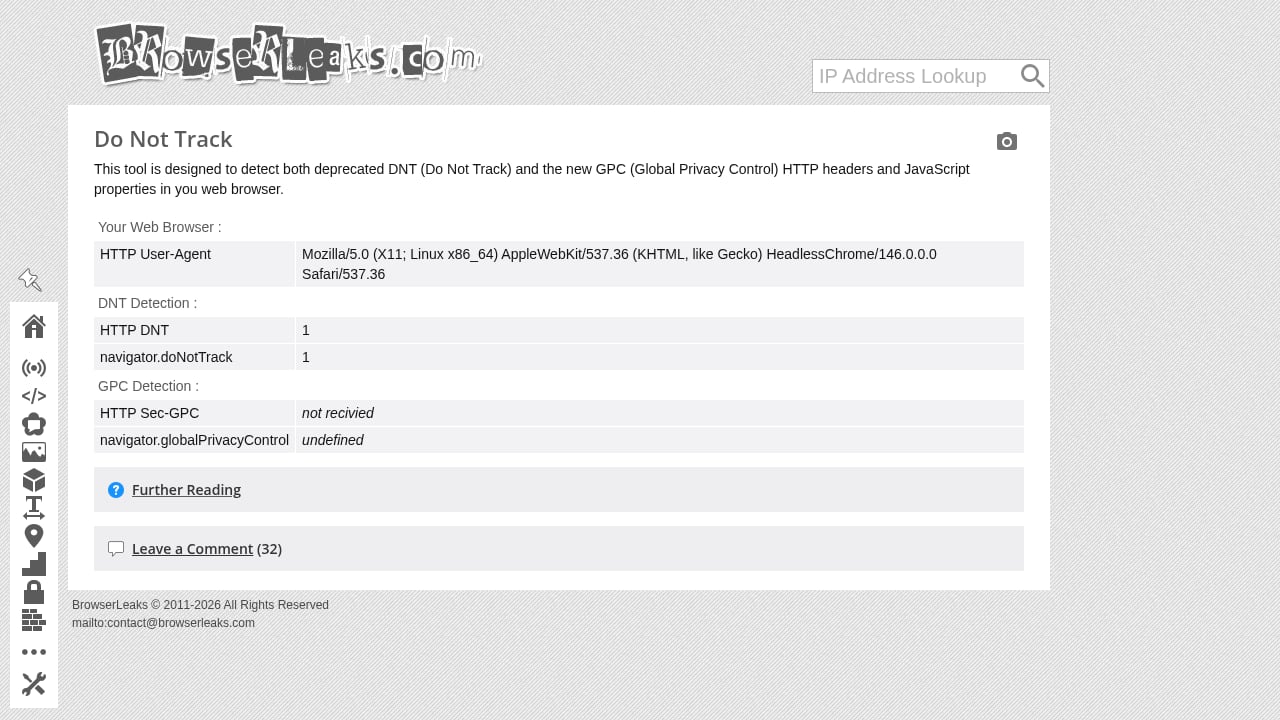
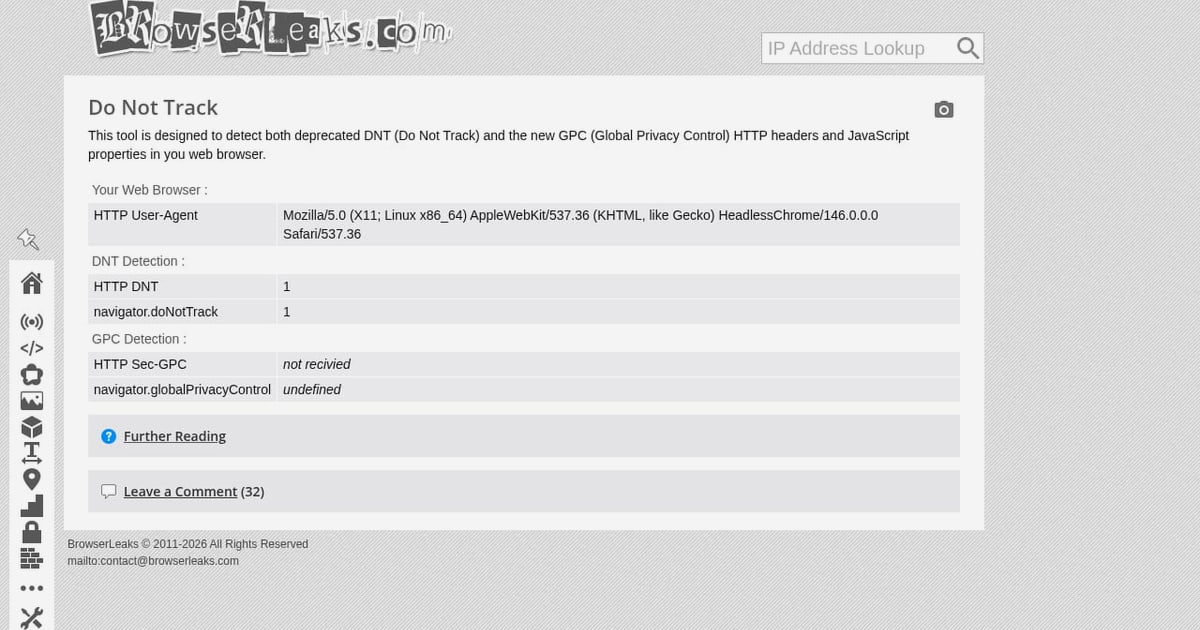
First viewport screenshot of Do Not Track & Global Privacy Control.
No risk score
BrowserLeaks does not provide a risk score. Users get raw data and must interpret it themselves. As noted in a 2026 fingerprint tool comparison on IPhey's blog, BrowserLeaks "does not actually provide a risk score" and "results require interpretation." That is fine for security researchers but frustrating for anyone who just wants to know: am I exposed or not?
Steep learning curve
The same comparison notes BrowserLeaks "may not be the most beginner-friendly option" and is "best suited for developers and security experts." If you do not know what a JA3 fingerprint or a ClientHello is, the TLS Client Test page will not help you.
Fragmented experience
BrowserLeaks is a collection of separate pages, not a unified dashboard. You check WebRTC on one page, DNS on another, Canvas on a third. There is no single view that aggregates your exposure. BrowserScan presents everything on one screen.
Experimental tools marked as broken or deprecated
BrowserLeaks itself labels some tools as "new, experimental, controversial, broken, and deprecated." That honesty is commendable, but it means parts of the suite may not be reliable for production privacy checks.
Head-to-Head Comparison

BrowserScan vs BrowserLeaks: Best Fingerprint Detection Tool? - Head-to-Head Comparison.
| Feature | BrowserScan | BrowserLeaks |
|---|---|---|
| Fingerprint authenticity score | Yes | No |
| DNS leak test | Yes | Yes |
| WebRTC leak test | Yes | Yes |
| Proxy server detection | Yes | Partial (content filters) |
| Bot detection | Yes | No |
| Port scanner | Yes | No |
| 2FA live codes | Yes | No |
| Speed test | Yes | No |
| Canvas fingerprinting | Yes | Yes |
| WebGL report | Yes | Yes |
| TLS/JA3 fingerprint | No | Yes |
| Font fingerprinting | No | Yes |
| Unified dashboard | Yes | No |
| Beginner-friendly | Yes | No |
When to Use Each Tool
Choose BrowserScan if:
- You want a single risk score that tells you how exposed you are
- You run antidetect browsers or proxies and need validation
- You prefer a consolidated dashboard over scattered test pages
- You want extra utilities like port scanning and 2FA codes in the same place
Choose BrowserLeaks if:
- You are a developer or security researcher who needs raw TLS, TCP/IP, or HTTP/2 fingerprints
- You want to inspect specific technical parameters like JA3/JA4 or QUIC fingerprints
- You need font fingerprinting or CSS media query analysis
Use both if:
- You want maximum coverage. Run BrowserScan for the risk overview, then dig into BrowserLeaks for granular TLS and font data.
Practical Workflow: Combining Both Tools
- Start with BrowserScan to get your fingerprint authenticity score and check for DNS, WebRTC, and proxy leaks on one screen.
- If BrowserScan flags a mismatch, use BrowserLeaks' WebRTC Leak Test page to confirm whether your real IP is exposed.
- Check BrowserLeaks' DNS Leak Test for server-side DNS resolution details.
- Compare your BrowserScan time zone consistency result against BrowserLeaks' Geolocation API output.
- For antidetect browser validation, rely on BrowserScan's bot detection and authenticity score, then verify TLS fingerprints on BrowserLeaks.
For a deeper walkthrough on pairing BrowserScan with IP verification, see How to Use BrowserScan Fingerprint Detection with IP.me. If you want to see how BrowserScan stacks up against other tools, read BrowserScan vs ToDetect: Best Fingerprint Detection Tool.
Related reading
- ToDetect Review 2026: Free Fingerprint & IP Purity Test - Hands-on ToDetect review: browser fingerprint detection, IP purity checks, proxy and WebRTC leak signals, pricing, setup, and who it actually fits.
- BrowserScan Fingerprint Detection: Best Privacy Tool 2026 - BrowserScan fingerprint detection reveals your browser fingerprint, DNS and WebRTC leaks, proxy signals, and more. Test your privacy and fix leaks today.
- Top 10 Online Privacy Testing Tools 2026: Ranked & Tested - We ranked the 10 best online privacy testing tools of 2026 by fingerprint depth, leak coverage, evidence quality, and price. See which fits your workflow.
Sources and further reading
- Best BrowserScan Fingerprint Detection Tool - Improve your online privacy security - Enhance your online security with the best BrowserScan fingerprint checking tool. Protect and prevent your privacy from leaking with our advanced technology.
- Browserleaks - Check your browser for privacy leaks - BrowserLeaks is a suite of tools that offers a range of tests to evaluate the security and privacy of your web browser. These tests focus on identifying ways in which websites may leak your real IP address, collect information about your device, and perform a browser fingerprinting.
FAQ
What is the main difference between BrowserScan and BrowserLeaks?
BrowserScan provides a unified dashboard with a fingerprint authenticity score and risk-focused leak detection. BrowserLeaks offers modular, raw-data fingerprinting tools for technical users. BrowserScan tells you if you are at risk; BrowserLeaks shows you the raw signals.
Does BrowserLeaks provide a risk score?
No. BrowserLeaks does not provide a risk score. Users must interpret raw fingerprint data themselves, which requires technical knowledge.
Can BrowserScan detect DNS leaks?
Yes. BrowserScan supports DNS leak testing as part of its privacy tool suite, alongside WebRTC leak testing and proxy server detection.
Is BrowserLeaks free to use?
BrowserLeaks is a free suite of tools. It states it does not collect personal data, store user fingerprints, or set non-essential cookies.
Which tool is better for antidetect browser validation?
BrowserScan is better suited for antidetect browser validation because it provides a fingerprint authenticity score and bot detection. BrowserLeaks lacks a risk score, making it harder to judge whether a profile looks natural.
Can I use both BrowserScan and BrowserLeaks together?
Yes. Many privacy professionals use BrowserScan for a quick risk overview and BrowserLeaks for deep technical analysis of TLS, TCP/IP, and font fingerprints.
Conclusion
BrowserScan and BrowserLeaks both serve the browser privacy space, but they target different users. BrowserLeaks is a deep technical toolkit for developers who want raw TLS, font, and canvas data. BrowserScan is a risk-focused dashboard that answers the practical question: does my browser look suspicious, and am I leaking anything?
For most people checking their online privacy, BrowserScan's authenticity score, unified interface, and broader utility set make it the more actionable choice. BrowserLeaks remains valuable as a secondary tool for granular technical inspection. Start with BrowserScan, and reach for BrowserLeaks when you need to go deeper.