
BrowserScan vs BrowserLeaks: Which Privacy Test Wins in 2026?
BrowserScan vs BrowserLeaks: Which Privacy Test Wins in 2026?
When you need to check what your browser reveals about you, two names come up often: BrowserScan and BrowserLeaks. Both are free, both run in your browser, and both aim to expose privacy leaks. But they take different approaches. BrowserLeaks gives you a collection of specialized, technical tests. BrowserScan wraps fingerprinting, leak detection, and authenticity scoring into a single dashboard. This article compares them on features, depth, usability, and fit so you can choose the right tool for your workflow.
What each tool does
BrowserScan vs BrowserLeaks: Which Privacy Test Wins in 2026? - What each tool does.
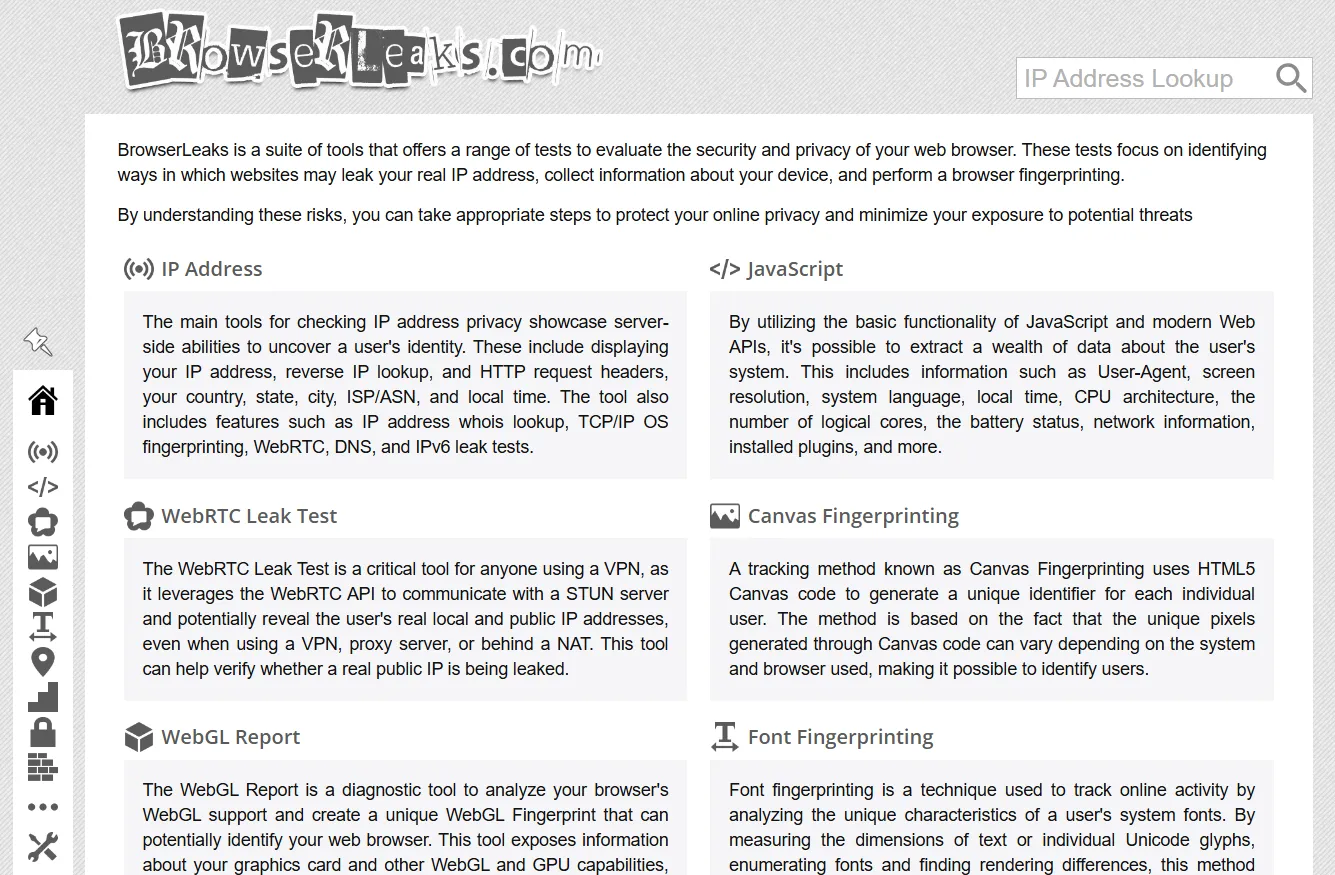
BrowserLeaks is a suite of tools that evaluates browser security and privacy. It focuses on identifying ways websites may leak your real IP address, collect device information, and perform browser fingerprinting. The site offers separate pages for IP address checks, JavaScript data, WebRTC leaks, Canvas fingerprinting, WebGL reports, font fingerprinting, geolocation, TLS client testing, and more. Each test is independent, and results are spread across many specialized pages.
BrowserScan is a free online suite of browser fingerprint detection and privacy testing tools. It helps you see what websites can learn about you by analyzing browser properties, hardware, network, and other signals. It includes DNS leak tests, WebRTC leak tests, bot detection, browser kernel detection, canvas fingerprint analysis, client hints inspection, 2FA code generation, cookie format conversion, and more. The platform provides a real-time fingerprint authenticity score, IP and proxy detection, blacklist checking, and detailed reports on browser version vulnerabilities. It positions itself as a comprehensive fingerprint detection tool that regularly updates with new capabilities.
How they compare on key tests
BrowserScan vs BrowserLeaks: Which Privacy Test Wins in 2026? - How they compare on key tests.
Fingerprinting approach
BrowserLeaks offers individual fingerprinting tests for Canvas, WebGL, fonts, audio, and hardware. Each test is highly detailed and aimed at technical users who want to inspect one vector at a time. There is no single overall score; you interpret each result separately.
BrowserScan combines fingerprint data into a trust score and a structured report across network, hardware, software, and consistency categories. It also includes a real-time authenticity score that helps you quickly spot potential issues. While BrowserScan may be less focused on individual fingerprint attributes than specialized tools, its integrated approach makes it easier to get a holistic view without jumping between pages.
WebRTC leak testing
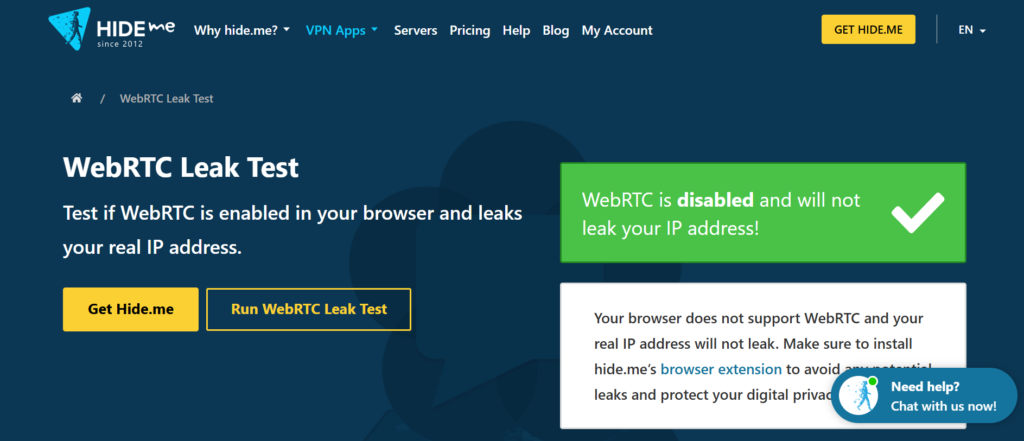
BrowserLeaks' WebRTC test shows all ICE candidates, including public IPs, local IPs, IPv6, and mDNS candidates. It provides a full technical breakdown of the WebRTC data collection process. This depth is useful for debugging specific WebRTC issues.
BrowserScan includes WebRTC IP leak detection as part of its full fingerprint report. It shows public IP, local IP, and IPv6 candidates alongside other signals. The WebRTC section is not as detailed as BrowserLeaks' dedicated page, but it is integrated with the rest of the profile, which helps when you need to verify an entire browser environment rather than just WebRTC.
DNS leak testing
BrowserLeaks offers a standalone DNS leak test page. It checks whether your DNS requests are leaking outside your VPN or proxy tunnel.
BrowserScan also provides a DNS leak test as part of its suite. Both tools cover the basics, but BrowserScan's DNS test is integrated with its overall privacy report, making it easier to correlate DNS leaks with other fingerprint inconsistencies.
Bot and automation detection
BrowserLeaks includes feature detection and content filter detection, but it does not have a dedicated bot detection module. Its focus is on fingerprinting and leak testing.
BrowserScan includes bot detection as a core feature. It analyzes automation signals and provides a bot detection verdict, which is valuable for developers, security researchers, and businesses that need to verify browser authenticity or detect automation. This is a significant advantage for anti-fraud and scraping workflows.
Browser kernel and client hints
BrowserLeaks offers a Client Hints test and a TLS Client Test, but it does not have a dedicated browser kernel detection tool.
BrowserScan includes browser kernel detection and client hints inspection. These features help you understand how your browser identifies its rendering engine and what client hints it sends, which can affect fingerprinting and compatibility.
Usability and presentation
BrowserLeaks presents results in a technical, text-heavy format. The interface can feel cluttered for users who just want a quick pass/fail result. There is no overall score, and you need to visit multiple pages to get a complete picture.
BrowserScan presents results in a clean dashboard with color-coded indicators and an overall trust score. It is designed to be readable at a glance while still offering detailed breakdowns. This makes it more accessible to non-technical users and faster for quick checks.
When to choose BrowserScan
BrowserScan vs BrowserLeaks: Which Privacy Test Wins in 2026? - When to choose BrowserScan.
- You want a single dashboard that summarizes fingerprint, leak, and authenticity signals.
- You need bot detection or browser kernel detection.
- You prefer a real-time trust score to quickly assess your browser environment.
- You are verifying anti-detect browser profiles or troubleshooting compatibility issues.
- You want integrated DNS and WebRTC leak tests alongside fingerprint data.
When to choose BrowserLeaks
BrowserScan vs BrowserLeaks: Which Privacy Test Wins in 2026? - When to choose BrowserLeaks.
- You need extremely detailed, standalone tests for specific fingerprint vectors like Canvas, WebGL, or fonts.
- You are debugging WebRTC at a low level and need full SDP output and ICE candidate details.
- You want to inspect TLS ClientHello, cipher suites, or JA3/JA4 fingerprints.
- You prefer a modular approach where each test is independent and highly technical.
- You are a security researcher who wants to cross-reference multiple fingerprint surfaces.
Practical example: Checking for leaks before a scraping session
Suppose you are running a web scraping operation through a proxy. You want to ensure your real IP is not leaking. You could start with BrowserScan's WebRTC leak test and DNS leak test to quickly see if your proxy IP matches your WebRTC and DNS results. If you spot a discrepancy, you might then use BrowserLeaks' WebRTC page to get the full ICE candidate list and debug the issue. For a broader fingerprint audit, BrowserScan's trust score and bot detection can tell you if your browser environment looks suspicious to anti-bot systems. You can also combine BrowserScan with proxy tools like Decodo to verify exit IPs and catch leaks at scale.
Decision guide
| Criteria | BrowserScan | BrowserLeaks |
|---|---|---|
| Overall fingerprint score | Yes | No |
| Bot detection | Yes | No |
| Browser kernel detection | Yes | No |
| WebRTC leak test | Yes (integrated) | Yes (dedicated, more detailed) |
| DNS leak test | Yes | Yes |
| Canvas fingerprint | Yes | Yes |
| Client hints | Yes | Yes |
| TLS/JA3 fingerprint | No | Yes |
| Usability for non-technical users | High | Medium |
| Depth for specific vectors | Medium | High |
Related reading
- ToDetect Review 2026: Free Fingerprint & Leak Test Tool - Hands-on ToDetect review: browser fingerprint detection, IP purity, proxy checks, DNS/WebRTC leak tests. Who it fits, limits, and decision criteria.
- Proxy Detection for E-commerce: BrowserScan Guide - Learn how e-commerce teams detect proxy and VPN traffic, verify regional storefronts, and audit browser fingerprints with BrowserScan's free tests.
- Top 10 Online Privacy Testing & VPN Review Platforms 2026 - Ranked top 10 online privacy testing and VPN review platforms for 2026, with transparent criteria, leak-test evidence, and workflow guidance.
Sources and further reading
- Browserleaks - Check your browser for privacy leaks - BrowserLeaks is a suite of tools that offers a range of tests to evaluate the security and privacy of your web browser. These tests focus on identifying ways in which websites may leak your real IP address, collect information about your device, and perform a browser fingerprinting.
- Top browser fingerprint testing tools, compared 2026 - Compare the top browser fingerprint testing tools in 2026, including IPFighter, Pixelscan, CreepJS, and more, to see which one fits your needs.
- Top 5 WebRTC leak testing tools in 2026 - Compare the top WebRTC leak testing tools. Learn how to detect IP leaks and prevent WebRTC exposure when using proxies, VPNs, anti-detects
FAQ
Is BrowserScan better than BrowserLeaks? It depends on your needs. BrowserScan offers a more integrated, user-friendly experience with a trust score and bot detection. BrowserLeaks provides deeper, standalone tests for specific fingerprinting vectors. Many users benefit from using both.
Can I use BrowserScan and BrowserLeaks together? Yes. A common workflow is to run BrowserScan for a quick overall check and then use BrowserLeaks for detailed debugging of specific signals like WebRTC or Canvas.
Does BrowserLeaks have a bot detection tool? No, BrowserLeaks does not have a dedicated bot detection module. Its focus is on fingerprinting and leak testing.
Which tool is better for WebRTC leak testing? BrowserLeaks provides more detailed WebRTC output, including full SDP and ICE candidates. BrowserScan's WebRTC test is integrated into its overall report and is sufficient for most users who want a quick check.
Are both tools free? Yes, both BrowserScan and BrowserLeaks are free to use without an account.
Conclusion
BrowserScan and BrowserLeaks serve different but overlapping purposes. BrowserLeaks excels as a collection of deep, technical tests for specific fingerprinting and leak vectors. BrowserScan shines as an all-in-one privacy and fingerprint dashboard with a trust score, bot detection, and browser kernel detection. If you want a quick, holistic view of your browser's privacy posture, BrowserScan is the more convenient choice. If you need to dig into the nitty-gritty of a particular signal, BrowserLeaks remains a valuable reference. For many privacy-conscious users and developers, the best approach is to use both: start with BrowserScan for the big picture, then drill down with BrowserLeaks when needed. You can also explore other tools like ToDetect or check our top 10 online privacy testing platforms for a broader comparison.