
BrowserScan vs BrowserLeaks vs IPhey: Which Privacy Tool Wins?
BrowserScan vs BrowserLeaks vs IPhey: Which Privacy Tool Wins?
Browser privacy checkers have become essential for VPN users, multi-accounting professionals, and anyone who values online anonymity. Three of the most talked-about tools today are BrowserScan, BrowserLeaks, and IPhey. Each one shines in a different area—there’s no single “best” for everyone. This side-by-side comparison breaks down what each tool does well, where it falls short, and which scenarios it truly fits.
Meet the Privacy Checkers
BrowserScan vs BrowserLeaks vs IPhey: Which Privacy Tool Wins? product interface and feature overview.
BrowserScan – The All-in-One Privacy Toolkit
BrowserScan is more than a fingerprint tester; it’s a full suite of online privacy and security tools. In one dashboard you get browser fingerprint detection, DNS and WebRTC leak tests, an IP lookup with multiple data sources, a port scanner powered by nmap, an internet speed test, a user agent parser, a bot detection check, and handy utilities like a cookie converter and 2FA code generator. The platform puts heavy emphasis on convenience—no plugins needed, and results are distilled into a clear authenticity score. It’s built for privacy-conscious individuals, security researchers, and anyone who wants a comprehensive privacy health scan without jumping between different sites.
BrowserLeaks – The Deep-Dive Fingerprinting Auditor
BrowserLeaks is often considered the gold standard for raw, technical fingerprint analysis. Instead of a one-page summary, it delivers a modular set of checks covering canvas fingerprinting, WebGL, font fingerprinting, Chrome extension detection, client hints, and TLS/SSL fingerprinting (JA3/JA4). It references W3C specifications and academic research, making it a favorite among developers and security researchers who need to understand exactly how their browser appears to a relentless tracker. There’s no risk score to numb you—you inspect each data point yourself. This depth makes it invaluable for diagnosing inconsistencies, but it can overwhelm casual users.
IPhey – The Risk-Focused Bot and Fingerprint Inspector
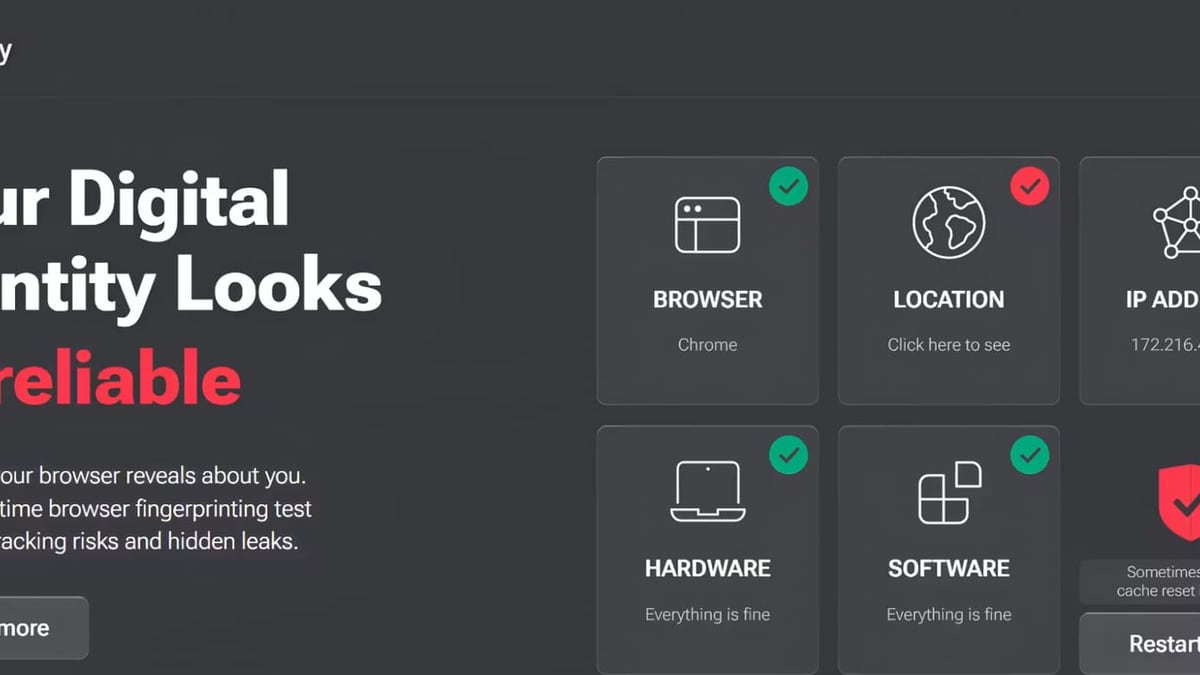
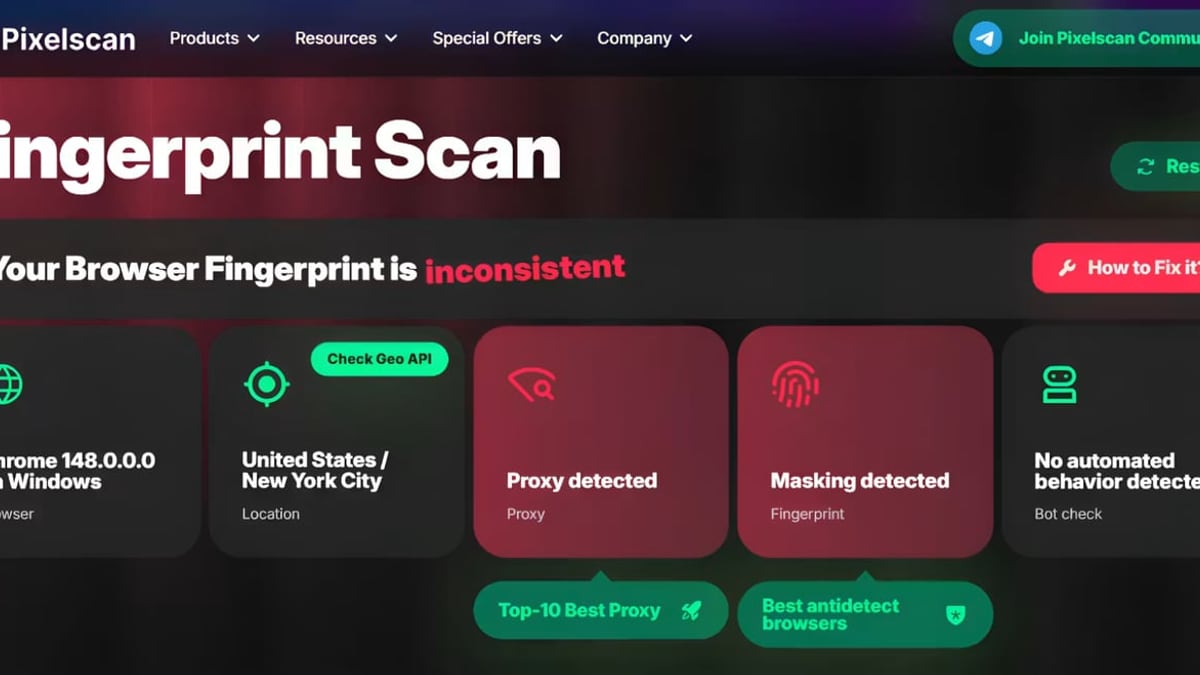
IPhey approaches testing through a risk-assessment lens. It evaluates your browser’s hardware, software, location, IP, and dozens of signals, then generates a risk score along with a clear visual breakdown. What sets IPhey apart is its bot detection engine: it checks for CDP (Chrome DevTools Protocol) traces, WebDriver flags, user agent mismatches, and other tells that web scrapers and AI agents often leave behind. It also flags timezone mismatches and proxy/VPN detection, providing a practical decision point instead of raw logs. Multi-accounting managers and affiliate marketers frequently use IPhey to validate anti-detect browser profiles before running campaigns.
Comparison at a Glance
BrowserScan vs BrowserLeaks vs IPhey: Which Privacy Tool Wins? product interface and feature overview.
| Feature | BrowserScan | BrowserLeaks | IPhey |
|---|---|---|---|
| Multiple IP Geolocation Sources | ✅ 5 sources (ip-api, IPinfo, etc.) | ❌ Single source | ❌ Single source |
| Port Scanner & Speed Test | ✅ nmap-powered port scanner + speed test | ❌ Not available | ❌ Not available |
| Bot Detection | ⚠️ Basic detection | ❌ Not available | ✅ Advanced (CDP, WebDriver, etc.) |
| WebRTC Leak Test | ✅ Multiple STUN servers | ✅ Single analysis | ✅ Single analysis |
| Fingerprint Score/Summary | ✅ Authenticity percentile | ❌ Raw data only | ✅ Risk score + breakdown |
Key Differences in Depth
BrowserScan vs BrowserLeaks vs IPhey: Which Privacy Tool Wins? product interface and feature overview.
Fingerprinting Depth: BrowserLeaks’ & IPhey’s Laboratory-Grade Analysis
When it comes to pure fingerprinting detail, BrowserLeaks and IPhey go where most checkers stop. BrowserLeaks breaks down canvas entropy, WebGL renderer attributes, font lists that reveal installed software, and even HTTP/2 client hints. It’s a forensic environment—you’ll see exactly which values make your browser unique. IPhey adds a layer of interpretation by cross-referencing hardware signals, screen resolution, audio fingerprints, and navigator properties with its risk model. If you need to debug a stubborn fingerprint mismatch on a multi-accounting setup, both substitutes give you the raw material to do it. BrowserScan focuses on core fingerprint checks and authenticity scoring rather than exhaustive per-pixel analysis.
Bot Detection & Risk Scoring: IPhey’s Advanced Signals
IPhey dominates this category. Its bot test inspects whether your browser exhibits automation markers like CDP runtime, WebDriver properties, or headless mode traces—indicators that most bot mitigation services look for. A clear risk score then tells you at a glance whether the profile would pass a modern anti-fraud filter. BrowserScan includes a basic bot detection capability that flags obvious anomalies, while BrowserLeaks doesn’t address bot detection at all. For anyone running scripts, headless browsers, or AI agents, IPhey provides the most actionable intel.
IP Geolocation Accuracy: BrowserScan’s Multi-Source Reliability
An IP lookup is only as good as the database behind it. BrowserScan queries multiple industry-grade providers—ip-api, IPinfo, IP2Location, db-ip, and IPQuery—so you can cross-reference results and catch discrepancies that a single source might miss. This becomes critical when verifying VPN or proxy effectiveness: if one database shows your real country while another shows the proxy location, you know there’s a leak. BrowserLeaks and IPhey generally rely on one data source each, making BrowserScan the standout choice for precise IP validation. For advanced IP geolocation workflows, check out our top 10 IP geolocation APIs.
Utility Suite: BrowserScan’s Extra Tools for Network & Account Security
Neither BrowserLeaks nor IPhey offers anything close to BrowserScan’s supplementary toolset. The built-in port scanner (powered by nmap) lets you audit open ports on your own network or a target server—a capability usually reserved for dedicated security suites. Add an internet speed test, a user agent parser, a cookie converter, and a 2FA code generator, and you have a Swiss Army knife for privacy-aware professionals. When you need to verify a VPN, scan for open ports, and check for DNS leaks all in one session, BrowserScan saves you from tab overload.
WebRTC Leak Testing: BrowserScan’s Multi-STUN Approach
WebRTC leaks can betray your real IP even when traffic is routed through a VPN. The accuracy of a leak test depends heavily on the STUN servers used to query network addresses. BrowserScan integrates multiple STUN servers simultaneously, increasing the chance of catching a leak that a single-server test might overlook. While BrowserLeaks and IPhey cover WebRTC leaks effectively, BrowserScan’s multi-source strategy adds a layer of redundancy that privacy enthusiasts will appreciate.
Summary Scores and Ease of Use
BrowserScan translates a complex mix of signals into a straightforward authenticity percentile—higher is better. IPhey does the same with its risk score, flagging anomalies in a color-coded dashboard. BrowserLeaks skips scores entirely and instead lets users inspect the raw data, which is perfect for research but less inviting for a quick sanity check. If you just want to know “is my privacy setup working right now?”, both BrowserScan and IPhey deliver clear answers.
When to Choose Each Tool
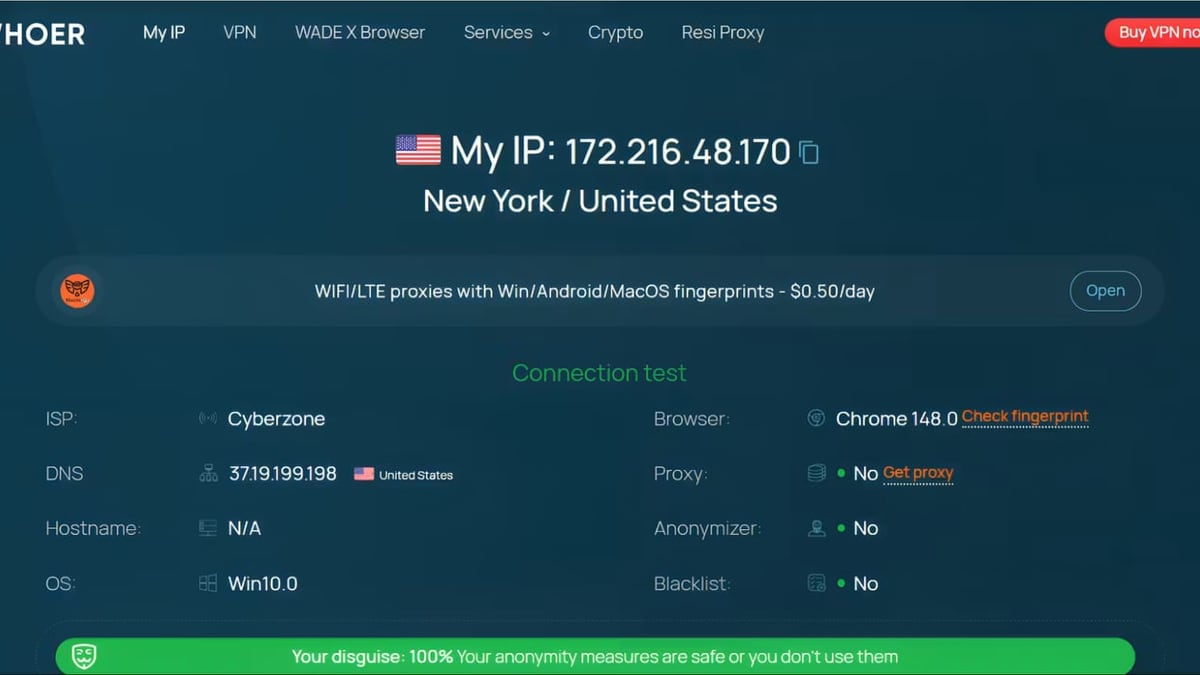
BrowserScan vs BrowserLeaks vs IPhey: Which Privacy Tool Wins? product interface and feature overview.
Choose BrowserLeaks when you need a forensic, standard-referenced view of every fingerprint parameter. It’s ideal for security researchers, developers building anti-fingerprinting tools, or anyone troubleshooting exactly why a specific website can still identify them.
Choose IPhey when bot detection, risk scoring, and multi-accounting validation are top priorities. Its ability to detect automation traces and inconsistency across hardware/software signals makes it the go-to for affiliate marketers, web scrapers, and teams managing dozens of anti-detect browser profiles.
Choose BrowserScan when you want a comprehensive, all-in-one privacy utility suite. If you frequently run IP lookups, need a port scanner, or want a speed test and 2FA generator baked into the same platform, BrowserScan bundles everything. The multiple IP data sources and multi-STUN WebRTC test further strengthen its case for everyday privacy audits. For a head-to-head look at how it compares to BrowserLeaks alone, see our BrowserScan vs BrowserLeaks comparison.
Related reading
- PrivacyTools.io Review: Can You Trust This Privacy Directory? - Evidence-based review of PrivacyTools.io: directory features, affiliate link controversy, threat levels, VERNAM encryptor, and how it stacks up against Privacy Guides.
- Nmap: The Network Mapper – Free Security Scanner Review - An evidence-based review of Nmap: features, ideal users, setup, limitations, and when it’s the right free security scanner.
- Top 10 Privacy Tools Directories & Guides for 2026 - Discover the best privacy tools directories and guides for 2026. We rank and review 10 trusted resources to help you find private alternatives for browsers, VPNs, email, and more.
Sources and further reading
- Best Browserleaks Alternatives: Top Fingerprinting Test Tool Options - Browserleaks forces manual checking of each test without a summary. We tested 6 alternatives that do it better. Iphey wins for bot detection and risk scoring, PixelScan for fix-it guides, Surfshark for simplicity.
- 7 Cover Your Tracks Alternatives 2026 - Cover Your Tracks by EFF is one of the most popular browser fingerprint testing tools, but it's not the only option. We tested 7 alternatives that check how unique and trackable your browser really is — and what you can do about it.
- Browserleaks Review 2026: The Ultimate Guide to Testing Your Digital Privacy - Master BrowserLeaks to audit your digital fingerprint! 🛡️ Test for IP leaks, WebRTC, and browser identity. Secure your online presence now! 🚀
Frequently Asked Questions
Which tool offers the deepest browser fingerprint analysis?
BrowserLeaks delivers the most granular, raw technical detail—canvas, WebGL, fonts, client hints, and TLS fingerprints. IPhey also covers deep signals but wraps them in a risk framework. Both outpace BrowserScan in sheer fingerprinting breadth.
Does BrowserLeaks detect bots or automation?
No. BrowserLeaks is designed for manual privacy audits and does not test for bot-level automation markers. For bot detection, use IPhey or BrowserScan’s basic check.
Can BrowserScan detect DNS leaks?
Yes. BrowserScan includes dedicated DNS and WebRTC leak tests. Its multi-STUN approach also strengthens WebRTC leak identification.
Is IPhey suitable for checking anti-detect browser profiles?
Absolutely. IPhey’s risk score and consistency checks across hardware, software, location, and timezone are tailor-made for validating anti-detect browser configurations used in multi-accounting.
Which tool is easiest for a quick privacy check?
BrowserScan and IPhey both give you a clear score in seconds. BrowserScan’s authenticity percentile and IP mismatch hints are especially intuitive, while IPhey’s risk dashboard is equally accessible.
Do any of these tools require plugins or downloads?
No. All three are entirely web-based. BrowserScan emphasizes that no plugin is required, and the same holds for BrowserLeaks and IPhey.
Conclusion
BrowserScan, BrowserLeaks, and IPhey each cover a different piece of the anonymity puzzle. BrowserLeaks is the meticulous researcher’s companion, IPhey is the risk-savvy validator, and BrowserScan ties everything together with an all-in-one toolkit that includes rare extras like a port scanner and multi-source IP lookups. At BrowserScan, we highlight BrowserScan’s utility-rich approach for users who want leak tests, network scans, and account tools in a single place, while acknowledging that deep fingerprint investigators and bot detection purists will find their stride with BrowserLeaks or IPhey. Pick the tool that matches your threat model—and often, using two in tandem gives you the most complete picture of your online privacy.