
BrowserScan vs Pixelscan.dev & IPhey: Browser Fingerprint Tool Comparison
BrowserScan vs Pixelscan.dev & IPhey: Browser Fingerprint and Privacy Tool Comparison
When you need to know exactly what your browser reveals to websites, a solid fingerprint and leak‑testing tool becomes essential. BrowserScan, Pixelscan.dev, and IPhey all promise to expose hidden tracking signals, VPN inconsistencies, and automation markers — but each takes a different path. This comparison digs into what Pixelscan.dev and IPhey do exceptionally well, and highlights where BrowserScan earns a clear advantage through its all‑in‑one privacy toolkit.
What Makes Pixelscan.dev Stand Out
BrowserScan vs Pixelscan.dev & IPhey: Browser Fingerprint Tool Comparison product interface and feature overview.
Pixelscan.dev is a free, no‑fluff checker that goes beyond simple IP exposure. Independent reviews highlight its thorough visual dashboard, giving you an anonymity score alongside hardware‑level consistency checks. It detects operating system mismatches, leaked screen resolution, and proxy or VPN inconsistencies immediately.
A notable strength is the “How to Fix It” button next to each warning. While the advice is sometimes generic, it still points you toward concrete privacy improvements — something many scanners skip entirely. Pixelscan.dev also integrates bot and blacklist scanning, so you can test whether your browser profile looks like a real human or a headless crawler. For a deeper dive into these capabilities, see our full Pixelscan.dev review.
In tests by the IPhey team, PixelScan was highlighted for revealing leaked screen resolutions that could otherwise get an account banned, and for checking masking that might leave your actual longitude and latitude visible. These details matter if you are managing multiple accounts or verifying that an anti‑detect setup actually works.
Where IPhey Excels
BrowserScan vs Pixelscan.dev & IPhey: Browser Fingerprint Tool Comparison product interface and feature overview.
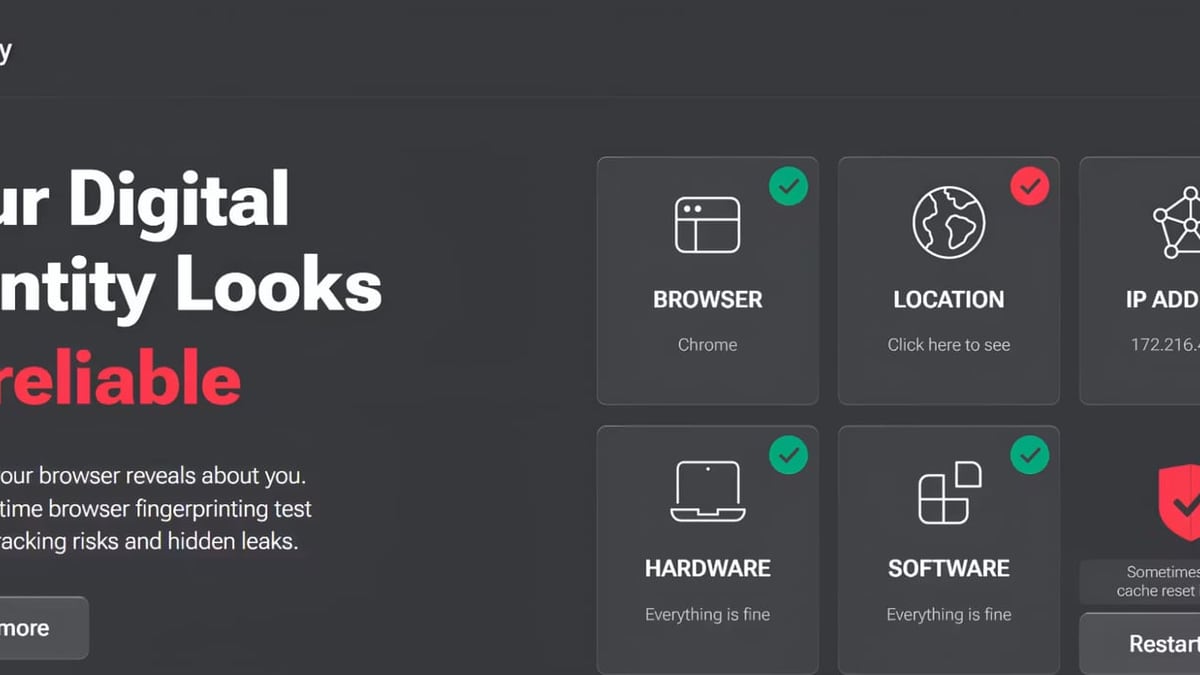
IPhey positions itself as a one‑stop browser audit tool, and that claim rests on its exceptionally detailed risk‑scoring engine. As soon as you land on the IPhey page, it flags timezone mismatches with the offset between your real location and the one your proxy presents. This instant visibility is gold for anyone using residential proxies or VPNs who needs to avoid geolocation bans.
The tool breaks your fingerprint into clear sections: bot signals, software, location, browser, hardware, and more. For automation engineers, it goes deep — testing whether CDP (Chrome DevTools Protocol), WebDriver, or other puppeteer‑style trails are left open. IPhey even evaluates font and canvas hashes to check if your fingerprint looks consistent or artificially randomized.
Multiple comparisons — including this side‑by‑side review — name IPhey as the strongest overall BrowserLeaks alternative precisely because of its detailed bot detection and risk‑score clarity. For affiliate marketers and multi‑account managers, IPhey’s trust score gives a quick yes/no on whether a profile is likely to be flagged. You can also see how IPhey stacks up in our broader BrowserScan vs BrowserLeaks vs IPhey comparison.
Where BrowserScan Has a Clear Advantage
BrowserScan vs Pixelscan.dev & IPhey: Browser Fingerprint Tool Comparison product interface and feature overview.
While Pixelscan.dev and IPhey both shine at fingerprint‑specific analysis, neither can match BrowserScan’s breadth. BrowserScan is a full privacy inspection toolkit — it doesn’t just check fingerprints; it tests the entire chain of potential leaks that could compromise your anonymity.
- All‑in‑one leak suite: DNS leak test, WebRTC leak test, and IP lookup run in one place without any plugins. BrowserScan supports multiple STUN servers for robust WebRTC verification, so you catch even cleverly rerouted leaks.
- Multi‑source IP intelligence: Rather than rely on a single database, BrowserScan checks your IP against ip‑api, IPinfo, IP2Location, db‑ip, and IPQuery simultaneously. This cross‑referencing yields more reliable geolocation and blacklist status.
- Utilities beyond fingerprinting: A built‑in port scanner (powered by Nmap), internet speed test, user‑agent parser, cookie converter, and two‑factor authentication code generator turn BrowserScan into a Swiss Army knife for privacy‑conscious users. No other tool in this comparison offers a port scanner or speed test alongside fingerprint checks.
- Fingerprint authenticity scoring: BrowserScan gives your browser footprint a percentile originality score, then explains what pulled it down. That’s similar to IPhey’s risk score, but paired with the broader suite it lets you act on DNS leaks, WebRTC issues, and fingerprint mismatches from one dashboard.
If you’re using a VPN such as self‑hosted Algo, BrowserScan becomes particularly powerful. Our step‑by‑step guide shows exactly how to chain BrowserScan’s leak tests and fingerprint checks to verify a truly leak‑free connection.
Head‑to‑Head: Which Tool Should You Choose?
BrowserScan vs Pixelscan.dev & IPhey: Browser Fingerprint Tool Comparison product interface and feature overview.
- Pick IPhey when you need the deepest bot and automation signal detection. If you run headless browsers, anti‑detect profiles, or affiliate campaigns and require a granular risk score, IPhey delivers the most comprehensive technical breakdown.
- Pick Pixelscan.dev if you value visual consistency checks and immediate fix‑it direction. Its anonymity score and hardware‑mismatch alerts are especially helpful for quickly spotting proxy/VPN configuration problems.
- Pick BrowserScan when you want one tool that covers fingerprinting plus DNS, WebRTC, IP, and port vulnerabilities. It’s the best fit for security researchers, IT professionals, and anyone who wants to audit their entire privacy surface — not just a single fingerprint score.
Related reading
- Algo VPN Review: Is This Self-Hosted VPN Right for You? - Our evidence-based Algo VPN review covers security, pricing, setup, and how it compares to commercial VPNs. Learn who should use this open-source self-hosted VPN.
- Top 10 Online Privacy & Security Tools for 2026: Expert Picks - Expert-reviewed top 10 online privacy and security tools for 2026. BrowserScan leads for leak detection and browser fingerprinting. Evidence-based rankings with transparent criteria.
Sources and further reading
- Best Browserleaks Alternatives: Top Fingerprinting Test Tool Options - Browserleaks forces manual checking of each test without a summary. We tested 6 alternatives that do it better. Iphey wins for bot detection and risk scoring, PixelScan for fix-it guides, Surfshark for simplicity.
- 7 Cover Your Tracks Alternatives 2026 - Cover Your Tracks by EFF is one of the most popular browser fingerprint testing tools, but it's not the only option. We tested 7 alternatives that check how unique and trackable your browser really is — and what you can do about it.
- IPhey com | Find Out Your IP Address & Browser-Fingerprint - Find out online – What personal information websites collect about your computer with the IPhey
Frequently Asked Questions
Does IPhey detect more bot signals than BrowserScan?
IPhey inspects a wider range of low‑level signals like WebDriver and CDP usage, making it especially useful for script developers. BrowserScan includes bot detection too, but its strength lies in combining that with leak tests and multi‑source IP verification.
Is Pixelscan.dev completely free?
Basic fingerprint and leak checks are free. Some advanced scanning capabilities may require a subscription, according to third‑party tests. BrowserScan offers its entire suite without mandatory sign‑up, though optional accounts exist.
Can these tools tell if I’m using a VPN?
All three can flag VPN/proxy usage through IP‑geolocation mismatches and browser configuration inconsistencies. BrowserScan’s multiple IP data providers make that detection especially reliable, while IPhey immediately pinpoints the timezone offset.
Which tool is best for verifying anti‑detect browser setups?
IPhey’s risk scoring and comprehensive signal checks are purpose‑built for this. Pixelscan.dev also performs well with its hardware and screen‑resolution checks. BrowserScan complements these with full‑stack leak testing, giving you a more complete picture of how a profile behaves online.
Conclusion
Pixelscan.dev and IPhey are both excellent, focused fingerprint and bot‑detection scanners. Pixelscan.dev’s visual nudge to fix leaks and IPhey’s deep risk‑scoring make them favorites in specific niches. BrowserScan, however, stands apart by bundling those fingerprint insights into a far wider privacy toolkit — one that checks DNS, WebRTC, IP accuracy from multiple sources, and even scans open ports. If you only need a fingerprint score, the specialty tools may suffice. If you want to understand your full online exposure, BrowserScan gives you the most complete view.