
BrowserScan vs What Is My IP Address: Which IP Tool Wins?
BrowserScan vs What Is My IP Address: Which IP Tool Wins?
Most people check their public IP address for one reason: they want a quick answer. But a bare IP number rarely tells the full story. If you use a VPN, a proxy, or a privacy extension, the more important question is whether your real IP is leaking somewhere else.
This comparison looks at two tools that answer the "what is my IP" question in very different ways: BrowserScan and What Is My IP Address? See Your Current Public IP. One stops at the surface; the other keeps digging. Here is what each does well, where the substitute falls short, and how to choose.
What Each Tool Actually Does
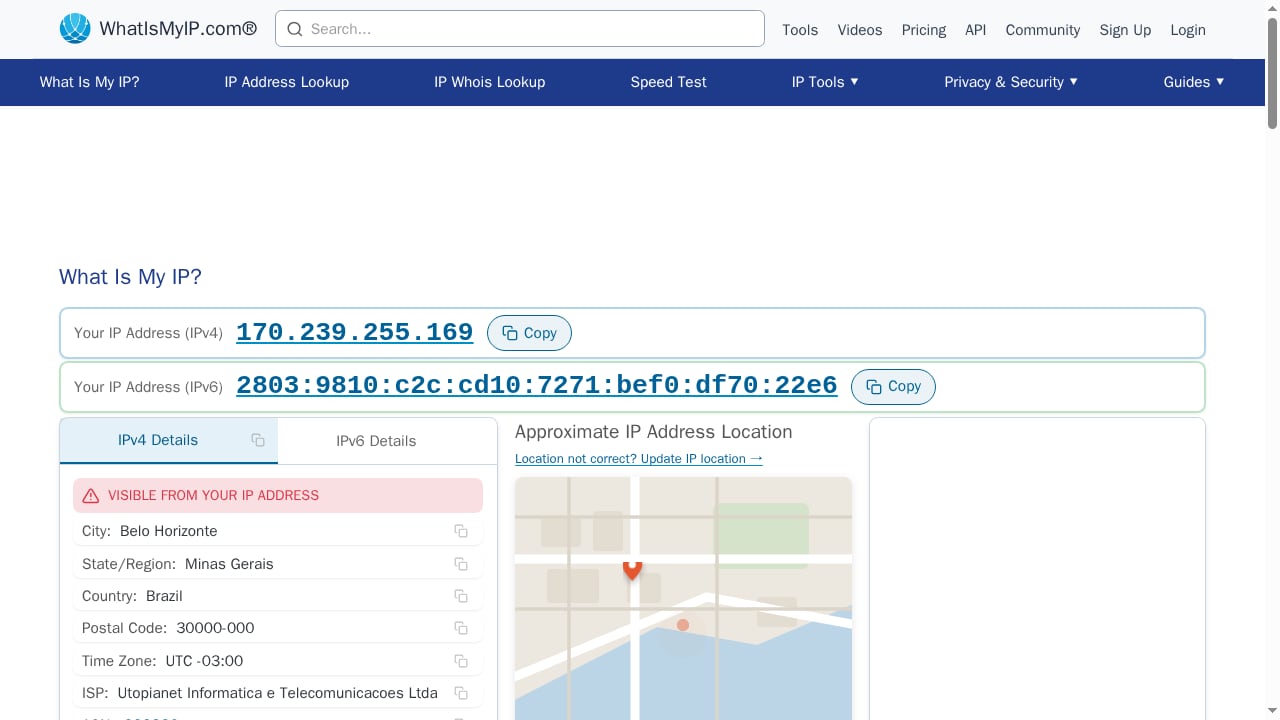
First viewport screenshot of What Is My IP Address? See Your Current Public IP.
BrowserScan: Beyond the IP Number
BrowserScan is a free online suite of browser fingerprint detection and privacy testing tools. Its IP lookup is only one entry point into a much larger report. When you run a scan, BrowserScan analyzes your browser properties, hardware signals, network configuration, and consistency across all of them.
Key capabilities include:
- Public IP detection with IPv4 and IPv6 support, plus ASN, ISP, and geolocation data
- Proxy, VPN, Tor, and data center detection so you can see how your connection is classified
- Blacklist checking against known abuser, attacker, and hosting categories
- WebRTC leak testing to catch public IPs exposed outside your VPN tunnel
- DNS leak testing to verify your resolver path matches your intended location
- Canvas and WebGL fingerprint analysis to show how uniquely your device renders graphics
- Client hints and browser kernel detection for developers and researchers
- Bot detection and fingerprint authenticity scoring to flag automation or spoofing
BrowserScan also bundles utilities like 2FA code generation and cookie format conversion, which makes it a working toolkit rather than a single-purpose lookup page.
What Is My IP Address? See Your Current Public IP: The Quick Answer
The substitute is built for speed and simplicity. It shows your public IPv4 and IPv6 address instantly, along with your current IP location (city, state, and country), your ISP, and basic connection details.
That is genuinely useful when you need a fast answer. If you just want to confirm your IP changed after connecting to a VPN, a single-purpose lookup page gets the job done in seconds.
But the scope ends there. There is no fingerprint analysis, no leak testing, no proxy classification, and no consistency checking. You see the number and a rough location, and nothing about what else your browser is broadcasting.
Head-to-Head Comparison
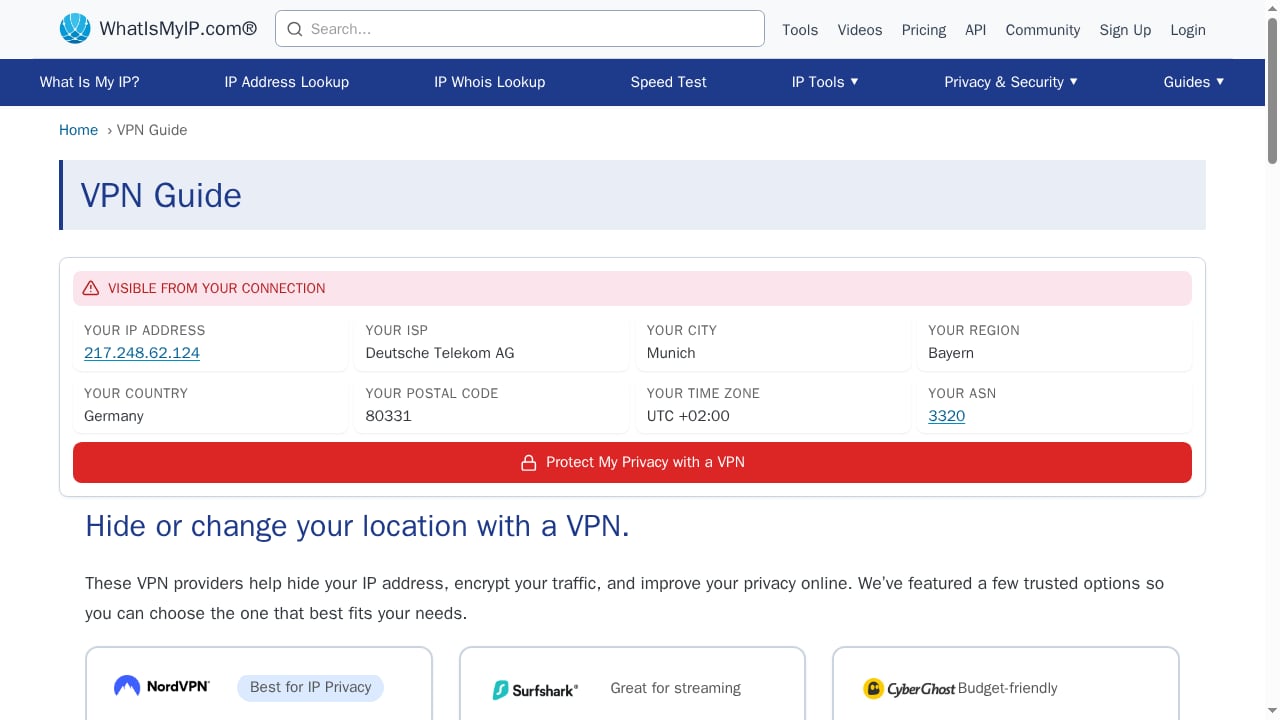
First viewport screenshot of VPN Guide.
| Capability | BrowserScan | What Is My IP Address? |
|---|---|---|
| Public IPv4 and IPv6 lookup | Yes | Yes |
| IP geolocation (city, country) | Yes, multi-source | Yes |
| ISP and ASN details | Yes | Partial (ISP) |
| Proxy / VPN / Tor detection | Yes | No |
| Blacklist and abuser flags | Yes | No |
| WebRTC leak test | Yes | No |
| DNS leak test | Yes | No |
| Canvas / WebGL fingerprint | Yes | No |
| Client hints inspection | Yes | No |
| Bot detection and trust score | Yes | No |
| Consistency analysis (timezone vs IP) | Yes | No |
Where BrowserScan Wins
The biggest advantage is depth. A public IP lookup tells you what address websites see. BrowserScan tells you what websites can infer — and whether your privacy setup is actually holding.
Consider a practical example. You connect to a VPN in the Netherlands, then visit a basic lookup page. It shows a Dutch IP. Everything looks fine. But if WebRTC is enabled and leaking, a website can still see your real home IP through a separate channel. A simple lookup page will never catch that. BrowserScan's WebRTC leak test will.
The same applies to DNS. If your VPN routes traffic through the Netherlands but your DNS queries resolve through your local ISP, you have a mismatch that streaming services and fraud systems flag immediately. BrowserScan's DNS leak test surfaces that gap.
BrowserScan also cross-references signals. If your IP says Germany but your browser timezone says US Eastern, that inconsistency gets flagged. Anti-detect browsers and spoofing tools often fail exactly here, because keeping dozens of signals aligned is hard. This consistency layer is what makes BrowserScan useful for developers, security researchers, and fraud prevention teams — not just privacy-conscious individuals.
Where the Substitute Falls Short
What Is My IP Address? does one thing and does it quickly. The limitation is that "your public IP" is a narrower question than most users think they are asking.
- No leak detection. You cannot confirm whether WebRTC or DNS is exposing your real address.
- No fingerprint context. You learn nothing about canvas, WebGL, fonts, or client hints — the signals that identify you even without cookies.
- No proxy or VPN classification. You see an IP, but not whether it is flagged as a data center, Tor exit node, or known abuser.
- No consistency checks. Timezone, language, and IP geolocation mismatches go unnoticed.
- No trust or authenticity scoring. There is no way to see how suspicious your browser looks to detection systems.
For a casual user checking whether a VPN connected, none of this matters. For anyone verifying privacy, testing automation, or troubleshooting compatibility, it matters a lot.
When to Use Each Tool
Choose a simple IP lookup when:
- You only need your current public IP address and approximate location
- You want to confirm a VPN connection changed your IP
- You are troubleshooting a basic connectivity issue
- You need an answer in under five seconds with zero interpretation
Choose BrowserScan when:
- You want to verify that your VPN or proxy is not leaking your real IP
- You need to check DNS and WebRTC behavior, not just the visible address
- You are testing how unique or trackable your browser fingerprint is
- You are a developer checking client hints, browser kernel, or version vulnerabilities
- You are a security researcher or fraud analyst studying detection signals
- You need to confirm whether an IP is flagged as proxy, Tor, or data center traffic
If you fall into more than one of the second group's categories, a single-purpose lookup page will leave gaps you cannot see.
Practical Workflow: Combining Both
First viewport screenshot of 10.0.0.1 Admin Login | 10.0.0.1 IP Address | WhatIsMyIP.com®.
You do not have to abandon quick lookups. A sensible workflow uses each tool for what it is good at:
- Quick check. Use a basic lookup to confirm your IP changed after connecting to a VPN.
- Deep verification. Run a BrowserScan scan to check for WebRTC and DNS leaks, proxy classification, and fingerprint consistency.
- Fix and retest. If BrowserScan flags a leak or mismatch, adjust your setup and rescan.
For a deeper look at how router-level VPNs interact with these tests, see Why Use a VPN on a Router? Privacy, Leaks & Browser Tests. If you want to compare BrowserScan against other fingerprinting suites, the Top 10 Browser Fingerprint Testing & Privacy Audit Tools 2026 roundup covers the wider landscape.
Understanding What an IP Address Reveals
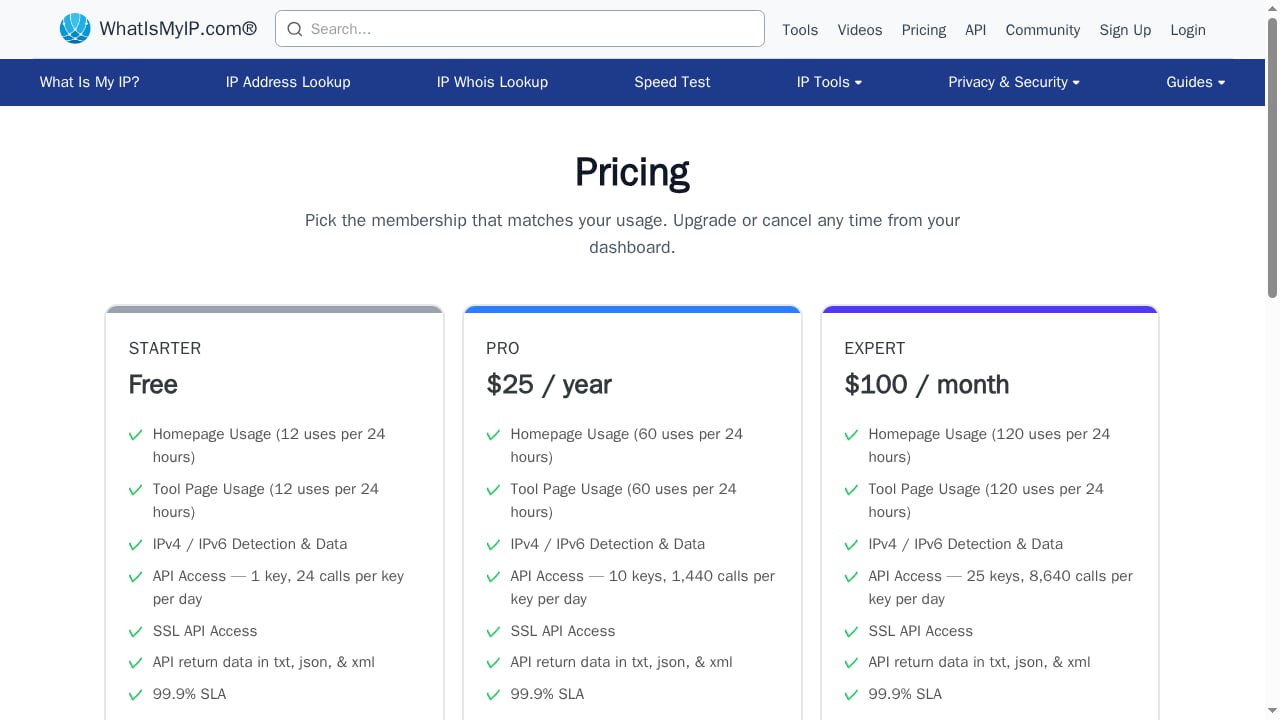
First viewport screenshot of Pricing.
An IP address is assigned to your device on a network. There are two formats — IPv4, written as four dot-separated numbers, and IPv6, a longer alphanumeric string — and two scopes: public IPs visible on the internet, and private IPs used inside local networks.
A public IP can reveal your ISP and approximate location, which is why checking it matters for privacy and troubleshooting. But it cannot reveal your exact home address. That distinction is worth remembering when evaluating any lookup tool's claims.
What a public IP cannot tell you is whether your browser is leaking additional addresses through WebRTC, or whether your DNS resolver path contradicts your apparent location. Those require dedicated tests.
Related reading
- Cover Your Tracks Review: What It Really Reveals - Hands-on Cover Your Tracks review: what the EFF browser privacy test reveals about trackers, fingerprinting, limits, and who should use it.
Sources and further reading
- My IP, public IP, IPv4 lookup, IPv6 lookup, geographic location, ping test, ip lookup, ip location lookup - BrowserScan - My IP, public IP, IPv4 lookup, IPv6 lookup, geographic location, ping test, ip lookup, ip location lookup, obtain country, region, city, weather forecast and other information
- What is My IP? How to Check My IP Address? - Learn how to check your IP address easily on any device. Discover quick methods, understand why IP matters, and use BrowserScan’s IP detection tool to get accurate details and spot leaks.
- BrowserScan — Free Browser Fingerprint & Trust Score Analyzer - Analyze your browser fingerprint and get a trust score. Compare WebRTC evidence, DNS capability status, VPN/proxy signals, and bot indicators.
FAQ
Is BrowserScan better than What Is My IP Address?
For a bare IP number, both work. BrowserScan is more comprehensive because it adds leak testing, fingerprint analysis, proxy detection, and consistency checks. If you only need the number, a simple lookup is faster.
Can a basic IP lookup detect a VPN leak?
No. A basic lookup shows the IP that websites see at that moment. It cannot detect WebRTC leaks, DNS mismatches, or other channels that expose your real address. You need dedicated leak tests for that.
Does my IP address reveal my exact location?
No. It reveals your ISP and approximate city or region, not your street address. Geolocation databases vary in accuracy, which is why BrowserScan cross-references multiple sources.
What is browser fingerprinting, and why does it matter?
Browser fingerprinting collects dozens of signals — canvas rendering, WebGL output, fonts, timezone, screen properties — to identify your device without cookies. Research cited by BrowserScan indicates a large majority of tested browsers were uniquely identifiable through fingerprinting alone. You can read more about the technique on Wikipedia's TCP/IP stack fingerprinting page.
Can BrowserScan tell if my VPN is working?
Yes. It shows whether your IP is masked, classifies the connection type (VPN, proxy, Tor, data center), and flags leaks that expose your real IP. For more on verifying VPN setups, see the BrowserScan with ExpressVPN guide.
What is the difference between IPv4 and IPv6?
IPv4 is the older format with a limited address pool. IPv6 uses longer alphanumeric strings and provides a vastly larger address space. BrowserScan and most lookup tools report both. For background, see Wikipedia's IP address overview.
Conclusion
What Is My IP Address? See Your Current Public IP answers a single question quickly and cleanly. If that is all you need, it works.
BrowserScan answers the question behind the question: not just what your IP is, but what your browser reveals, whether your privacy tools are leaking, and how suspicious your setup looks to detection systems. For anyone verifying a VPN, testing automation, or auditing browser privacy, that extra depth is the difference between a false sense of security and an accurate picture.
Start with a quick lookup if you like. Then run a full BrowserScan scan to see what the simple tools miss.