
How to Use BrowserScan with ExpressVPN: Speed & Privacy 2026
How to Use BrowserScan with ExpressVPN: Speed & Privacy 2026
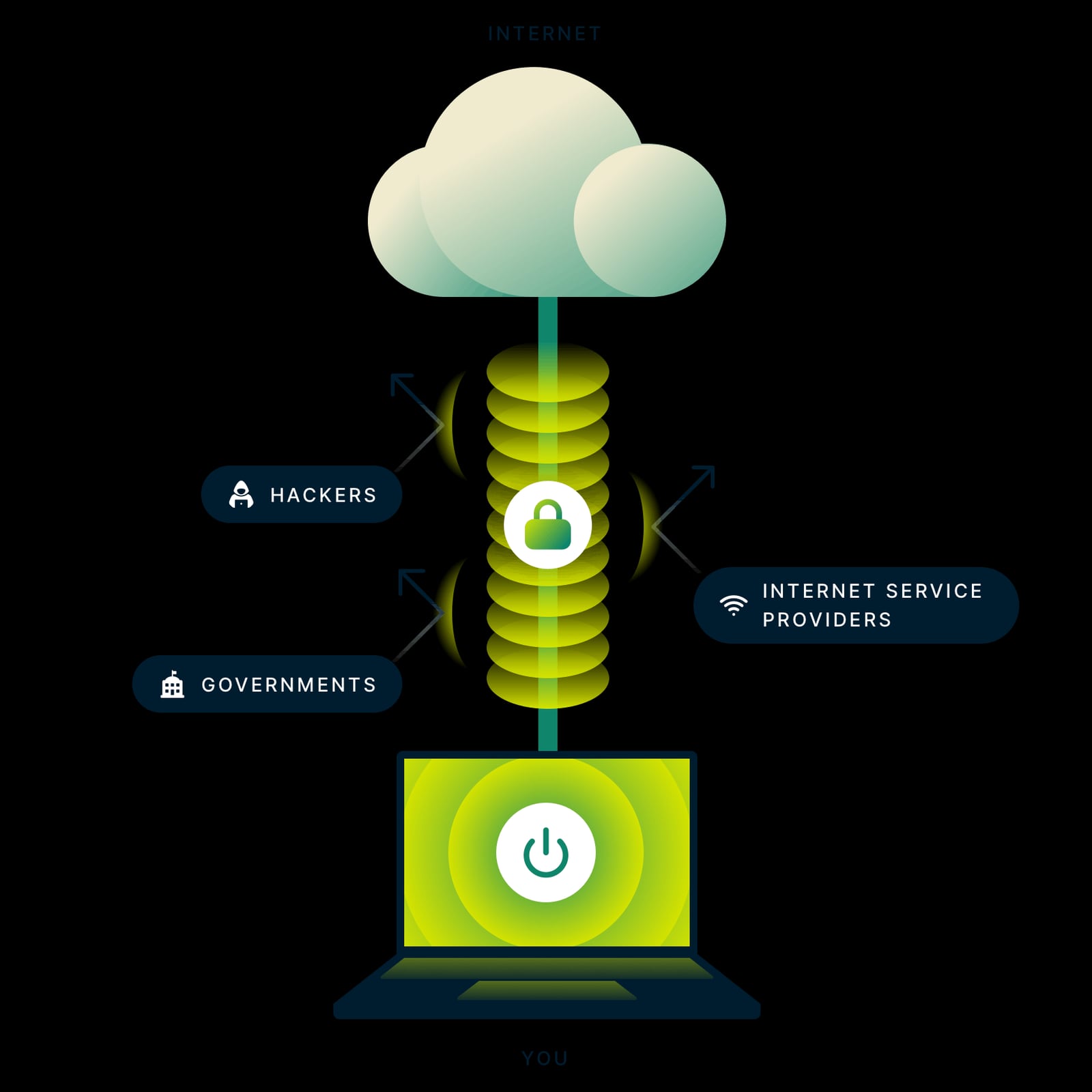
A VPN changes the IP address websites see. It does not automatically hide everything else your browser broadcasts. BrowserScan shows you the full picture — fingerprint, DNS, WebRTC, and IP reputation — while ExpressVPN handles the encrypted tunnel and leak protection. Used together, they form a verify-and-protect loop that catches problems a VPN alone can miss.
Why a VPN alone is not enough
First viewport screenshot of ExpressVPN: Best VPN Service for Speed & Privacy in 2026.
ExpressVPN encrypts your traffic and routes it through servers in 113 countries. That covers the network layer. But websites also read browser-level signals: canvas rendering, WebGL output, installed fonts, screen resolution, timezone, and client hints. If those signals stay identical across sessions, a site can still recognize your device even when your IP changes.
There is also the leak problem. WebRTC can expose your real public IP through STUN/TURN discovery or host candidate gathering, and DNS queries can escape the tunnel if the configuration is wrong. ExpressVPN builds leak protection into its apps and offers a browser extension that can disable WebRTC entirely, but you still need to confirm it works on your specific browser and OS.
That confirmation step is where BrowserScan fits.
What each tool does in the workflow
| Layer | ExpressVPN | BrowserScan |
|---|---|---|
| Traffic encryption | Encrypts all traffic through VPN servers | Does not encrypt; measures what leaks |
| IP address | Replaces your public IP | Shows the IP sites actually see, plus proxy/VPN detection |
| DNS | Routes DNS through the tunnel | DNS leak test reveals resolver mismatches |
| WebRTC | App and extension leak protection | WebRTC leak test exposes real public IPs |
| Fingerprint | Not its focus | Canvas, WebGL, client hints, kernel, authenticity score |
| Bot signals | Not its focus | Bot detection and automation checks |
ExpressVPN is the shield. BrowserScan is the audit.
Step-by-step setup
First viewport screenshot of Buy VPN With PayPal, Credit Card | ExpressVPN.
1. Connect ExpressVPN first
Install the ExpressVPN app for your platform, sign in, and connect to a server in the region you need. If you want router-level coverage for every device in your home, ExpressVPN supports router firmware and Aircove-style setups, though Aircove hardware is no longer sold and existing units continue to receive security updates.
2. Run BrowserScan before you browse anything sensitive
Open BrowserScan in the same browser you plan to use. Run the full fingerprint check first. You are looking for three things:
- Authenticity score — a low or inconsistent score suggests your fingerprint looks synthetic or unstable.
- IP and proxy detection — confirm the IP shown matches the ExpressVPN server location, not your real one.
- Blacklist status — a clean IP matters for streaming, banking, and account logins.
3. Test DNS and WebRTC separately
Run the DNS leak test and the WebRTC leak test as distinct checks. DNS leaks show up as resolvers in a different country than your VPN server. WebRTC leaks show up as a public IP that does not match your VPN exit.
If you see a public IP in the WebRTC results that differs from your ExpressVPN IP, treat it as a real leak. Local IPs are not a privacy threat — they are router-assigned and reused worldwide.
4. Compare against a baseline
Disconnect ExpressVPN, run the same BrowserScan tests, and note your real IP and fingerprint values. Reconnect and run them again. Any value that stays the same across both runs is a signal that is not being masked.
5. Re-test after browser updates
Chrome, Firefox, Edge, and Opera all enable WebRTC by default, and browser updates can change how client hints and canvas rendering behave. A fingerprint that passed last month may drift after an update. Re-running BrowserScan takes under a minute and catches that drift early.
Practical examples
ExpressVPN: Best VPN Service for Speed & Privacy in 2026 product interface.
Remote worker on hotel Wi-Fi. Connect ExpressVPN, then run BrowserScan. If the DNS leak test shows the hotel's resolver instead of the VPN's, your queries are visible to the network. Switching to the ExpressVPN app's built-in DNS handling usually resolves it.
Privacy-conscious streamer. You want a foreign catalog without your real IP appearing in WebRTC. Run the WebRTC leak test after connecting. If a public IP appears, disable WebRTC through the ExpressVPN browser extension or your browser's settings, then re-test.
Developer testing geo-behavior. You need to confirm your app sees the VPN exit IP and a consistent fingerprint. BrowserScan's client hints and kernel detection show what your app's backend would receive, which is useful before you ship.
E-commerce or ad verification. Teams checking regional storefronts can combine ExpressVPN with BrowserScan's proxy detection to confirm the exit IP is clean and not flagged. For a deeper look at that use case, see the proxy detection guide for e-commerce.
Common problems this combination solves
- VPN connected but site still knows you. Fingerprint signals persist across IP changes. BrowserScan reveals which ones.
- Silent DNS leaks. Queries bypass the tunnel and reveal your ISP. The DNS leak test catches it.
- WebRTC exposing your real IP. A known gap in many VPN setups. ExpressVPN addresses it, BrowserScan verifies it.
- Dirty or flagged VPN IPs. Shared IPs can be blacklisted. BrowserScan's blacklist check tells you before a site does.
- Fingerprint drift after updates. Small browser changes create new signatures. Regular testing keeps you ahead.
Choosing your testing depth
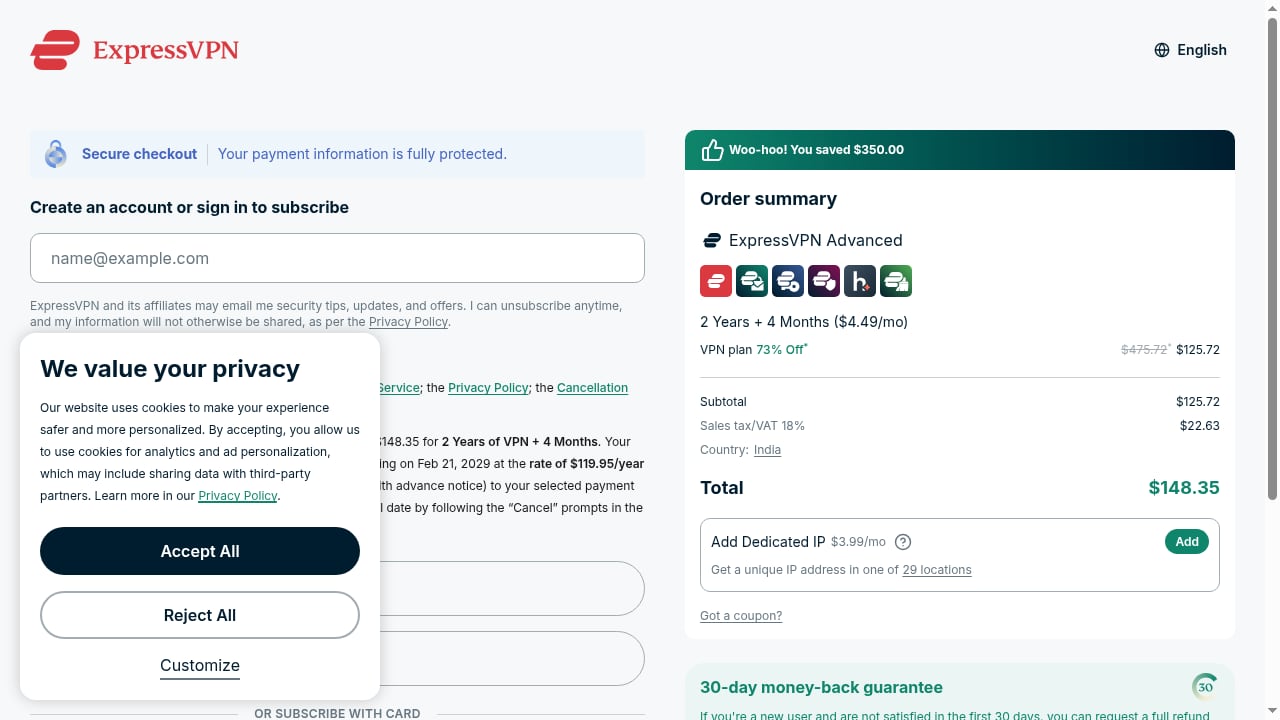
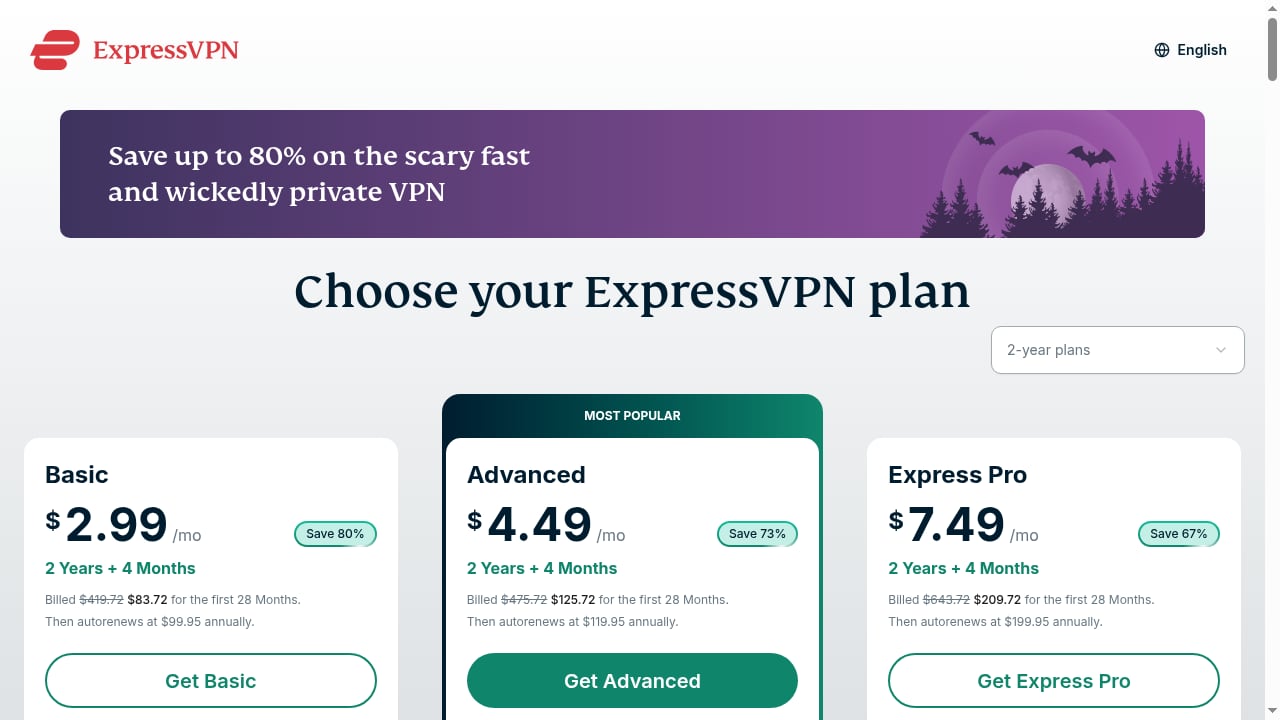
First viewport screenshot of Buy VPN With PayPal, Credit Card | ExpressVPN.
If you only need a quick sanity check, the IP and WebRTC tests are enough. If you manage multiple accounts, do research, or handle sensitive logins, run the full fingerprint suite plus DNS and WebRTC. For a broader comparison of privacy testing platforms, the top 10 privacy testing and VPN review platforms breaks down how the options differ. If you want to see how BrowserScan stacks up against a dedicated leak-testing tool, the BrowserScan vs BrowserLeaks comparison covers the trade-offs.
Related reading
- BrowserScan vs WhoerIP vs Fingerprint: 2026 Comparison - Compare BrowserScan, WhoerIP, and Fingerprint for browser fingerprinting, IP leak checks, and device intelligence. Find the right tool for your workflow.
- ToDetect Review 2026: Free Fingerprint & Leak Test Tool - Hands-on ToDetect review: browser fingerprint detection, IP purity, proxy checks, DNS/WebRTC leak tests. Who it fits, limits, and decision criteria.
Sources and further reading
- How to Bypass Blocked Websites: 4 Proven Methods for 2026 - Master how to bypass blocked websites safely in 2026. Discover professional methods to access restricted content while protecting your digital privacy.
- How to Connect Aircove or a Router Running ExpressVPN to the Internet - This article explains many of the ways you can connect an ExpressVPN Aircove router or a router running ExpressVPN to the internet.
- WebRTC Leak Test: Prevent IP Address Leaks | ExpressVPN - Is your browser leaking your IP address through WebRTC? Learn to prevent IP leaks and disable WebRTC in Chrome, Firefox, and Opera.
FAQ
Does ExpressVPN hide my browser fingerprint? No. A VPN changes your IP address and encrypts traffic. Browser fingerprinting uses browser and hardware signals that a VPN does not alter. That is why you need a separate fingerprint test.
Can BrowserScan tell if my ExpressVPN connection is leaking? Yes. The DNS leak test and WebRTC leak test are designed to show whether your real IP or local resolver is visible while a VPN is active. Compare the results with and without the VPN connected.
Is a local IP in WebRTC results a problem? No. Local IPs are assigned by your router and reused by millions of devices. Only a public IP that does not match your VPN exit indicates a leak.
How often should I re-run these tests? After every browser update, after changing VPN servers, and before any session where privacy matters. A full check takes less than two minutes.
Does ExpressVPN work on routers for whole-home coverage? Yes. ExpressVPN offers router firmware, and existing Aircove routers continue to receive security updates and support. New hardware options are available through ExpressVPN's current router offerings.
What if BrowserScan shows a leak while ExpressVPN is connected? First confirm you are actually connected and the kill switch is active. Then check the browser extension settings for WebRTC. If the leak persists, contact ExpressVPN support with the BrowserScan results.
Conclusion
ExpressVPN and BrowserScan solve different halves of the same problem. ExpressVPN encrypts your connection and replaces your IP. BrowserScan shows you what is still visible after that happens. Run the fingerprint check, the DNS leak test, and the WebRTC leak test in sequence, compare against a no-VPN baseline, and re-test after updates. That routine turns a blind trust in your VPN into verified privacy.
For official setup details, see ExpressVPN's router connection guide and ExpressVPN's WebRTC leak test page.