
BrowserScan vs WhoerIP vs Fingerprint: 2026 Comparison

BrowserScan vs WhoerIP vs Fingerprint: Which Tool Fits Your Workflow?
If you have ever wondered what websites can actually see about your browser, you have probably run into three names: BrowserScan, WhoerIP, and Fingerprint. They all deal with browser and device signals, but they are built for very different jobs. One is a free privacy testing suite, one is a real-time connection and fingerprint checker, and one is an enterprise-grade device intelligence platform. This comparison breaks down what each does well, where they overlap, and how to choose.
What Each Tool Actually Does

Fingerprint product interface.
Before comparing features, it helps to understand the core purpose of each platform.
BrowserScan: Free Fingerprint and Privacy Testing Suite
BrowserScan is a free online collection of browser fingerprint detection and privacy testing utilities. It shows you what websites can learn from your browser properties, hardware, and network signals. The suite includes a DNS leak test, WebRTC leak test, bot detection, browser kernel detection, canvas fingerprint analysis, client hints inspection, 2FA code generation, and cookie format conversion.
Its real-time fingerprint authenticity scoring and IP/proxy detection make it useful for privacy-conscious individuals, developers, and security researchers who want a quick, no-installation audit of their digital footprint.
WhoerIP: Real-Time Connection and Fingerprint Analysis
WhoerIP is a free online diagnostic tool that reveals what your device exposes when you connect to the internet. It focuses on real-time network analysis: proxy tests, anonymity checks, and TOR detection. You can check your IPv4 or IPv6 address, geolocation, ISP, and identify leaks through DNS, WebRTC, or open ports. It also offers advanced device fingerprinting analysis.
WhoerIP requires no installation and is aimed at anyone concerned about online tracking, device fingerprinting, or the transparency of their internet connection. Its blog covers IP addresses, proxies, VPNs, cybersecurity, click fraud, antidetect browsers, scraping, and cloud phones.
Fingerprint: Device Intelligence Platform
Fingerprint is a device intelligence platform that identifies every web visitor and mobile device with high accuracy, even when users are anonymous. It serves fintech, e-commerce, iGaming, cryptocurrency, travel, and banking industries by providing a persistent Visitor ID that works across web and mobile applications.
Core use cases include payment fraud reduction, account takeover prevention, SMS fraud stop, new account fraud prevention, returning user experience optimization, account sharing prevention, paywall enforcement, and bot detection. The platform offers Smart Signals such as VPN detection, IP geolocation, browser tamper detection, velocity signals, suspect score, Android emulator detection, rooted device detection, cloned app detection, factory reset detection, Frida detection, geolocation spoofing detection, MitM attack detection, high-activity device, IP blocklist matching, proxy detection, AI agent detection, and incognito detection.
Fingerprint is trusted by 6000+ companies and has an open-source library with 27K+ GitHub stars and 6.1M monthly downloads. Pricing starts with a free tier (up to 1,000 API calls/month) and Pro Plus at $99/month for 20K API calls, with enterprise plans available.
Feature Comparison: Where Each Tool Shines
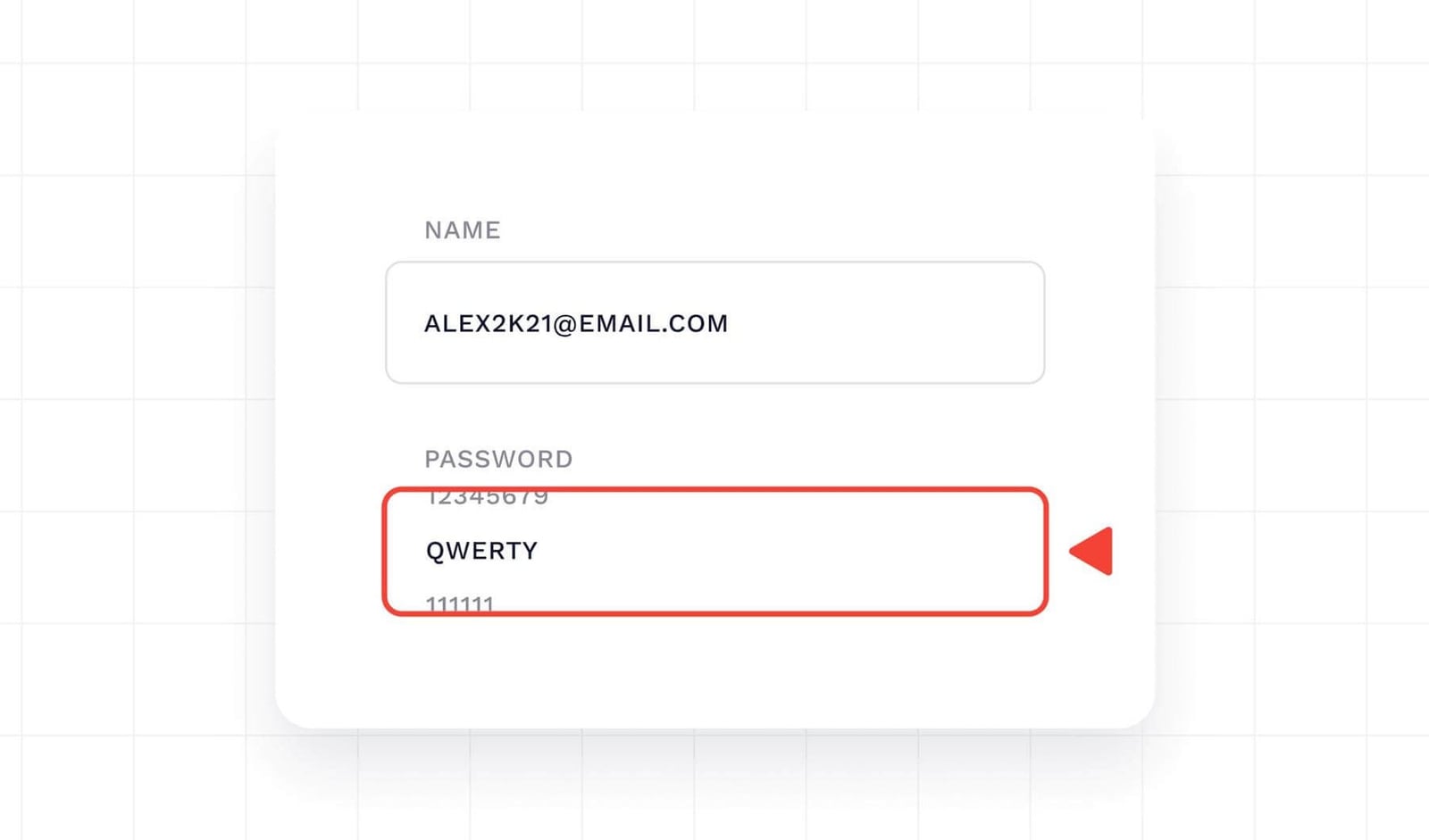
Fingerprint product interface.
| Criteria | BrowserScan | WhoerIP | Fingerprint |
|---|---|---|---|
| Primary focus | Free fingerprint detection and privacy testing | Real-time connection and fingerprint analysis | Enterprise device intelligence and fraud prevention |
| Fingerprint analysis | Canvas, WebGL, client hints, browser kernel | Advanced device fingerprinting | Persistent Visitor ID across web and mobile |
| Leak detection | DNS, WebRTC | DNS, WebRTC, open ports | VPN, proxy, geolocation spoofing, MitM |
| Bot detection | Yes | Not a primary focus | Yes, with AI agent detection |
| Anonymity scoring | Fingerprint authenticity score | Privacy/anonymity score | Suspect score, velocity signals |
| Mobile signals | Limited | Limited | Android emulator, rooted device, cloned app, factory reset, Frida |
| API access | No | No | Yes, with free tier |
| Pricing | Free | Free | Free tier, Pro Plus $99/month, enterprise |
| Best for | Quick privacy audits, developers, researchers | IP and connection diagnostics, VPN/proxy users | Fraud prevention, account security, fintech |
When to Use BrowserScan
BrowserScan is the right choice when you need a fast, free, and comprehensive look at your browser fingerprint and potential leaks. It is particularly strong for:
- Privacy self-audits: Run the fingerprint test to see your authenticity score and identify unusual signals.
- Developer debugging: Check client hints, browser kernel, and canvas fingerprint behavior across browsers.
- Leak verification: Use the DNS and WebRTC leak tests to confirm your VPN or proxy is not exposing your real IP.
- Bot detection research: Understand how automation tools are flagged by comparing your browser against bot detection checks.
For a deeper dive into how BrowserScan compares to other free tools, see our BrowserScan vs BrowserLeaks comparison.
When to Use WhoerIP

BrowserScan vs WhoerIP vs Fingerprint: 2026 Comparison - When to Use WhoerIP.
WhoerIP excels at real-time connection analysis. It is ideal for:
- VPN and proxy users: Verify that your IP is not leaking and that your anonymity score is high.
- TOR users: Check if your connection is properly routed through the TOR network.
- Network diagnostics: Identify open ports, DNS leaks, and WebRTC leaks that could compromise your privacy.
- Quick IP checks: Get your IPv4/IPv6 address, geolocation, and ISP information instantly.
WhoerIP's blog also provides practical guides on antidetect browsers and proxy management, which can help you understand the broader privacy ecosystem.
When to Use Fingerprint

Fingerprint product interface.
Fingerprint is built for businesses that need to identify and trust users at scale. It is the best fit for:
- Fraud prevention: Reduce payment fraud, account takeover, and SMS fraud with persistent Visitor IDs.
- Account security: Detect emulators, rooted devices, cloned apps, and geolocation spoofing.
- User experience: Recognize returning users instantly without requiring login, as Skipify does for 70% of returning shoppers.
- Paywall and account sharing enforcement: Identify shared accounts and enforce access rules.
- Bot detection: Block automated traffic, including AI agents and incognito sessions.
Fingerprint's case studies show significant results: a fintech reduced MFA requests by 70%, ZBD cut multi-accounting by 95%, and Trustpilot blocks 4.5M fake reviews annually.
Key Differences That Matter
The three tools diverge in several important ways:
- Scope: BrowserScan and WhoerIP are free, browser-based diagnostic tools. Fingerprint is a commercial API platform for ongoing device identification.
- Depth: BrowserScan offers a broad set of privacy tests in one dashboard. WhoerIP focuses on connection-level diagnostics. Fingerprint provides deep mobile and fraud-specific signals.
- Use case: BrowserScan and WhoerIP are for individuals checking their own privacy. Fingerprint is for businesses integrating device intelligence into their applications.
- Pricing: BrowserScan and WhoerIP are free. Fingerprint has a free tier but scales with API usage.
If you are comparing free tools specifically, our BrowserScan vs IPhey vs WebBrowserTools guide breaks down the nuances of real-time fingerprint testing.
Practical Examples
Example 1: A Privacy-Conscious Individual
You want to know if your VPN is actually hiding your IP. You visit BrowserScan to run a WebRTC leak test and check your fingerprint authenticity score. Then you visit WhoerIP to verify your anonymity score and check for DNS leaks. Both tools are free and give you complementary views.
Example 2: A Developer Testing Antidetect Browsers
You are building an antidetect browser and need to verify that each profile looks unique. BrowserScan's canvas fingerprint and client hints inspection help you confirm that profiles are not sharing detectable signals. WhoerIP's device fingerprinting analysis provides a second opinion. For a structured workflow, see our Proxy Detection for E-commerce guide.
Example 3: A Fintech Company Fighting Fraud
You need to stop account takeover and payment fraud. Fingerprint's Visitor ID and Smart Signals (VPN detection, browser tamper detection, suspect score) integrate into your app via API. The free tier lets you test up to 1,000 API calls per month before scaling to Pro Plus or enterprise.
How to Choose
Use this decision framework:
- If you need a free, all-in-one privacy audit: Start with BrowserScan. It covers fingerprinting, leaks, and bot detection in one place.
- If you need real-time connection diagnostics: Use WhoerIP for IP, DNS, WebRTC, and TOR checks.
- If you need to identify users and prevent fraud at scale: Choose Fingerprint for its API, mobile signals, and persistent Visitor ID.
Many privacy professionals use BrowserScan and WhoerIP together for cross-verification, as each tool may detect different leaks or fingerprint anomalies.
Related reading
- ToDetect Review 2026: Free Fingerprint & Leak Test Tool - Hands-on ToDetect review: browser fingerprint detection, IP purity, proxy checks, DNS/WebRTC leak tests. Who it fits, limits, and decision criteria.
Sources and further reading
- Top 10 Alternatives to Whoer.net: Best IP Lookup Tools Reviewed 2026 - Looking for the best alternatives to Whoer.net? Compare 10 top free IP lookup tools – WhoerIP, Pixelscan, IPLocation.io, and more. Check your IP address, detect VPN/proxy leaks, analyze browser fingerprints. Find the best Whoer.net alternative to protect your privacy in 2026.
- Best Antidetect Browsers For 2026 - Looking for the Best Antidetect Browsers in 2026? Explore top tools for multi-account management and automation. Compare features, pricing, and use cases.
- Advanced Anti-Detect Browser for Web Scraping and Multiple Accounts Managing - Nstbrowser is a powerful anti-detect browser designed for multi-accounting professionals to manage multiple accounts securely and efficiently. Try it now for free!
FAQ
Is BrowserScan free?
Yes, BrowserScan is a free online suite of browser fingerprint detection and privacy testing tools. No installation or account is required.
Does WhoerIP offer a fingerprint test?
Yes, WhoerIP provides advanced device fingerprinting analysis alongside its IP and connection diagnostics.
Can Fingerprint detect VPNs and proxies?
Yes, Fingerprint offers VPN detection, proxy detection, and IP blocklist matching as part of its Smart Signals.
Which tool is best for bot detection?
BrowserScan includes bot detection as part of its free suite. Fingerprint offers bot detection with AI agent detection for enterprise use cases. WhoerIP is not primarily focused on bot detection.
Do I need an API to use Fingerprint?
Yes, Fingerprint is a device intelligence platform that integrates via API. It offers a free tier with up to 1,000 API calls per month.
Can I use BrowserScan and WhoerIP together?
Absolutely. Many users run both tools to cross-check results, as they may surface different leaks or fingerprint details.
Conclusion
BrowserScan, WhoerIP, and Fingerprint serve different needs. BrowserScan is your free, comprehensive fingerprint and privacy testing suite. WhoerIP is your real-time connection and leak diagnostic tool. Fingerprint is your enterprise-grade device intelligence platform for fraud prevention and user identification.
For individuals and developers, BrowserScan and WhoerIP offer powerful free insights. For businesses that need to identify users and stop fraud at scale, Fingerprint provides the API and signals to do so. Evaluate your workflow, then pick the tool—or combination—that fits.
For more comparisons, explore our Top 10 Online Privacy Testing Platforms and BrowserScan vs ToDetect.