
BrowserScan vs ToDetect: Which Fingerprint Test Wins in 2026?
BrowserScan vs ToDetect: Which Fingerprint Test Wins in 2026?
If you use a VPN, proxy, or antidetect browser, you probably want to know what websites actually see when you connect. Two free tools often come up in that search: BrowserScan and ToDetect. Both run in your browser, both claim to check fingerprints and leaks, and both are free. But they are not built the same way, and they do not answer the same questions.
This comparison looks at what each tool actually does, where BrowserScan has an edge, and where ToDetect leaves gaps — so you can pick the right one for your privacy or fraud-check workflow.
What Each Tool Actually Does
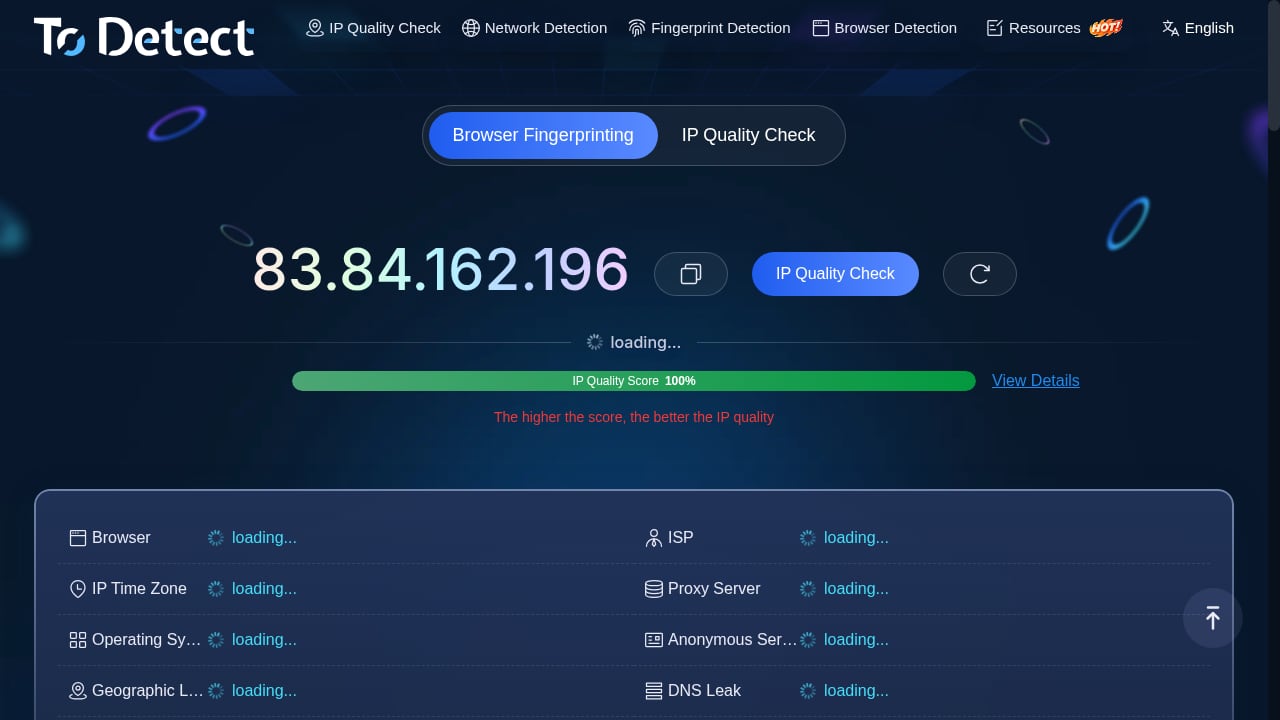
First viewport screenshot of Browser Fingerprint Detection - IP Detection Tool - DNS/WebRTC Leak Test - ToDetect.
BrowserScan: A Full Privacy and Fingerprint Suite
BrowserScan is a free online collection of browser fingerprint and privacy testing utilities. Its core report shows a browser fingerprint authenticity score alongside what websites can learn about you: IP address, WebRTC STUN data, geolocation, hardware signals (visitor ID, Canvas, WebGL, WebGPU, audio, client rects), screen properties, media devices, and time zone consistency.
Beyond the main fingerprint check, BrowserScan bundles a wide set of utilities:
- DNS leak test and WebRTC leak test
- Bot detection and automated script/plugin detection
- Browser kernel detection (checks whether the kernel matches the User-Agent)
- Client Hints inspection (the successor to User-Agent)
- Canvas fingerprint analysis and WebGPU browser report
- IP address lookup, proxy detection, and IP blacklist checking
- 2FA code generation, cookie format conversion, UserAgent parsing, and HTTP2/SSL/TLS fingerprint tests
That breadth matters because fingerprinting is rarely about one signal. A mismatched time zone, a spoofed Canvas hash, or a WebRTC leak can each flag you independently. BrowserScan puts those signals in one report with a single authenticity score, which makes it easier to spot what is inconsistent.
ToDetect: Focused on IP Purity and Leak Checks
ToDetect is a free online browser fingerprint detection tool. Its stated strengths are IP purity checks, proxy detection, DNS and WebRTC leak tests, and IP address lookup. It analyzes browser privacy risks and aims to help users improve online anonymity.
That is a reasonable scope. If you only need a quick read on whether your IP looks clean and whether DNS or WebRTC is leaking, ToDetect covers the basics. The limitation is depth: it does not publish the same range of fingerprint surfaces — no Canvas or WebGL analysis, no kernel-versus-UA consistency check, no Client Hints inspection, no bot or automation detection layer, no 2FA or cookie utilities. For a quick IP sanity check, that may be fine. For verifying that an antidetect profile looks natural, it is thin.
Head-to-Head Comparison
First viewport screenshot of Best IP Quality Checker Tools 2026 – Bookmark These Must‑Visit Sites-ToDetect.
| Capability | BrowserScan | ToDetect |
|---|---|---|
| Browser fingerprint authenticity score | Yes | Not documented |
| Canvas / WebGL / WebGPU analysis | Yes | Not documented |
| Hardware signals (visitor ID, audio, client rects) | Yes | Not documented |
| DNS leak test | Yes | Yes |
| WebRTC leak test | Yes | Yes |
| IP address lookup | Yes | Yes |
| Proxy detection | Yes | Yes |
| IP purity / blacklist check | Yes (blacklist checking) | Yes (IP purity) |
| Bot and automation detection | Yes | Not documented |
| Kernel vs User-Agent consistency | Yes | Not documented |
| Client Hints inspection | Yes | Not documented |
| Extra utilities (2FA, cookie converter, UA parser, speed test, port scanner) | Yes | Not documented |
| Cost | Free | Free |
A caveat worth stating plainly: absence of a feature on ToDetect's public description does not prove it lacks that feature. It means the tool does not document or surface it the way BrowserScan does. If a signal is not shown to you, you cannot act on it — and that is the practical difference.
Where BrowserScan Has a Clear Edge
First viewport screenshot of Top IP Purity Detection Tools: Which One Wins – ToDetect, IPinfo, or IPQS?-ToDetect.
1. One Score, Many Signals
BrowserScan's fingerprint authenticity score aggregates network, hardware, software, and consistency signals. Third-party comparisons note that this makes it useful for quickly spotting configuration problems, while also observing that the combined score is less granular than a single-attribute tool like CreepJS. That trade-off is real, but for most users — especially those validating an antidetect browser profile — a single trust score plus the underlying detail is more actionable than raw data with no verdict.
2. Leak Testing Plus Fingerprint Testing in One Place
A DNS leak or WebRTC leak can expose your real IP even when your VPN is working. BrowserScan runs those checks alongside the fingerprint report, so you can cross-reference network exposure with browser signals without switching tools. ToDetect also offers DNS and WebRTC leak tests, so this is not a unique advantage — but BrowserScan's combination of leak tests with bot detection and kernel consistency is broader.
3. Bot and Automation Detection
If you are testing whether a browser profile looks automated, BrowserScan explicitly checks for bot and script signals. This is directly relevant to anyone running Selenium, Puppeteer, or antidetect setups. ToDetect's public description does not mention automation detection, which means you would need a second tool to cover that gap.
4. Consistency Checks That Catch Spoofing
Spoofing one signal while leaving another untouched is the most common way a privacy setup fails. BrowserScan checks kernel-versus-UA matching, time zone consistency, and Client Hints — the kind of cross-checks that reveal a mismatch. A tool that only reports IP and leaks cannot tell you that your Canvas hash contradicts your claimed operating system.
Where ToDetect Still Makes Sense
ToDetect is not a bad tool. It is a narrower one. It fits if:
- You only need a fast IP purity and proxy check.
- You want a second opinion on DNS and WebRTC leaks.
- You are not validating an antidetect profile or debugging automation.
For a quick anonymity sanity check, ToDetect's scope is sufficient. For anything that requires understanding why a browser looks suspicious, you will hit its ceiling quickly.
How to Choose
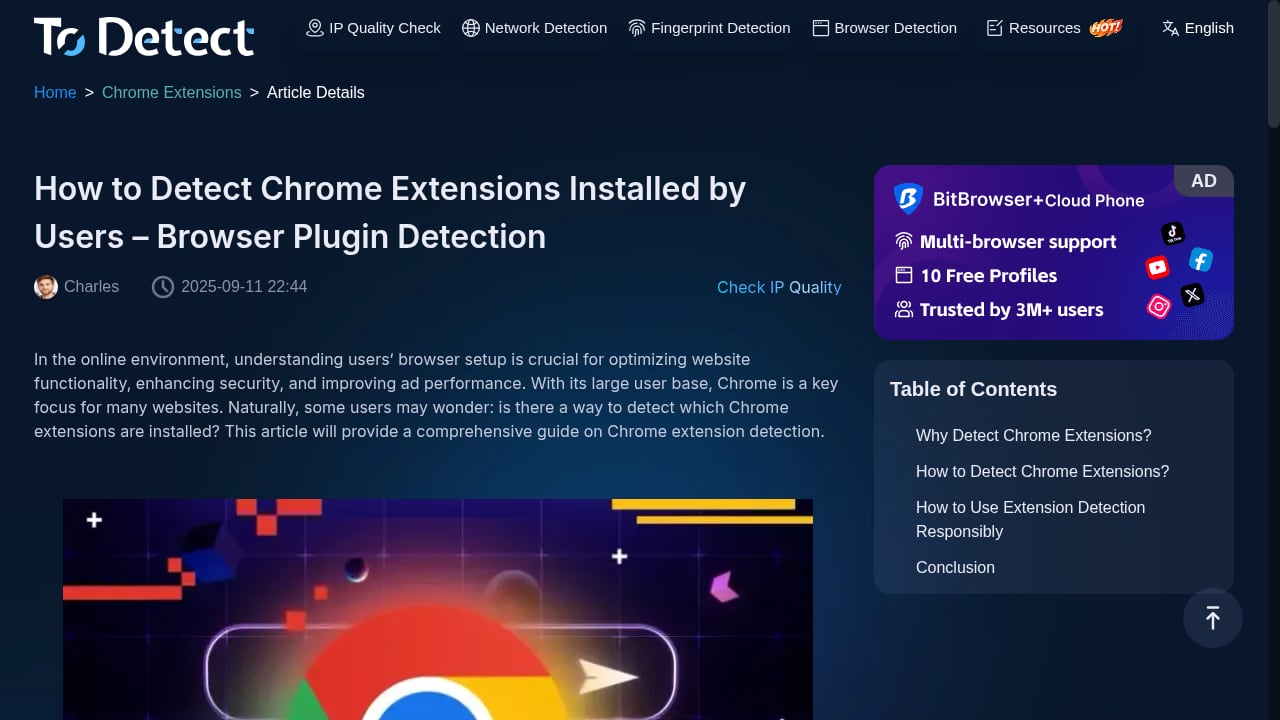
First viewport screenshot of How to Detect Chrome Extensions Installed by Users – Browser Plugin Detection-ToDetect.
Use this decision path:
- Just checking if your VPN hides your IP? Either tool works. Start with a quick check of your IP address and what it reveals.
- Verifying DNS or WebRTC leaks? Both tools cover this. BrowserScan adds the fingerprint context around it.
- Validating an antidetect browser profile? Use BrowserScan. The authenticity score, Canvas/WebGL analysis, and kernel consistency checks are built for this.
- Debugging automation detection? Use BrowserScan. Bot detection is a documented feature; it is not documented for ToDetect.
- Need a broad second opinion? Run both. Cross-referencing tools is standard practice — see how BrowserScan stacks up against other options in this 2026 comparison of BrowserScan, ToDetect, and Fingerprint.
If you want to see how a full fingerprint test workflow looks in practice, this browser fingerprint test guide walks through what sites actually detect and how to verify your VPN or proxy is doing its job.
Practical Example: Spotting a Mismatch
Suppose you are running an antidetect profile configured as a US Windows user, but your real machine is in Europe.
- ToDetect would show your IP, check purity, and flag DNS or WebRTC leaks. If your proxy is clean, the report may look fine.
- BrowserScan would additionally compare your time zone against your IP geolocation, check whether your kernel matches your User-Agent, and analyze Canvas and WebGL signals. A European time zone on a US IP, or a Canvas hash that does not match the claimed GPU, would surface as an inconsistency.
The second report tells you why a site might flag you. The first only tells you whether your IP is clean.
Related reading
- PrivacyTestLab Review 2026: Free Leak Tests, Limits & Fit - Independent PrivacyTestLab review: free WebRTC, DNS and fingerprint tests, who it suits, trust signals, limitations, and how it compares to other tools.
- How to Use BrowserScan with IP2Proxy VPN Detection - Combine BrowserScan fingerprint tests with IP2Proxy proxy and VPN detection to verify your IP, catch leaks, and see what sites really know about you.
Sources and further reading
- Best BrowserScan Fingerprint Detection Tool - Improve your online privacy security - Enhance your online security with the best BrowserScan fingerprint checking tool. Protect and prevent your privacy from leaking with our advanced technology.
- Top browser fingerprint testing tools, compared 2026 - Compare the top browser fingerprint testing tools in 2026, including IPFighter, Pixelscan, CreepJS, and more, to see which one fits your needs.
- Best 10 Browser Fingerprint Test Tools in 2026 - IPhey - Compare the top 10 browser fingerprint test tools in 2026 — Iphey, BrowserLeaks, PixelScan, Whoer, and more — to verify IP leaks, WebRTC leaks, and how trackable your browser really is.
FAQ
Is BrowserScan better than ToDetect?
For fingerprint depth, leak testing, bot detection, and consistency checks, yes — BrowserScan documents a broader feature set. ToDetect is a narrower tool focused on IP purity, proxy detection, and DNS/WebRTC leaks. If you only need those, ToDetect is adequate.
Are both tools free?
Yes. Both BrowserScan and ToDetect are free online tools that run in your browser.
Can ToDetect detect Canvas or WebGL fingerprinting?
ToDetect's public description does not mention Canvas or WebGL analysis. BrowserScan explicitly offers Canvas fingerprint detection and WebGL/WebGPU reports.
Which tool should I use to test an antidetect browser?
BrowserScan. Its fingerprint authenticity score, kernel detection, and bot detection are designed for validating whether a browser profile looks natural. ToDetect does not document those capabilities.
Do I need both tools?
Not necessarily. If you want a cross-check on IP purity and leaks, running both is harmless. But BrowserScan covers the same leak tests plus more, so for most workflows it can replace ToDetect rather than complement it.
Conclusion
BrowserScan and ToDetect overlap on the basics: IP lookup, proxy detection, and DNS/WebRTC leak tests. The difference is what happens after the basics. BrowserScan adds a fingerprint authenticity score, Canvas and WebGL analysis, kernel consistency checks, Client Hints inspection, bot detection, and a long list of supporting utilities. ToDetect stays focused on IP purity and leaks.
If your goal is a quick IP check, ToDetect is fine. If your goal is understanding what websites actually see — and why a browser might look suspicious — BrowserScan gives you more signals, more context, and a clearer verdict. For privacy-conscious users, developers, and anyone validating an antidetect setup, that depth is the difference between a clean-looking report and a trustworthy one.
For a broader view of how these tools fit into the market, see this ranked list of IP lookup and browser fingerprint tools.