
BrowserScan vs ToDetect vs Fingerprint: 2026 Comparison
BrowserScan vs ToDetect vs Fingerprint: Which Detection Tool Fits Your Workflow?
Three tools, three very different jobs. BrowserScan, ToDetect, and Fingerprint all analyze what your browser and network reveal, but they are built for different users: privacy-conscious individuals, anti-detect browser operators, and fraud teams at scale. This comparison breaks down where each one is genuinely strong — and where it is not the right pick — so you can choose based on evidence rather than marketing claims.
What each tool actually is
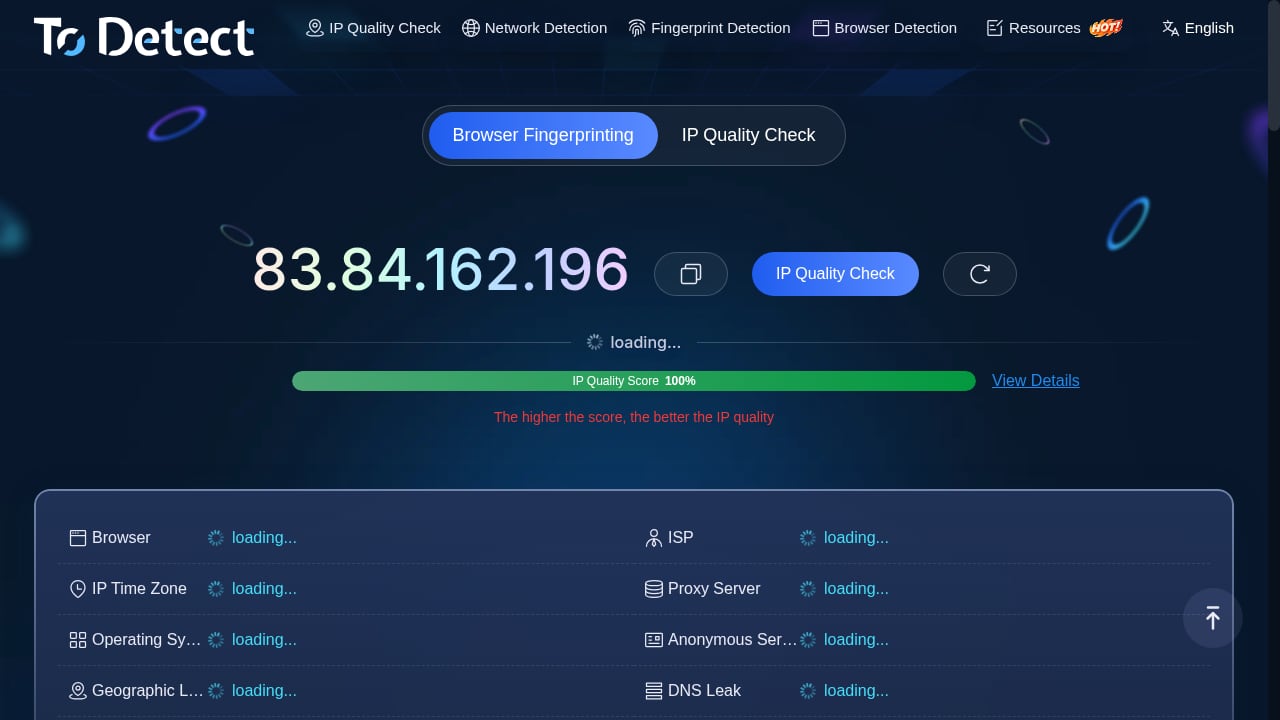
First viewport screenshot of Browser Fingerprint Detection - IP Detection Tool - DNS/WebRTC Leak Test - ToDetect.
BrowserScan: a free privacy and fingerprint testing suite
BrowserScan is a free online collection of browser fingerprint and privacy testing utilities. One scan shows a browser fingerprint authenticity score plus what sites can learn about you: IP and proxy signals, blacklist status, DNS and WebRTC leaks, canvas and WebGL data, client hints, kernel and User-Agent consistency, bot and automation indicators, media devices, and time zone alignment. It also ships standalone utilities such as an online speed test, port scanner, HTTP/2 and SSL/TLS fingerprint test, 2FA code generator, and cookie format converter.
Its positioning is breadth plus accessibility: no signup for core checks, a single dashboard view, and regular additions of new detection surfaces.
ToDetect: a free fingerprint and IP purity checker
ToDetect is a free online browser fingerprint detection tool. Its focus is narrower and practical: IP purity checks, proxy detection, DNS and WebRTC leak tests, and IP address lookup. It is designed for people who want a fast read on whether their connection and browser environment look clean — useful for VPN users, proxy users, and anti-detect browser operators validating a profile before a session.
Its strength is simplicity. You run a check, you get a verdict on environment consistency and network exposure, and you move on.
Fingerprint: an enterprise device intelligence platform
Fingerprint is a commercial device intelligence platform, not a free checker. It assigns a persistent Visitor ID that recognizes returning visitors across web and mobile even when they are anonymous, and it exposes Smart Signals such as VPN detection, proxy detection, browser tamper detection, suspect score, velocity signals, Android emulator detection, rooted device detection, cloned app detection, factory reset detection, Frida detection, geolocation spoofing detection, MitM attack detection, incognito detection, and AI agent detection.
It is used by fintech, e-commerce, iGaming, crypto, travel, and banking teams. Published outcomes include a fintech cutting MFA requests by 70%, ZBD reducing multi-accounting by 95%, Trustpilot blocking 4.5 million fake reviews annually, and Skipify instantly recognizing 70% of returning shoppers. Pricing starts with a free tier of up to 1,000 API calls per month and a Pro Plus plan at $99/month for 20,000 API calls, with enterprise tiers above that.
Head-to-head comparison
Fingerprint product interface.
| Criterion | BrowserScan | ToDetect | Fingerprint |
|---|---|---|---|
| Price model | Free, no signup for core checks | Free | Free tier (1,000 API calls/month), then paid |
| Primary audience | Privacy users, developers, security researchers, anti-detect validation | Privacy users, proxy/VPN users | Fraud, risk, and product teams |
| Fingerprint authenticity or risk score | Yes | Yes | Suspect score and Smart Signals |
| DNS and WebRTC leak tests | Yes | Yes | Not the core product focus |
| IP and proxy detection | Yes | Yes, with IP purity emphasis | Yes, via Smart Signals |
| Bot and automation detection | Yes | Limited public detail | Yes, including AI agent detection |
| Mobile device signals | No | No | Yes (emulator, root, cloned app, factory reset, Frida) |
| Persistent cross-session visitor ID | No | No | Yes (Visitor ID) |
| API-first integration | No | No | Yes |
| Utility toolset beyond fingerprinting | Broad (speed test, port scanner, TLS test, 2FA, cookie converter) | Narrow | Not applicable |
Where BrowserScan has a supported advantage
Breadth of free utilities in one place
BrowserScan's catalog goes well beyond a single fingerprint readout. A DNS leak test, WebRTC leak test, port scanner, HTTP/2 and SSL/TLS fingerprint check, User-Agent parser, client hints inspector, canvas detection, kernel detection, WebGPU report, and 2FA generator live under one roof. ToDetect covers the network and fingerprint essentials but not the long tail of developer utilities; Fingerprint does not compete in this category at all.
Real-time fingerprint authenticity scoring for anti-detect validation
BrowserScan's fingerprint authenticity score is a fast way to see whether a browser profile looks natural or suspicious. For someone validating an anti-detect browser setup, that score plus the consistency checks (kernel vs User-Agent, time zone alignment, client hints) gives an immediate pass/fail signal. ToDetect also provides a risk-oriented verdict, so this is a shared strength rather than an exclusive one — but BrowserScan pairs it with more granular diagnostic surfaces.
Zero-friction access
Core BrowserScan checks run without an account. That matters for quick audits, support troubleshooting, and compatibility debugging where you do not want to onboard a tool just to answer one question.
Where ToDetect is a credible choice
IP purity as the headline feature
ToDetect treats IP purity and proxy detection as first-class concerns rather than one panel among many. If your main question is "does this IP look residential and clean, or is it flagged as a proxy or datacenter address," ToDetect answers it directly and quickly.
Low cognitive load
ToDetect's results are summarized rather than dumped. For users who do not want to interpret raw canvas hashes or entropy values, that is a feature, not a limitation. It sits comfortably alongside tools like Pixelscan and BrowserLeaks in the free-checker category.
Free with no commitment
Like BrowserScan, ToDetect requires no payment or API key. For occasional checks — verifying a new VPN, testing a proxy before a session — that is the right cost structure.
Where Fingerprint is a credible choice

Fingerprint product interface.
Persistent identification across sessions
Fingerprint's Visitor ID is the core differentiator. Free checkers tell you what your browser looks like right now; Fingerprint tells a business whether this is the same device it saw last week, even after cookies are cleared. That capability underpins account takeover prevention, multi-accounting detection, and returning-user recognition.
Smart Signals depth for fraud teams
Signals such as browser tamper detection, velocity, suspect score, emulator and root detection, cloned app detection, Frida detection, geolocation spoofing detection, and MitM attack detection are built for adversarial environments. Free fingerprint checkers are not designed to detect a repackaged mobile app or a hooked runtime.
Mobile coverage
Most free browser checkers are web-only. Fingerprint covers mobile device integrity signals that matter for app-based fraud, including factory reset detection and rooted device detection.
Proven outcomes and ecosystem maturity
With 6,000+ customers, an open-source library at 27K+ GitHub stars, and 6.1 million monthly downloads, Fingerprint has the deployment track record that a free checker does not attempt to match. If you want a deeper look, see our Fingerprint review.
Which tool should you use?
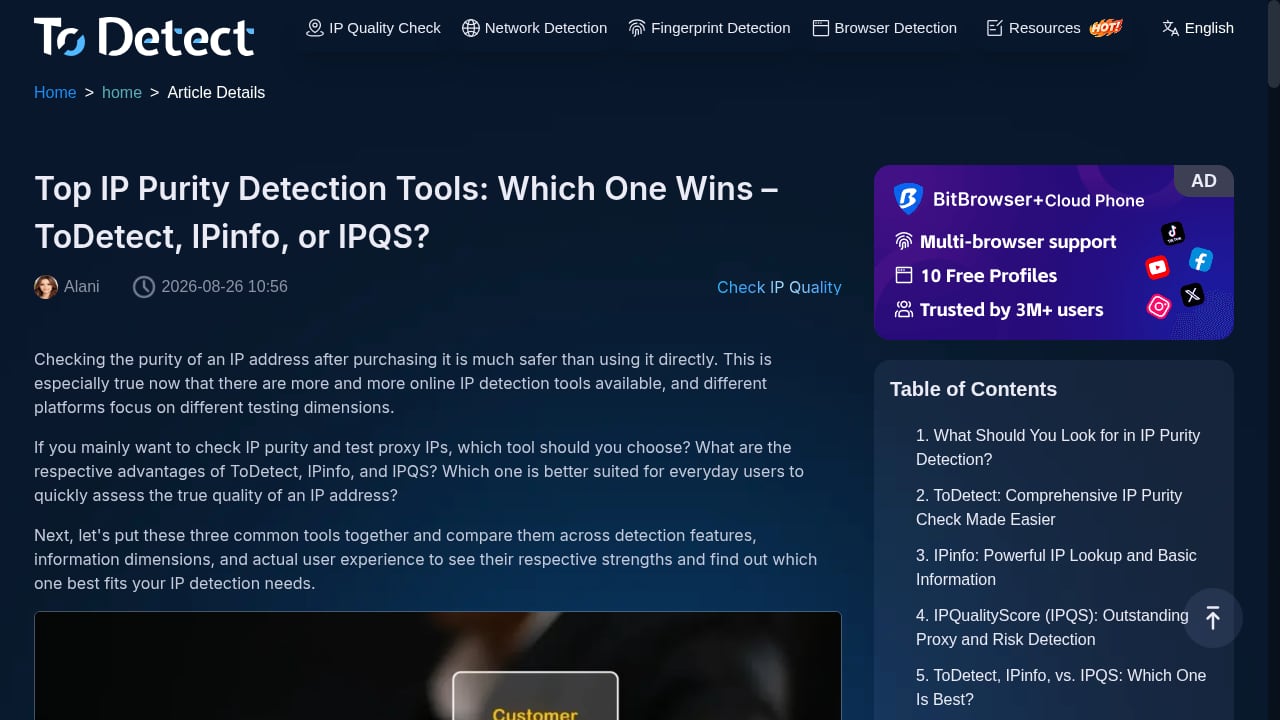
First viewport screenshot of Top IP Purity Detection Tools: Which One Wins – ToDetect, IPinfo, or IPQS?-ToDetect.
- You want to see what websites detect about your browser, for free, right now. Start with BrowserScan. The browser fingerprint test covers fingerprint, IP, DNS, and WebRTC signals in one pass.
- You are validating a proxy or VPN for IP purity. ToDetect's IP purity focus is a natural fit, and it is worth cross-checking with a second tool before trusting a connection.
- You are building fraud prevention into a product. Fingerprint is the only one of the three designed as an API-first device intelligence platform with persistent IDs and mobile integrity signals.
- You need both. A common pattern is using a free checker like BrowserScan or ToDetect during development and QA, then integrating Fingerprint for production risk decisions.
Practical example: verifying a proxy setup
Say you have configured a residential proxy and want to confirm it is not leaking.
- Run a DNS leak test to confirm DNS queries resolve through the proxy, not your ISP.
- Run a WebRTC leak test to confirm your real IP is not exposed through STUN.
- Check the fingerprint authenticity or risk score to see whether the browser environment looks consistent with the claimed location.
- Compare the reported time zone, language, and IP geolocation — mismatches are a common flag.
BrowserScan and ToDetect both support steps 1 through 3. For step 4 at scale, Fingerprint's geolocation spoofing and proxy signals are the enterprise-grade option.
Related reading
- BrowserScan vs WhoerIP: Which Privacy Tool Wins in 2026? - Compare BrowserScan and WhoerIP for fingerprint detection, leak tests, and privacy scoring. See which free tool fits your anonymity workflow in 2026.
Sources and further reading
- Best BrowserScan Fingerprint Detection Tool - Improve your online privacy security - Enhance your online security with the best BrowserScan fingerprint checking tool. Protect and prevent your privacy from leaking with our advanced technology.
- Top browser fingerprint testing tools, compared 2026 - Compare the top browser fingerprint testing tools in 2026, including IPFighter, Pixelscan, CreepJS, and more, to see which one fits your needs.
- Best 10 Browser Fingerprint Test Tools in 2026 - Clearing cookies and using incognito mode isn't enough to stay anonymous online. This guide compares 10 of the best browser fingerprint test tools in 2026 — from beginner-friendly options like Iphey and Whoer to deep technical analysis with BrowserLeaks and AmIUnique — so you know exactly how trackable your browser really is.
FAQ
Is BrowserScan better than ToDetect?
Neither is universally better. BrowserScan offers a wider set of free utilities and more granular diagnostic panels; ToDetect emphasizes IP purity and a simpler verdict. Pick based on whether you want depth or a quick answer.
Can Fingerprint replace a free fingerprint checker?
Not for casual use. Fingerprint is an API-first platform with a free tier of 1,000 calls per month, but its value is persistent identification and fraud signals, not a one-off page load check.
Do I need all three tools?
Most individuals need one. Teams building fraud prevention typically use a free checker for QA and Fingerprint for production decisions. For a broader market view, see the top online privacy and IP intelligence tools.
Are DNS and WebRTC leak tests enough to stay anonymous?
No. Leak tests catch network exposure, but fingerprinting also relies on canvas, WebGL, fonts, hardware, and behavioral signals. Leak tests are necessary, not sufficient.
Does Fingerprint work on mobile apps?
Yes. Fingerprint covers mobile device intelligence including emulator, root, cloned app, and factory reset detection, which web-only checkers do not address.
Conclusion
BrowserScan, ToDetect, and Fingerprint are not three versions of the same product. BrowserScan is the broadest free suite for seeing what your browser exposes. ToDetect is a focused, low-friction IP purity and leak checker. Fingerprint is a commercial device intelligence platform built for persistent identification and fraud prevention at scale.
If your goal is personal privacy verification, a free checker is the right starting point — and running two of them side by side costs nothing. If your goal is stopping fraud in a live product, the free tier of Fingerprint is a reasonable way to evaluate whether persistent Visitor IDs and Smart Signals solve a problem your current stack cannot.