
BrowserScan vs WhoerIP: Which Privacy Tool Wins in 2026?
BrowserScan vs WhoerIP: Which Privacy Tool Wins in 2026?
Choosing between BrowserScan and WhoerIP can feel like splitting hairs — both are free, both reveal what your browser leaks, and both promise to improve your online privacy. But they take different paths to get there. This comparison breaks down what each tool actually does, where one pulls ahead, and which fits your workflow.
What Each Tool Does
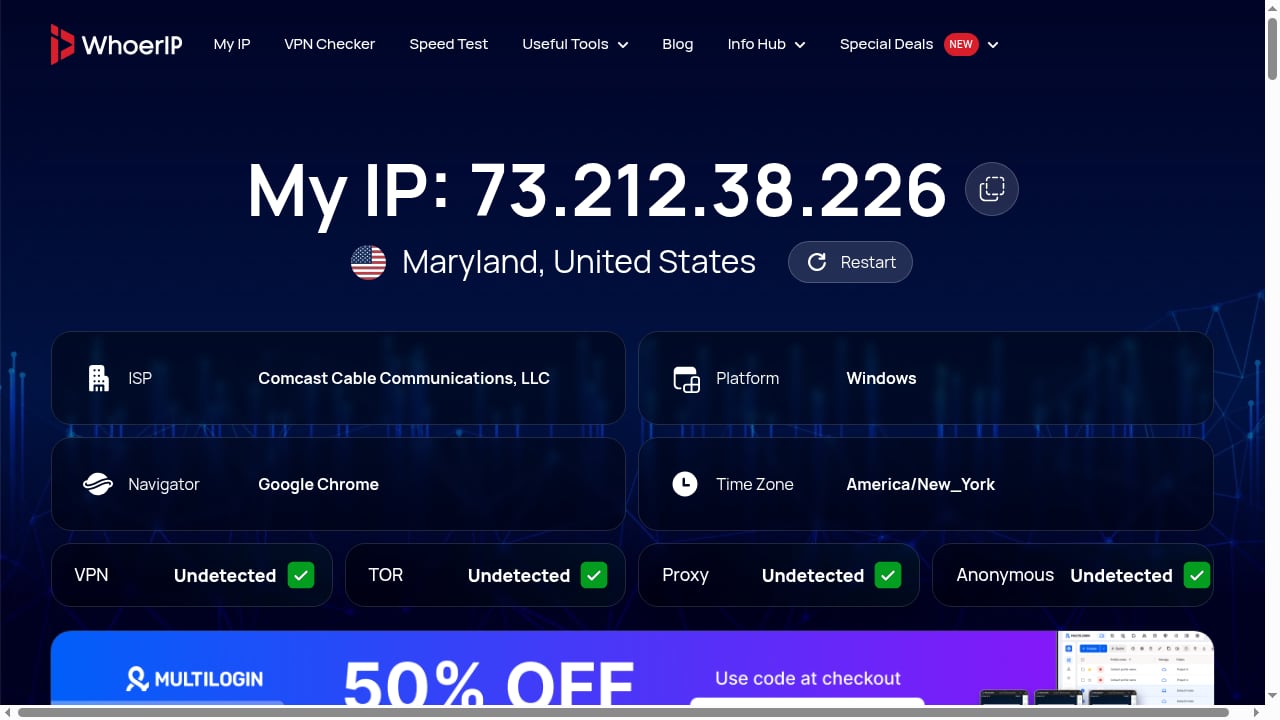
First viewport screenshot of WhoerIP — Free IP Lookup & Proxy Checker.
BrowserScan: A Full Fingerprint Detection Suite
BrowserScan is a free online suite of browser fingerprint detection and privacy testing tools. It analyzes browser properties, hardware signals, network configuration, and other data points to show you what websites can learn about you. The platform includes a wide range of utilities: DNS leak test, WebRTC leak test, bot detection, browser kernel detection, canvas fingerprint analysis, client hints inspection, 2FA code generation, cookie format conversion, and more.
Its core value is real-time fingerprint authenticity scoring, IP and proxy detection, blacklist checking, and detailed reports on browser version vulnerabilities. It serves privacy-conscious individuals, developers, security researchers, and businesses that need to verify browser authenticity, detect automation, or troubleshoot compatibility issues.
WhoerIP: IP Lookup and Fingerprint Analysis
WhoerIP is a free online privacy and diagnostic tool that reveals what your device exposes when you connect to the internet. It provides real-time network connection analysis, including proxy tests, anonymity checks, and TOR checker features. The tool is especially useful for checking your IP address (IPv4 or IPv6), geolocation, internet service provider, and identifying data leaks via DNS, WebRTC, or open ports. It also offers advanced device fingerprinting analysis.
WhoerIP requires no installation and is designed for anyone concerned about online tracking, device fingerprinting, or the transparency of their internet connection. The website also features a blog covering topics like IP addresses, proxies, VPNs, cybersecurity, click fraud, antidetect browsers, scraping, mobile SMM, and cloud phones, as well as a partners section with exclusive deals on antidetect browsers, residential proxies, and cloud phone platforms.
Feature-by-Feature Comparison
| Feature | BrowserScan | WhoerIP |
|---|---|---|
| Free access | Yes, fully free | Yes, fully free |
| IP detection | IPv4/IPv6, proxy detection, blacklist check | IPv4/IPv6, proxy test, TOR checker |
| DNS leak test | Yes | Yes |
| WebRTC leak test | Yes | Yes |
| Canvas fingerprint | Yes, with detailed analysis | Yes, as part of fingerprinting |
| WebGL fingerprint | Yes | Yes |
| Bot detection | Yes | Not highlighted as a core feature |
| Browser kernel detection | Yes | Not highlighted |
| Client hints inspection | Yes | Not highlighted |
| 2FA code generation | Yes | No |
| Cookie format conversion | Yes | No |
| Fingerprint authenticity score | Yes, real-time | Anonymity score |
| Browser version vulnerability reports | Yes | Not highlighted |
| Blog/resources | Not a focus | Extensive blog on privacy topics |
| Partners/deals section | No | Yes, antidetect browsers, proxies, cloud phones |
Where BrowserScan Pulls Ahead
First viewport screenshot of Browser kernel detection - Browser detection, kernel version detection, version detection, vulnerability detection - BrowserScan.
BrowserScan's strength lies in its breadth of specialized utilities. While both tools cover the basics — IP, DNS leaks, WebRTC leaks, and fingerprinting — BrowserScan goes further with features that serve developers and security researchers:
- Bot detection: Useful for verifying whether your browser appears automated to anti-fraud systems.
- Browser kernel detection: Helps identify the underlying engine and version, which matters for compatibility testing.
- Client hints inspection: Reveals the granular data your browser sends via the User-Agent Client Hints API.
- 2FA code generation: A handy utility for testing two-factor authentication flows.
- Cookie format conversion: Simplifies moving cookies between formats for debugging or migration.
- Real-time fingerprint authenticity scoring: Provides an immediate signal of how trustworthy your fingerprint appears.
- Browser version vulnerability reports: Alerts you to known security issues in your current browser version.
These extras make BrowserScan a more complete toolkit for anyone who needs to go beyond a simple privacy check. For a deeper look at its capabilities, see BrowserScan Fingerprint Detection: Best Privacy Tool 2026.
Where WhoerIP Excels
First viewport screenshot of Blog - WhoerIP.
WhoerIP is not without its strengths. Its IP lookup and anonymity scoring are solid, and it offers a TOR checker that some users find valuable. The platform's blog is extensive, covering topics from proxies to antidetect browsers, which can be helpful for research. Additionally, WhoerIP's partners section provides exclusive deals on antidetect browsers, residential proxies, and cloud phone platforms — a practical resource if you're shopping for privacy tools.
However, for pure fingerprint detection and privacy testing, WhoerIP's feature set is narrower. It lacks the bot detection, kernel detection, client hints inspection, and utility tools that BrowserScan provides. If your goal is to understand and mitigate tracking vectors, BrowserScan offers more actionable data.
Practical Examples: When to Use Which
Scenario 1: You're a Developer Testing a New Browser Build
You need to verify that your custom browser doesn't leak unexpected signals. BrowserScan's client hints inspection and browser kernel detection give you the technical depth to spot anomalies. WhoerIP would show you the basics, but you'd miss the granular details.
Scenario 2: You're a Privacy-Conscious User Checking VPN Effectiveness
Both tools will show your IP, DNS leaks, and WebRTC leaks. BrowserScan adds a fingerprint authenticity score that can indicate whether your VPN is masking your fingerprint consistently. WhoerIP provides an anonymity score, but the underlying analysis is less detailed.
Scenario 3: You're a Security Researcher Investigating Bot Detection
BrowserScan's bot detection feature is directly relevant. WhoerIP does not highlight bot detection as a core capability, so you'd need to look elsewhere.
Scenario 4: You Want to Compare Multiple Tools
If you're evaluating several privacy tools, you might also consider BrowserScan vs BrowserLeaks vs Pixelscan to see how they stack up. For a broader overview, see Top 10 Online Privacy & IP Intelligence Tools 2026.
Decision Guide: Which Tool Fits Your Workflow?
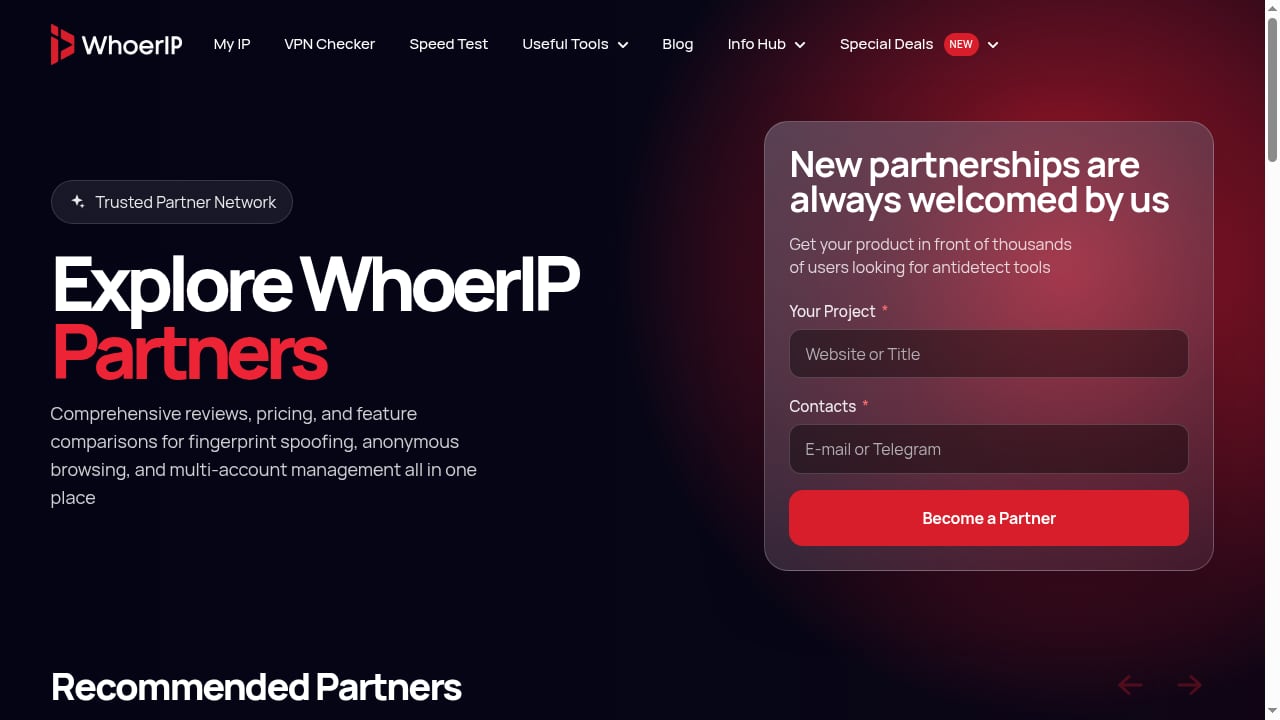
First viewport screenshot of Explore WhoerIP Partners For Special Deals.
Choose BrowserScan if:
- You need a comprehensive fingerprint detection suite with specialized utilities.
- You want bot detection, kernel detection, or client hints inspection.
- You value real-time fingerprint authenticity scoring and vulnerability reports.
- You're a developer, security researcher, or power user who needs granular data.
Choose WhoerIP if:
- You primarily need IP lookup, proxy tests, and TOR checking.
- You want an anonymity score with a simple interface.
- You're interested in a blog with privacy-related content and partner deals.
- You prefer a tool that focuses on network-level diagnostics.
Consider using both if:
- You want to cross-verify results. As one source notes, "No service is perfect. Using multiple IP checkers in parallel will help you cross-check results, making it easier to spot hidden leaks." This is sound advice — different tools may detect different issues.
Related reading
- Fingerprint Review 2026: Device Intelligence, Pricing & Fit - Evidence-based Fingerprint review: Visitor ID accuracy, Smart Signals, pricing, setup, limitations, and who should use it for fraud prevention in 2026.
FAQ
Is BrowserScan really free?
Yes, BrowserScan is a free online suite. It does not require installation or payment for its core features.
Does WhoerIP offer a fingerprint authenticity score?
WhoerIP provides an anonymity score, but not a specific fingerprint authenticity score like BrowserScan's real-time scoring.
Can BrowserScan detect bot automation?
Yes, BrowserScan includes bot detection as one of its utilities, which can help identify if your browser appears automated.
Which tool is better for checking DNS leaks?
Both tools offer DNS leak tests. BrowserScan provides additional context through its fingerprint analysis, while WhoerIP focuses on network-level diagnostics.
Does WhoerIP have a blog?
Yes, WhoerIP features a blog covering topics like IP addresses, proxies, VPNs, cybersecurity, click fraud, antidetect browsers, scraping, mobile SMM, and cloud phones.
Can I use BrowserScan and WhoerIP together?
Absolutely. Using both can give you a more complete picture of your privacy posture, as each tool may surface different signals.
Conclusion
BrowserScan and WhoerIP both serve the goal of revealing what your browser exposes, but they cater to different needs. BrowserScan offers a broader, more technical suite with specialized utilities like bot detection, kernel detection, client hints inspection, and fingerprint authenticity scoring — making it the stronger choice for developers, security researchers, and anyone who needs deep fingerprint analysis. WhoerIP provides solid IP lookup and anonymity scoring, plus a useful blog and partner deals, but its fingerprinting capabilities are less comprehensive.
For most users focused on privacy testing and fingerprint detection, BrowserScan delivers more actionable insights. If you primarily need IP diagnostics and enjoy reading privacy content, WhoerIP is a fine complement. Ultimately, the best approach may be to use both — cross-verifying results to ensure no leak goes unnoticed.
For more on BrowserScan's capabilities, see BrowserScan Fingerprint Detection: Best Privacy Tool 2026. To explore how BrowserScan integrates with other services, check out How to Use BrowserScan with BigDataCloud IP Geolocation APIs.
External references: