
Cover Your Tracks Review: What It Really Reveals
Cover Your Tracks Review: What It Really Reveals About Your Browser
Most people assume that a private browsing window, an ad blocker, or a mainstream browser's default settings are enough to stay anonymous online. Cover Your Tracks, the browser privacy test maintained by the Electronic Frontier Foundation (EFF), exists specifically to challenge that assumption. It runs a short series of checks in your browser and shows you what tracking scripts can realistically infer about you.
This review covers what the tool actually measures, where it is genuinely useful, where it falls short, and how to decide whether it deserves a place in your privacy workflow.
What Cover Your Tracks Actually Tests
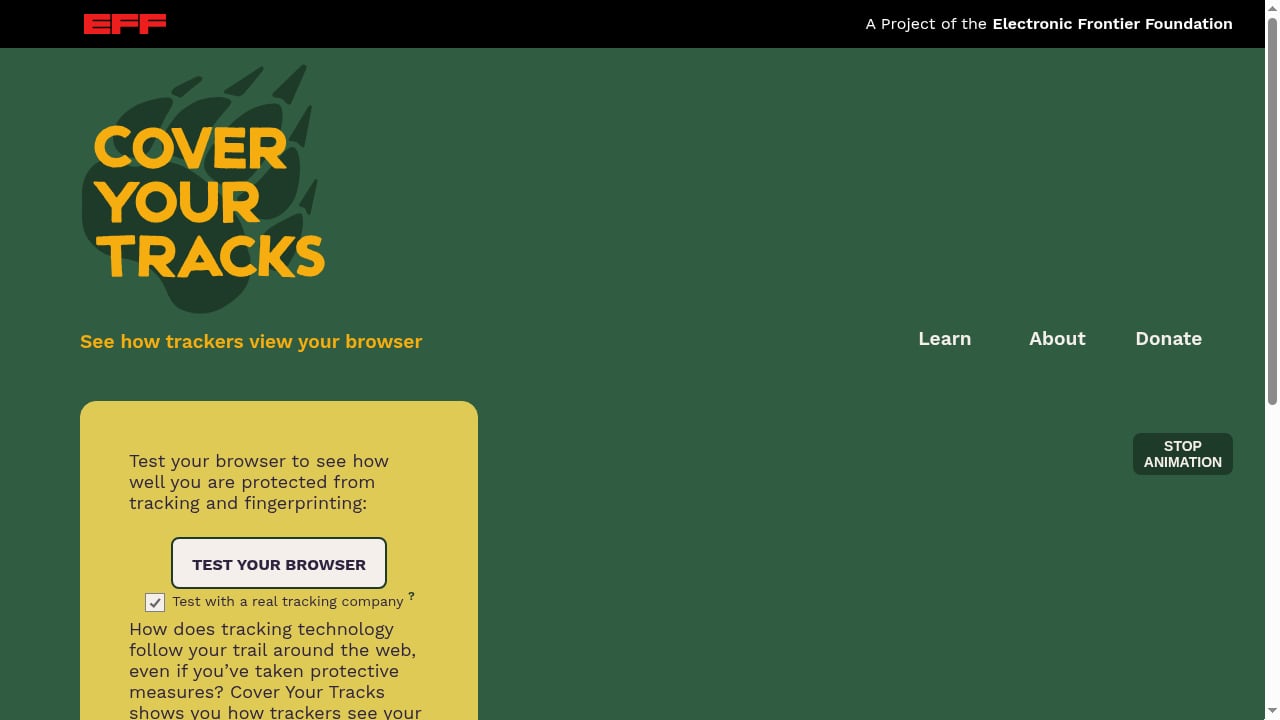
First viewport screenshot of Cover Your Tracks.
The tool is not a general-purpose security scanner. It focuses on two related questions:
- Can trackers follow you across sites? It checks whether your browser blocks common tracking techniques, including third-party cookies and scripts that try to identify you across domains.
- How unique is your browser fingerprint? It combines signals such as your user agent, screen dimensions, installed fonts, timezone, and other attributes to estimate how distinguishable your browser is from others in its dataset.
At the end, you receive a summary with a tracking protection result and a fingerprinting result, plus a breakdown of the individual signals that contributed to the fingerprint.
The tracking protection check
This part evaluates whether your browser or extensions interfere with known tracking methods. If you use a browser with strong default protections, or an extension that blocks third-party requests, you will typically see a more favorable result here. If you are on a stock browser with no extensions, expect the test to show that trackers can still reach you.
The fingerprinting check
The fingerprinting result is the more interesting half. It estimates whether your browser configuration is one of a kind or blends in with a crowd. The output usually includes a uniqueness estimate and a list of attributes. A common misconception is that a unique fingerprint is automatically dangerous. In practice, uniqueness matters most when it is stable over time and combined with other identifiers.
Who Cover Your Tracks Is For
First viewport screenshot of Cover Your Tracks.
This tool fits a specific set of users better than others.
Good fits
- Privacy-curious beginners who want a plain-language explanation of how trackers see them, without installing a full security suite.
- People comparing browsers or extensions and looking for a quick before-and-after signal after changing settings.
- Journalists, researchers, and advocates who need a citable, well-known reference point for explaining browser tracking to a general audience.
- Anyone verifying a privacy claim made by a browser vendor or extension developer.
Poor fits
- Users who need leak testing for VPNs. Cover Your Tracks does not check whether your VPN is leaking your real IP address, DNS queries, or WebRTC data. For that, you need a dedicated leak test.
- Teams auditing proxies or regional traffic. The tool has no proxy detection, IP purity scoring, or regional storefront checks.
- Users who want a persistent dashboard. There is no account, no history, and no way to track changes over weeks or months.
If your goal is leak verification rather than tracker exposure, a tool like BrowserScan vs BrowserLeaks: Which Privacy Test Wins in 2026? covers the WebRTC, DNS, and IP side of the picture that Cover Your Tracks does not touch.
Strengths
It is free and requires no account
You open the page, run the test, and read the results. No signup, no email, no extension required. That low friction is a large part of why the tool has remained a common recommendation for years.
The explanations are genuinely educational
The results page does not just say "you are trackable." It explains which techniques were detected and why they matter. For someone learning how third-party tracking works, that context is more valuable than a raw score.
It is independent and well documented
The EFF is a nonprofit advocacy organization with a long public track record on digital rights. The methodology behind the test has been discussed publicly, which makes it easier to trust the results than an anonymous scanner with no stated methodology.
It works across major browsers
You can run it in Chrome, Firefox, Safari, Edge, and most Chromium-based browsers without installing anything. That makes it convenient for side-by-side comparisons.
Limitations
The fingerprinting estimate is dataset-dependent
The uniqueness figure depends on the population the EFF compares you against. A result of "one in a thousand" does not mean only a thousand people share your configuration worldwide. Treat the number as a relative signal, not an absolute measurement.
Results change as browser versions change
Fingerprinting surfaces shift with every browser release. A configuration that looked rare last year may be common today, or vice versa. One test run is a snapshot, not a permanent verdict.
No VPN, DNS, or WebRTC leak testing
This is the biggest practical gap. If you are using a VPN and want to confirm that your traffic is not escaping outside the tunnel, Cover Your Tracks will not tell you. You need a separate leak test for that, and pairing the two gives a far more complete picture. The workflow described in How to Use BrowserScan with ExpressVPN: Speed & Privacy 2026 shows how a fingerprint check and a leak check complement each other.
No bot detection or device intelligence
Cover Your Tracks is built for human visitors checking their own browsers. It does not assess bot signals, automation flags, or device intelligence, which matters if you are evaluating anti-fraud or e-commerce use cases.
Limited action guidance
The tool tells you what it found, but the remediation advice is general. It does not walk you through configuring specific settings for your browser version, and it does not compare your results against recommended baselines.
Pricing Signals
Cover Your Tracks is free to use. There is no paid tier, no premium report, and no commercial upsell on the results page. The EFF funds the project through donations and organizational support rather than user subscriptions.
That has two implications. First, there is no cost barrier to trying it. Second, because it is donation-funded rather than commercially driven, feature development moves slowly. Do not expect frequent new test modules or a roadmap driven by user requests.
Setup and How to Run It
Setup is minimal, which is part of the appeal.
- Open the test page in the browser you want to evaluate. Use a normal window, not private mode, unless you specifically want to test private mode behavior.
- Disable or enable extensions deliberately. Run the test once with your usual setup, then again with tracking protection extensions turned off, so you can see what each layer contributes.
- Wait for the full run to finish. The fingerprinting portion takes a few seconds because it collects multiple attributes.
- Read the breakdown, not just the headline. The individual attribute list is where the useful detail lives.
- Repeat after changes. If you switch browsers, install a new extension, or change your screen resolution, run it again.
A practical tip: run the test in two different browsers back to back. The contrast between results is often more instructive than either result alone.
How It Compares to Other Privacy Tests
First viewport screenshot of Cover Your Tracks | About.
Cover Your Tracks occupies a specific niche. It is strongest on tracker exposure and fingerprint education, and weakest on network-level verification.
| Capability | Cover Your Tracks | Typical leak test tool |
|---|---|---|
| Third-party tracker detection | Yes | Rarely |
| Fingerprint attribute breakdown | Yes | Sometimes |
| IP, DNS, WebRTC leak checks | No | Yes |
| Proxy or VPN detection | No | Often |
| Bot and automation signals | No | Sometimes |
| Cost | Free | Free to paid tiers |
For a broader view of where it sits among alternatives, Top 10 Browser Fingerprint Testing & Privacy Audit Tools 2026 ranks the category with transparent criteria. If your priority is verifying that a VPN is doing what it claims, a router-level setup changes the threat model entirely, as explained in Why Use a VPN on a Router? Privacy, Leaks & Browser Tests.
Decision Criteria: Should You Use It?
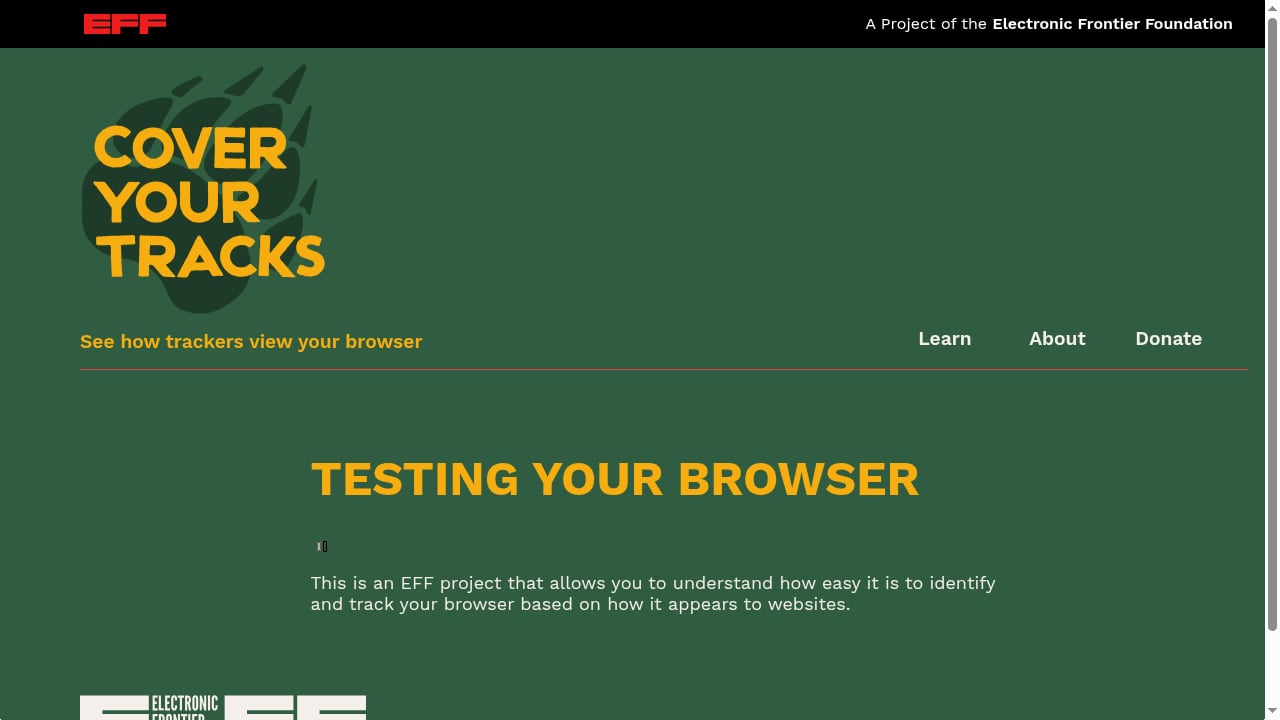
First viewport screenshot of Cover Your Tracks.
Use this short checklist to decide.
- Use it if you want a free, credible, educational check on how trackers and fingerprinting scripts see your browser.
- Use it if you are comparing browsers or extensions and want a repeatable before-and-after signal.
- Skip it if you need to verify VPN leaks, DNS resolution, or WebRTC exposure.
- Skip it if you need proxy detection, bot scoring, or device intelligence for commercial use.
- Combine it if you want a complete picture. Run Cover Your Tracks for tracker and fingerprint insight, then run a dedicated leak test for network-level verification.
Related reading
- BrowserScan vs WhoerIP vs Fingerprint: 2026 Comparison - Compare BrowserScan, WhoerIP, and Fingerprint for browser fingerprinting, IP leak checks, and device intelligence. Find the right tool for your workflow.
Sources and further reading
- “Cover Your Tracks” by Daco S. Auffenorde – Book Review @TurnerPub @AuthorDaco #CoverYourTracks #BookReview - Margo Fletcher is travelling home for a family wedding in late December. Since she is eight months pregnant, her doctor has told her that plane travel is unsafe, so she boarded a train… Ironi…
- Cover Your Tracks by Claire Askew #bookreview @onenightstanzas @hodderbooks @hodderpublicity - Cover Your Tracks is the third novel from Claire Askew featuring one of my favourite fictional detectives, DI Helen Birch. If you have followed my blog for a while you will know that I am particula…
- Review: Cover Your Tracks by Daco S. Auffenorde - 9th Street Books - Cover Your Tracks is a chilling story of love and hate, the devastating power of nature, and the will to survive.
FAQ
Is Cover Your Tracks still maintained?
Yes. It is operated by the Electronic Frontier Foundation and remains one of the most widely referenced browser privacy tests. Because it is donation-funded, updates tend to be incremental rather than frequent.
Does Cover Your Tracks test my VPN?
No. It does not check IP address leakage, DNS leaks, or WebRTC exposure. Those require a dedicated leak testing tool.
What does a unique fingerprint mean?
It means your combination of browser attributes is uncommon within the dataset the test uses. That does not automatically make you identifiable, but a stable, unique fingerprint can contribute to cross-site tracking when combined with other signals.
Can I use Cover Your Tracks on mobile?
Yes, it runs in mobile browsers. However, mobile fingerprinting surfaces differ from desktop, and some attributes are less exposed, so results are not directly comparable across device types.
Does it store my results?
There is no account system or personal dashboard. Each run is essentially a fresh snapshot.
Is a good result on Cover Your Tracks enough to be anonymous?
No. Browser-level tracking is only one layer. Network-level exposure, account logins, and behavioral patterns all contribute to identifiability. Treat a good result as one positive signal, not a guarantee.
Conclusion
Cover Your Tracks earns its reputation as a starting point for browser privacy. It is free, independent, and unusually good at explaining what it finds. For beginners and for anyone comparing browser configurations, it delivers real value with almost no setup cost.
Its limits are just as clear. It does not verify VPN leaks, does not detect proxies, and does not score bot signals. The fingerprinting estimate is a relative indicator rather than a precise measurement, and results shift as browsers update.
The practical approach is to treat it as one component of a layered audit. Run Cover Your Tracks to understand tracker and fingerprint exposure, then use a dedicated leak test to confirm that your network traffic is behaving as expected. Used together, the two give you a far more honest picture than either one alone.