
BrowserScan vs WhatIsMyIP.com vs Pixelscan: Best Fingerprint Tool
BrowserScan vs WhatIsMyIP.com vs Pixelscan: Which Fingerprint Detection Tool Fits Your Privacy Workflow?
Your browser leaks more than your IP address. Canvas rendering, WebGL output, installed fonts, screen geometry, timezone, and network routing all combine into a fingerprint that can follow you across sessions. Choosing the right detection tool depends on what you actually need to see: a quick IP lookup, a fingerprint consistency score, or a full leak and exposure report.
This comparison puts BrowserScan, WhatIsMyIP.com, and Pixelscan side by side on the criteria that matter for privacy testing, so you can pick the tool that matches your workflow.
What Each Tool Does Best
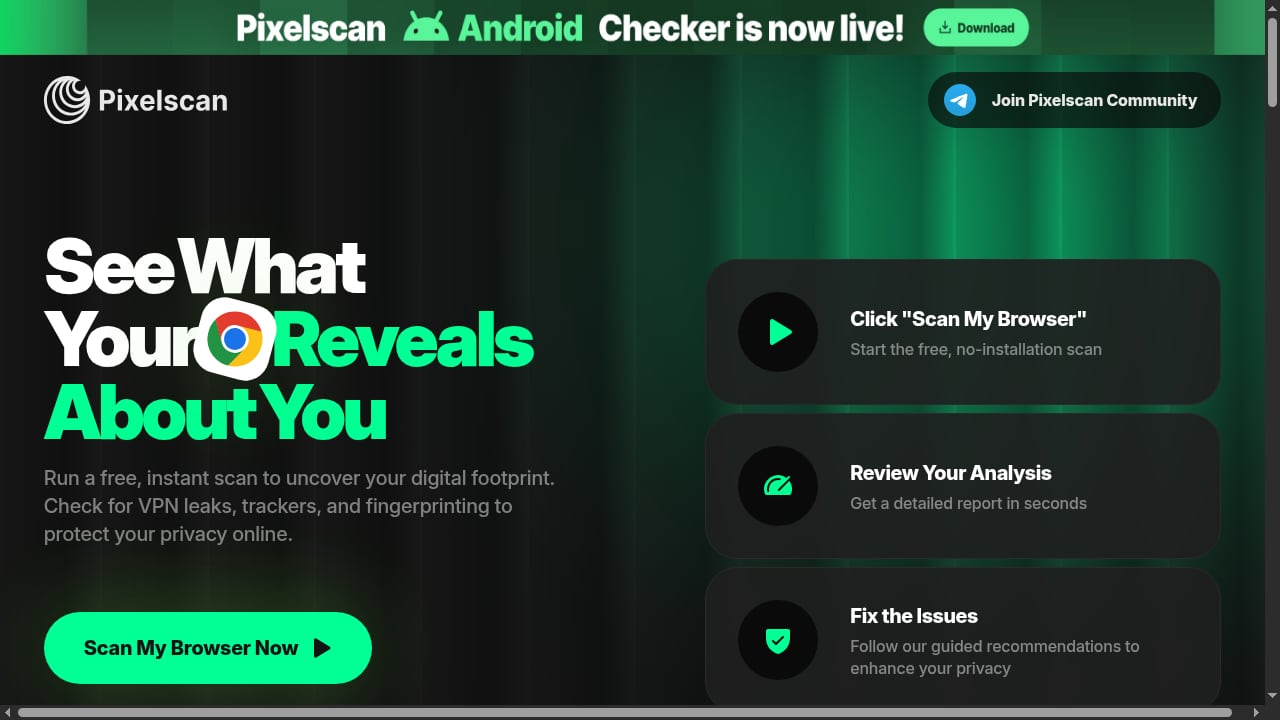
First viewport screenshot of Pixelscan | Fast multi-check tool for detection analysis.
BrowserScan: Deep Fingerprint and Leak Diagnostics
BrowserScan is built for users who want a broad diagnostic surface in one place. It combines fingerprint inspection with a set of network and privacy checks, including DNS leak testing, WebRTC leak testing, proxy server detection, IP checking, port scanning, speed testing, and user agent parsing. The tool also supports 2FA live checks and a browser checker, which makes it useful for verifying whether your anonymity setup is actually holding up.
Its strength is coverage. Instead of running five separate tools, you can run one scan and get a consolidated view of what your browser and network are exposing. That matters when you are testing an antidetect browser profile, a VPN, or a proxy configuration and need to confirm that nothing is leaking.
WhatIsMyIP.com: Trusted IP Intelligence and Educational Depth
WhatIsMyIP.com has a long track record as a go-to resource for IP address information. It instantly shows your public IPv4 and IPv6 address, approximate location, ISP, and related network details. Beyond the core lookup, it offers a suite of free tools: IP lookup, Whois lookup, DNS lookup, internet speed test, port scanner, proxy check, and IP blacklist check.
What sets it apart is its editorial layer. The site publishes educational guides on VPNs, WiFi, and online privacy, plus a cybersecurity news section covering threats, scam alerts, and privacy updates. Its research articles on scam sites, VPN marketing claims, and device vulnerabilities are reviewed by technical experts, which gives the platform credibility beyond a simple lookup utility. For network administrators, cybersecurity enthusiasts, and general users who want to understand their network identity, it remains a strong reference point.
Pixelscan: Fast Fingerprint Consistency and Detectability Scoring
Pixelscan focuses on how detectable your setup is. It runs a multi-check analysis covering browser fingerprinting, proxy detection, IP address details, DNS leaks, WebRTC leaks, and bot verification. The report is designed to tell you whether your fingerprint looks consistent and whether your proxy, timezone, and location align.
It requires no registration and completes in about five seconds, which makes it convenient for quick sanity checks. Pixelscan is particularly popular among antidetect browser users who want a fast verdict on whether a profile looks suspicious. Its blog covers antidetect browsers, proxies, multi-accounting, and web scraping, positioning it as a resource for detection analysis.
Comparison at a Glance
Pixelscan product interface.
| Criteria | BrowserScan | WhatIsMyIP.com | Pixelscan |
|---|---|---|---|
| Fingerprint detection | Comprehensive | Limited | Comprehensive |
| IP and network info | Yes | Yes, with IPv4/IPv6 detail | Yes |
| DNS leak test | Yes | Via DNS lookup | Yes |
| WebRTC leak test | Yes | No | Yes |
| Proxy detection | Yes | Yes | Yes |
| Port scanner | Yes | Yes | No |
| Speed test | Yes | Yes | No |
| User agent parsing | Yes | No | Partial |
| 2FA live check | Yes | No | No |
| Educational content | Moderate | Extensive | Moderate |
| Registration required | No | No | No |
Where BrowserScan Has a Clear Advantage
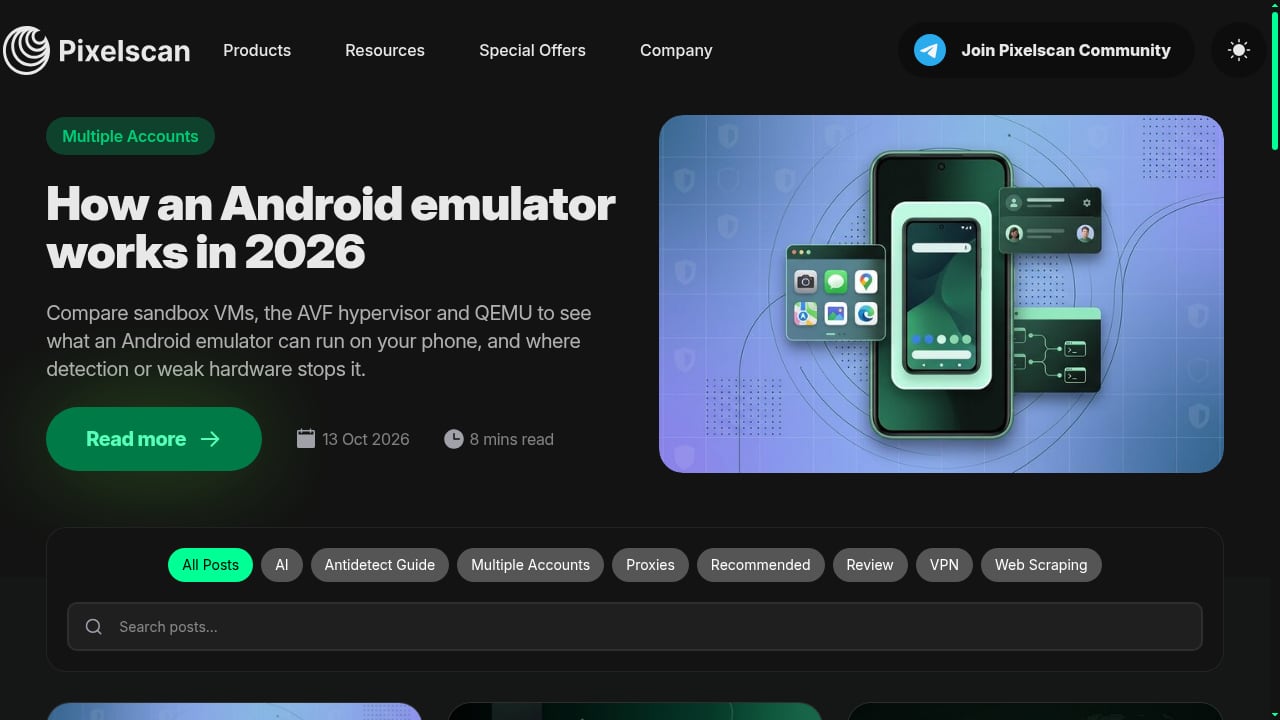
First viewport screenshot of Pixelscan Blog.
All-in-One Leak and Fingerprint Coverage
If your goal is to verify that a privacy setup is not leaking, BrowserScan covers more ground in a single scan. DNS leak testing, WebRTC leak testing, proxy detection, and fingerprint inspection are combined, so you do not need to jump between tools. WhatIsMyIP.com does not offer a WebRTC leak test, and Pixelscan does not include a port scanner or speed test. For users who want one dashboard for network and browser exposure, BrowserScan is the more complete option.
Practical Utility Beyond Fingerprinting
The inclusion of a port scanner, speed test, user agent parser, and 2FA live check makes BrowserScan useful for troubleshooting and verification tasks that go beyond fingerprinting. For example, if you are testing a proxy setup, you can check whether the proxy is detected, whether DNS requests are leaking, and whether WebRTC is exposing your real IP, all in one session. That workflow is harder to replicate with the other two tools alone.
Built for Repeat Testing
Fingerprints change when you update your browser, install extensions, or switch devices. BrowserScan is designed for repeat testing, which helps you track whether your exposure is increasing or decreasing over time. This is especially relevant for users managing multiple accounts or testing antidetect browser profiles, where consistency across sessions is critical.
Where the Substitutes Excel
First viewport screenshot of Afina Browser: an antidetect browser for multi-accounting, automation and AI control | Pixelscan.
WhatIsMyIP.com: Best for IP-Centric Research and Learning
If your primary need is understanding your IP address, ISP, and network reputation, WhatIsMyIP.com is hard to beat. Its Whois lookup, IP blacklist check, and DNS lookup tools are practical for administrators and researchers. The educational guides and cybersecurity news section add context that pure diagnostic tools often lack. For someone who wants to learn why a VPN claim is misleading or how a scam site operates, the editorial content is a genuine differentiator.
Pixelscan: Best for Fast Detectability Verdicts
Pixelscan shines when you need a quick answer to one question: does my setup look suspicious? Its consistency scoring and bot verification are useful for antidetect browser users who want a fast pass or fail signal. The five-second runtime and no-registration requirement make it frictionless for quick checks. If you are cycling through profiles and need a rapid detectability score, Pixelscan is efficient.
How to Choose the Right Tool
- Choose BrowserScan if you want comprehensive fingerprint detection plus DNS leak, WebRTC leak, proxy, port, and speed checks in one place, and you plan to test regularly.
- Choose WhatIsMyIP.com if your focus is IP address intelligence, Whois and DNS lookups, blacklist checks, and learning about network privacy through detailed guides.
- Choose Pixelscan if you need a fast, no-friction detectability score and fingerprint consistency check, especially for antidetect browser profiles.
Many privacy-conscious users run more than one tool. A common workflow is to use Pixelscan for a quick consistency check, WhatIsMyIP.com for IP and DNS details, and BrowserScan for a deeper leak and fingerprint audit. If you want to see how BrowserScan compares to other dedicated fingerprint tools, the BrowserScan vs ToDetect comparison and the BrowserScan vs Cover Your Tracks breakdown are useful next reads. For a broader market view, see the top 10 browser fingerprinting and privacy diagnostics tools.
Practical Example: Testing a Proxy Setup
Suppose you are using a residential proxy and want to confirm it is not leaking. Here is how the three tools fit together:
- Run Pixelscan to get a fast consistency verdict. If it flags a timezone mismatch or proxy detection, you know something is wrong.
- Use WhatIsMyIP.com to verify the IP address, ISP, and blacklist status. This confirms whether the proxy IP has a clean reputation.
- Run BrowserScan to check for DNS leaks, WebRTC leaks, and fingerprint inconsistencies. This is where you catch the leaks that a quick scan might miss.
This layered approach gives you both speed and depth. For a deeper walkthrough on pairing fingerprint detection with proxy verification, see the guide on using BrowserScan with IP2Proxy.
Related reading
- IPhey Review 2026: Real-Time Browser Fingerprint Test - Hands-on IPhey review: what its real-time browser fingerprint test reveals, who it fits, pricing signals, setup, and key limits to know before relying on it.
- Web3 Antidetect Browser: Test Fingerprint Leaks First - Web3 antidetect browsers hide your identity, but only if nothing leaks. Learn how to verify fingerprint, DNS, WebRTC, and proxy exposure with BrowserScan.
Sources and further reading
- Top 10 Browser Fingerprint Test Tools in 2025 - Discover the top 10 browser fingerprint test tools in 2025 to check your online identity exposure. Compare free & paid options like BrowserScan, BrowserLeaks, Whoer.net, and more to protect privacy, m
- Best Anti-Fingerprinting Browsers in 2026: Tested & Compared - Discover how anti-fingerprinting browsers work. Compare Brave, Tor, and GoLogin's profile isolation against advanced browser fingerprinting and tracking.
- Free Online Tools: Check Your IP and Browser Fingerprint - Explore the best free fingerprint tools 2026 here. Check your IP address, browser fingerprints and privacy leaks instantly in one click.
FAQ
Is BrowserScan better than WhatIsMyIP.com for fingerprint detection?
For fingerprint detection specifically, BrowserScan offers more comprehensive coverage, including WebRTC leak testing and user agent parsing. WhatIsMyIP.com is stronger for IP address intelligence, Whois lookups, and educational content.
Can Pixelscan replace BrowserScan?
Pixelscan is excellent for fast detectability scoring and fingerprint consistency checks. BrowserScan covers a wider set of diagnostics, including port scanning, speed testing, and 2FA live checks, so it is better suited for users who want an all-in-one privacy testing dashboard.
Do I need to register to use these tools?
No. BrowserScan, WhatIsMyIP.com, and Pixelscan all allow you to run core checks without creating an account.
How often should I test my browser fingerprint?
Run a fingerprint test after browser updates, when you install or remove extensions, when you change proxies or VPNs, and periodically as part of routine privacy hygiene. Regular testing helps you spot new exposure before it becomes a problem.
Does a VPN hide my browser fingerprint?
A VPN masks your IP address but does not change your browser fingerprint. Canvas, WebGL, fonts, and other signals remain visible. That is why fingerprint testing is necessary even when you use a VPN.
Conclusion
BrowserScan, WhatIsMyIP.com, and Pixelscan each serve different privacy needs. WhatIsMyIP.com is a trusted resource for IP intelligence and educational content. Pixelscan is a fast, focused tool for detectability scoring. BrowserScan stands out when you need comprehensive fingerprint detection combined with DNS leak, WebRTC leak, proxy, port, and speed checks in one place. If your priority is verifying that your anonymity setup is not leaking, BrowserScan gives you the broadest diagnostic surface of the three.